ScreenJournal AI Blog
Insights on privacy-first employee monitoring, AI time tracking, and managing productive remote teams.
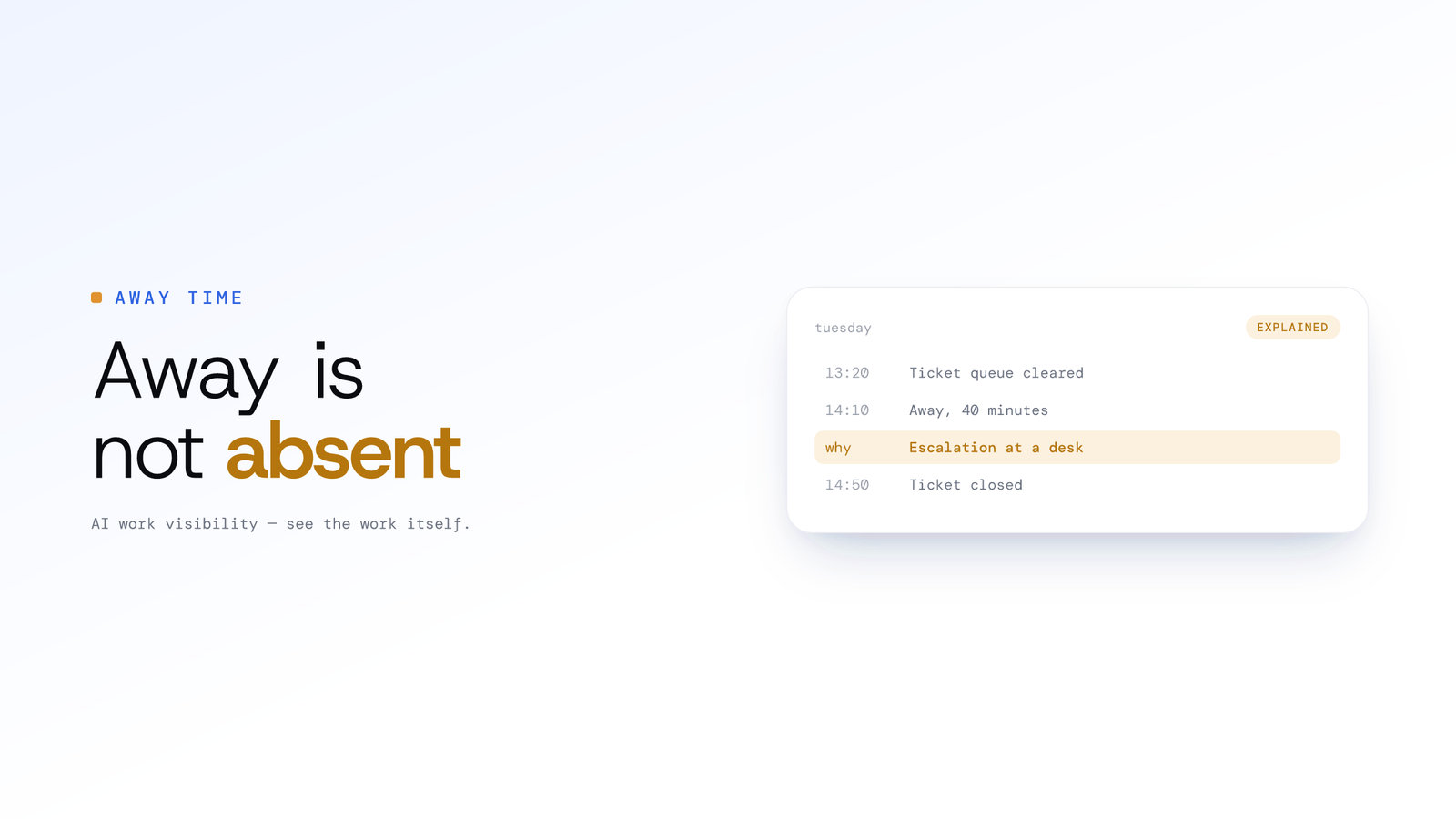
Away Is Not Absent: How Employees Explain Untracked Time
A whiteboard session, a phone call and a long lunch all look the same to a tracker: no input. Here is how ScreenJournal lets the person who was there say what the gap was, and what a manager sees when they do.
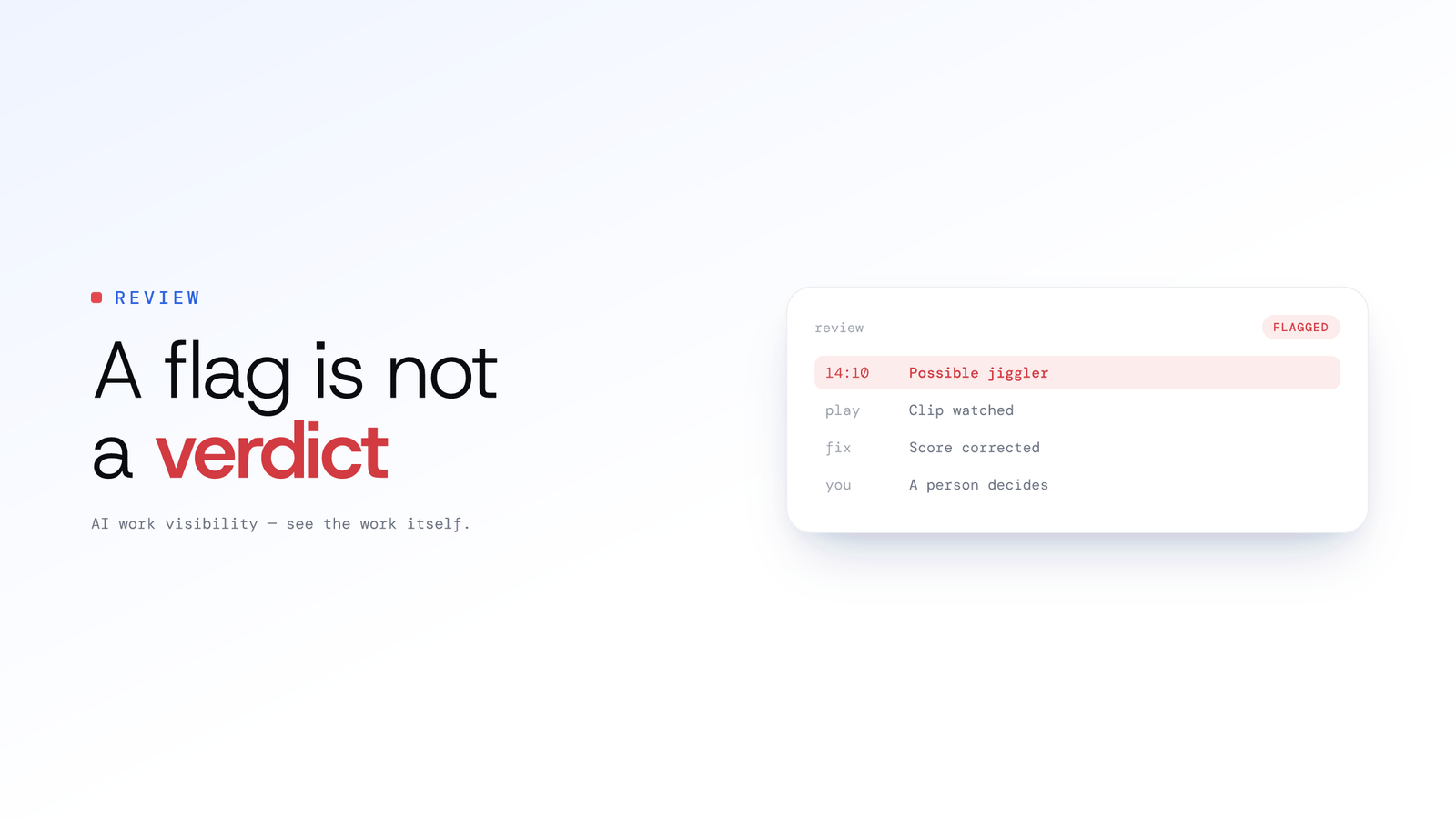
A Flag Is Not a Verdict: How ScreenJournal Screens for Fake Activity
Mouse jigglers and staged screens are a real problem, and so is a tool that convicts people automatically. Here is how ScreenJournal flags suspected fake activity, shows the evidence, and leaves the decision to a person.
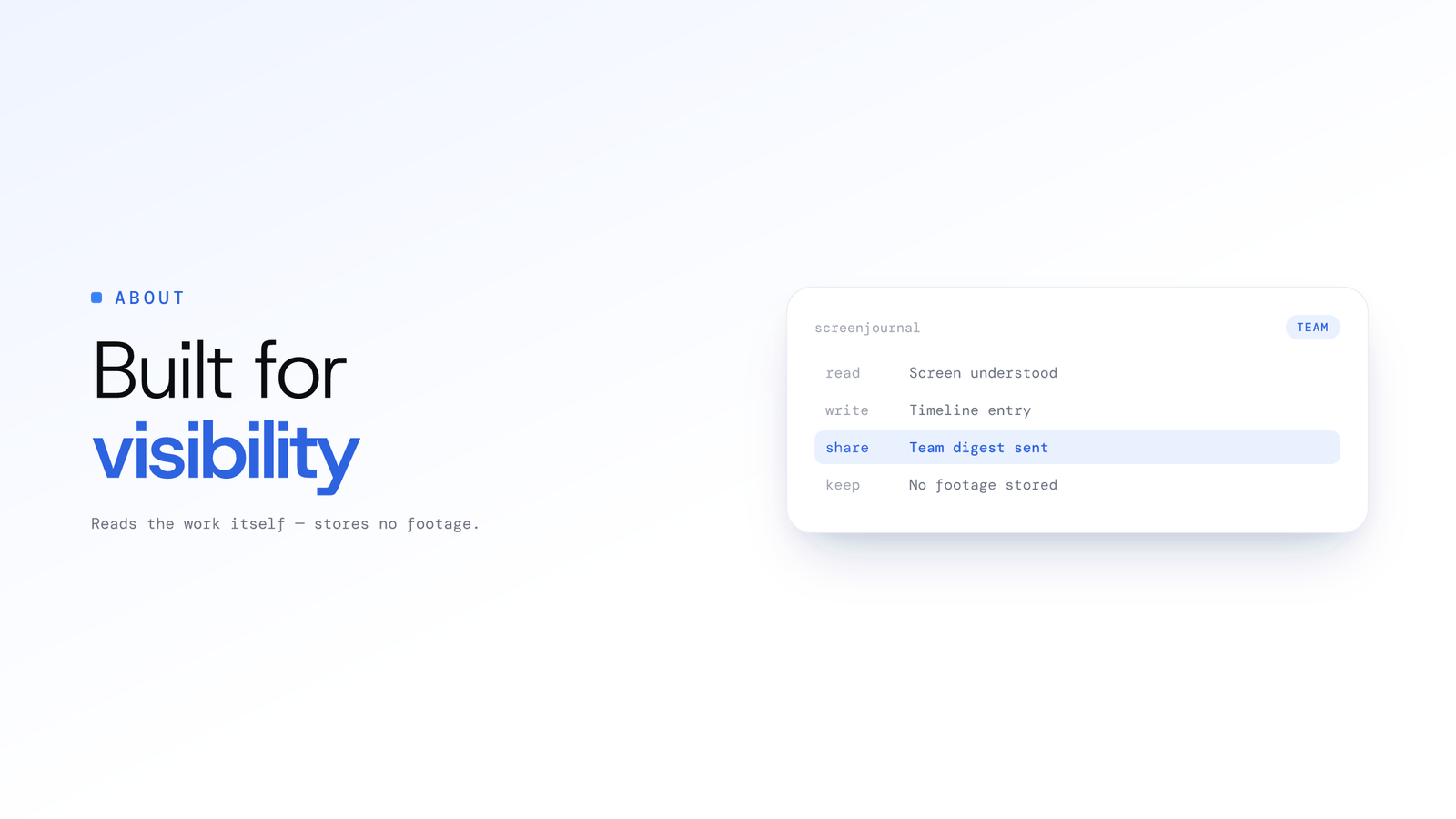
About ScreenJournal: AI work visibility
A next generation alternative to time tracking and monitoring: ScreenJournal reads the work itself, stores no footage by default, keeps a searchable history.

Agency time tracking from real work
ScreenJournal prepares client-billable timesheets from the work itself, so agencies capture every billable hour without timers, screenshots or chasing.
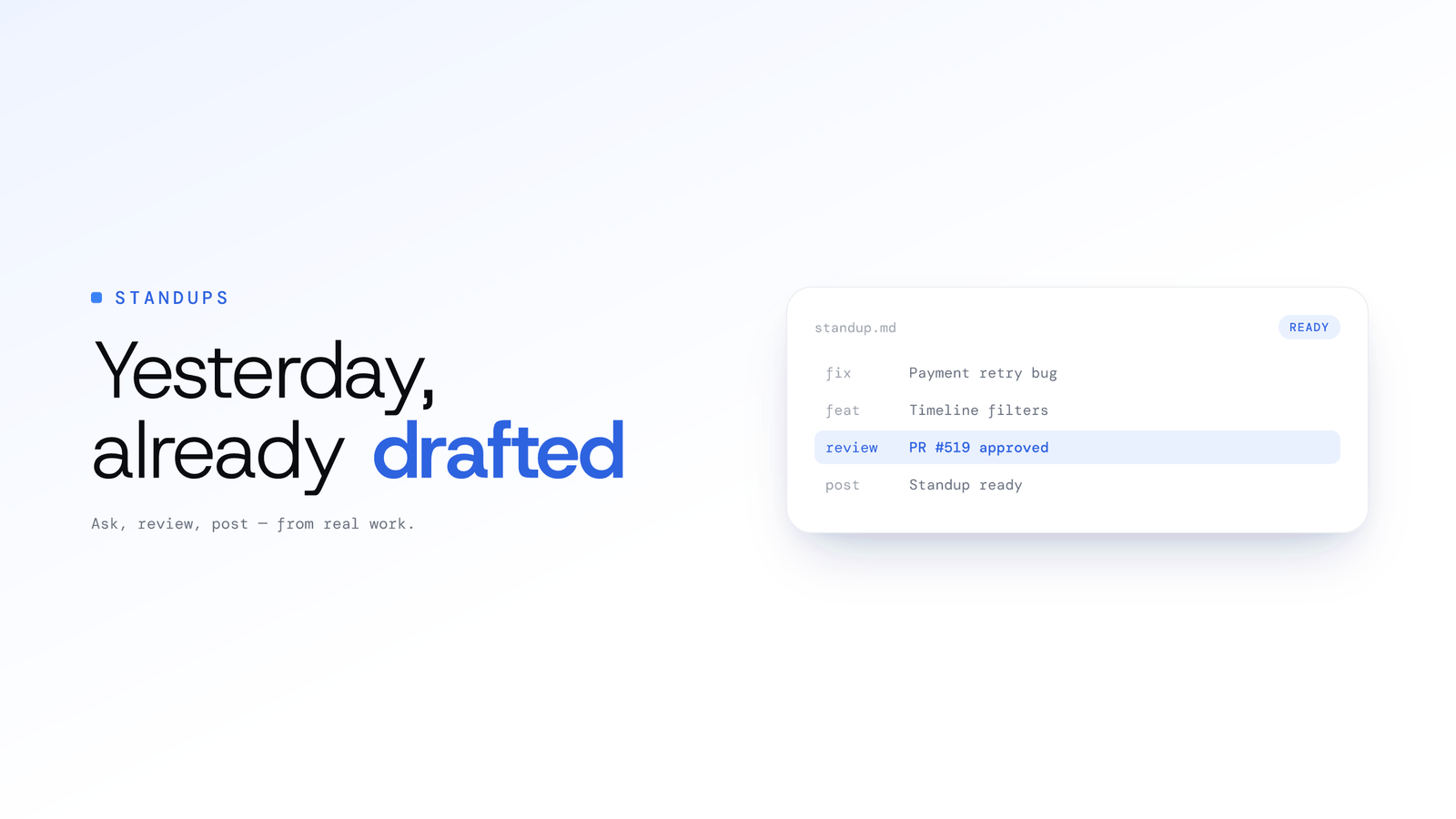
AI Standup Generator From Real Work
Yes. Ask ScreenJournal's chat or MCP and yesterday's standup is drafted from a timeline of what you actually did. You review it, tweak a word, post it.
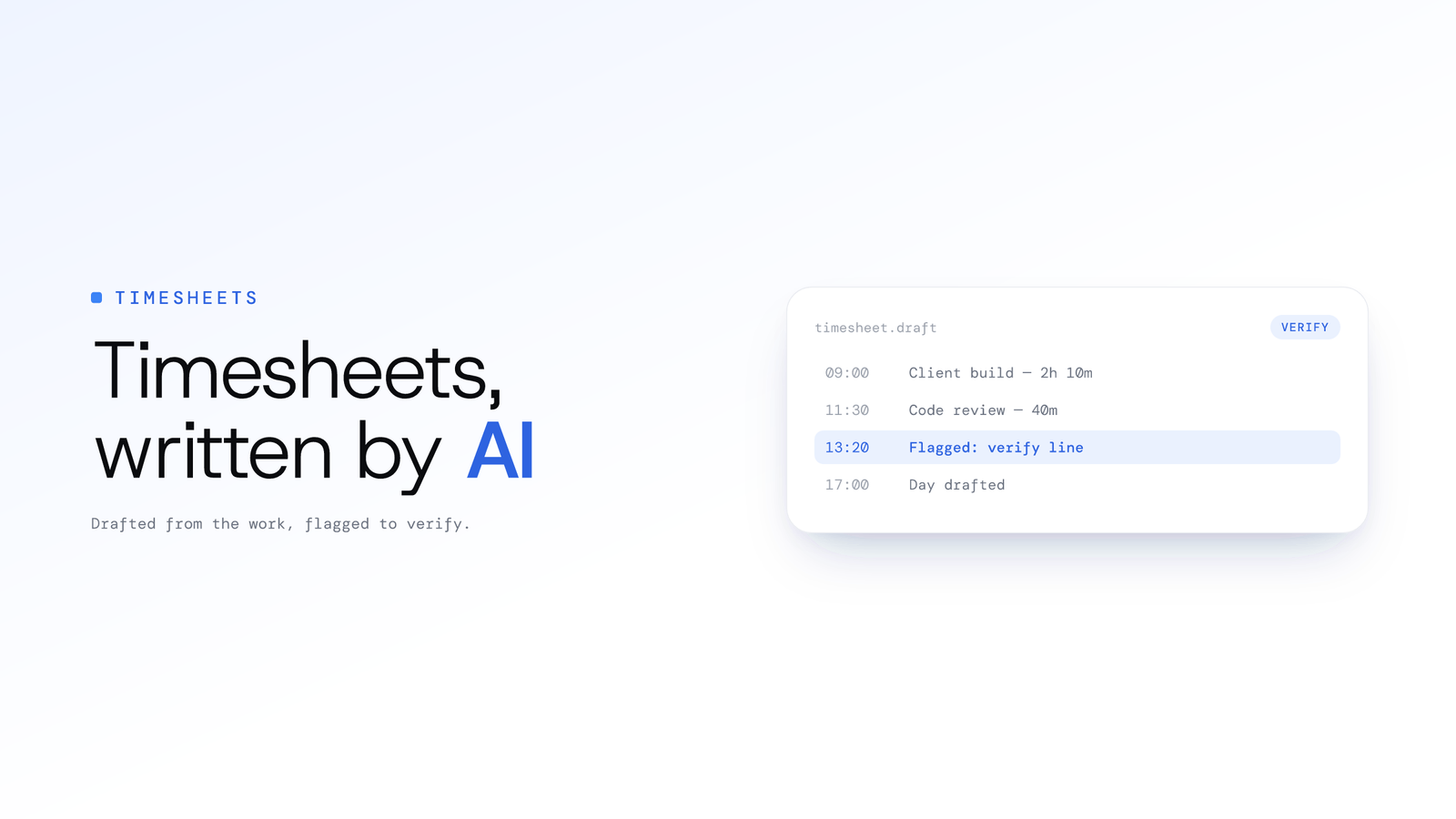
AI timesheet generator from real work
An AI timesheet is computed from the work itself rather than a timer. ScreenJournal turns each person's tracked hours into billable hours, overtime and pay, with exclusions and CSV export.
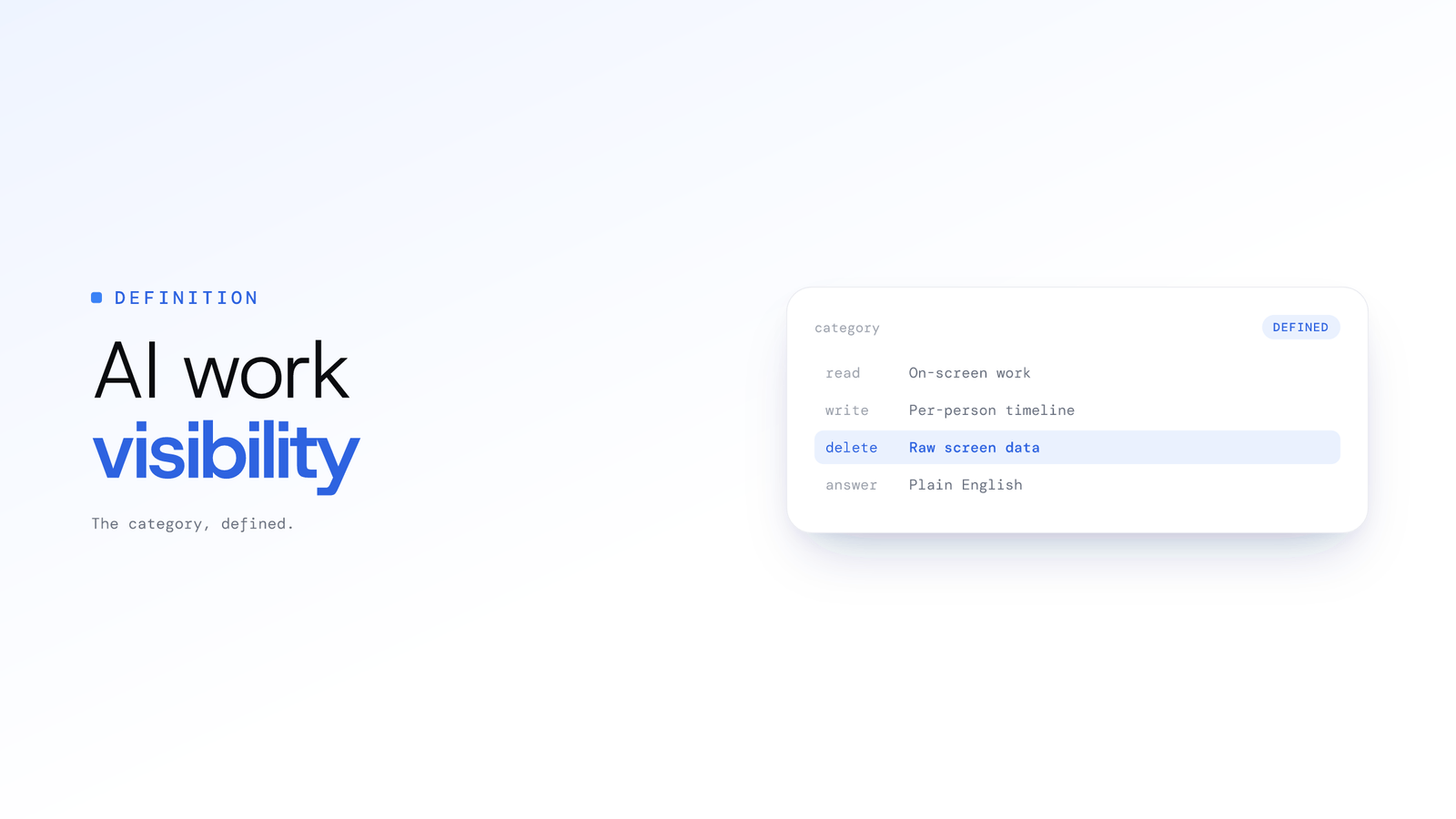
What is AI work visibility? A definition
AI work visibility is software that reads on-screen work, writes a timeline of what each person did, then by default deletes the raw screen data.
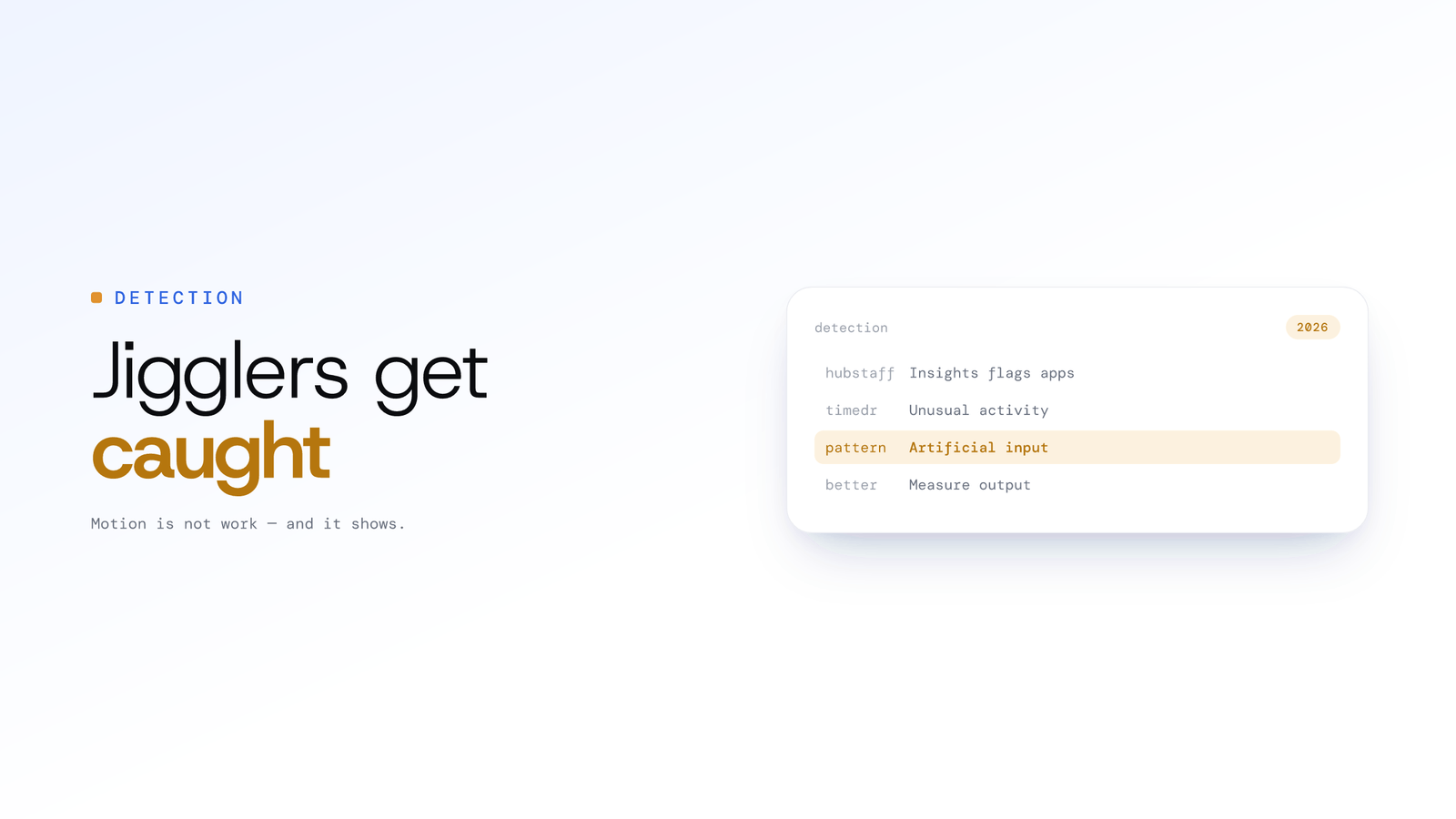
Are mouse jigglers detectable in 2026?
Increasingly yes. Hubstaff's Insights flags jiggler apps and Time Doctor's Unusual Activity Report spots artificial input. Better: measure output, not motion.
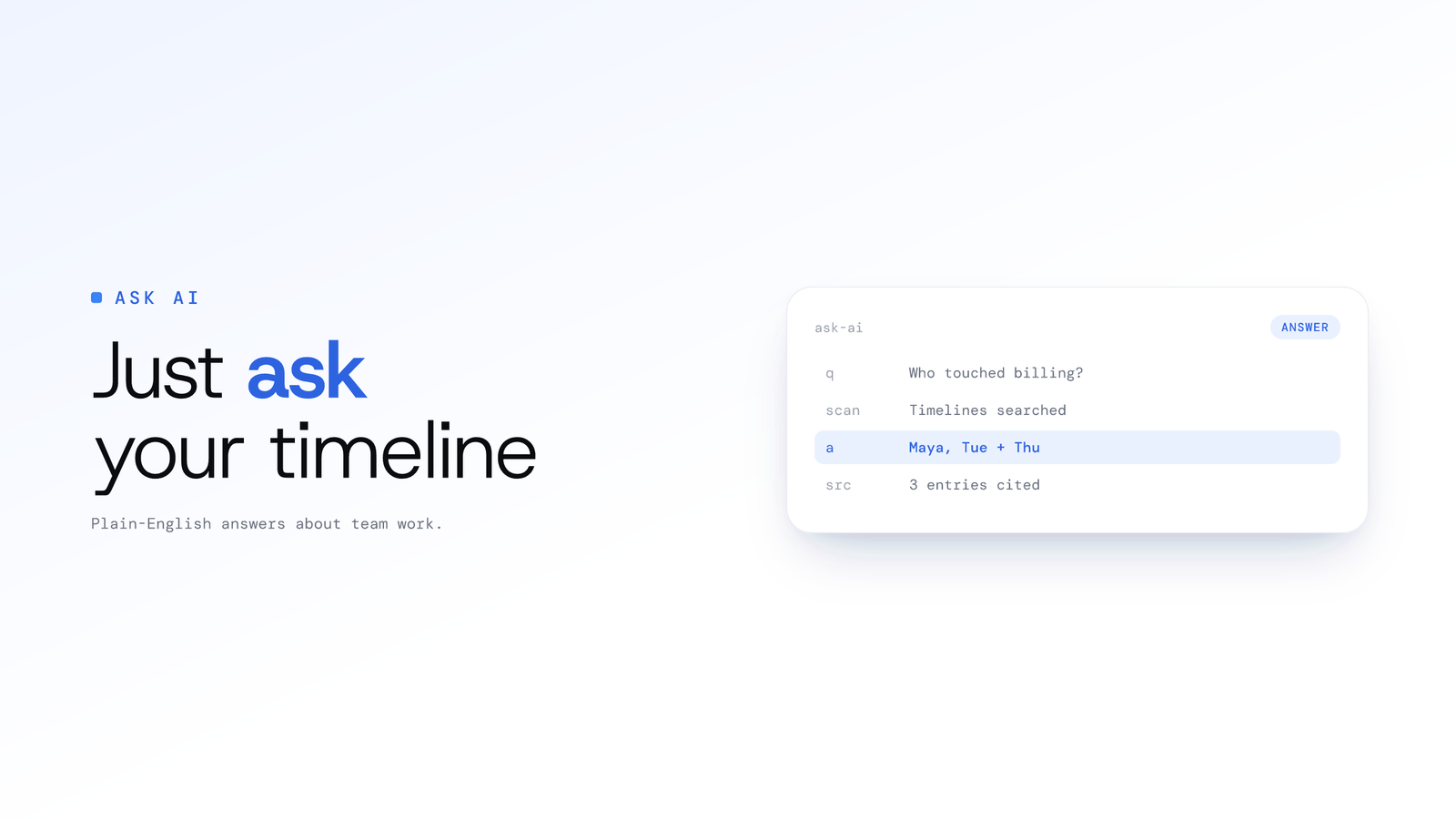
Ask AI About Your Team's Productivity
Ask AI answers questions about your team's work in plain English, from timelines derived from the work itself. Raw screen data is not stored by default.
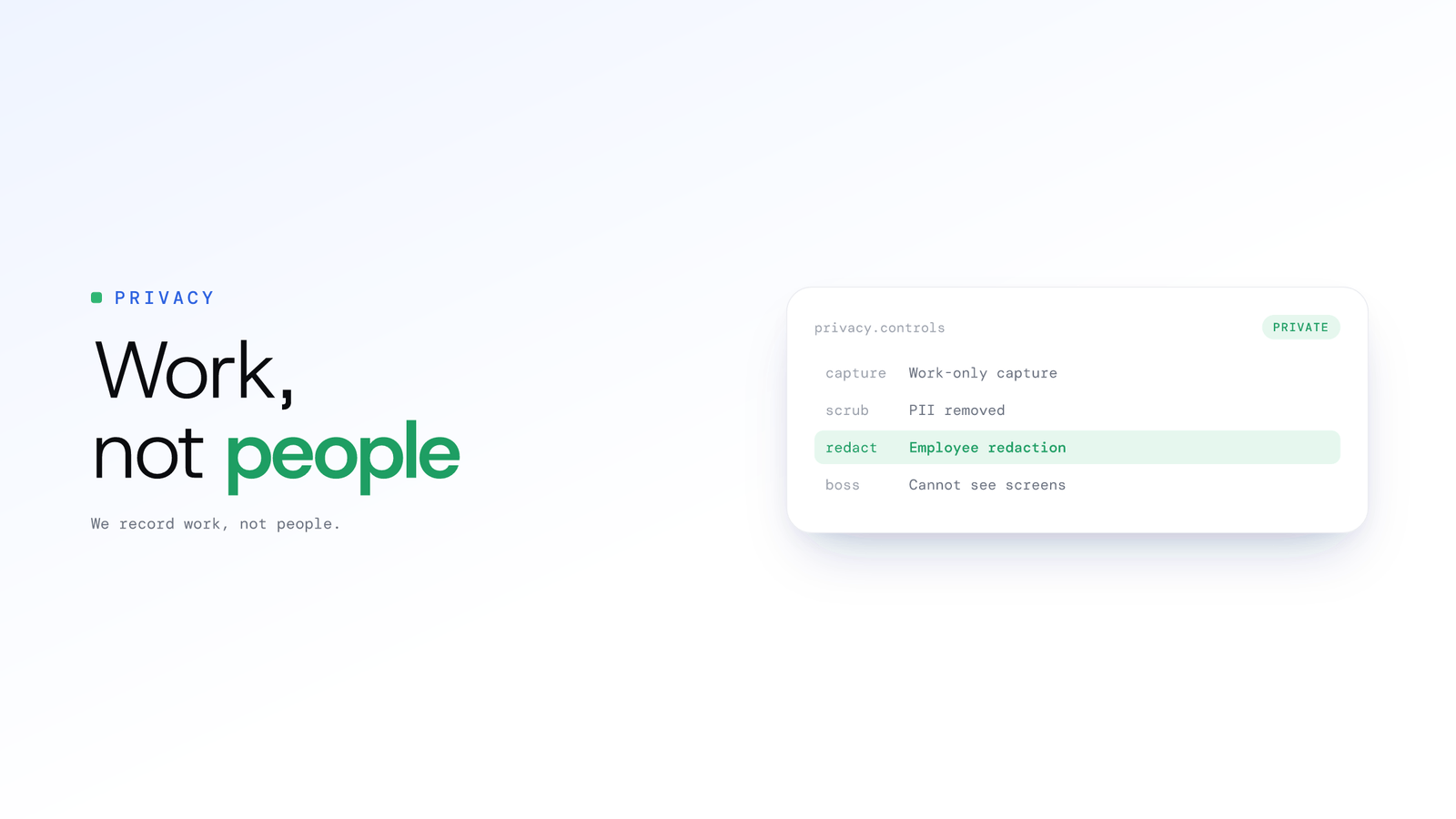
Employee Monitoring Privacy: We Record Work
ScreenJournal keeps no footage by default, so there is no screen for your boss to watch. Work-only capture, PII removal and redaction keep people private.
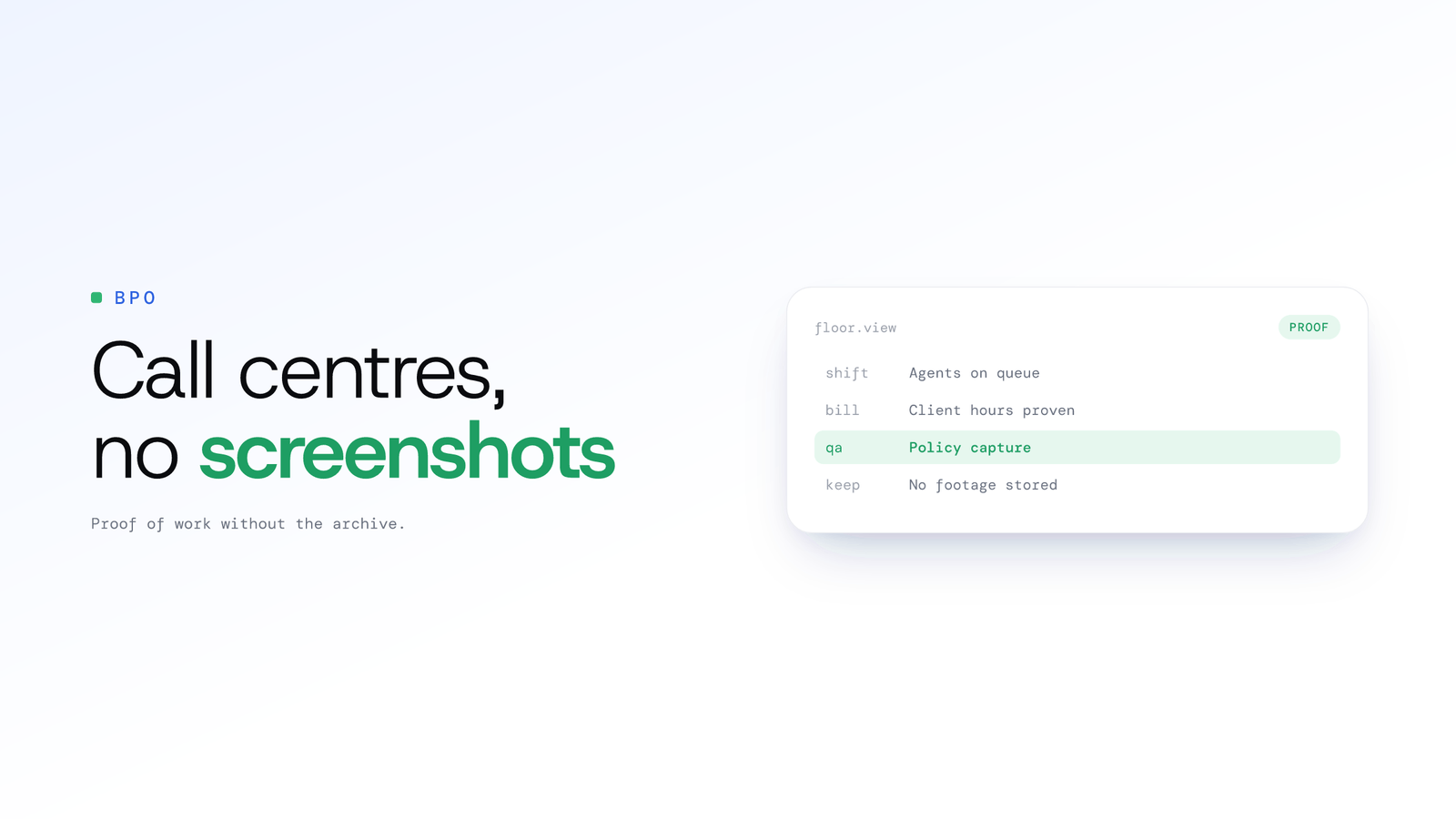
BPO monitoring software without screenshots
ScreenJournal gives BPOs and call centres proof of work and accurate client billing with no screenshot archive: AI reads the work, stores no footage by default.
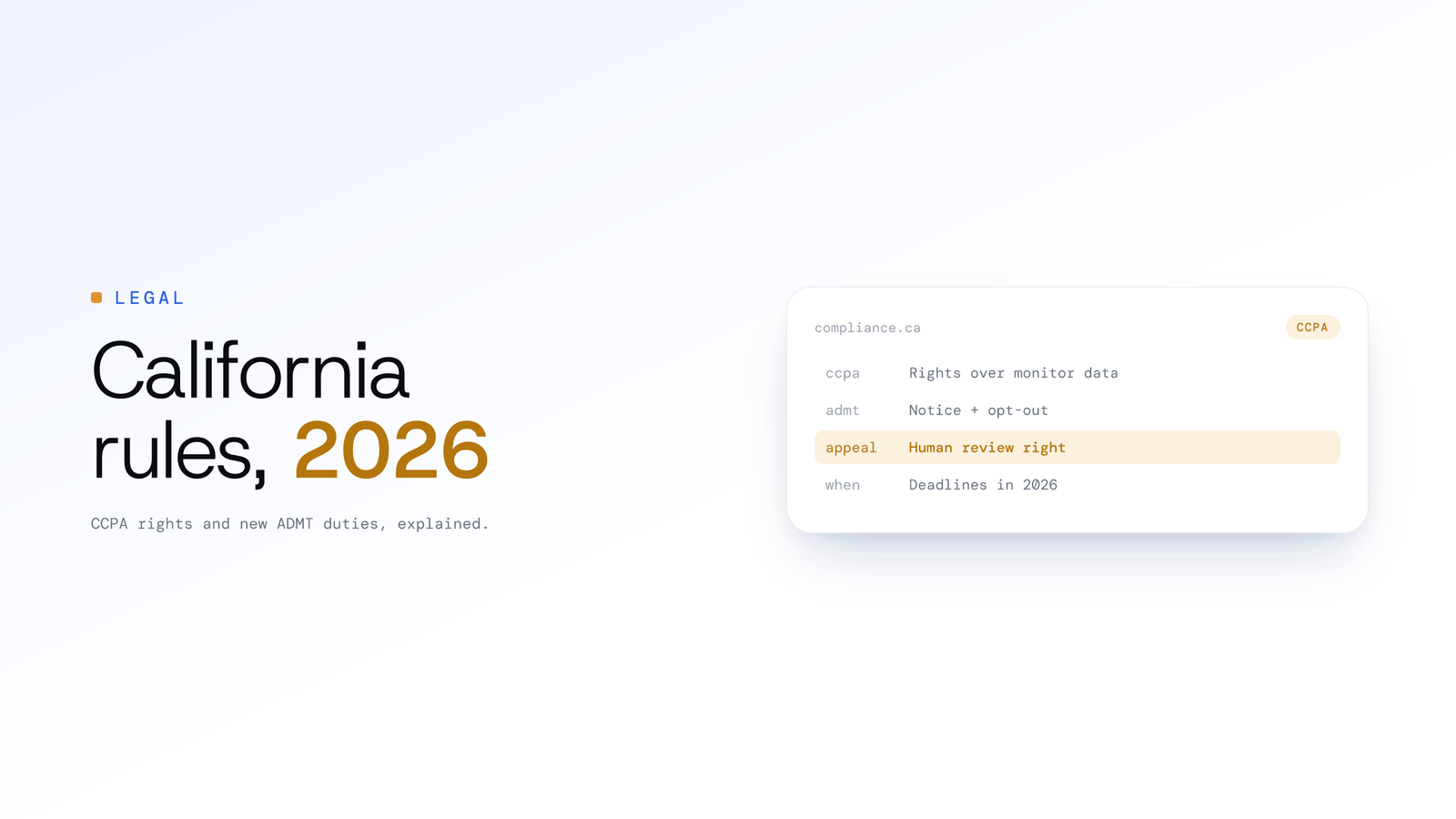
California Employee Monitoring Rules 2026
California employees hold CCPA rights over monitoring data, and new ADMT rules add notice, opt-out and appeal duties. Key employer obligations and deadlines.
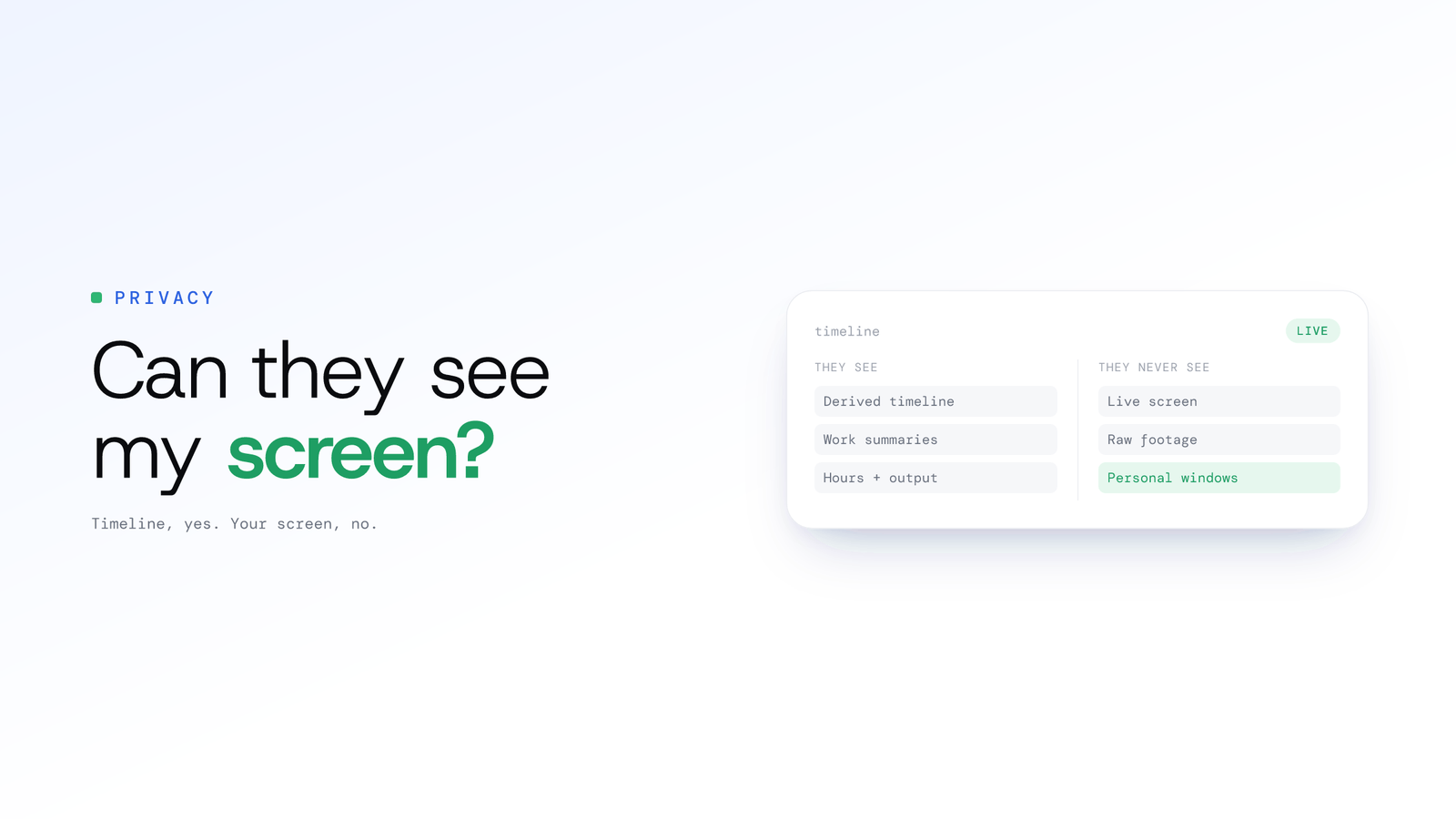
Can my employer see my screen at work?
Only if capture software is installed, usually on a company device. ScreenJournal keeps no footage by default; managers see a derived timeline of the work.
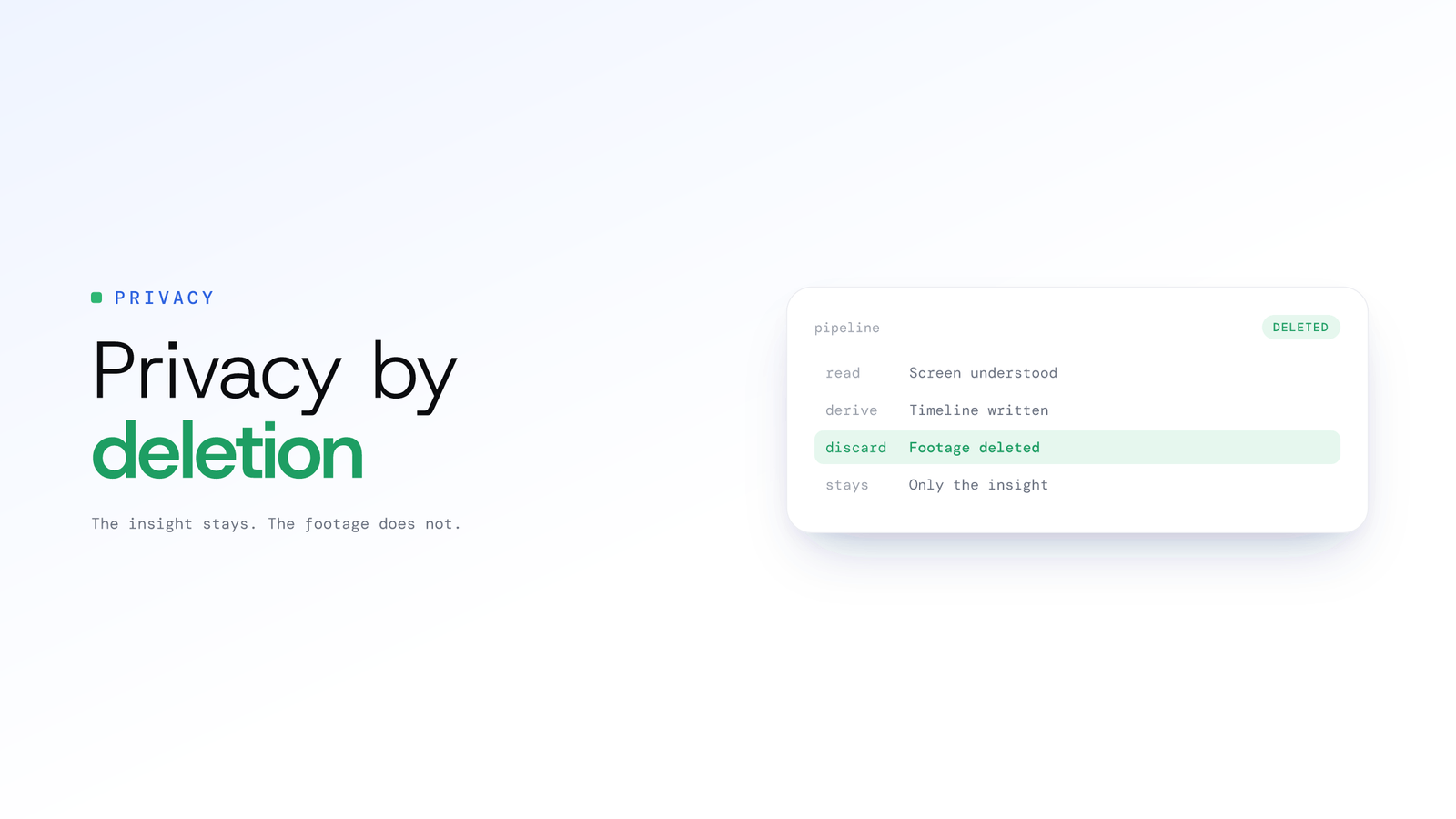
Derive-and-discard: privacy by deletion
Derive-and-discard is a privacy design: read the screen to derive understanding, then delete the footage. ScreenJournal's default: insight kept, video not.
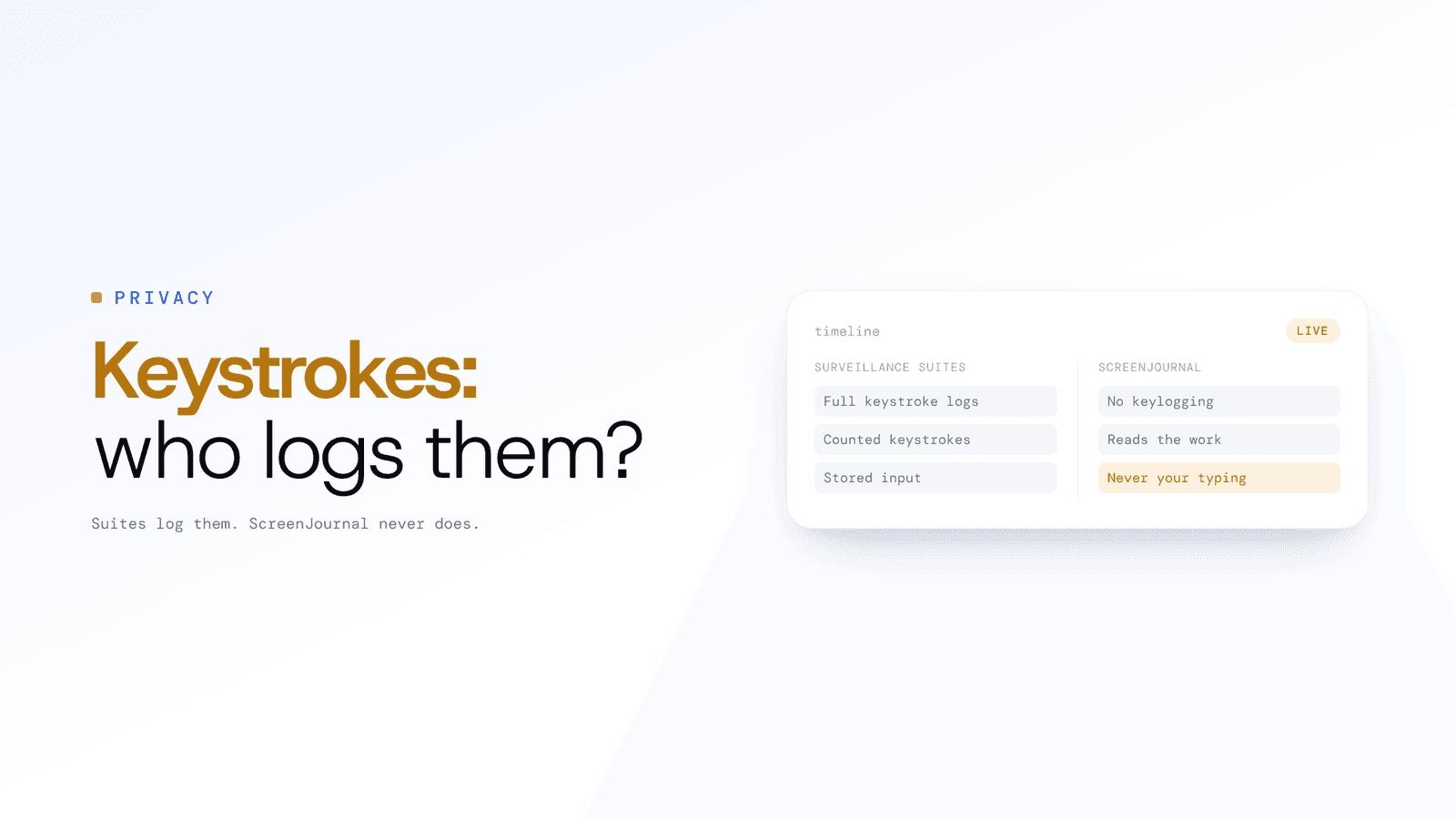
Does monitoring software record keystrokes?
Surveillance suites like Teramind typically log keystrokes; mainstream trackers count them. ScreenJournal does neither: it reads the work, never keystrokes.
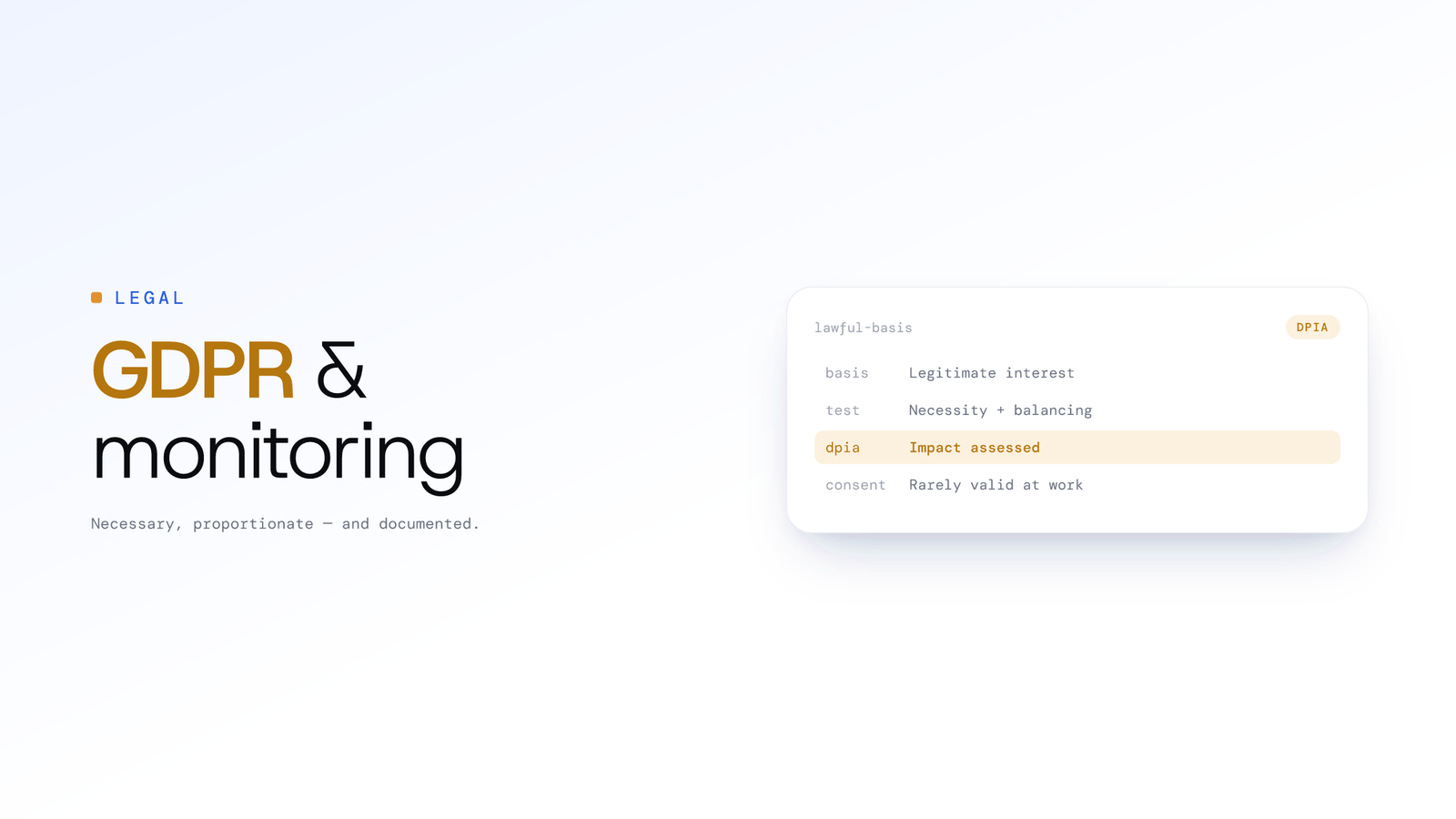
Employee Monitoring and GDPR: The Rules
GDPR allows employee monitoring only when necessary and proportionate, usually on legitimate interest with a balancing test and a DPIA. Consent rarely works.
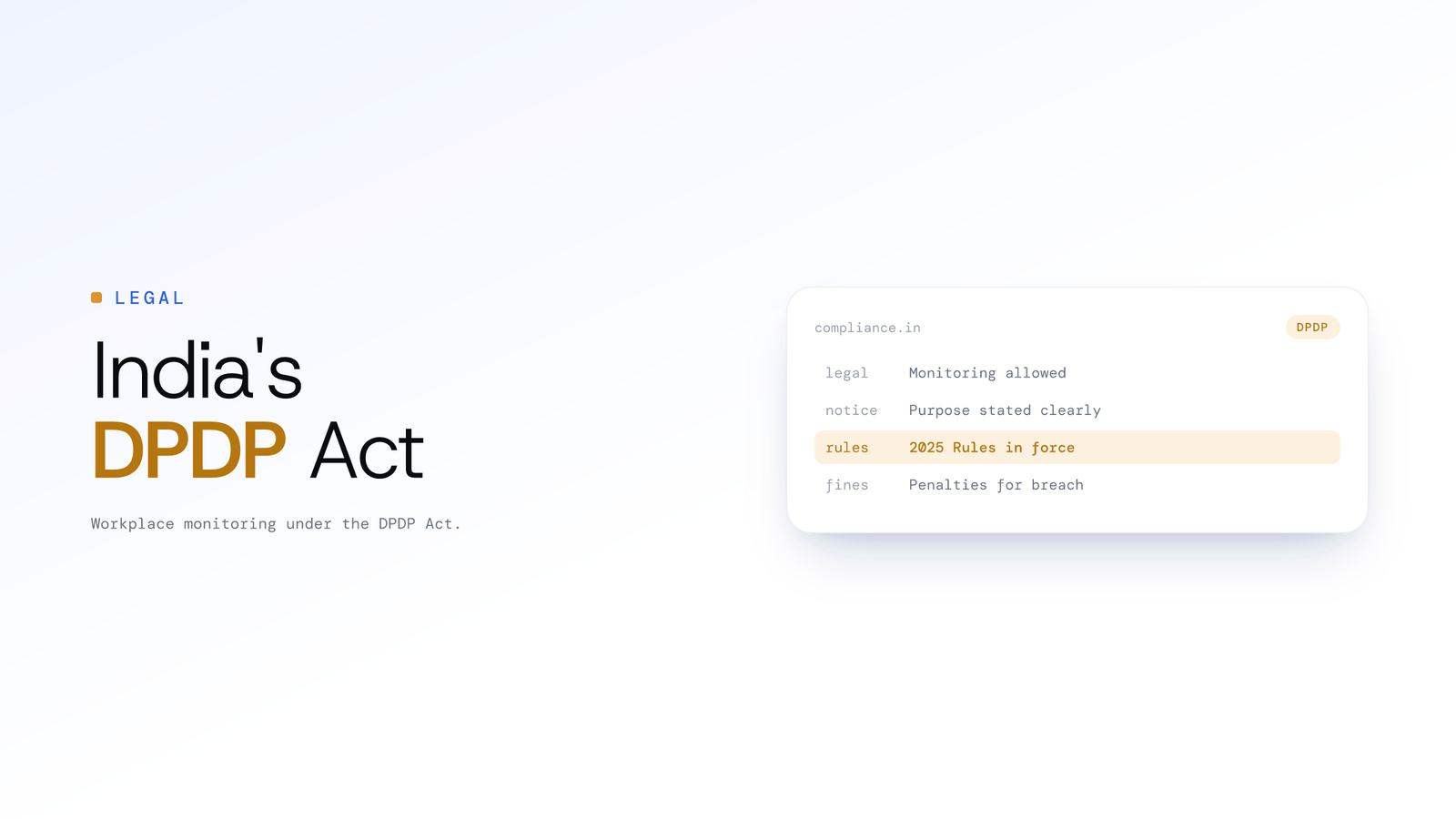
Employee Monitoring Laws in India: DPDP Act
Employee monitoring is legal in India. Here is how the DPDP Act 2023 and its 2025 Rules treat workplace monitoring, employee consent, notice and penalties.
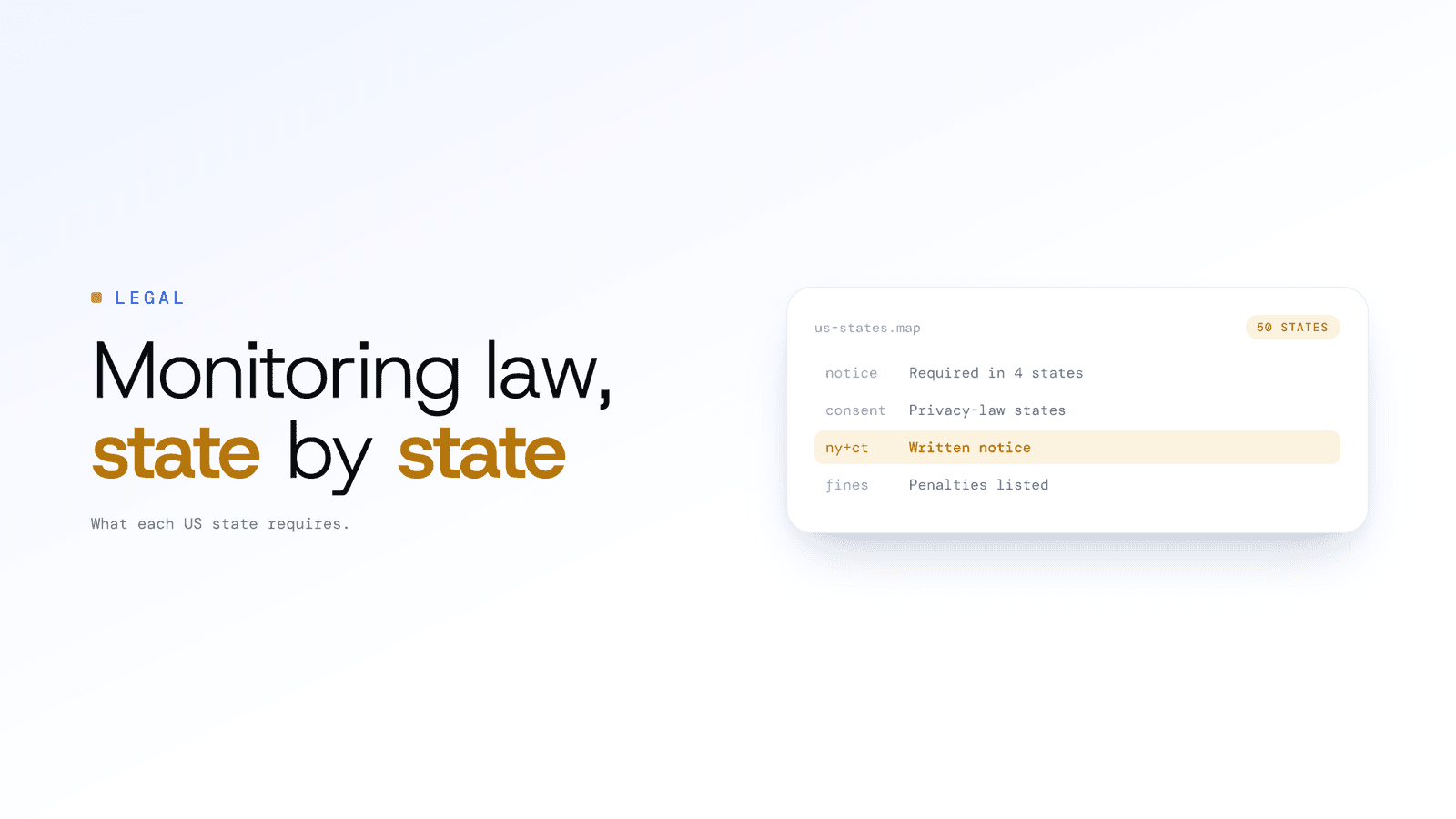
Employee Monitoring Laws by US State 2026
Four states require notice before monitoring employees; four more regulate it through privacy and consent laws. See what each state requires, with penalties.
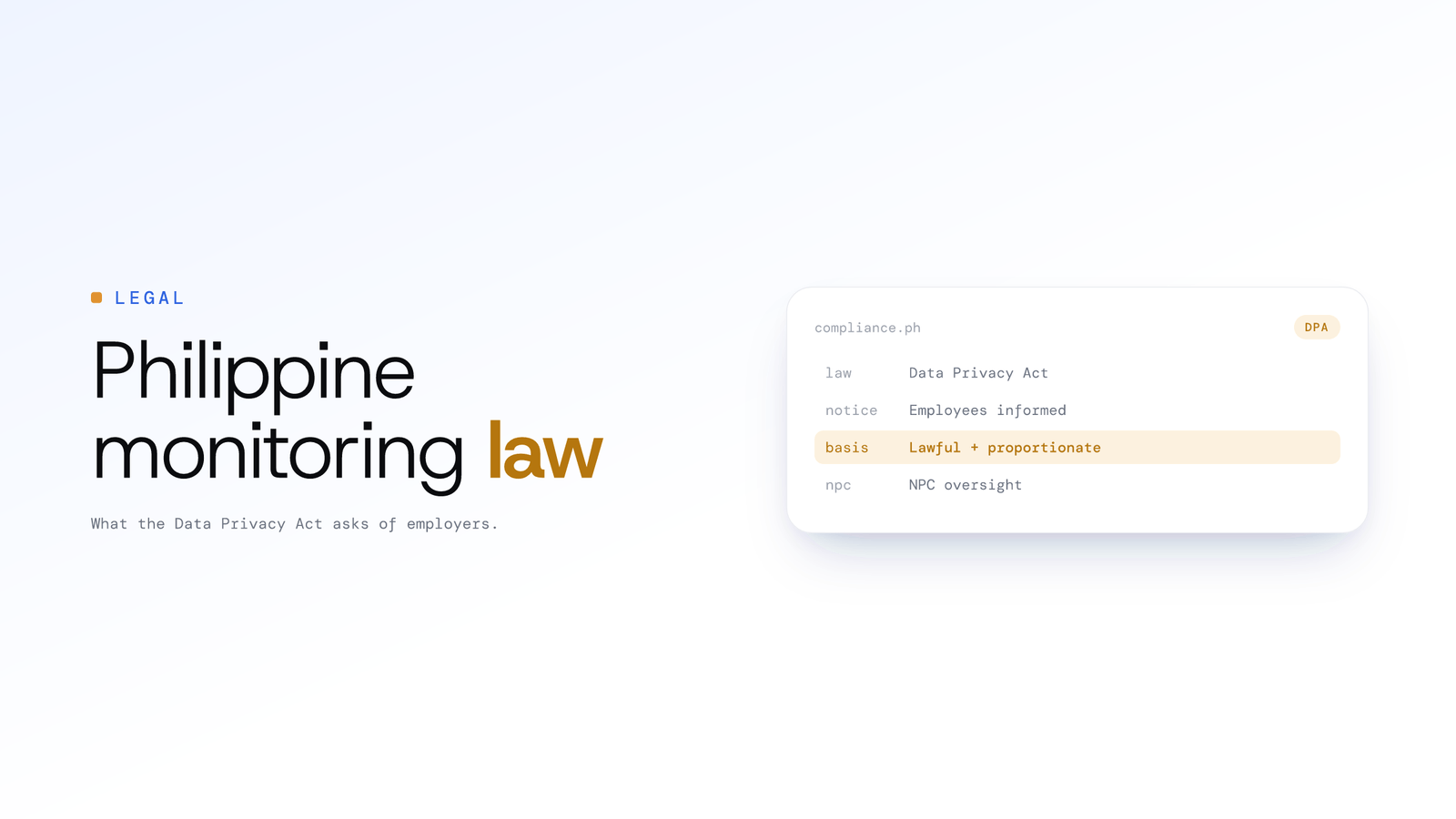
Employee Monitoring Laws in the Philippines
Employee monitoring is legal in the Philippines under the Data Privacy Act if employers give notice, choose a lawful basis and keep monitoring proportionate.
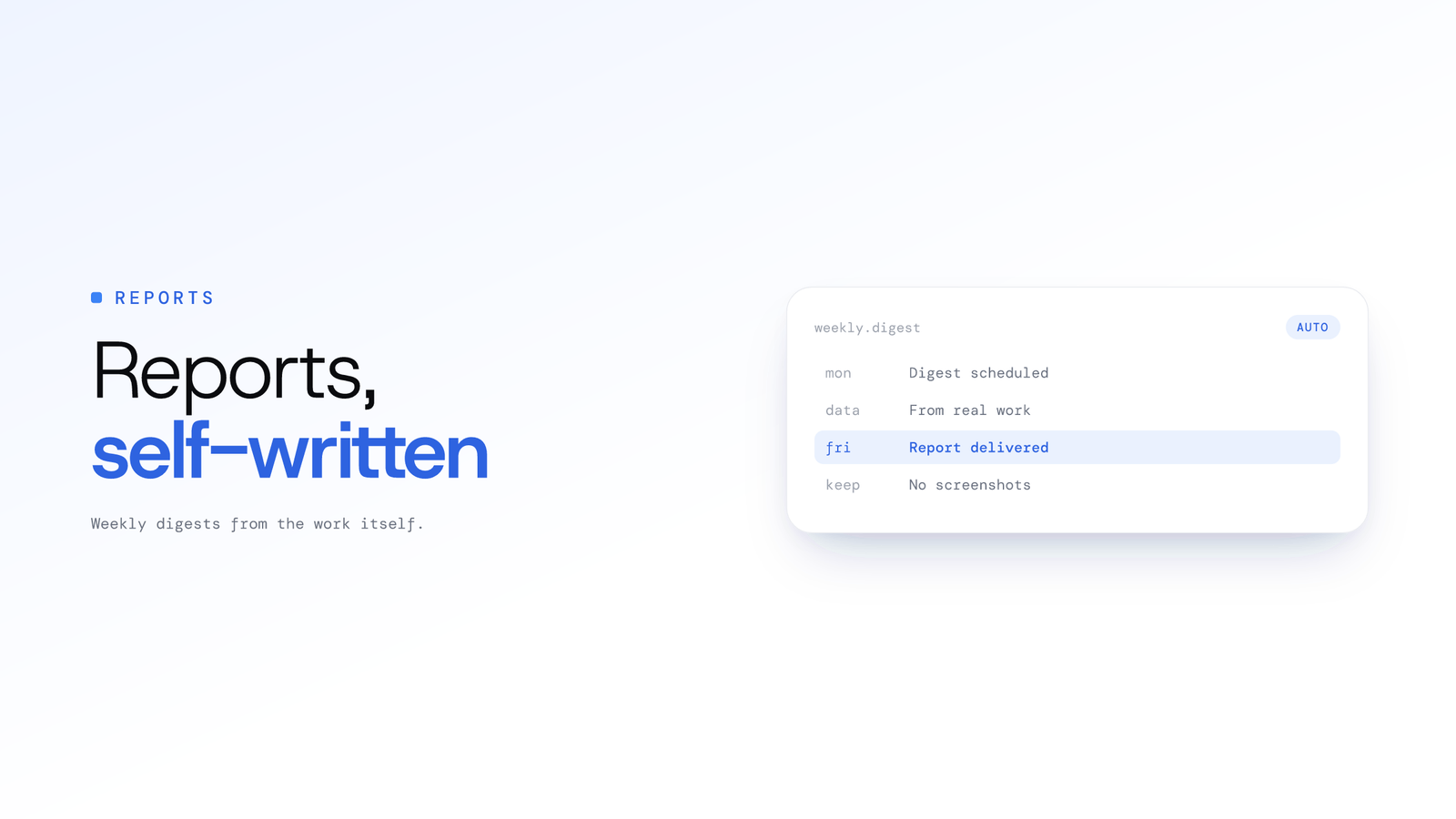
Employee productivity reports, automated
ScreenJournal builds employee productivity reports from the work itself: Excel workbooks for productivity, attendance and app usage, plus a live Overview and a weekly Ranking, with no screenshots stored.
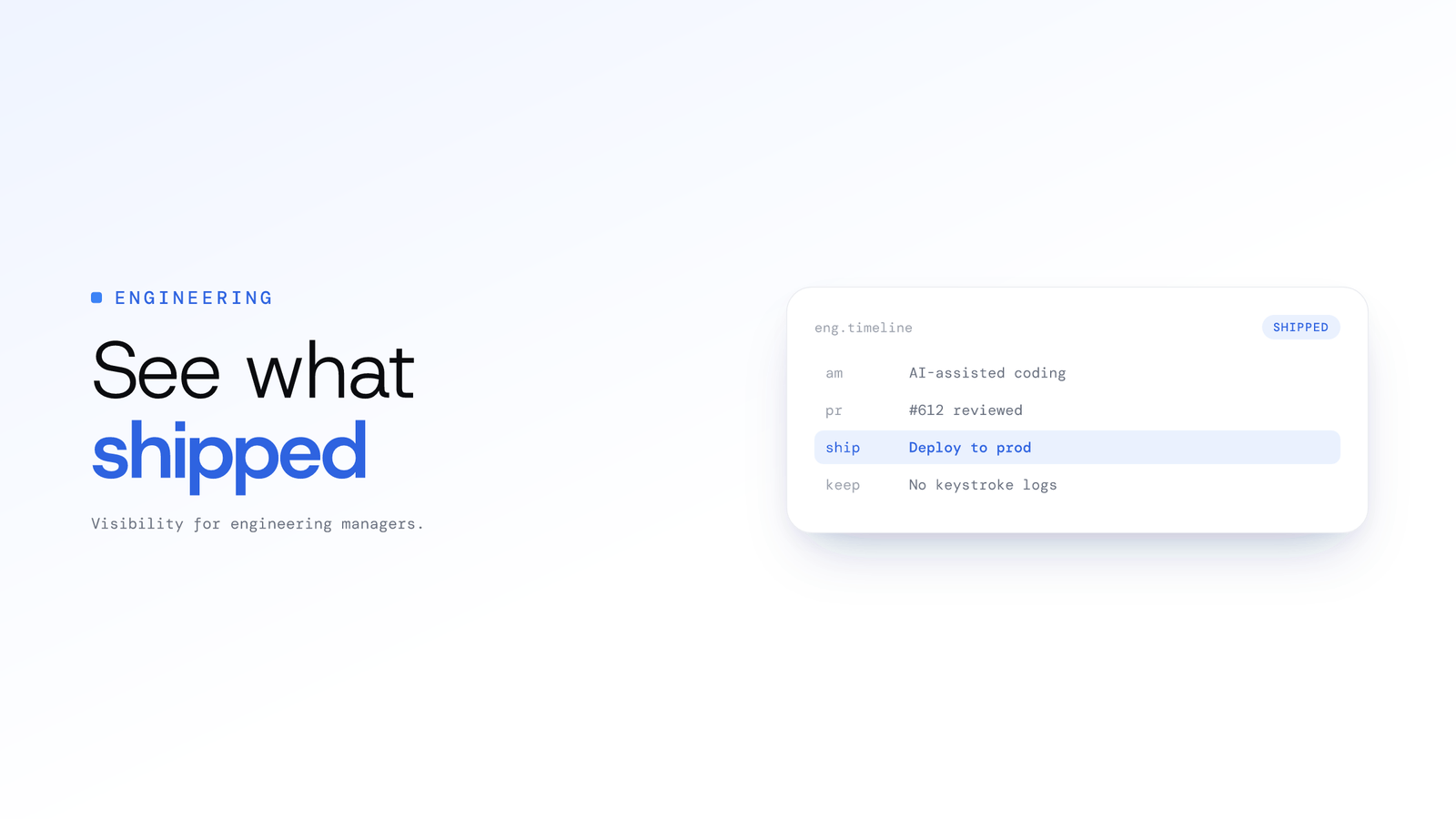
Engineering Team Visibility Software
ScreenJournal gives engineering managers a timeline of what was actually produced, including AI-assisted coding sessions, without screenshots or keystroke logs.
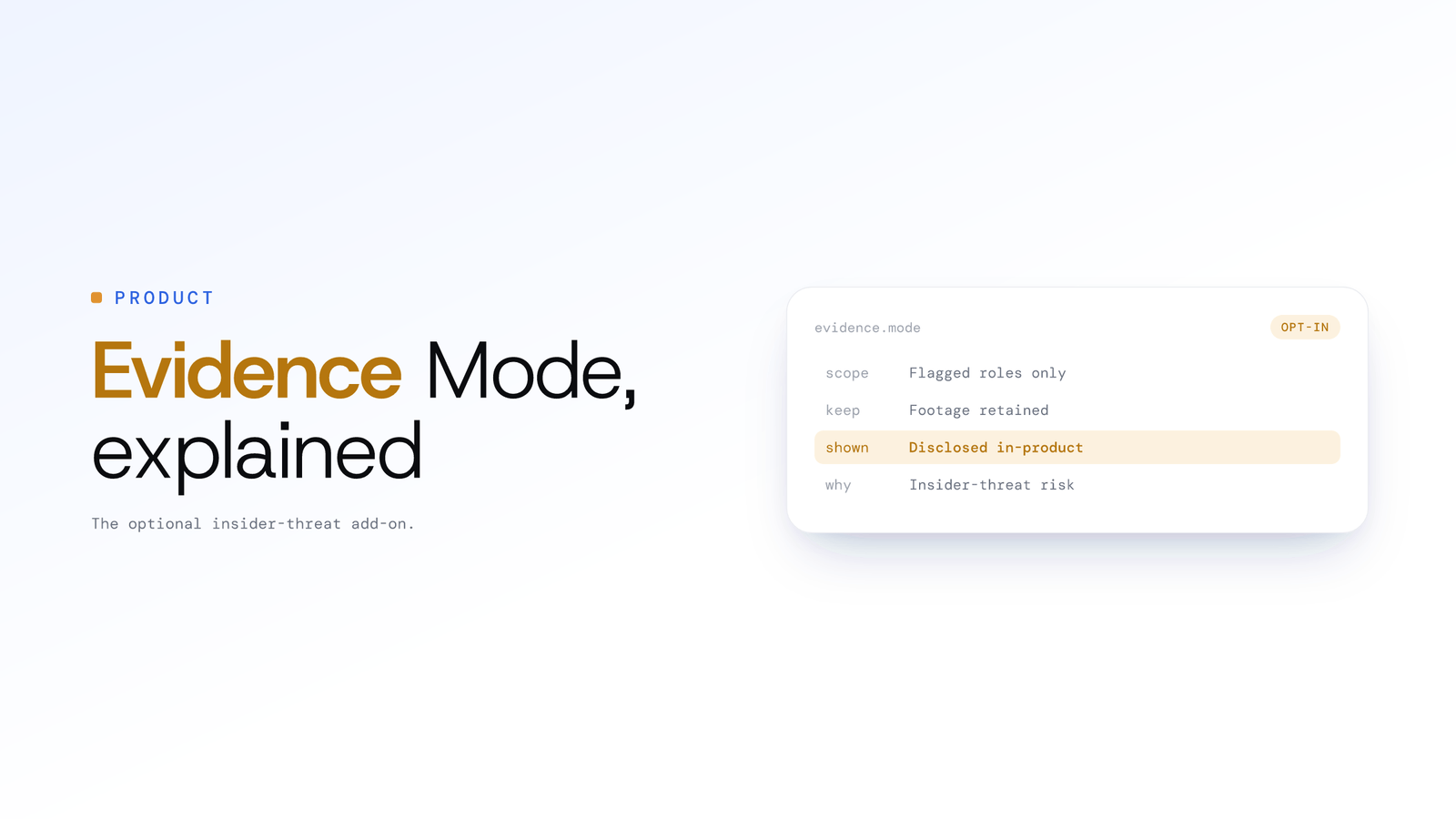
What is ScreenJournal Evidence Mode?
Evidence Mode is ScreenJournal's Record + Save capture mode: recordings kept so a timeline segment or an alert can be replayed, switched on per organisation or team, off by default.
ScreenJournal FAQ: how it works and privacy
How ScreenJournal works, what it stores and deletes, employee privacy, AI timesheets and reports, and how it compares with monitoring tools. Direct answers.
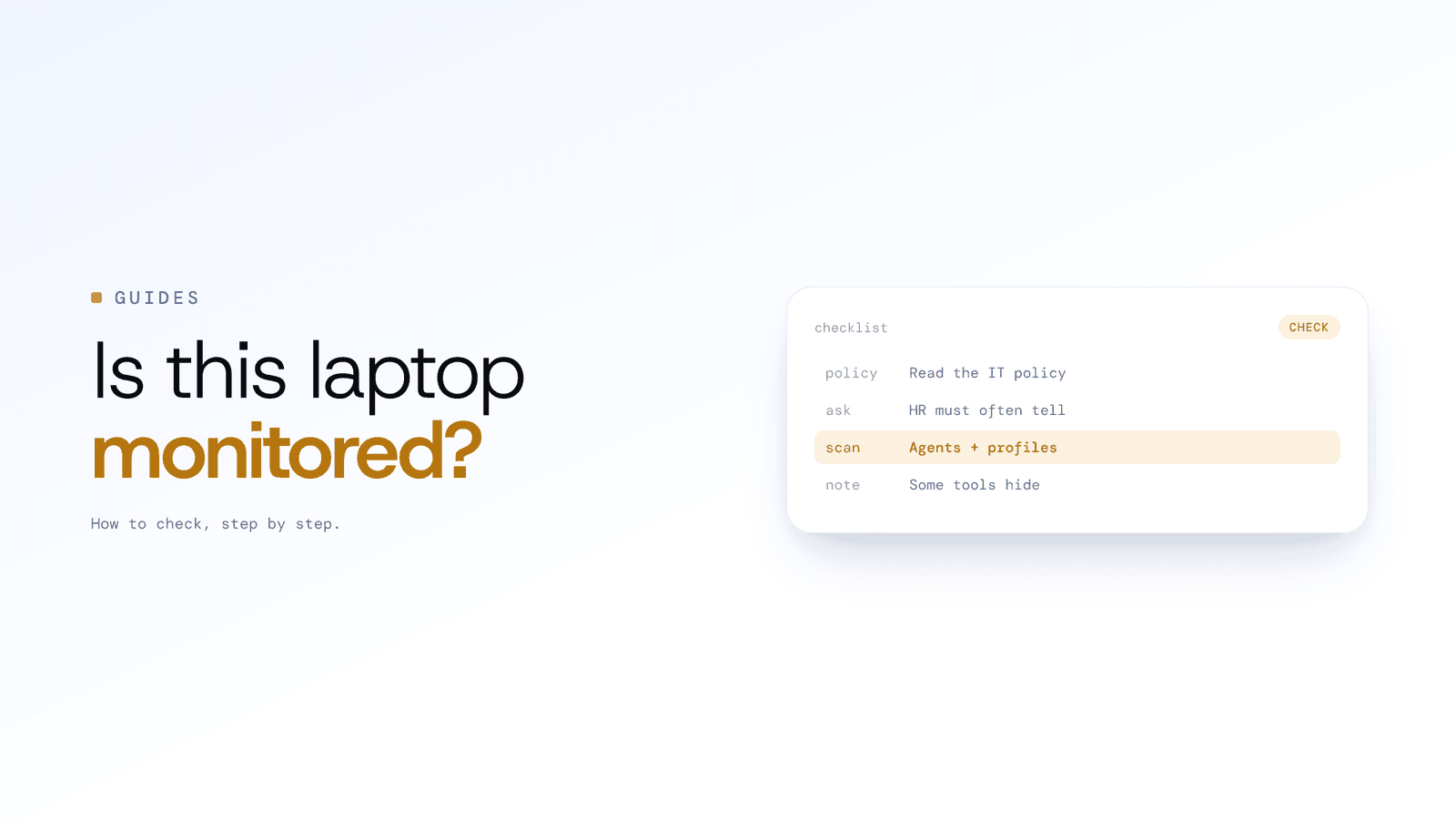
How to tell if a work computer is monitored
Check your IT policy and ask HR: notice is often required. On the machine, look for agents and management profiles, but some tools are built to stay hidden.
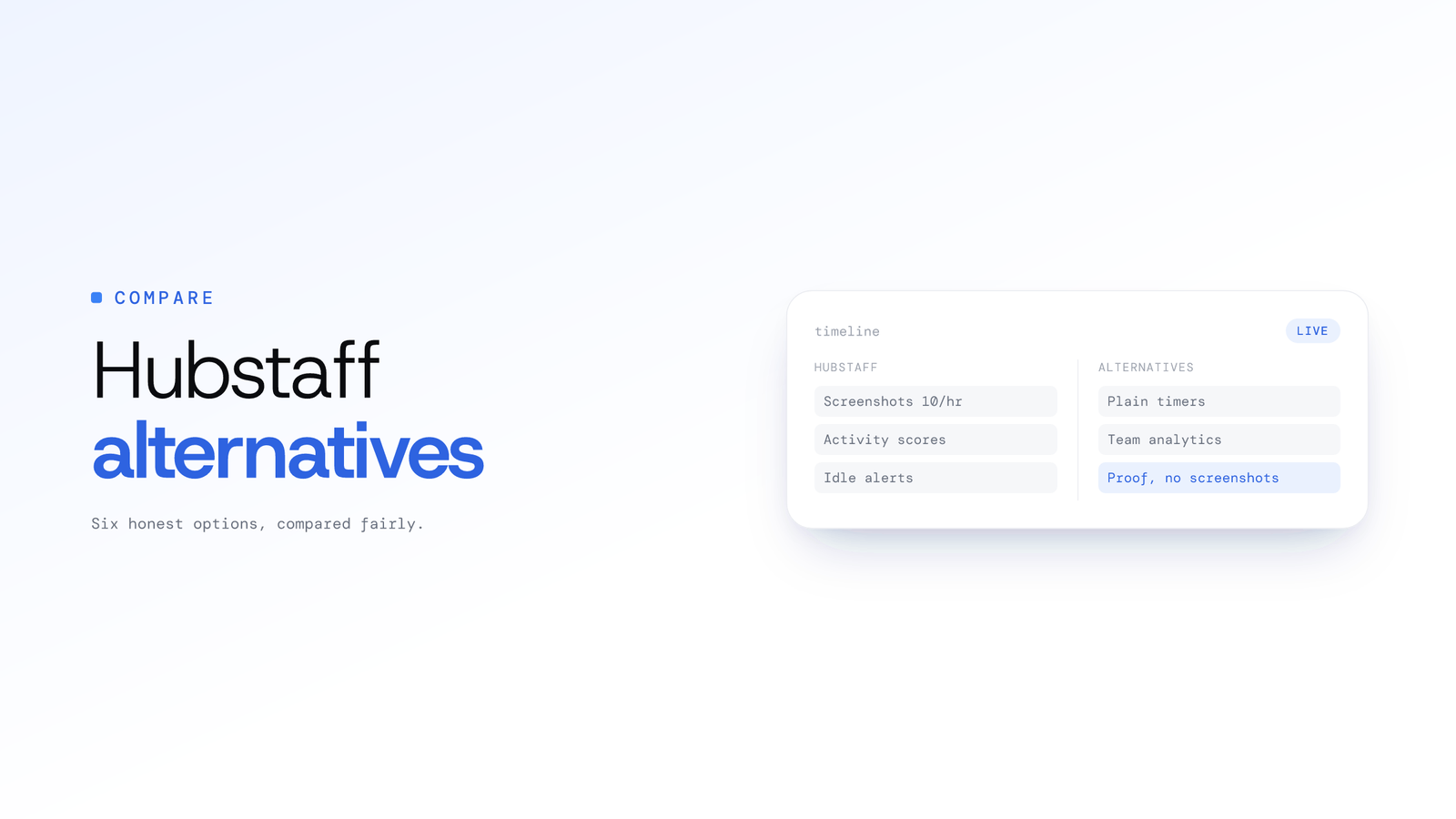
Hubstaff Alternatives: 6 Honest Options
Six honest Hubstaff alternatives compared: plain timers like Toggl Track, analytics like ActivTrak, and ScreenJournal for proof of work with no screenshots.
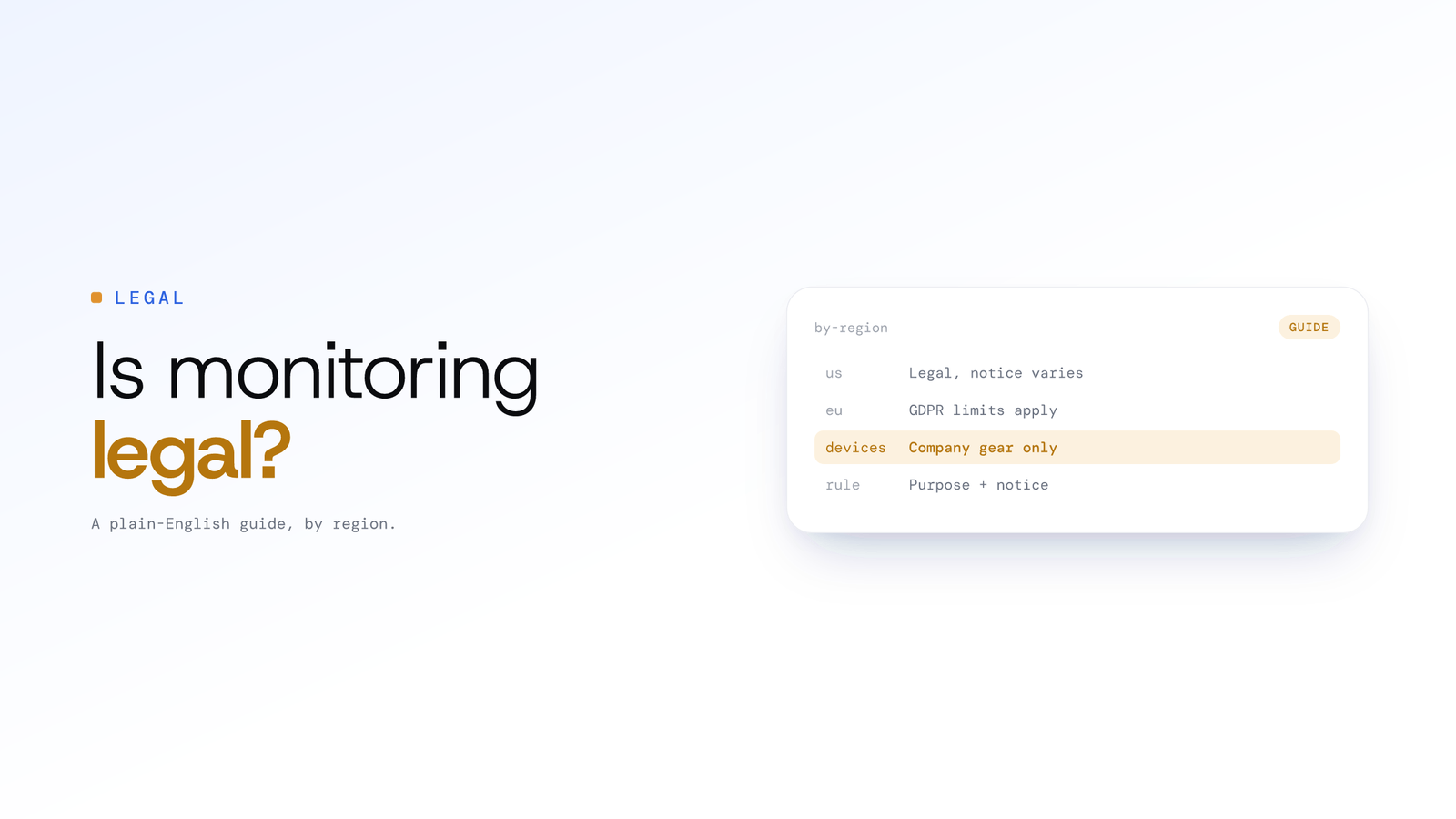
Is Employee Monitoring Legal? Laws by Region
Employee monitoring is generally legal on company devices for legitimate business purposes, but notice and consent rules vary by region. A plain-English guide.
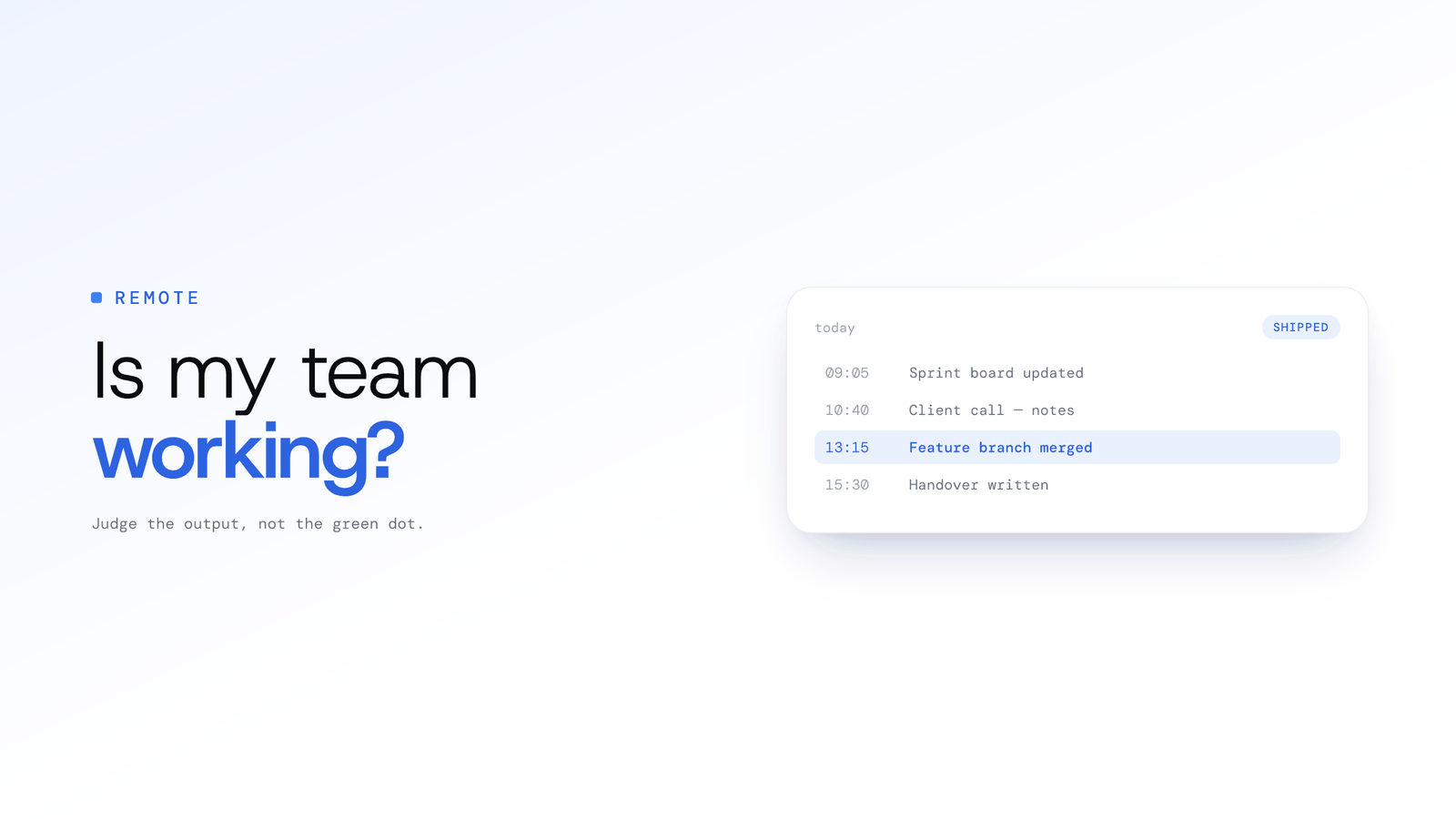
Is my remote team actually working?
Know if your remote team is actually working by reviewing what they produced, not their online status. Work timelines show tasks, apps and time spent each day.
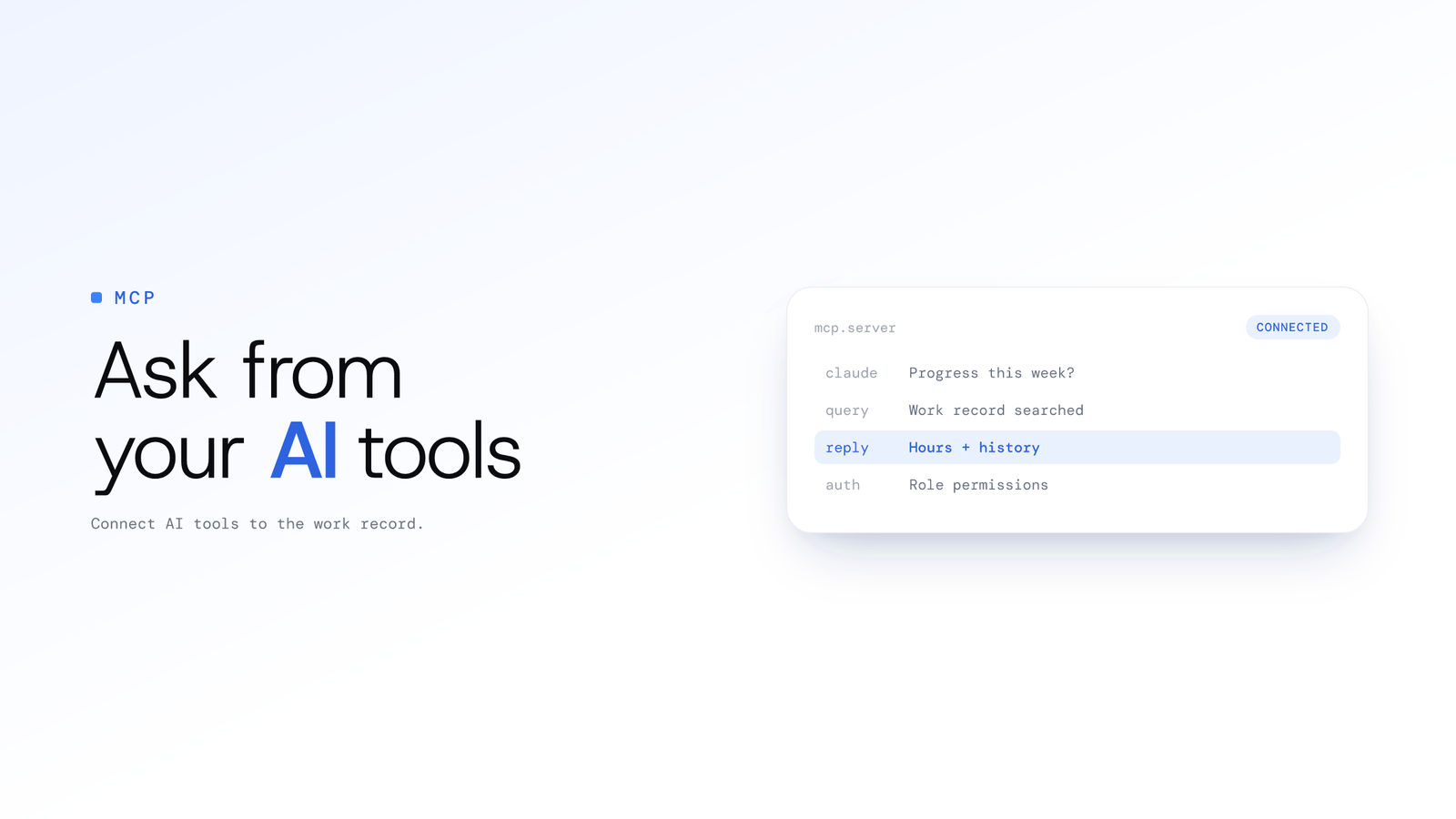
ScreenJournal MCP: Query Work From AI Tools
ScreenJournal MCP connects AI tools like Claude to your team's derived work record. Ask about progress, hours and history; answers respect role permissions.
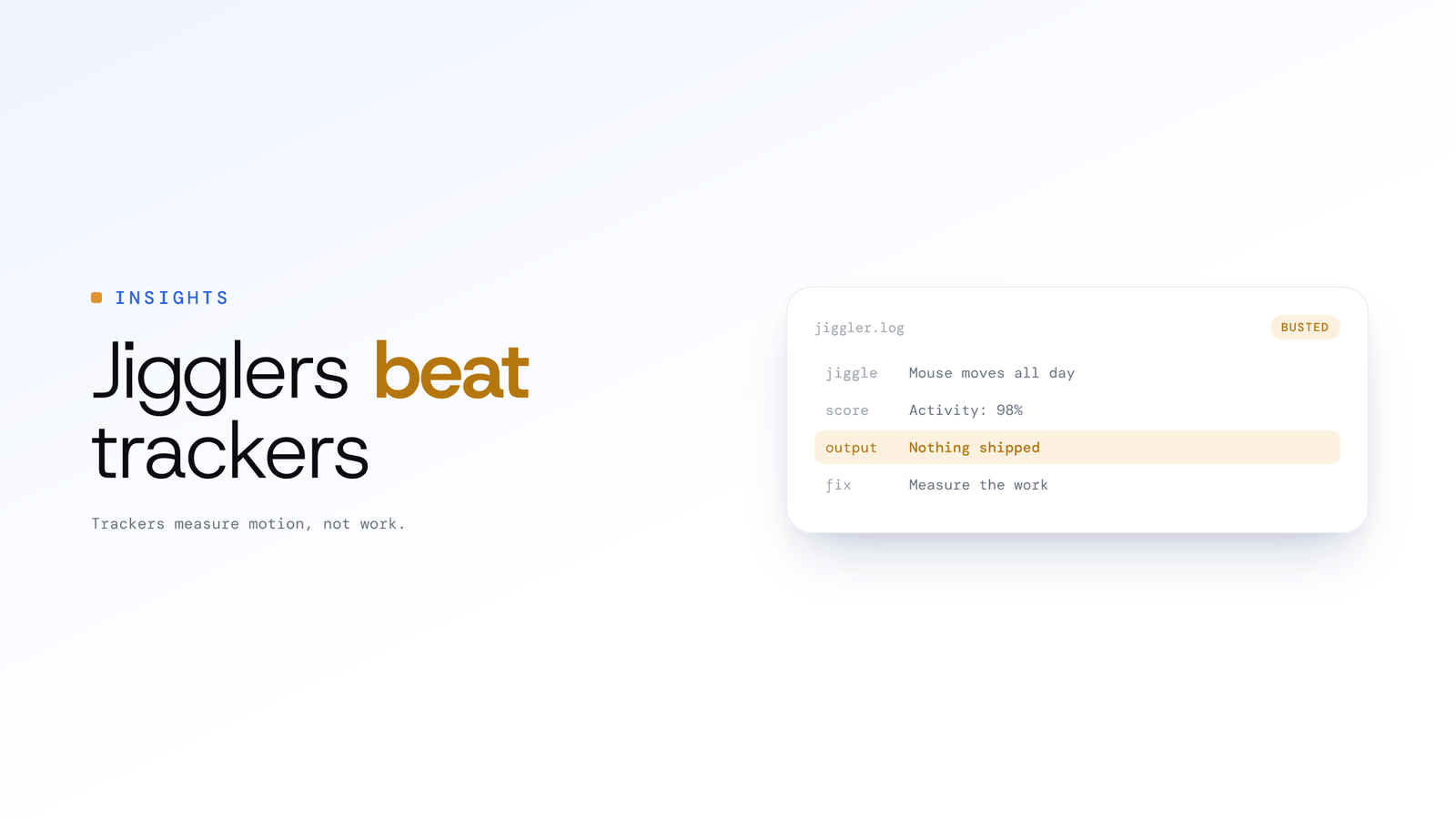
Mouse jigglers and fake productivity
Mouse jigglers beat time trackers because trackers measure motion, not work. How detection works in 2026, who these metrics hurt, and what to measure instead.
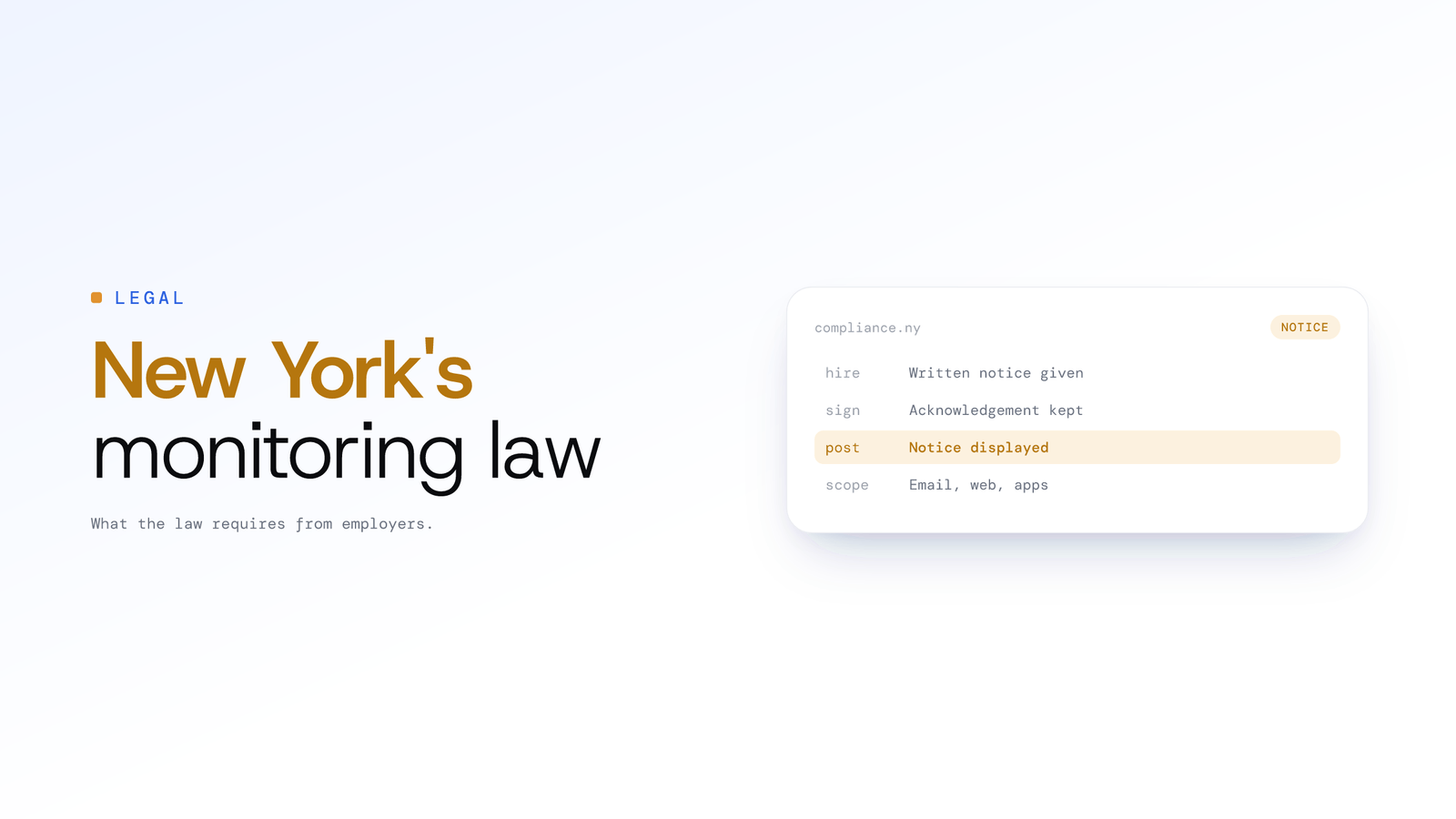
New York Electronic Monitoring Law Guide
New York employers must give written notice of electronic monitoring on hire, collect a signed acknowledgement and post a notice. Here is what the law requires.
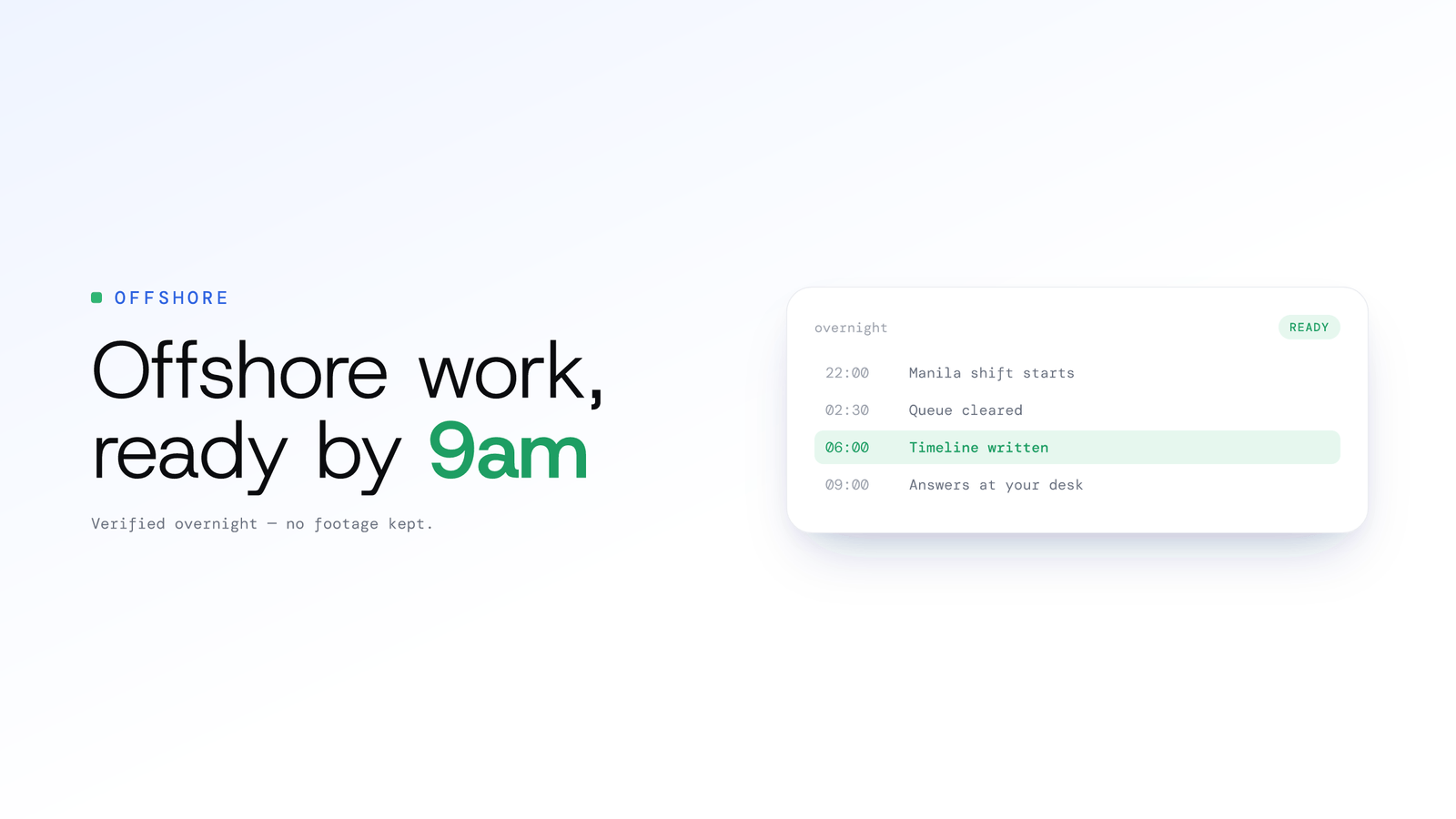
Offshore team monitoring without screenshots
ScreenJournal verifies offshore hours from the work itself: AI-written timelines, timesheets and plain-English answers by your morning. No footage by default.
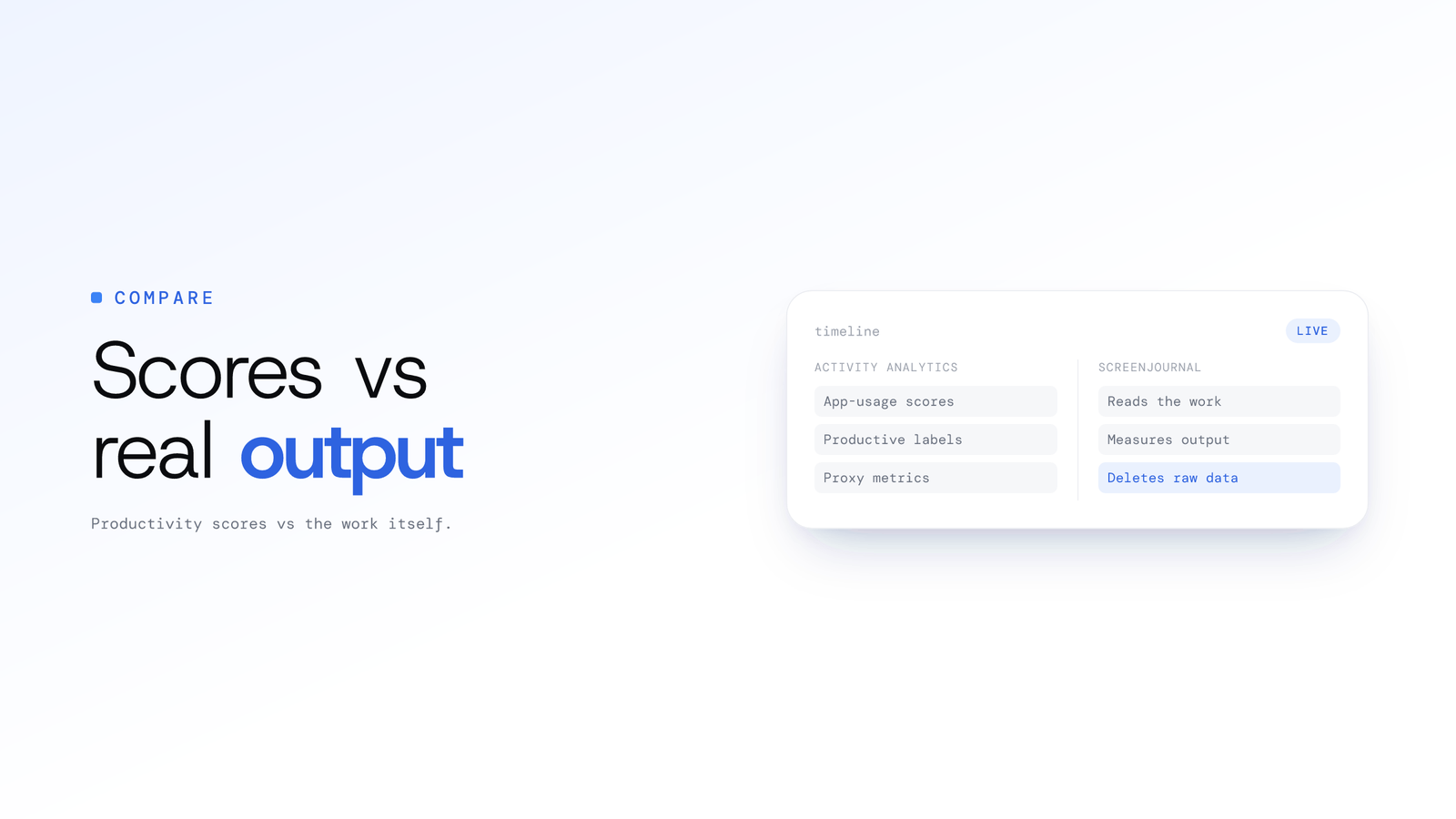
Productivity Score Software vs Real Output
Activity analytics tools like ActivTrak score app usage, a proxy for work. ScreenJournal reads the work itself, measures output, stores no footage by default.
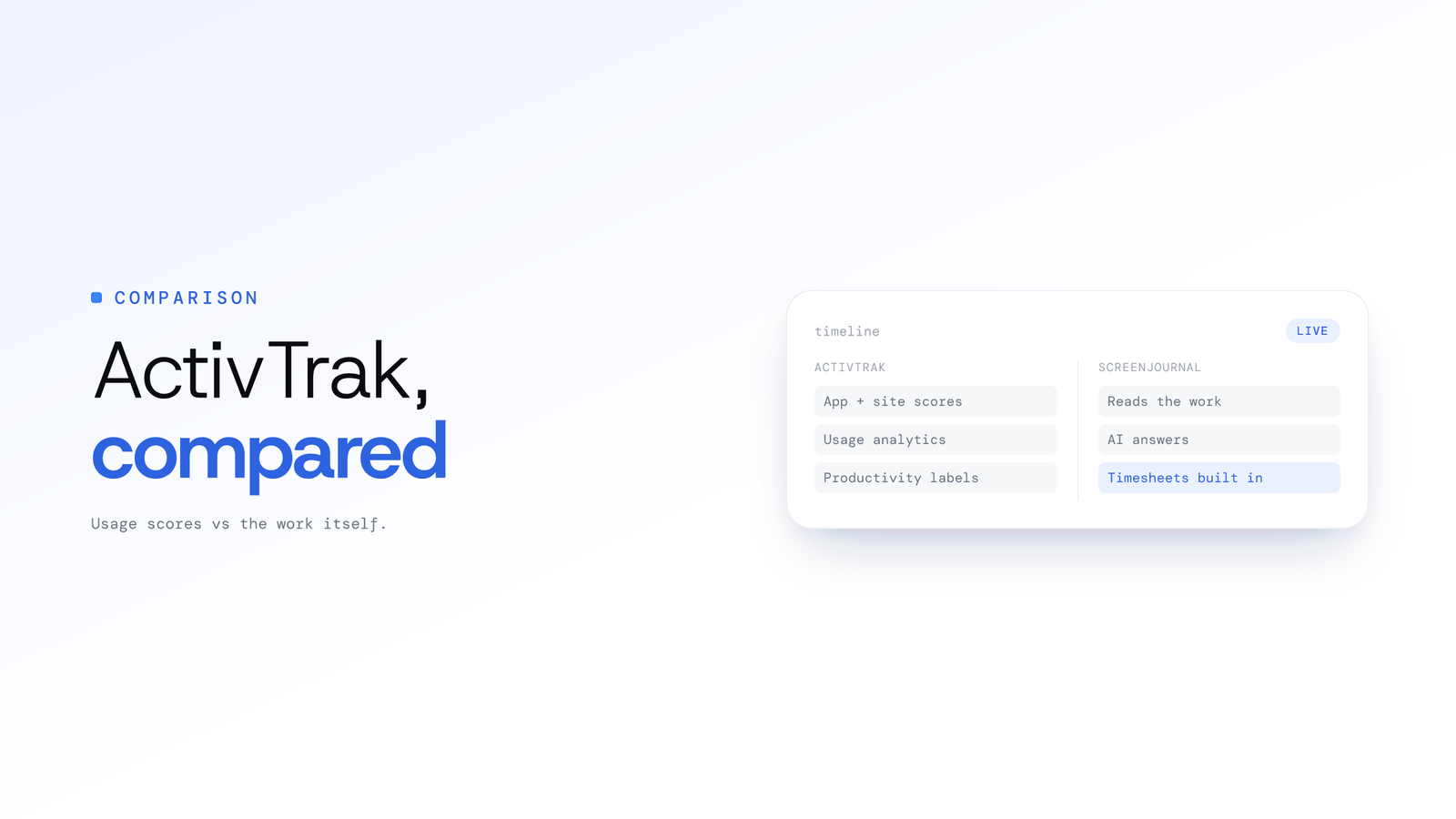
ActivTrak Alternative That Reads Real Work
ActivTrak scores app and website usage; ScreenJournal reads the work itself. Compare capture, storage, AI answers, privacy and timesheets in this honest guide.
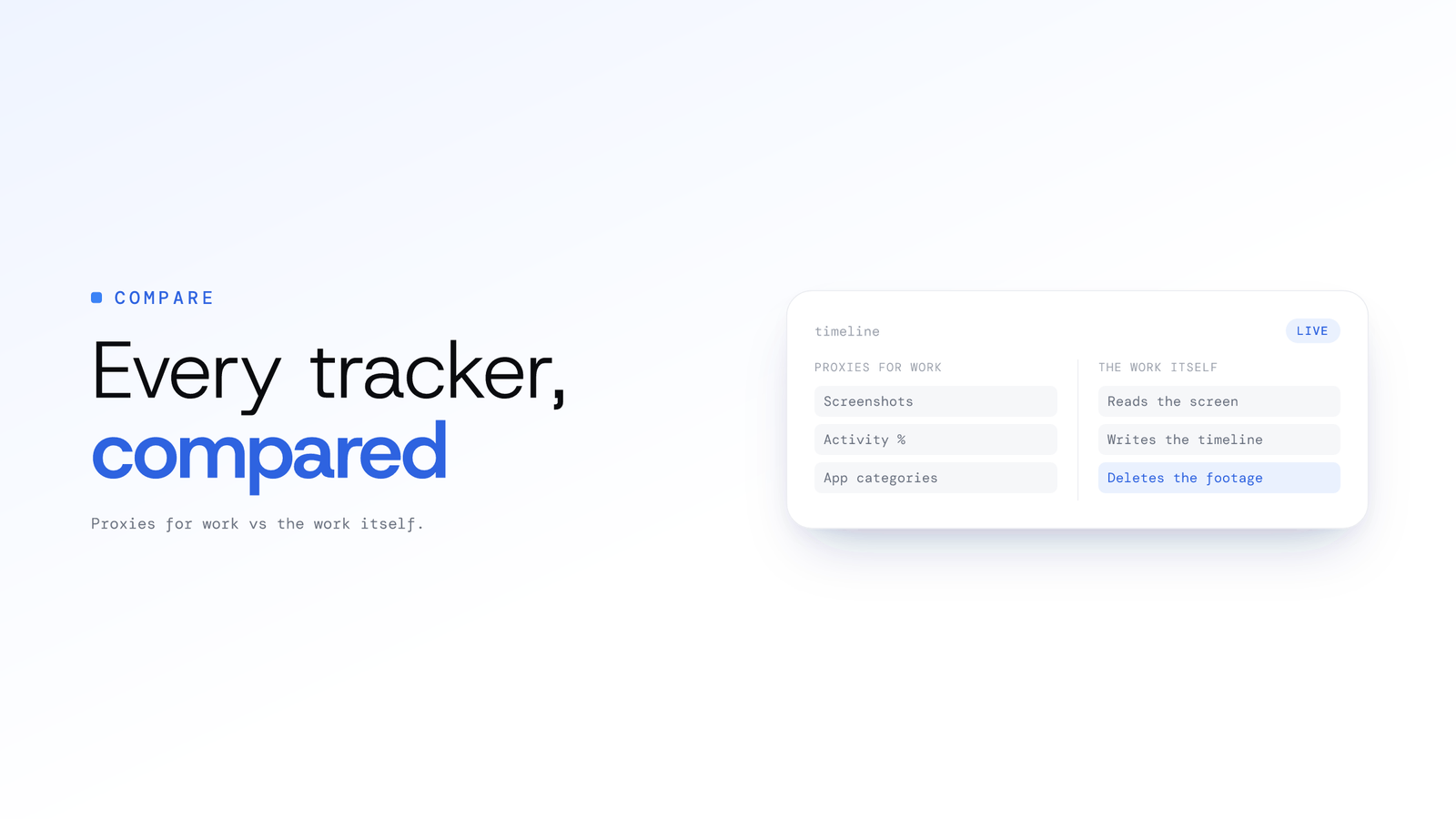
ScreenJournal vs the Alternatives Compared
Screenshot trackers, surveillance suites and activity analytics all store proxies for work. ScreenJournal reads the work itself; no footage stored by default.
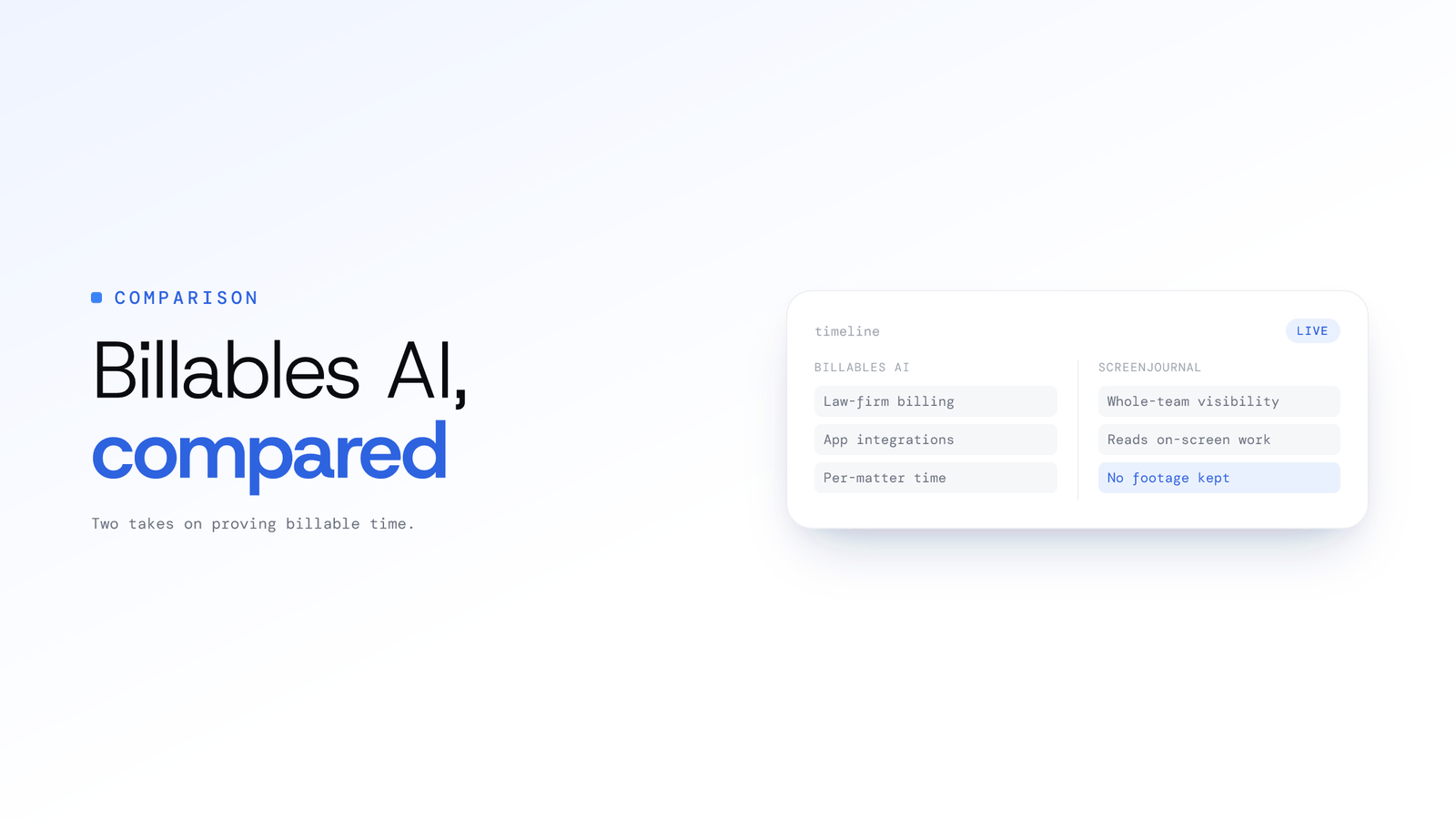
ScreenJournal vs Billables AI Compared
Billables AI captures billable time for law firms via app integrations. ScreenJournal reads on-screen work for whole teams and keeps no footage by default.
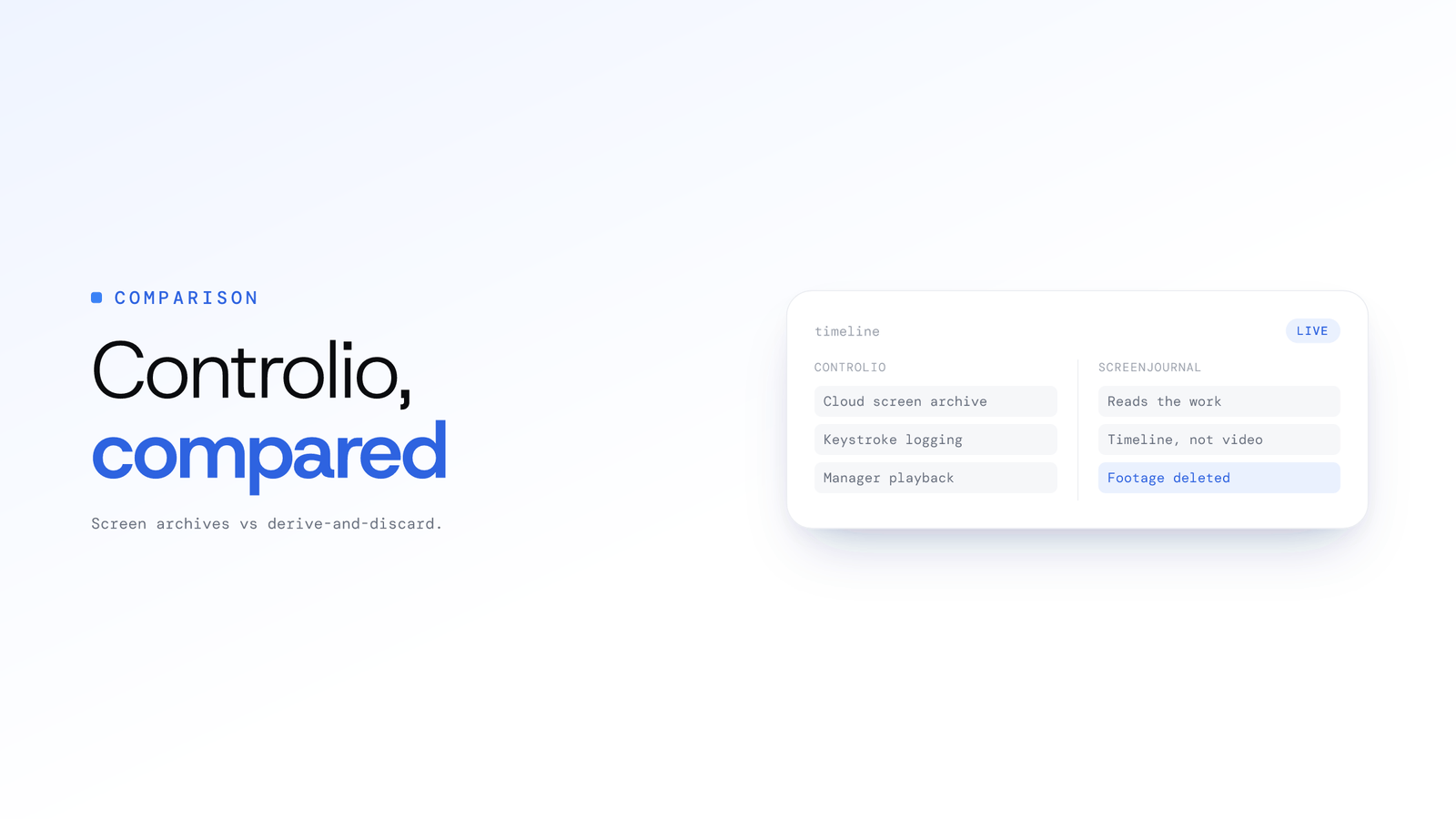
ScreenJournal vs Controlio: Key Differences
Controlio can record screens to a cloud archive and log keystrokes. ScreenJournal reads on-screen work, keeps a timeline, stores no footage by default.
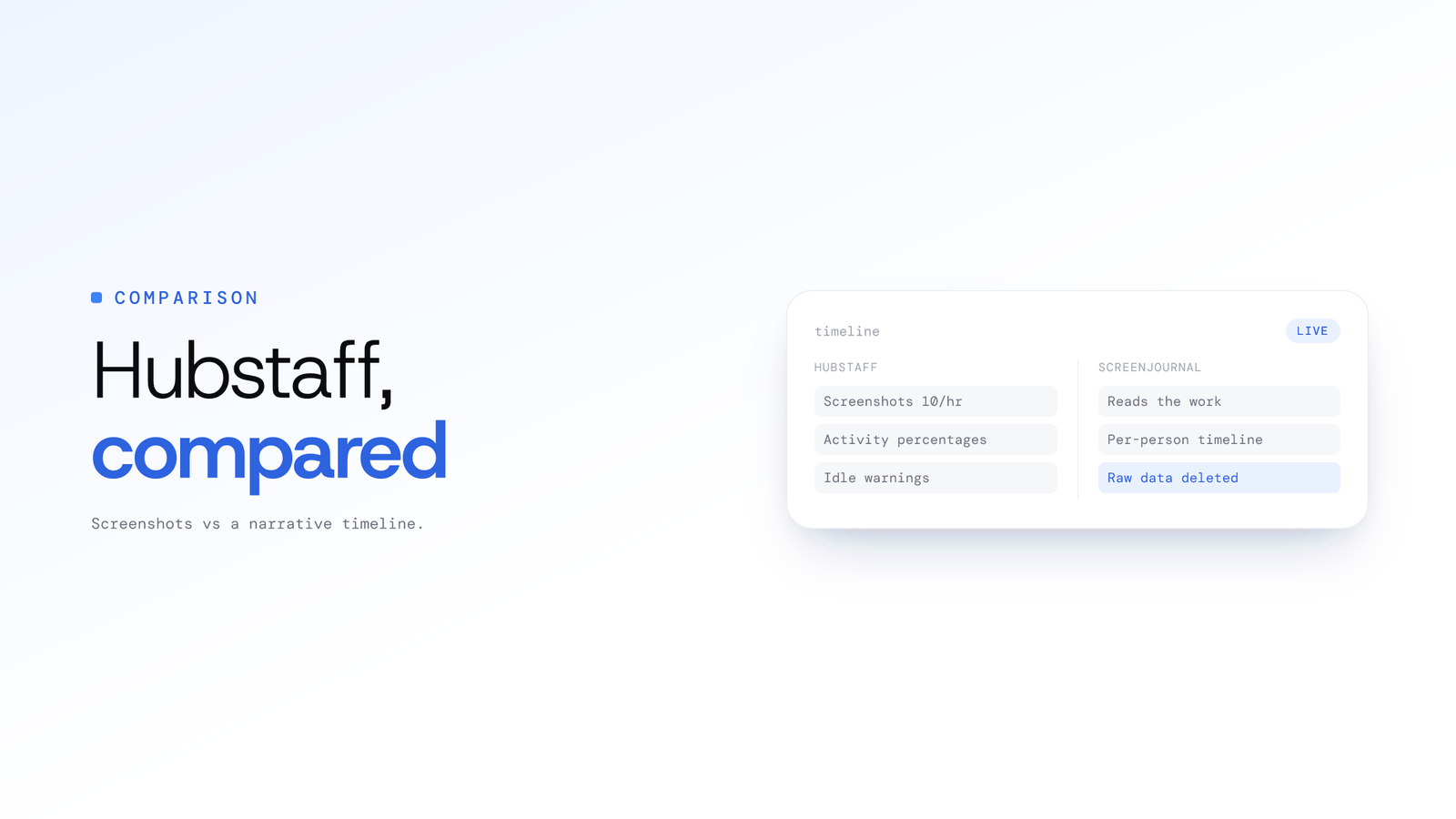
ScreenJournal vs Hubstaff: Full Comparison
Hubstaff verifies work with screenshots and activity percentages. ScreenJournal reads the work, writes each person's timeline and stores no footage by default.
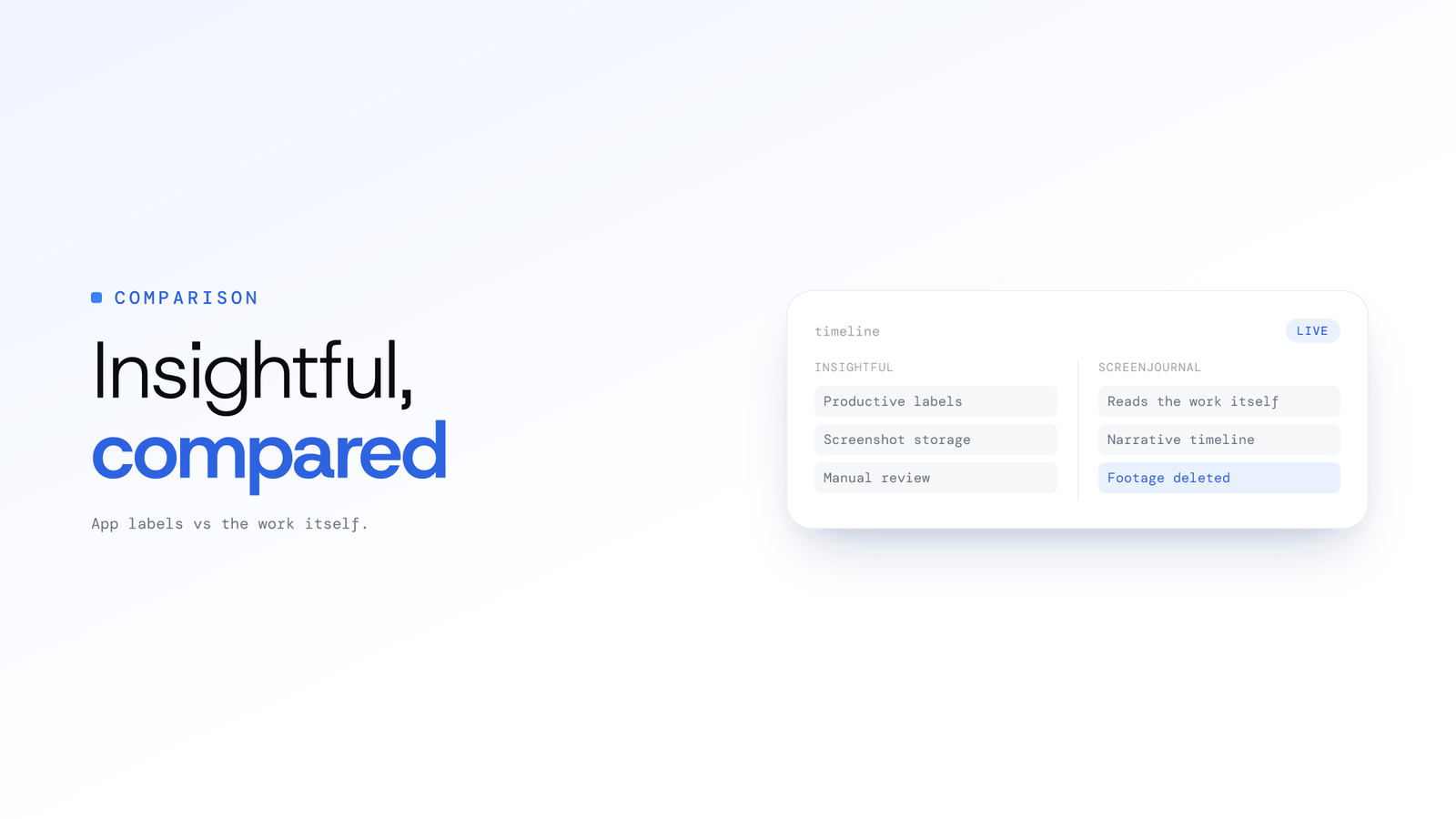
ScreenJournal vs Insightful: Key Differences
Insightful labels apps productive or unproductive and stores screenshots. ScreenJournal reads the work itself, writes a timeline, stores no footage by default.
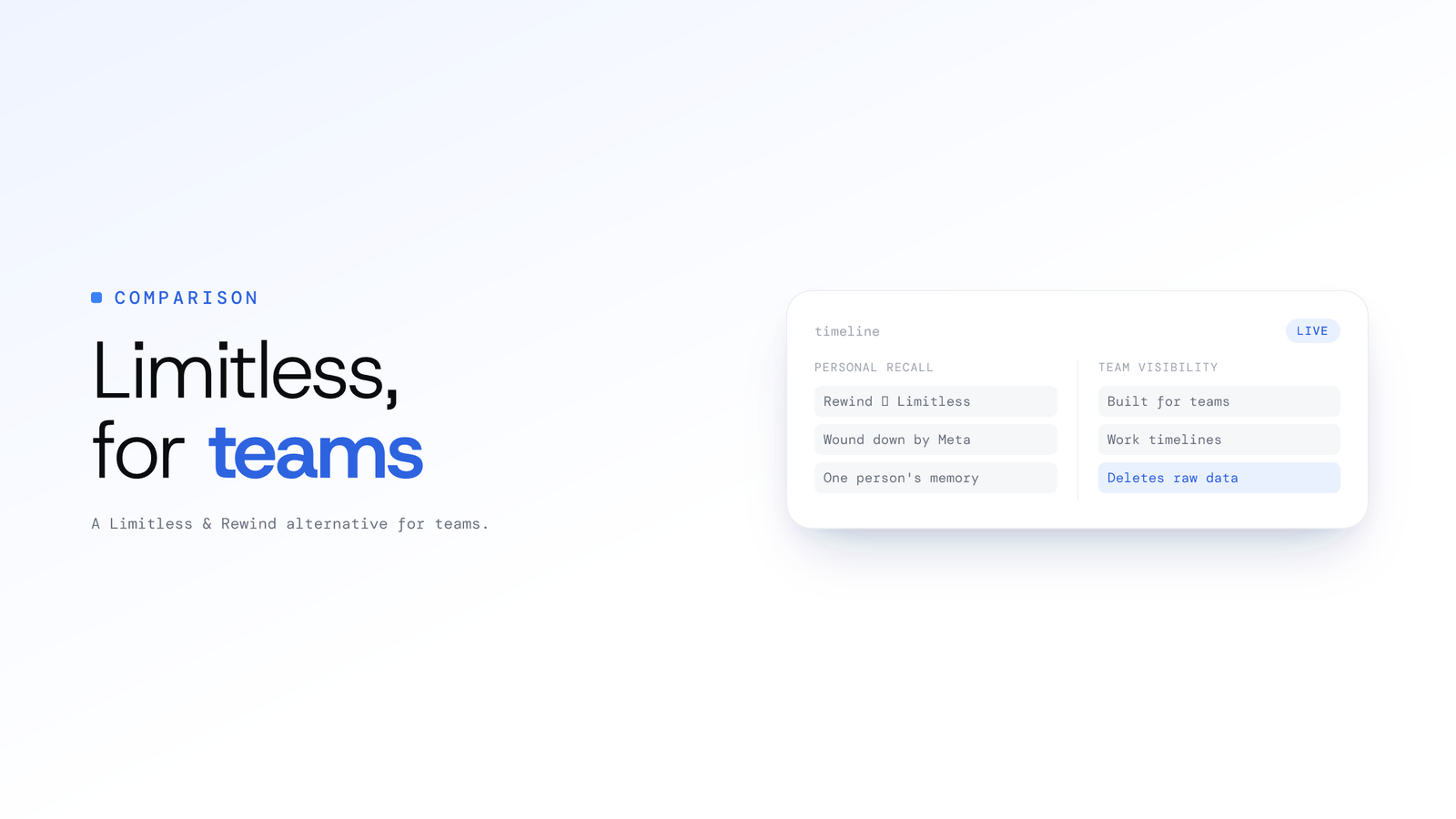
Limitless and Rewind alternative for teams
Rewind became Limitless, a personal memory tool Meta acquired and wound down. ScreenJournal reads a team's on-screen work and stores no footage by default.
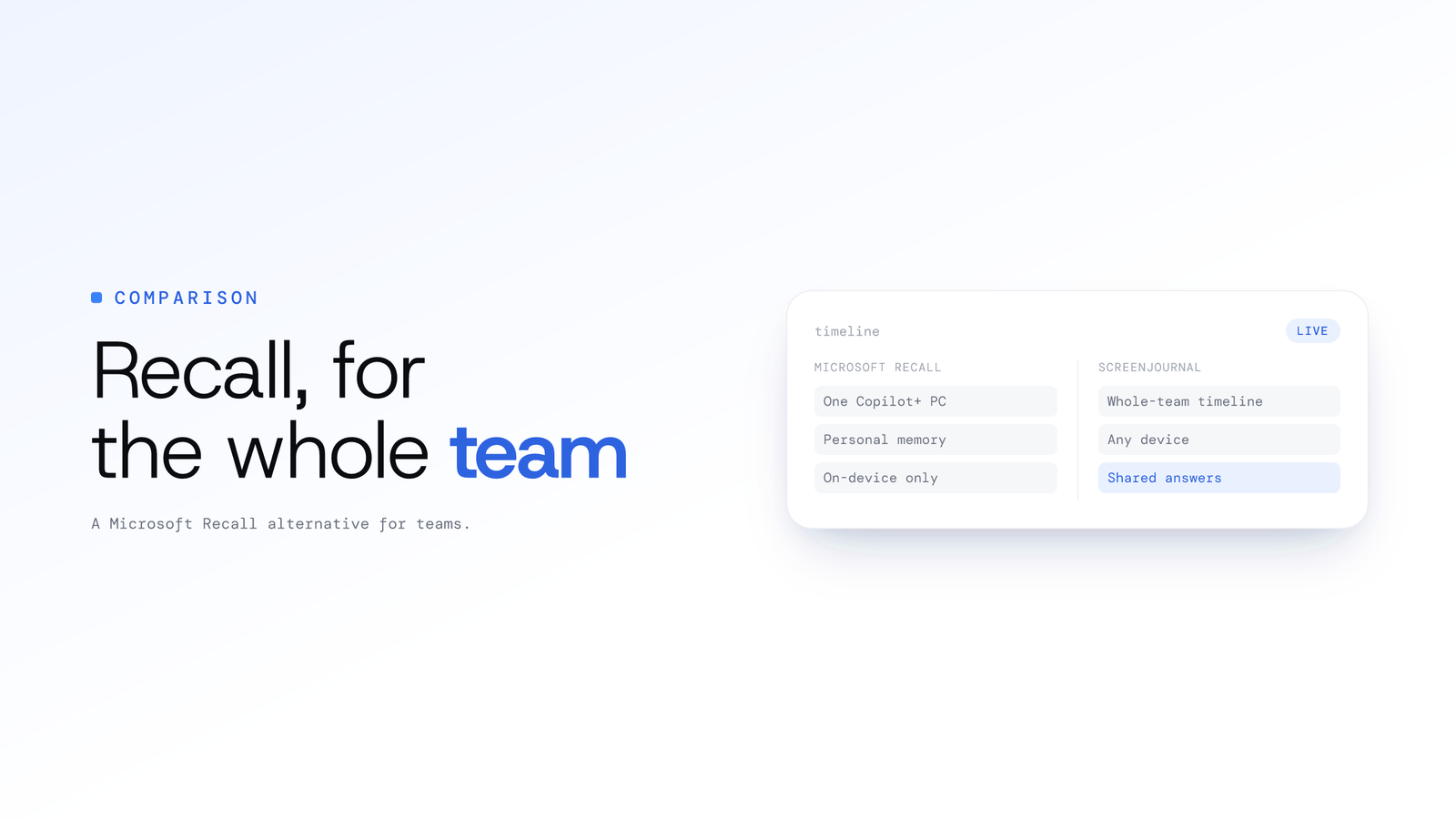
Microsoft Recall alternative for teams
Microsoft Recall is a personal on-device memory for one Copilot+ PC user. ScreenJournal reads a team's on-screen work and stores no footage by default.
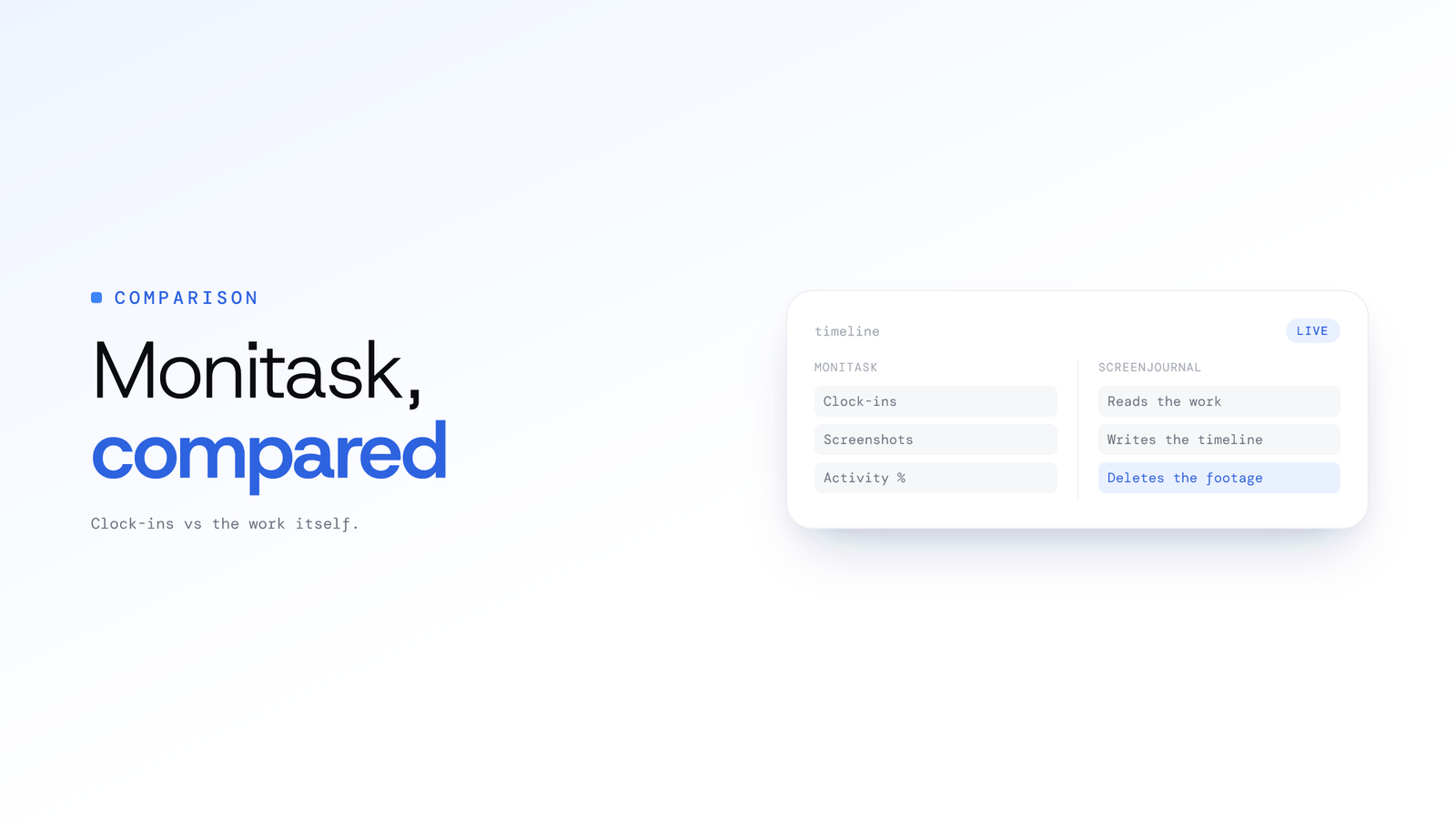
ScreenJournal vs Monitask: Which to Choose
Monitask verifies work with clock-ins, screenshots and activity percentages. ScreenJournal reads the work, writes the timeline, stores no footage by default.
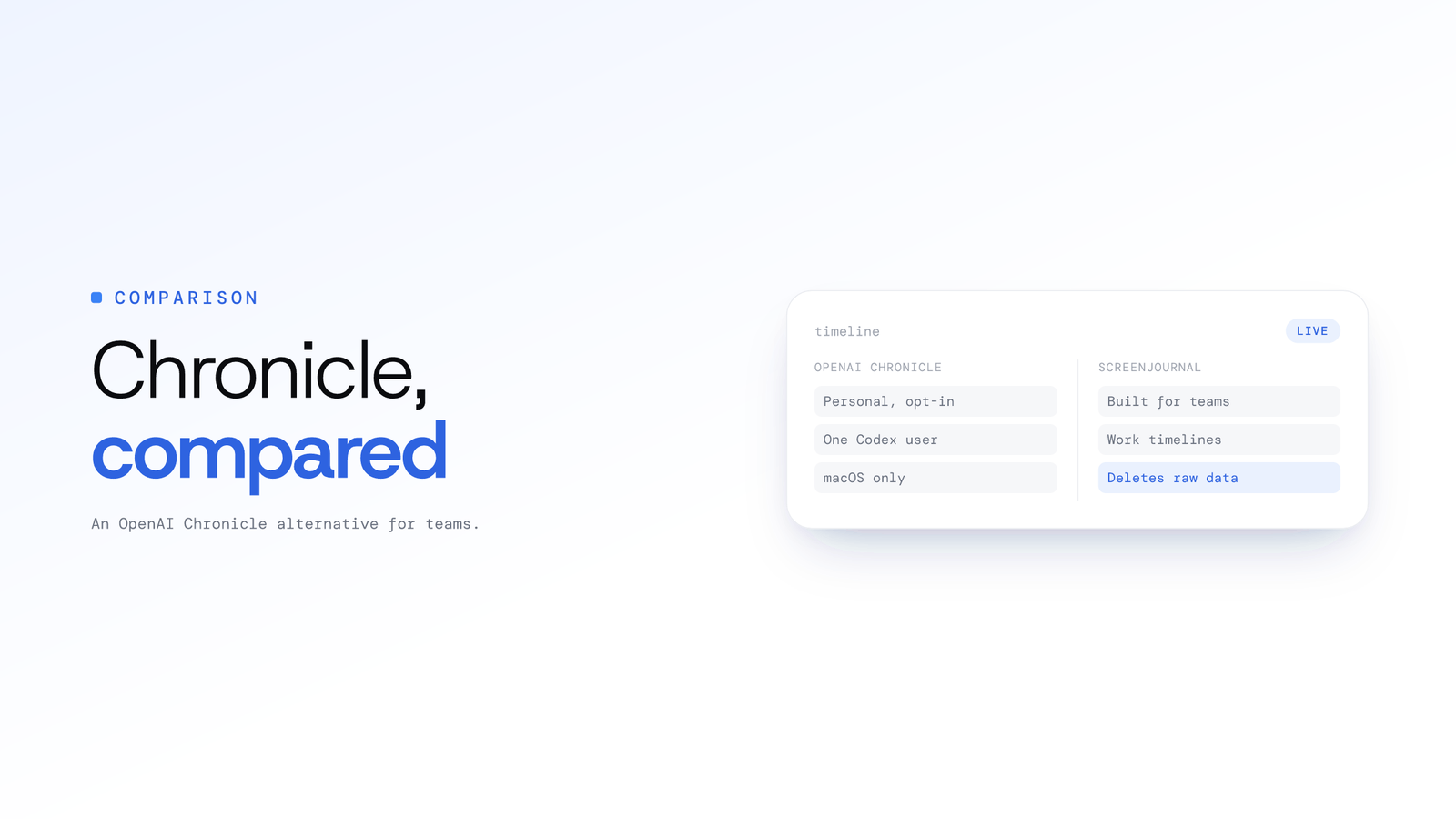
OpenAI Chronicle alternative for teams
OpenAI Chronicle is a personal, opt-in screen memory for one Codex user on macOS. ScreenJournal reads a team's on-screen work and stores no footage by default.
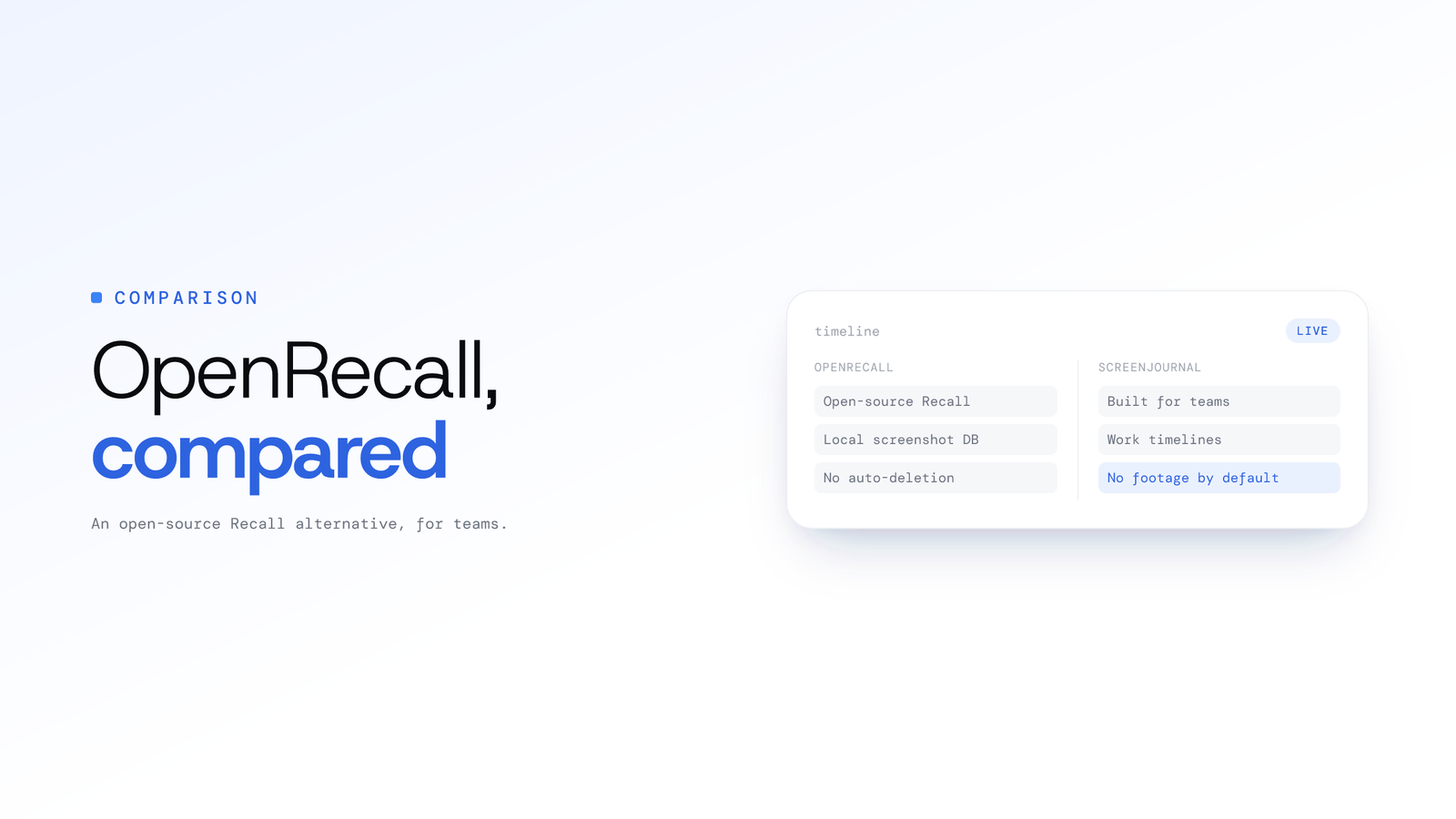
OpenRecall alternative for teams
OpenRecall is an open-source, local screen memory for one user. ScreenJournal reads a team's on-screen work, writes timelines and stores no footage by default.
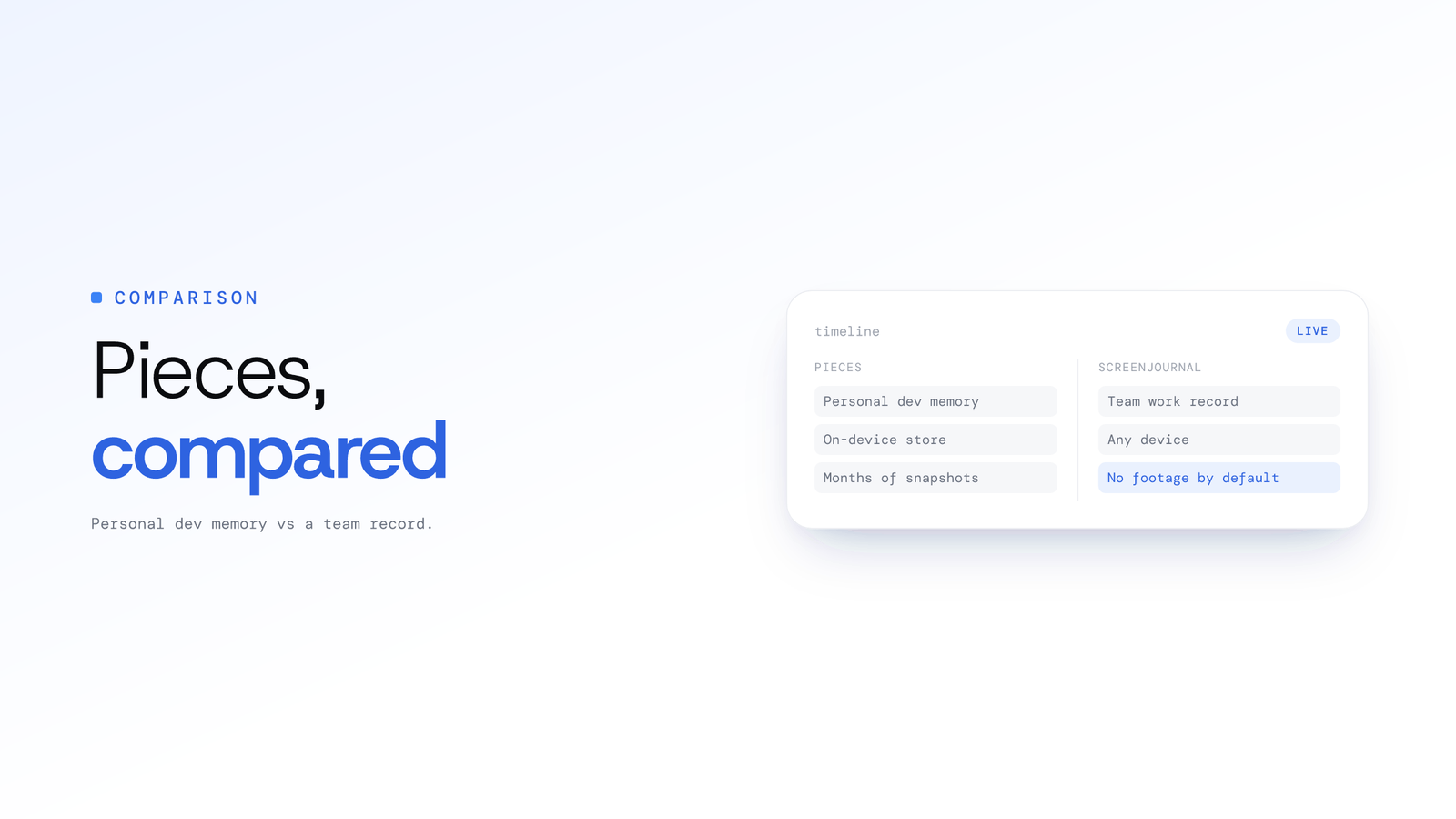
Pieces app alternative for teams
Pieces is a personal AI memory that captures your own workflow context for your assistant. ScreenJournal reads a team's work and stores no footage by default.
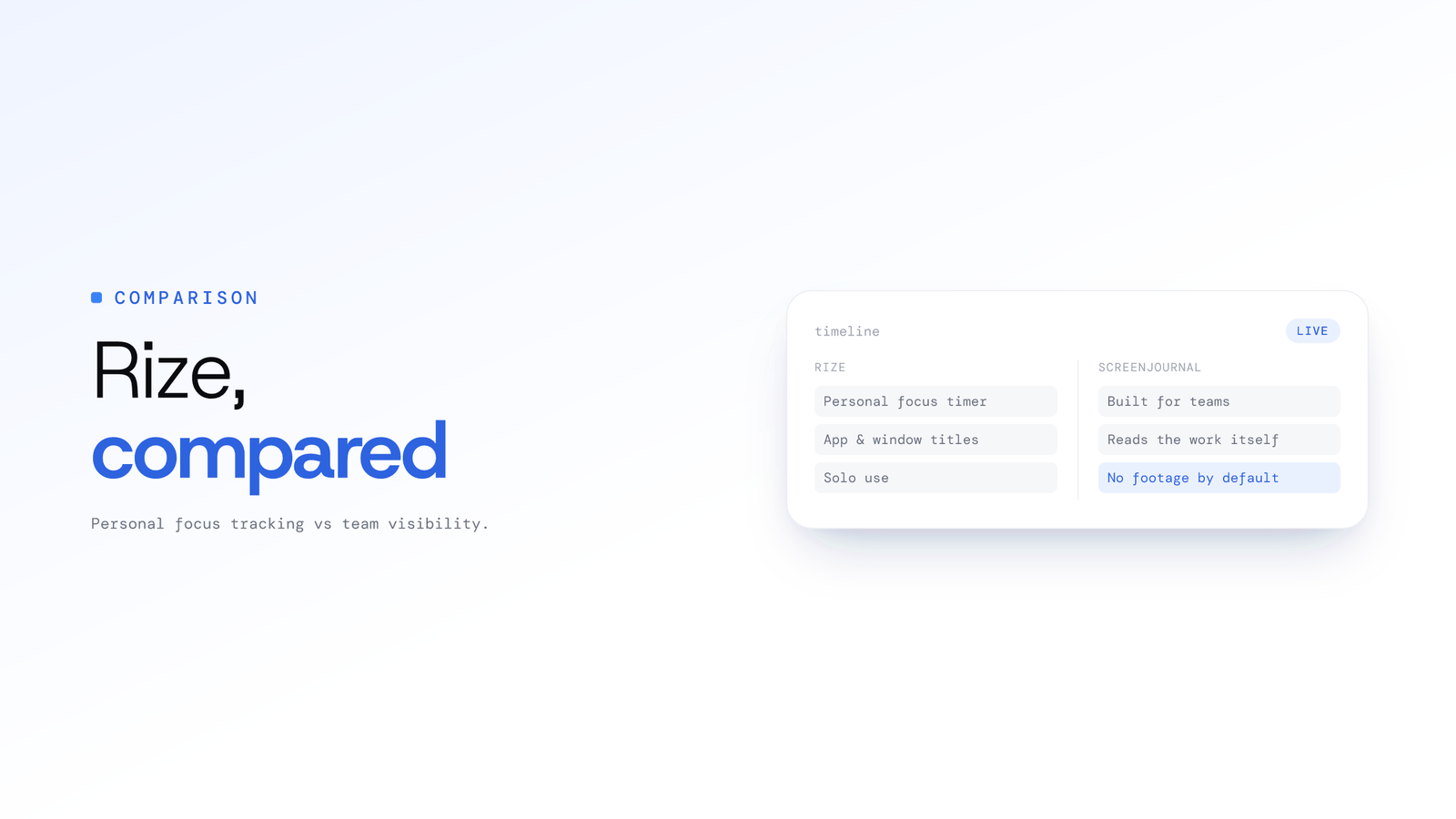
Rize alternative for teams
Rize is a personal AI time tracker that reads app metadata, never screen content. ScreenJournal reads a team's on-screen work and stores no footage by default.
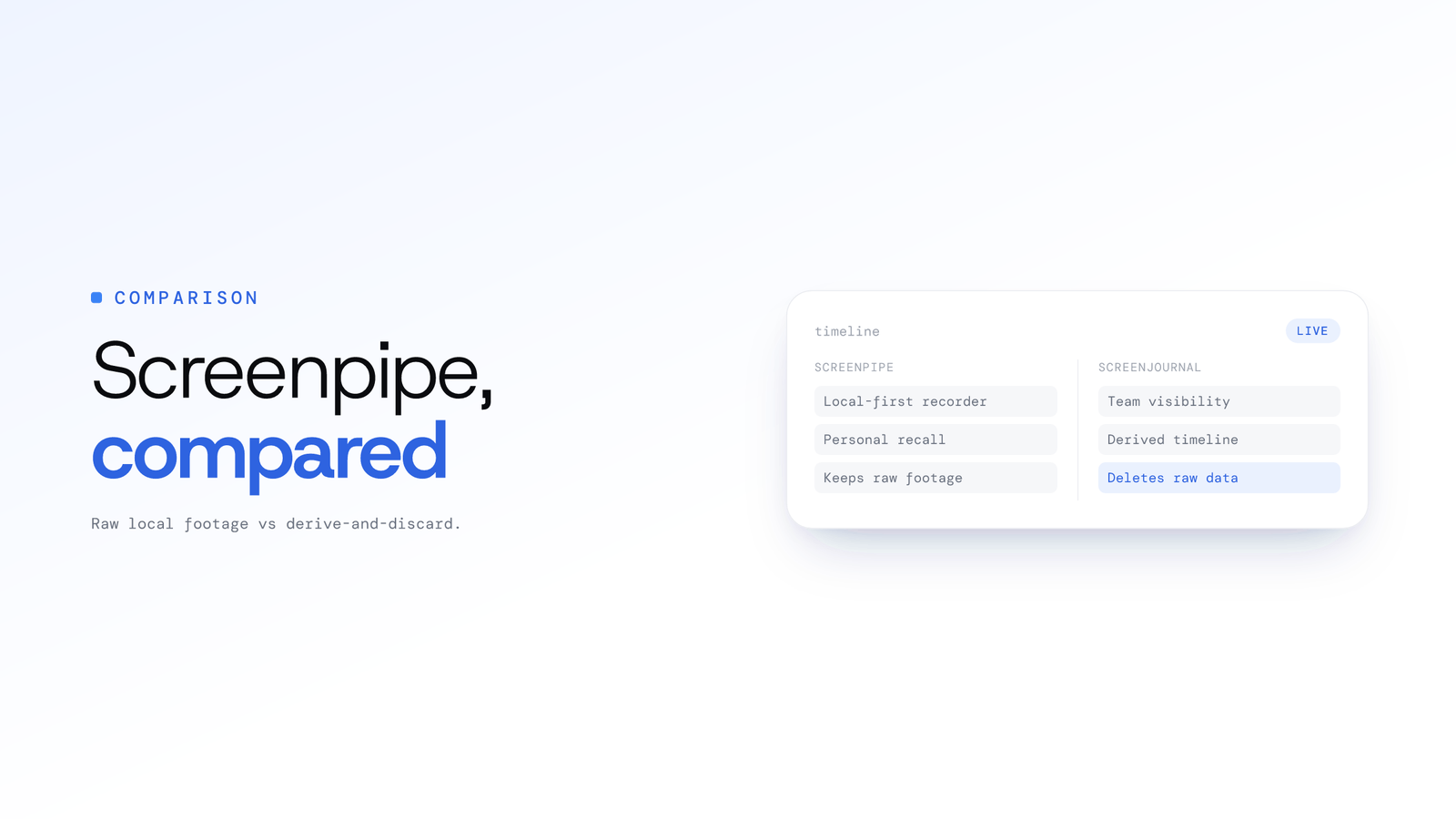
Screenpipe alternative for teams
Screenpipe is a source-available, local-first recorder for personal recall. ScreenJournal reads a team's on-screen work and stores no footage by default.

Best Time Tracker Without Screenshots
Hubstaff, Time Doctor, Insightful and Monitask prove work with screenshots and activity percentages. ScreenJournal reads the work; no footage kept by default.
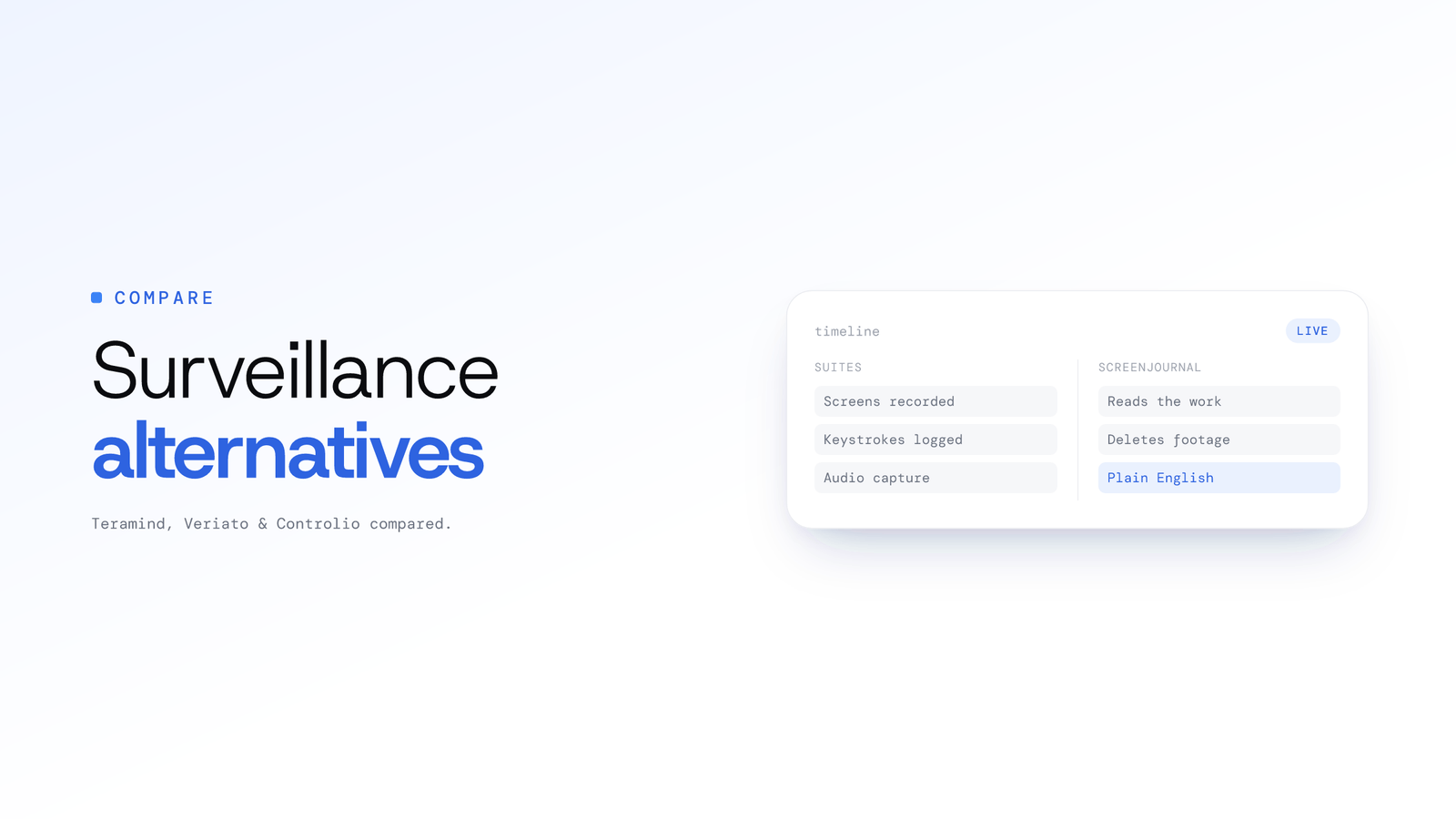
Employee Surveillance Software Alternatives
Teramind, Veriato and Controlio typically record screens and keystrokes. ScreenJournal reads the work, keeps no footage by default and answers in plain English.
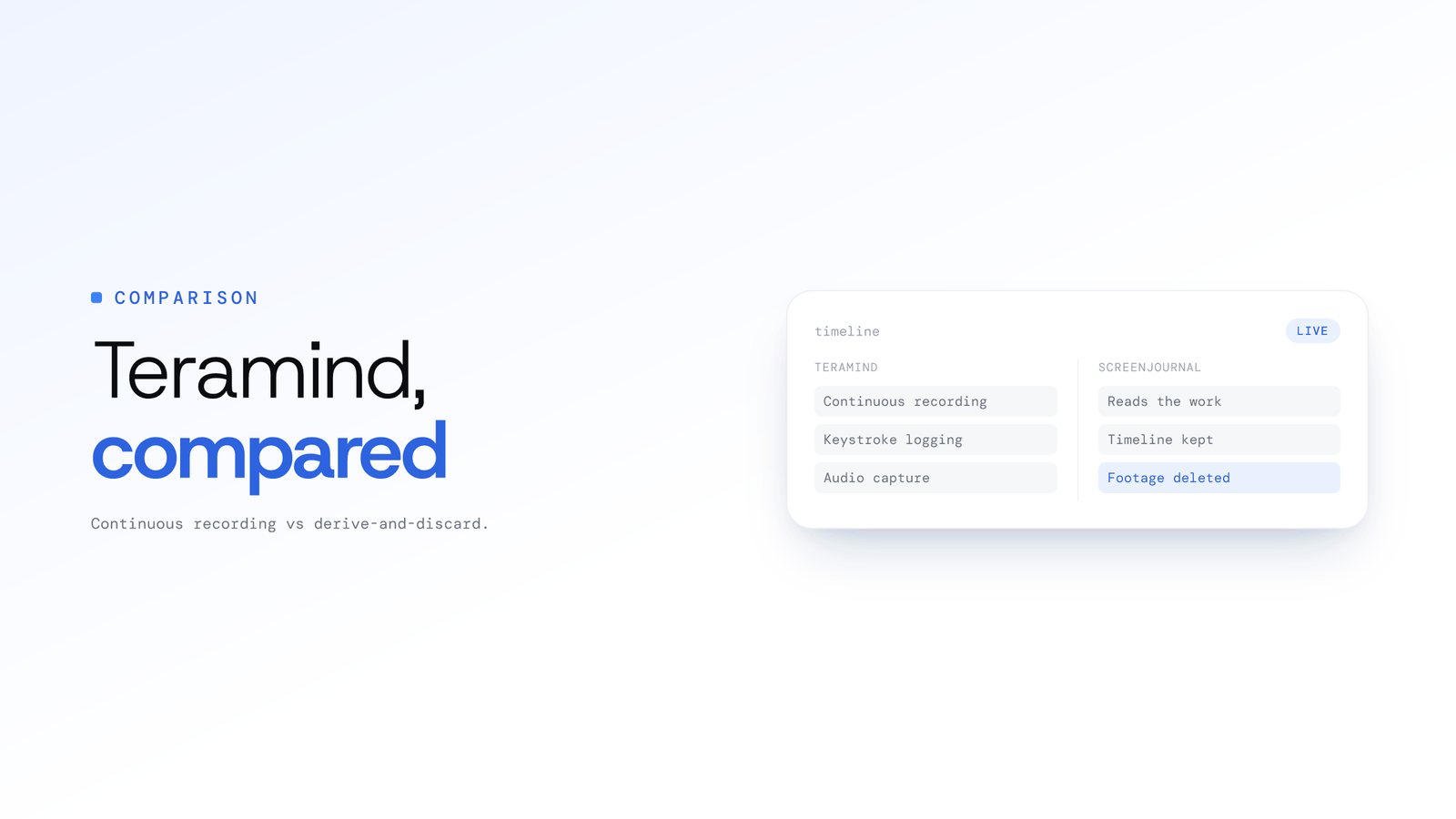
Teramind Alternative: An Honest Comparison
Teramind typically records screens continuously, logs keystrokes and can record audio. ScreenJournal reads the work, keeps a timeline and no footage by default.
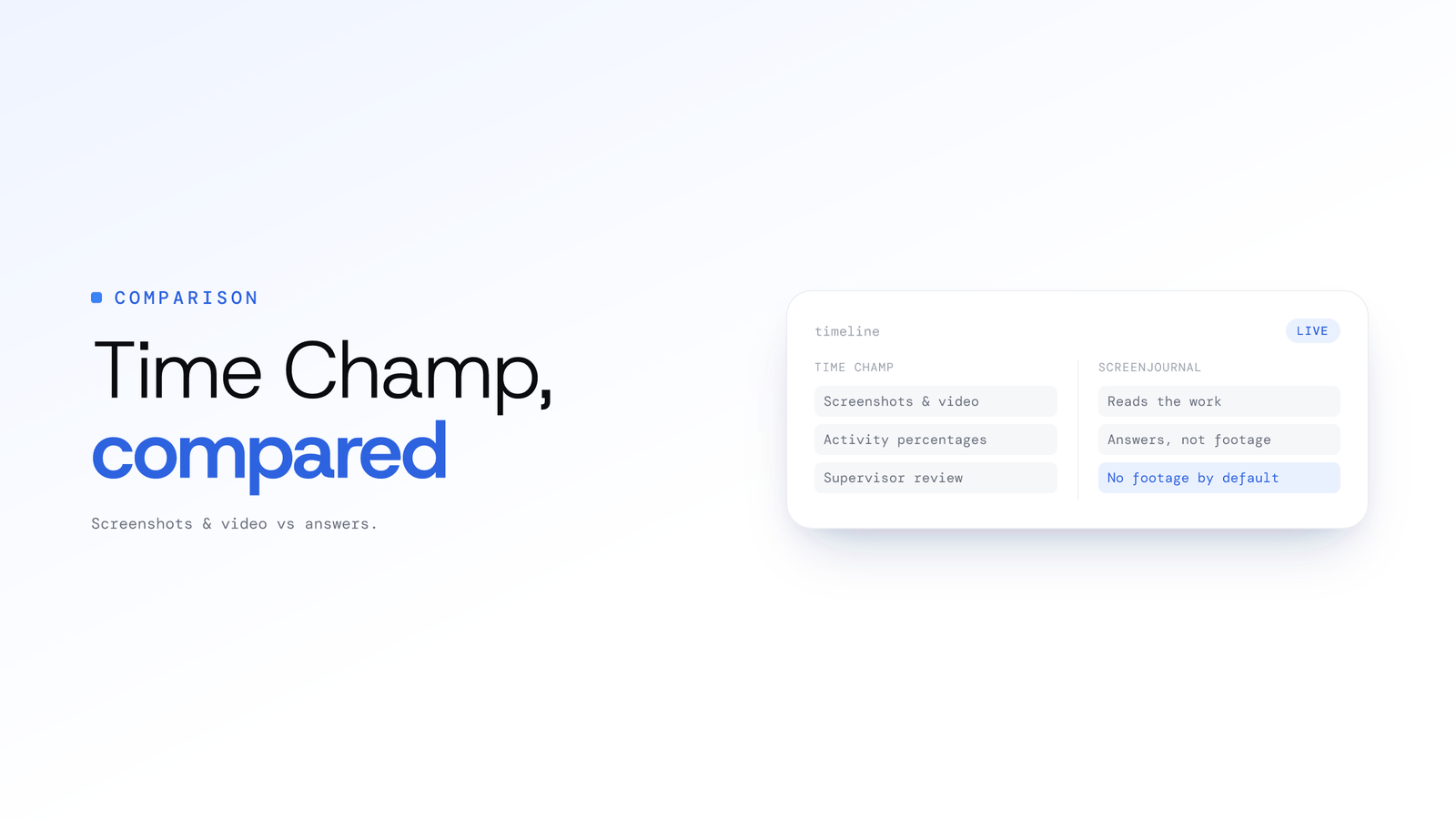
Time Champ alternative for teams
Time Champ monitors call centres and BPOs with screenshots and recordings it retains. ScreenJournal reads the work itself and stores no footage by default.
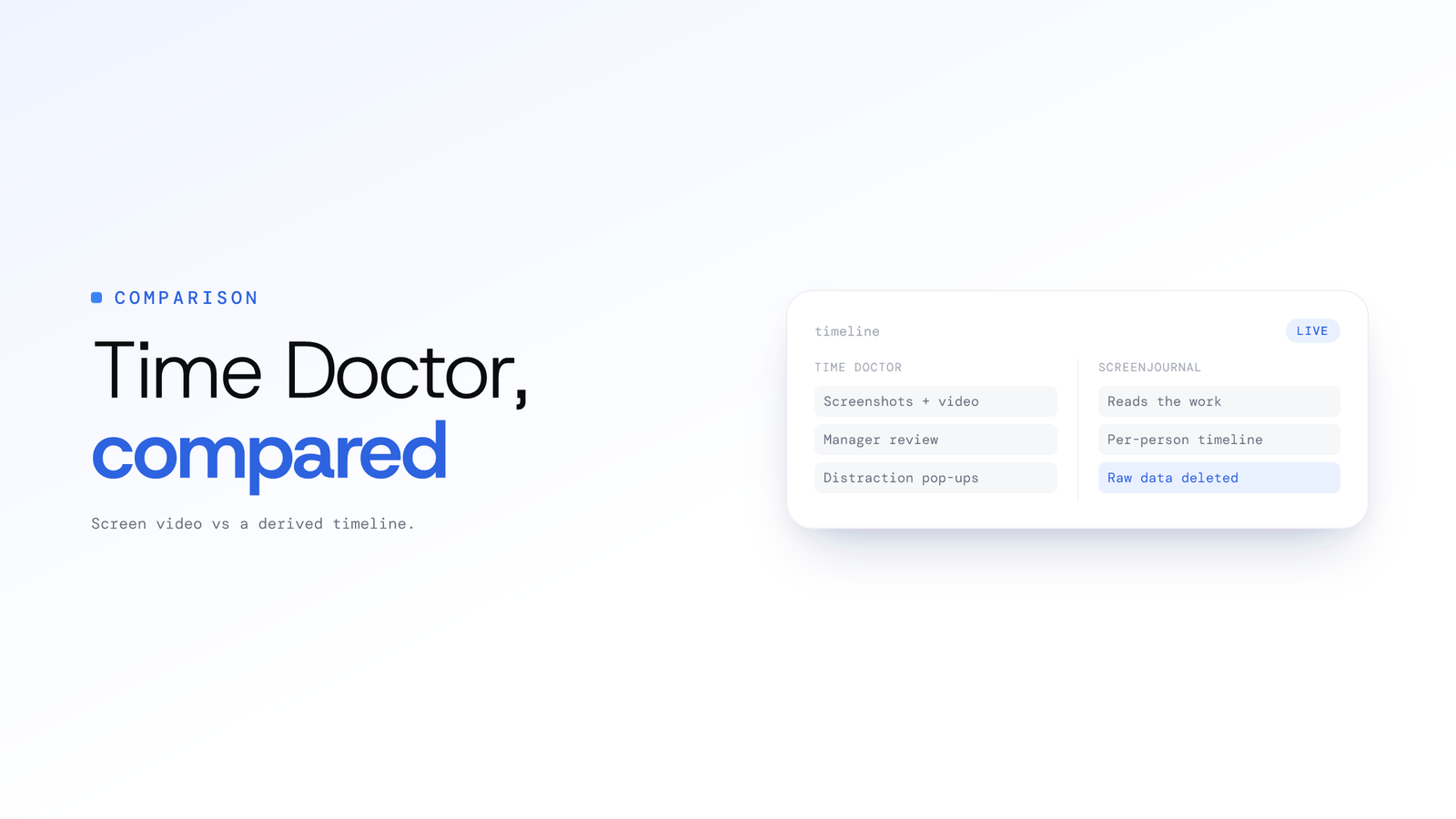
ScreenJournal vs Time Doctor: Comparison
Time Doctor stores screenshots and screen video for manager review. ScreenJournal reads the work, writes a per-person timeline and stores no footage by default.
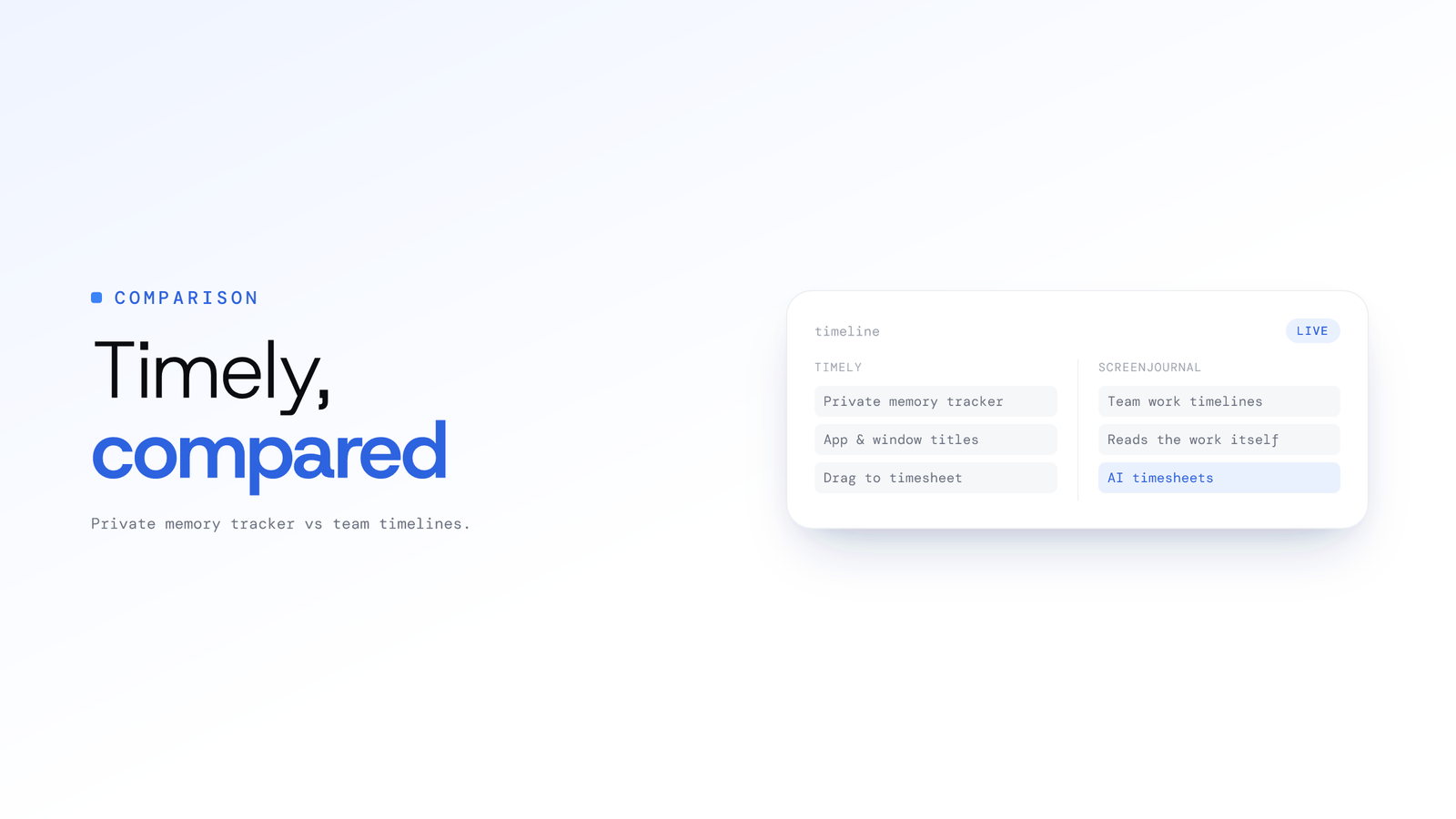
Timely alternative for teams
Timely drafts timesheets from a private memory of app metadata, never screen content. ScreenJournal reads the work itself and stores no footage by default.
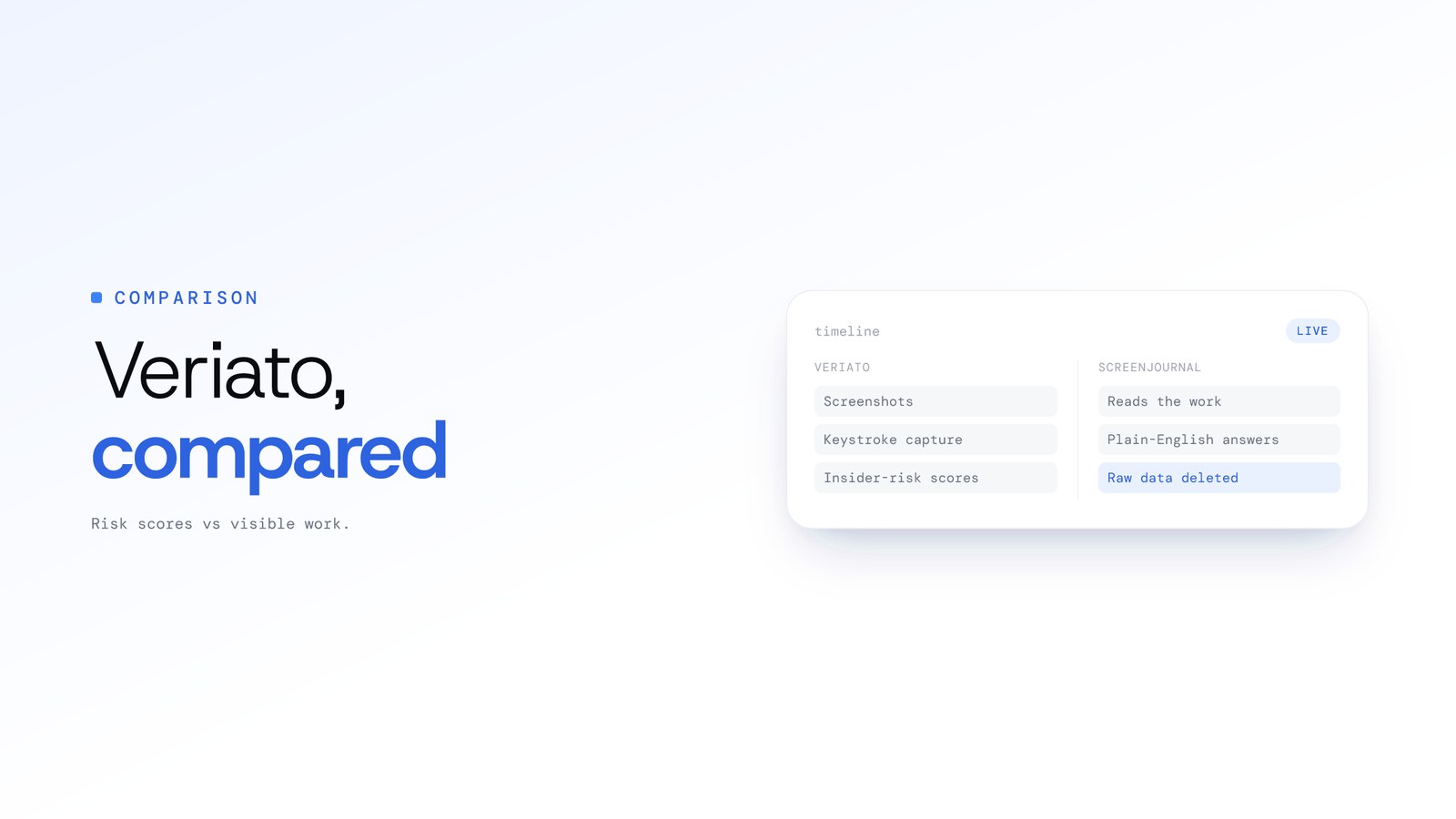
ScreenJournal vs Veriato: Key Differences
Veriato captures screenshots and keystrokes and scores insider risk. ScreenJournal reads the work, stores no footage by default and answers in plain English.
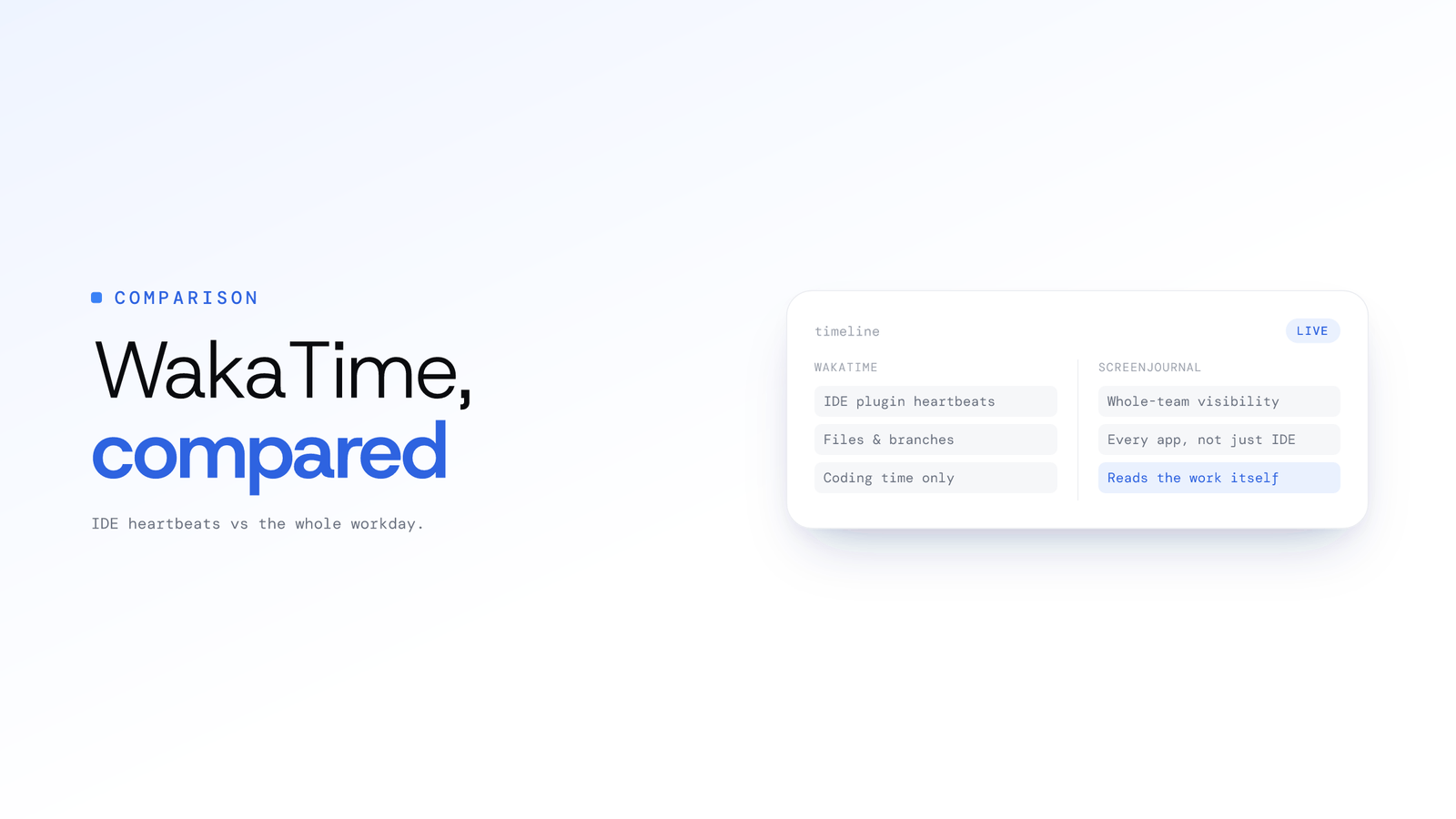
WakaTime alternative for teams
WakaTime measures in-editor coding time from plugin metadata. ScreenJournal reads a team's whole on-screen work and stores no footage by default.
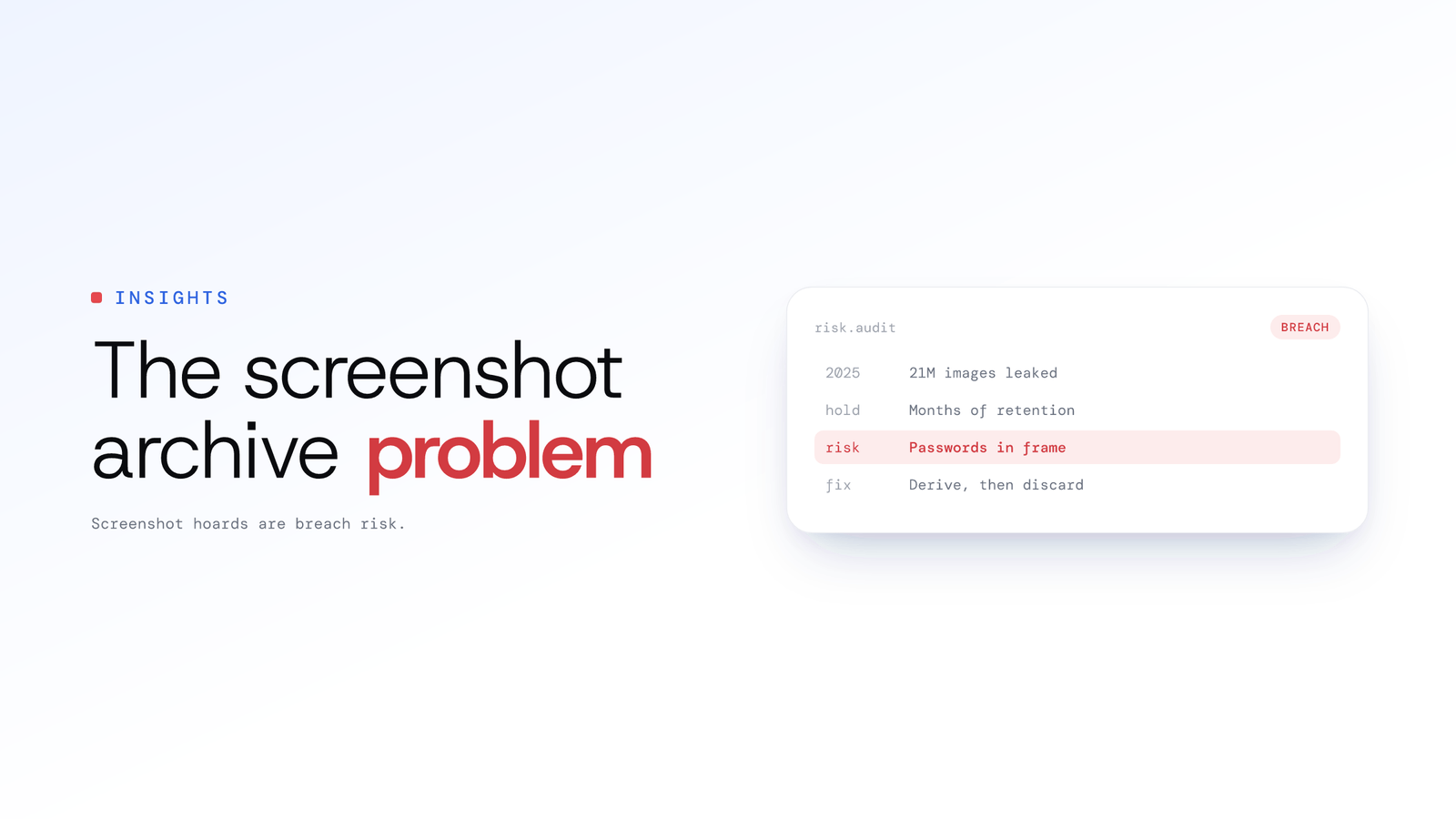
The Screenshot Archive Problem: Risk Data
Employee monitoring screenshots are a breach risk: one 2025 leak exposed 21 million images. Verified data on retention, review burden and the alternative.
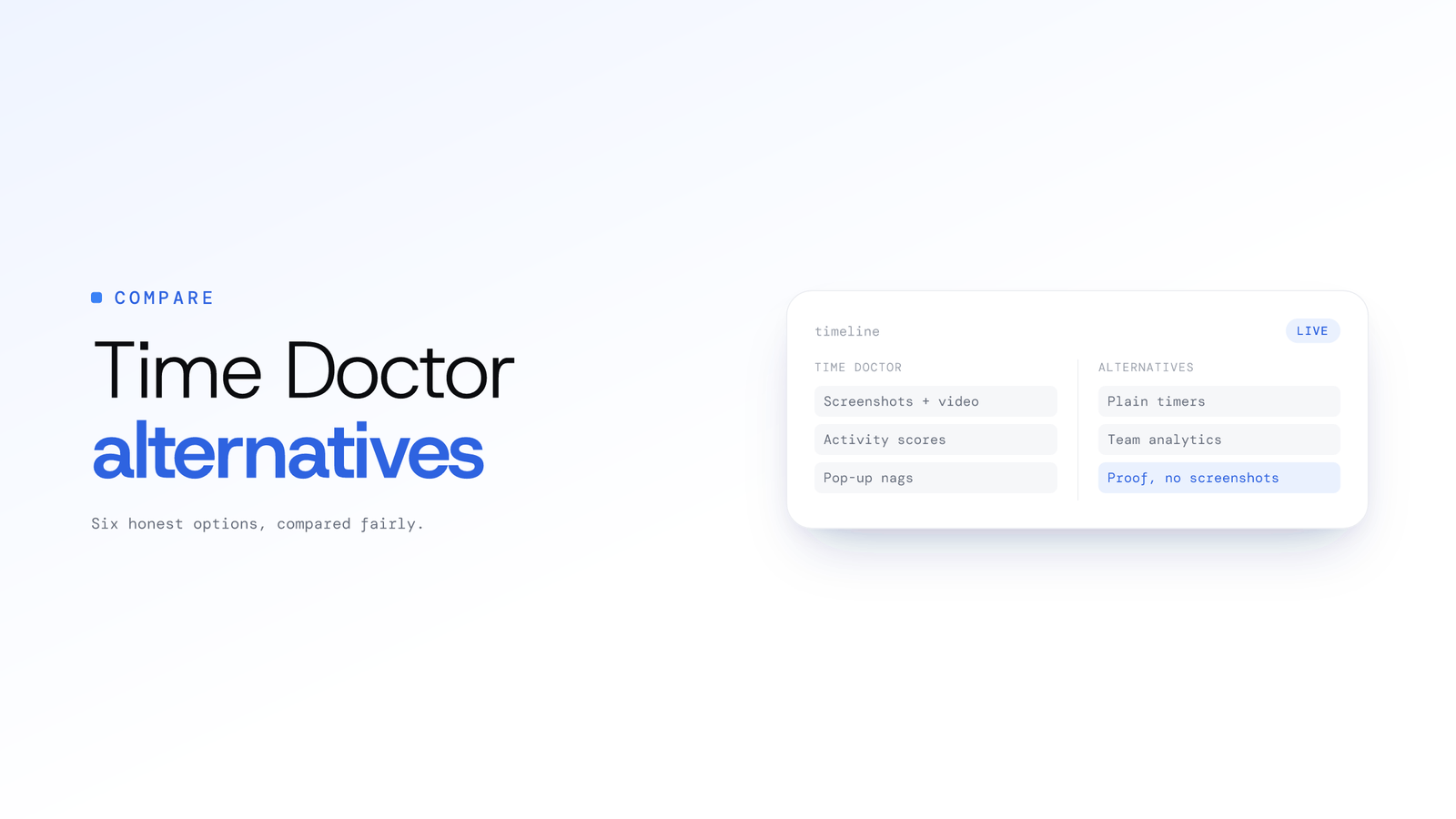
Time Doctor Alternatives: 6 Honest Options
Six honest Time Doctor alternatives compared: from Clockify's plain timer to ActivTrak analytics, plus ScreenJournal for proof of work with no screenshots.
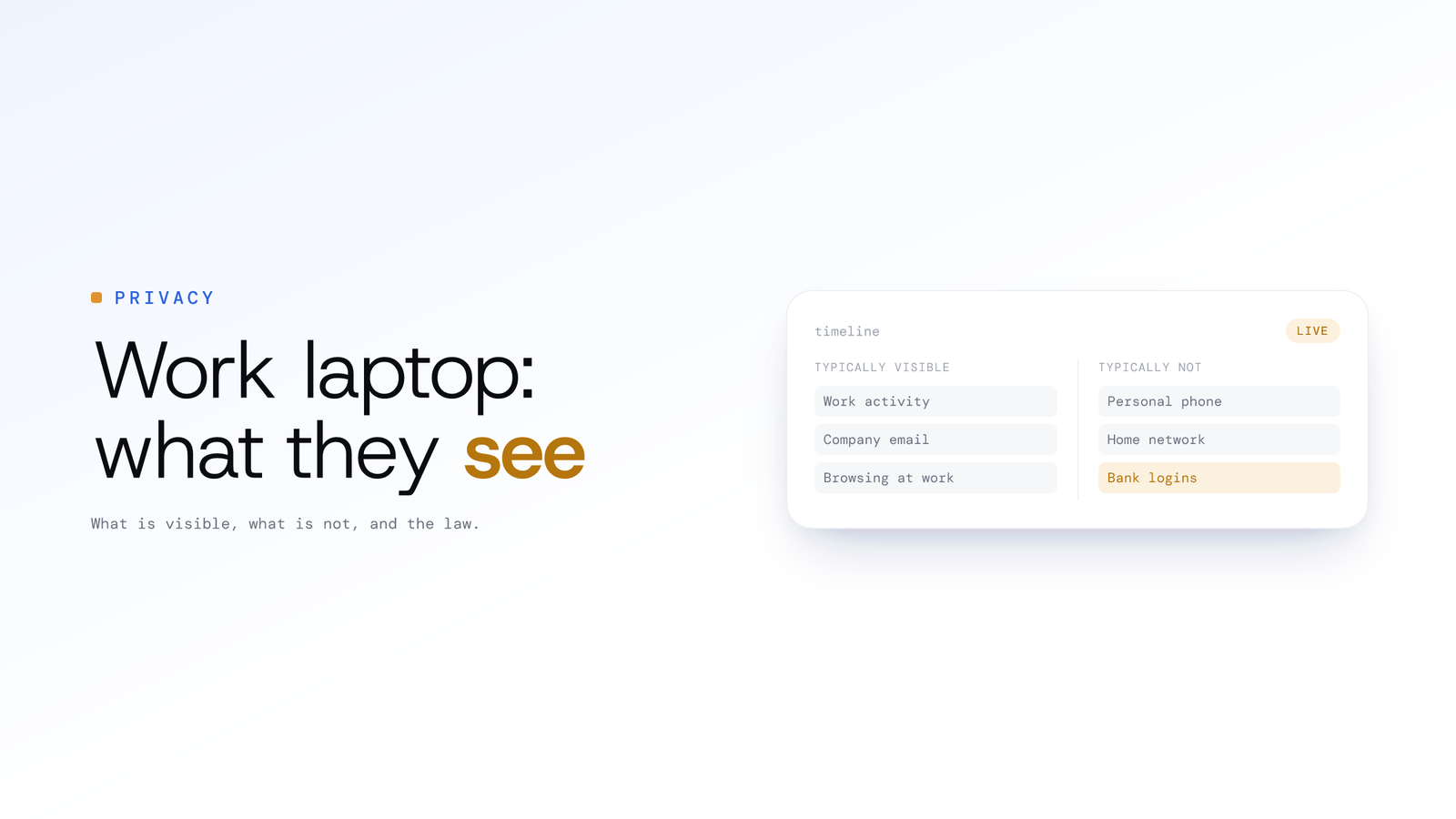
What can my employer legally see at work?
On a company laptop, employers may monitor work activity, and many regions require notice. What is typically visible, what is not, and what ScreenJournal sees.
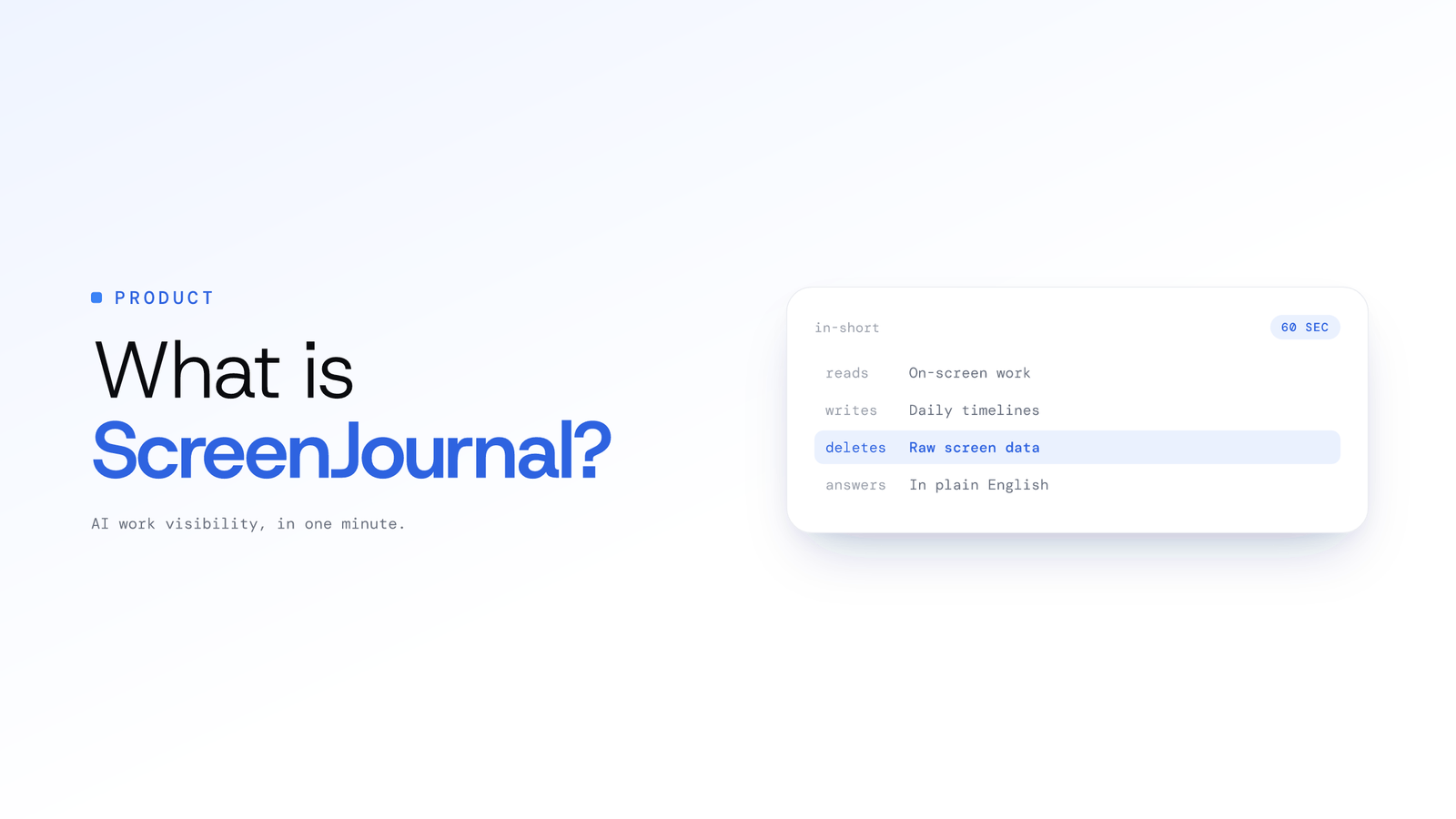
What is ScreenJournal? AI work visibility
ScreenJournal is an AI work visibility tool: it reads on-screen work, writes a timeline of what each person did, then by default deletes the raw screen data.
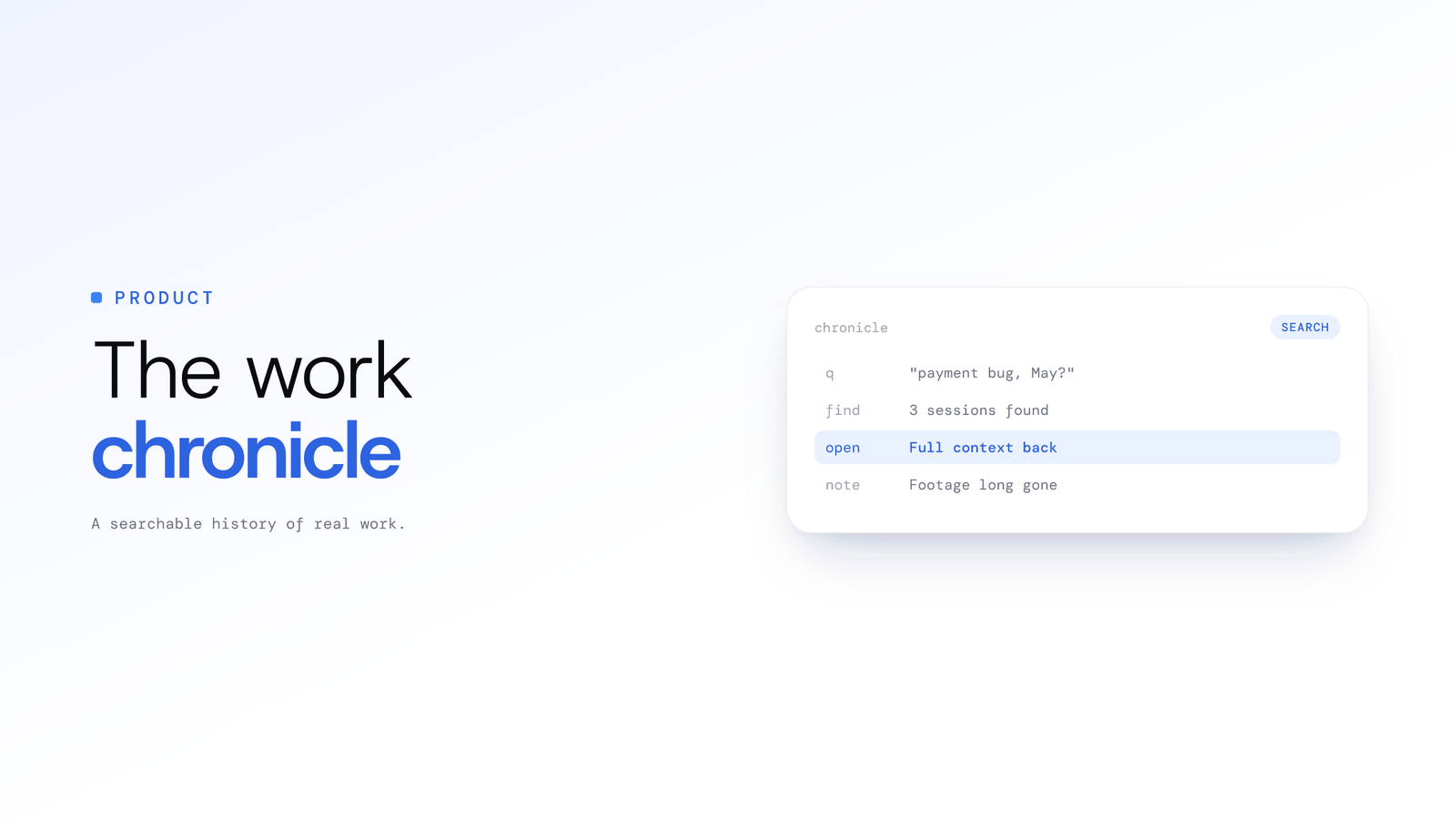
Searchable Work History: The Work Chronicle
A work chronicle is a searchable history of everything a team actually did, written by AI from the work itself. Footage gone by default; knowledge kept.
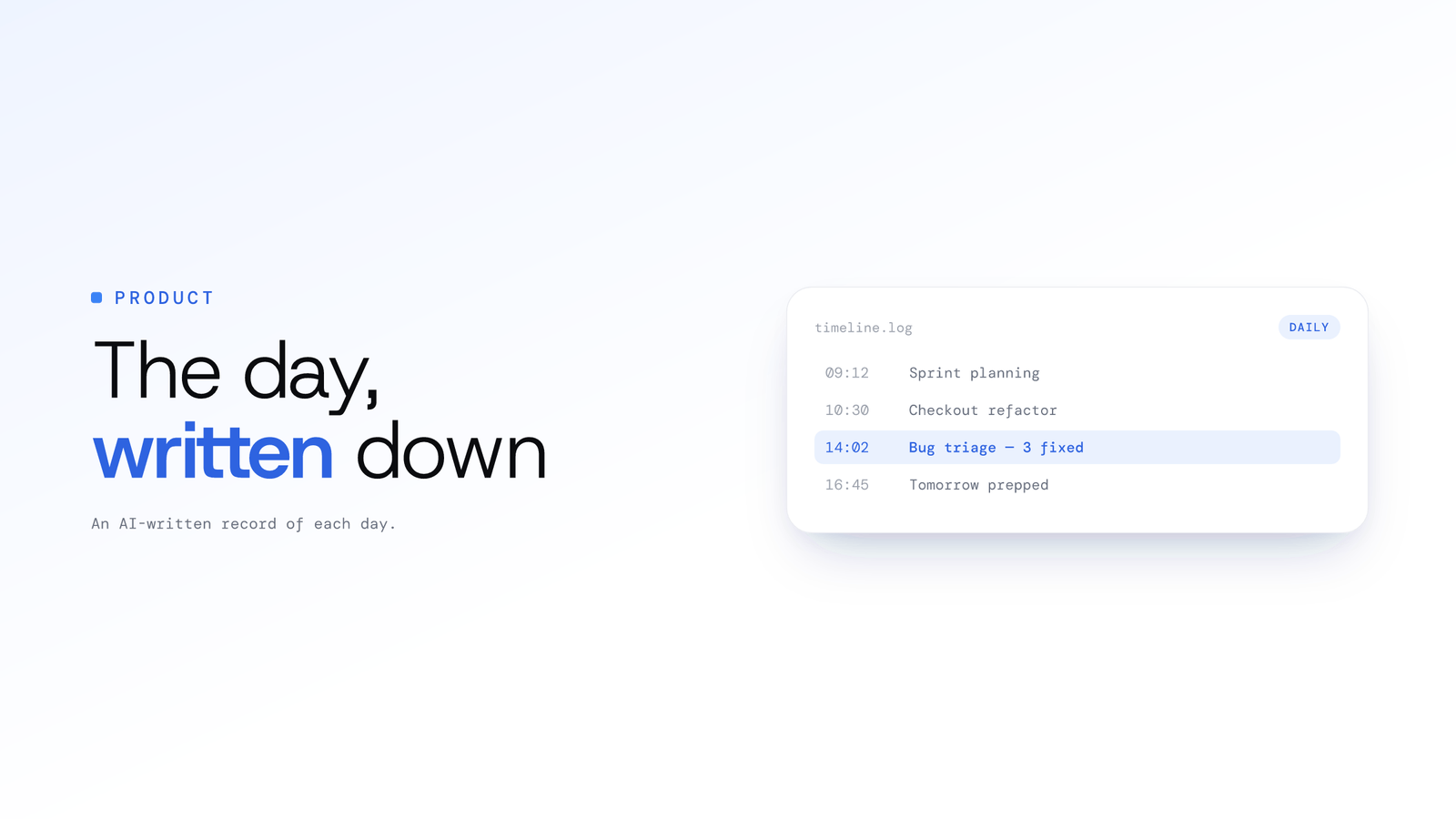
Employee Work Timeline: AI Daily Work Log
A work timeline is a detailed, AI-written record of what each person actually did each day. ScreenJournal writes one for everyone; no footage kept by default.
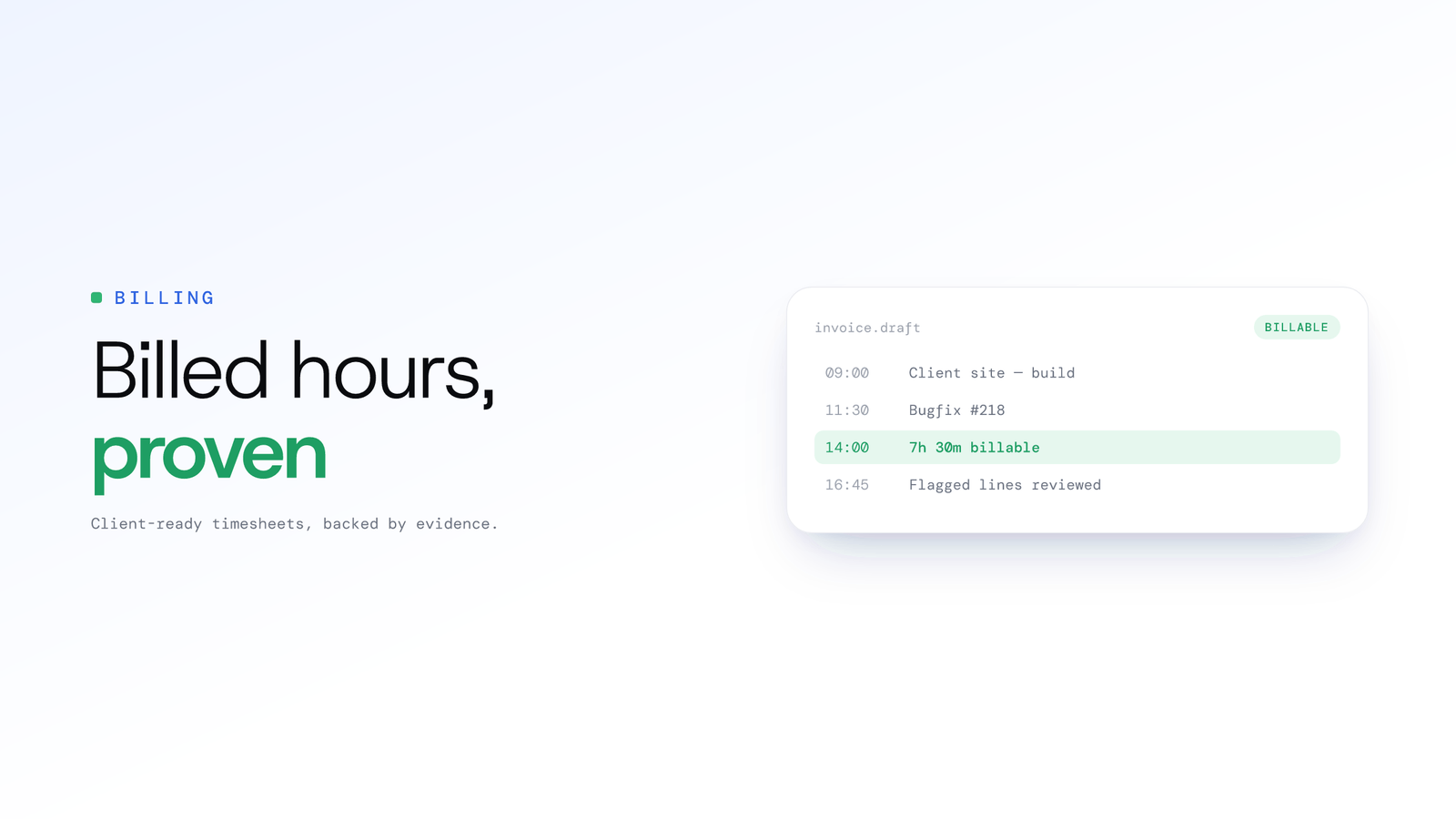
How to bill clients accurately for team time
Bill clients accurately by capturing team time as work happens, attributing each entry to the right client from the record, and reviewing flagged lines before invoices go out.
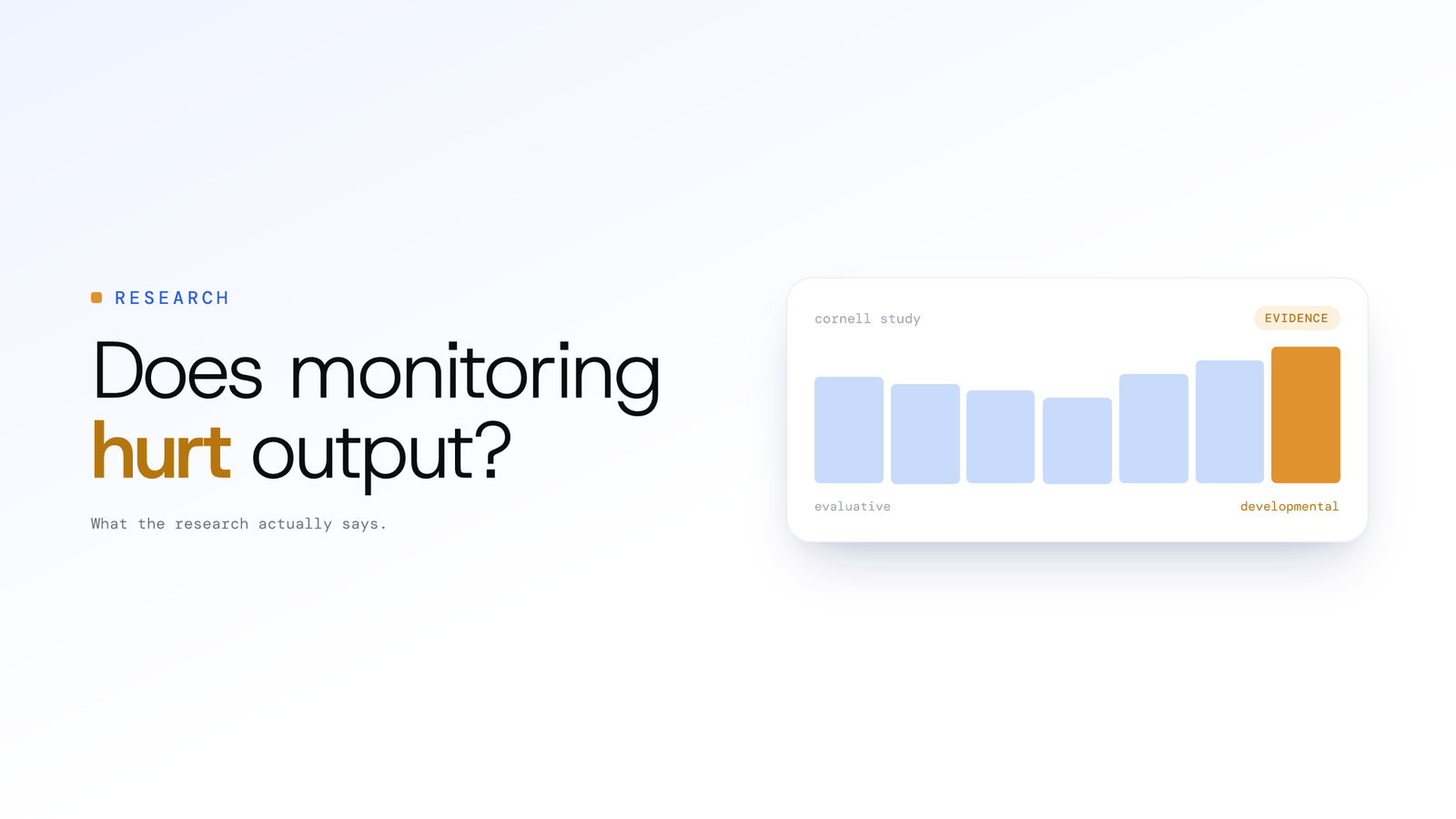
Does employee monitoring hurt productivity?
Monitoring can hurt productivity. Cornell research found evaluative AI monitoring lowered performance and raised quit intent; developmental framing did not.
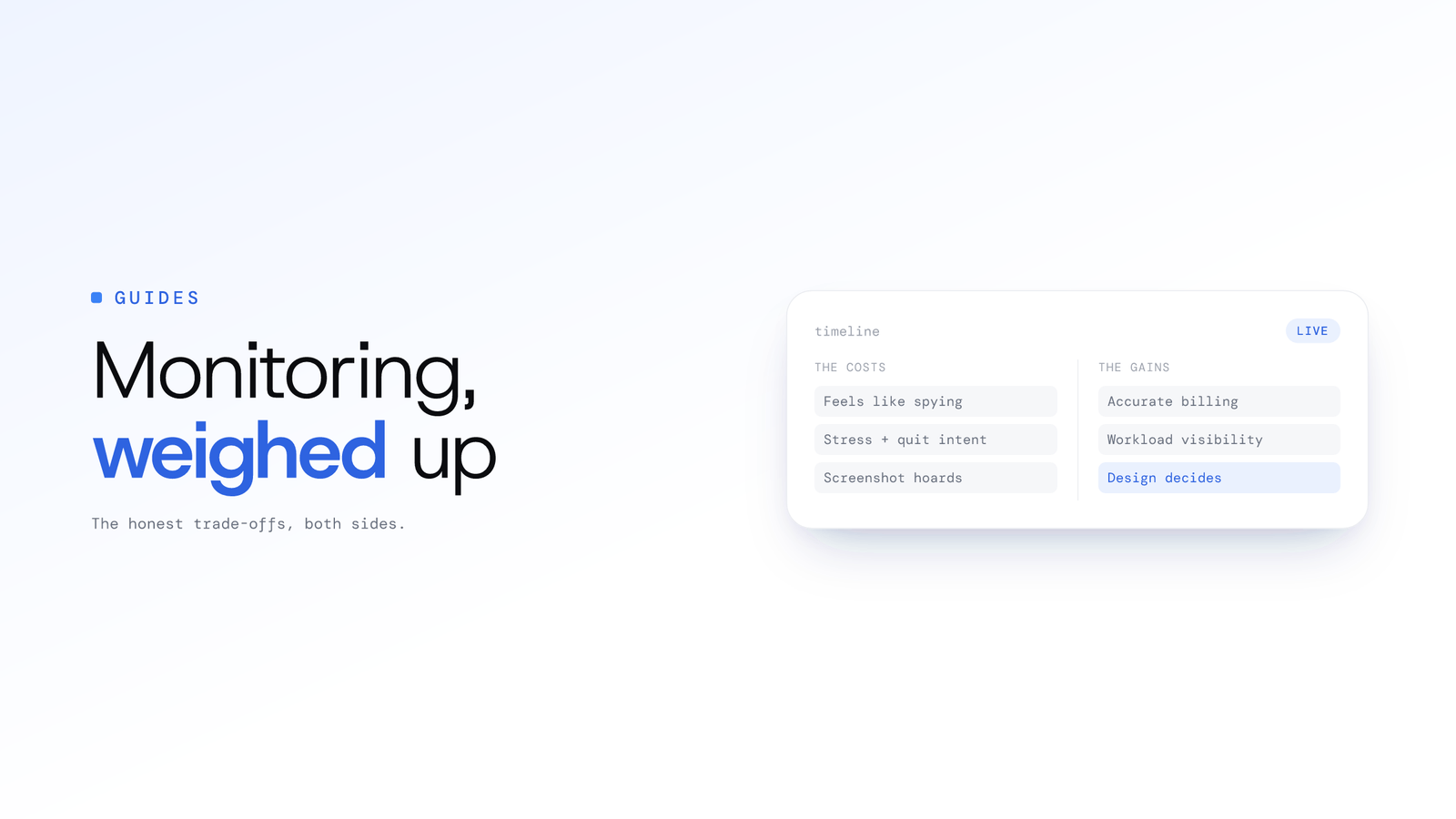
Employee monitoring pros and cons explained
Employee monitoring improves billing accuracy and workload visibility, but raises stress and quit intent when it feels like surveillance. Design decides which.
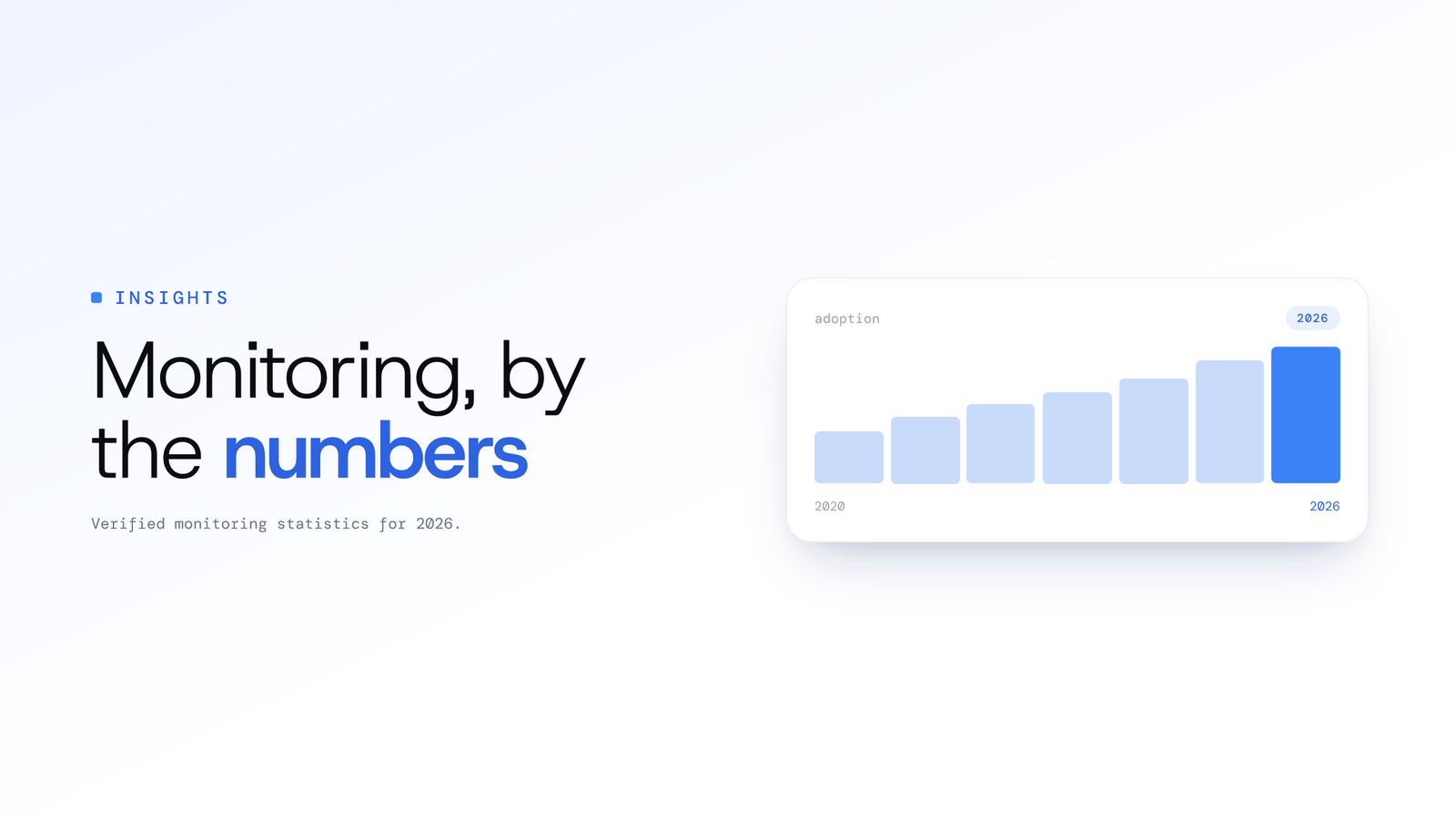
Employee Monitoring Statistics 2026
Verified employee monitoring statistics for 2026: adoption, market size, notice laws, regulator fines, plus the counter-data on stress, quit intent and output.
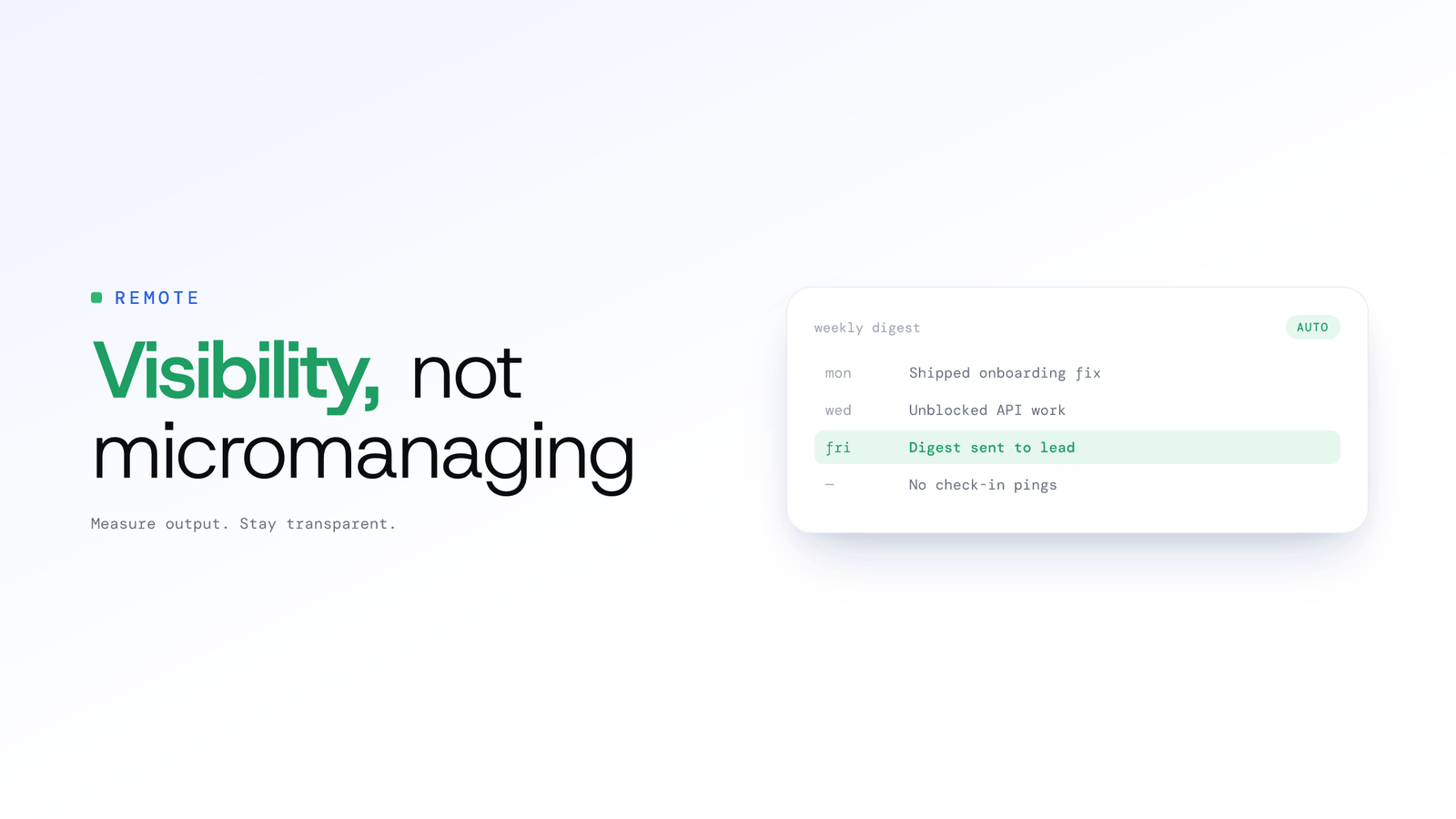
Monitor remote teams without micromanaging
Monitor remote employees without micromanaging: measure output instead of activity, stay transparent, and review AI work timelines on a regular cadence.
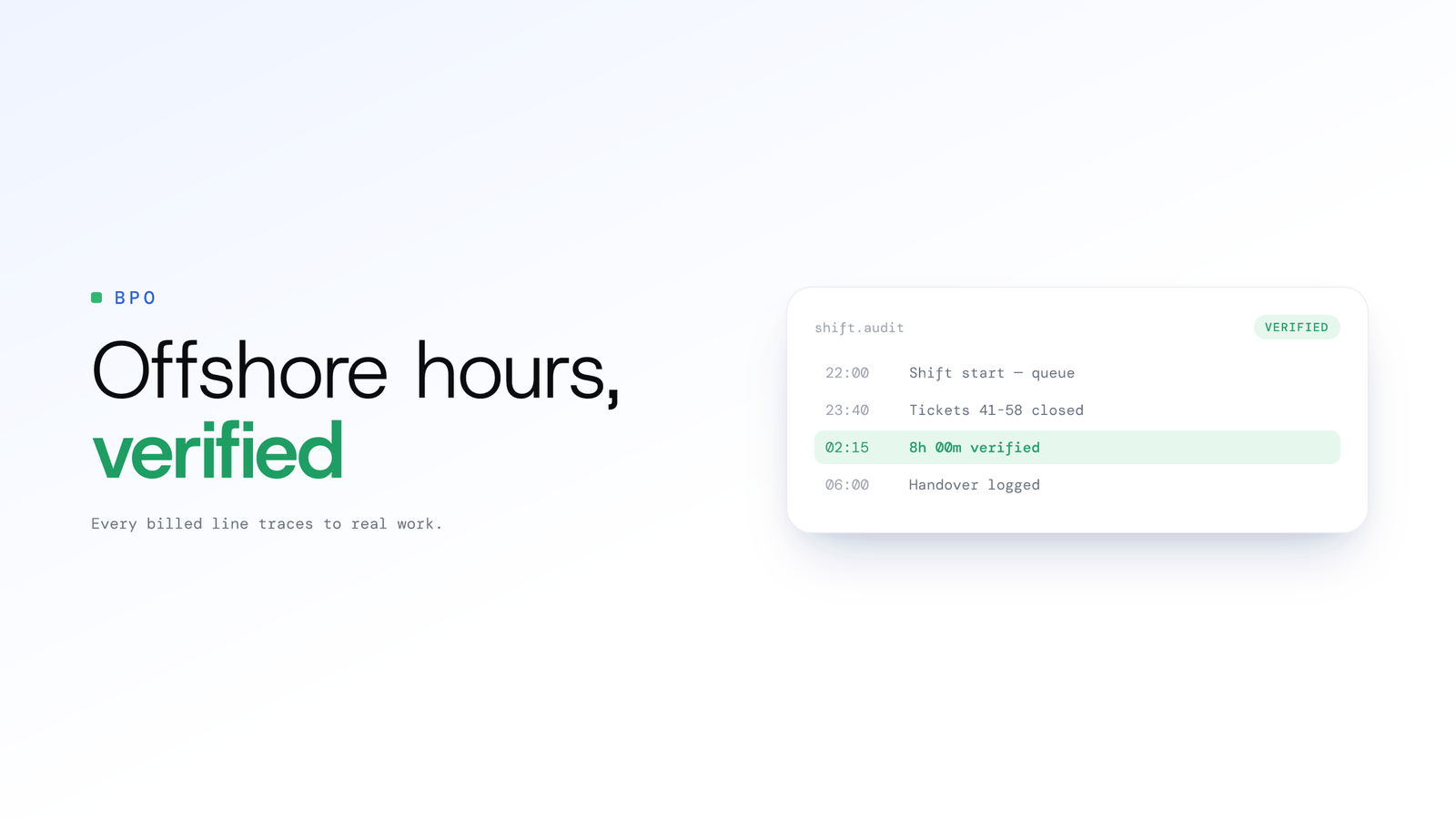
How to verify offshore and BPO hours
Verify offshore and BPO hours with a record of the work itself: timesheets where every billed line traces to observed activity, not screenshots with gaps.
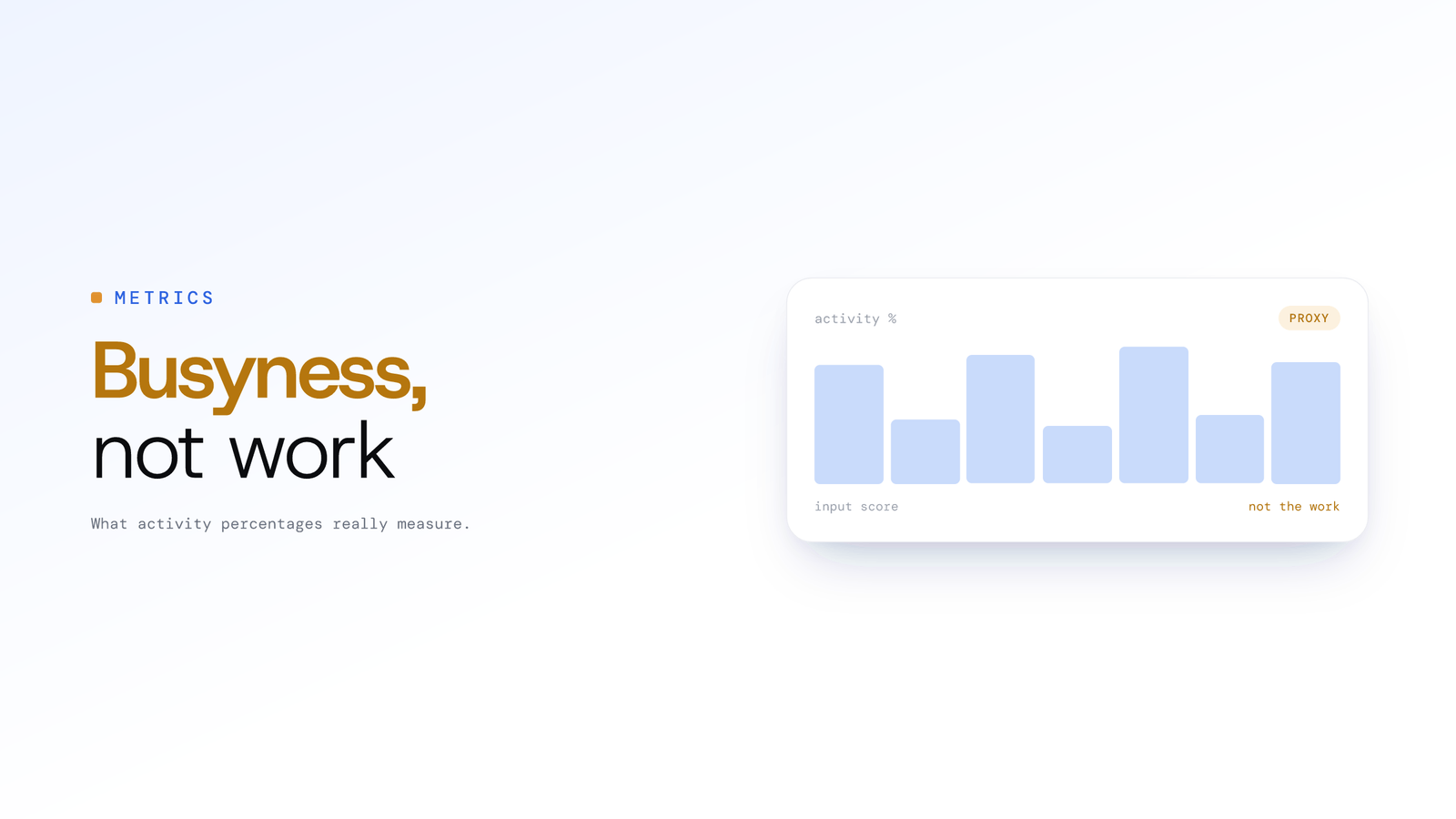
What is a good activity percentage?
There is no reliably good activity percentage. Vendors calculate the score from keyboard and mouse input over tracked time, so it measures busyness, not work.
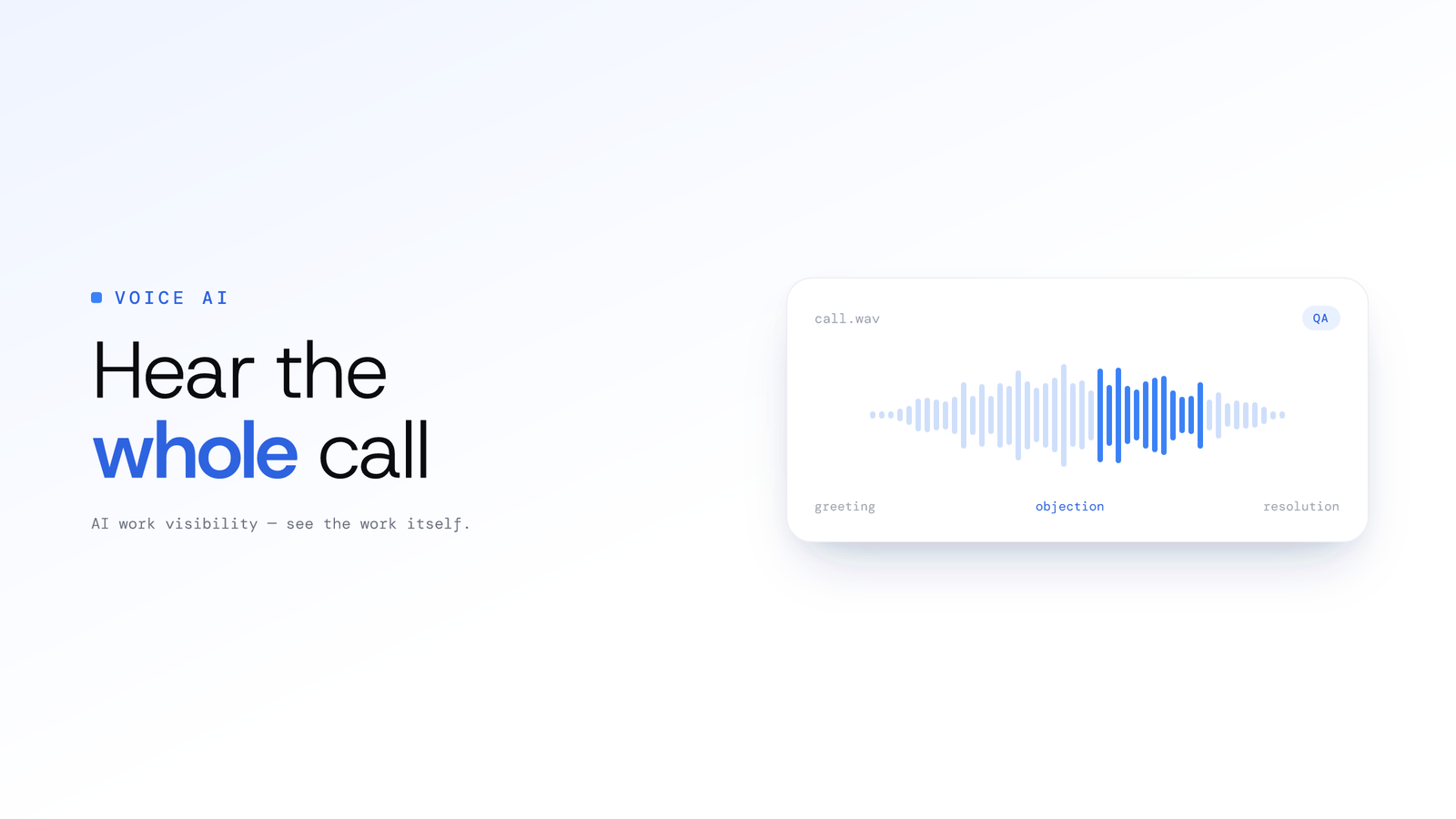
How AI Voice Analysis Transforms Call Centre QA
Manual QA reviews 2-5% of calls. ScreenJournal puts 100% of them on record, transcribed, searchable and beside the screen timeline, so coaching is based on an agent's full record, not a random sample.
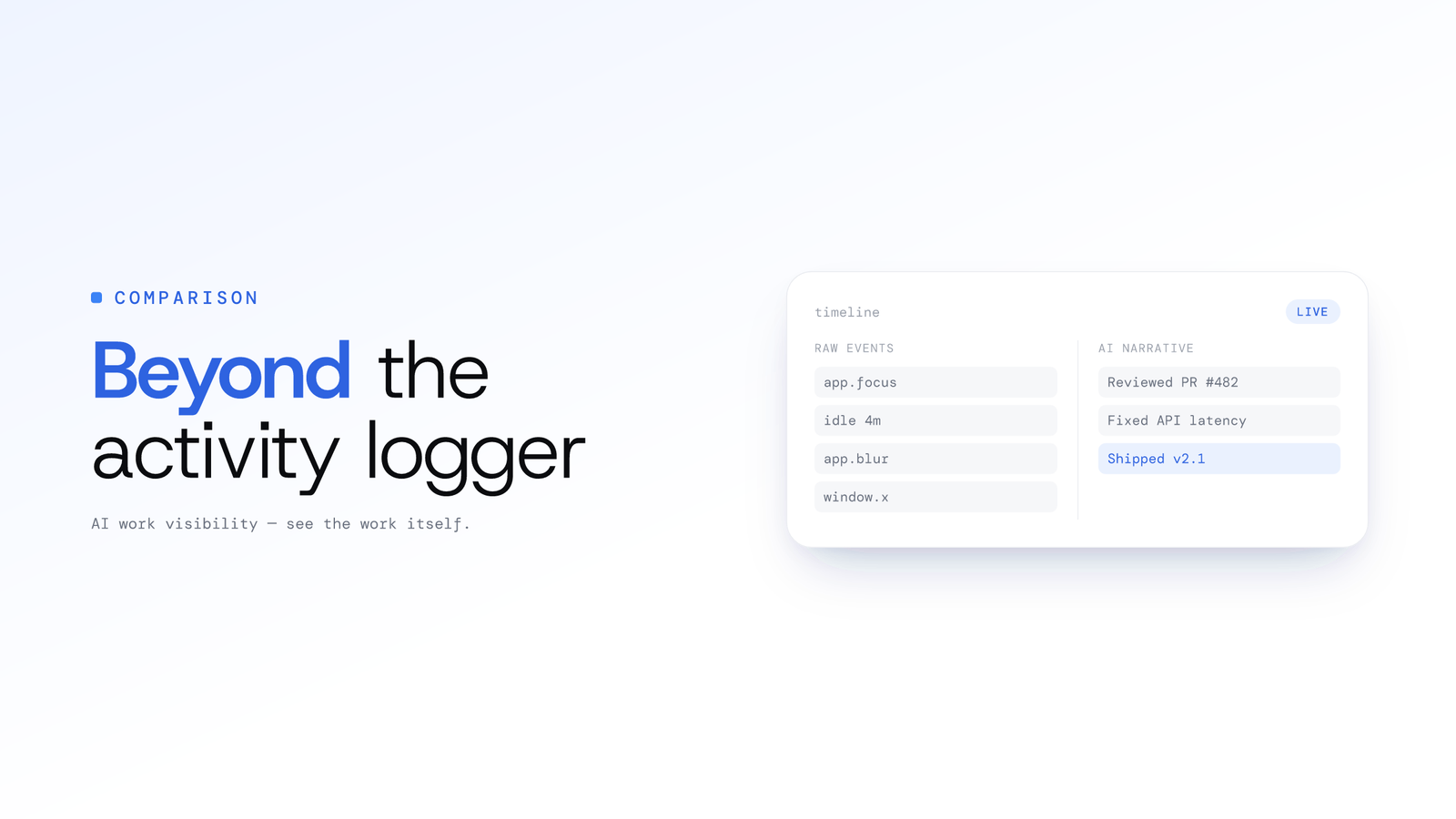
ScreenJournal vs. ActivityWatch: From Logger to Analyst
ActivityWatch logs window titles locally for one person. ScreenJournal adds AI screen analysis, voice capture, and team analytics for work visibility across a whole team.
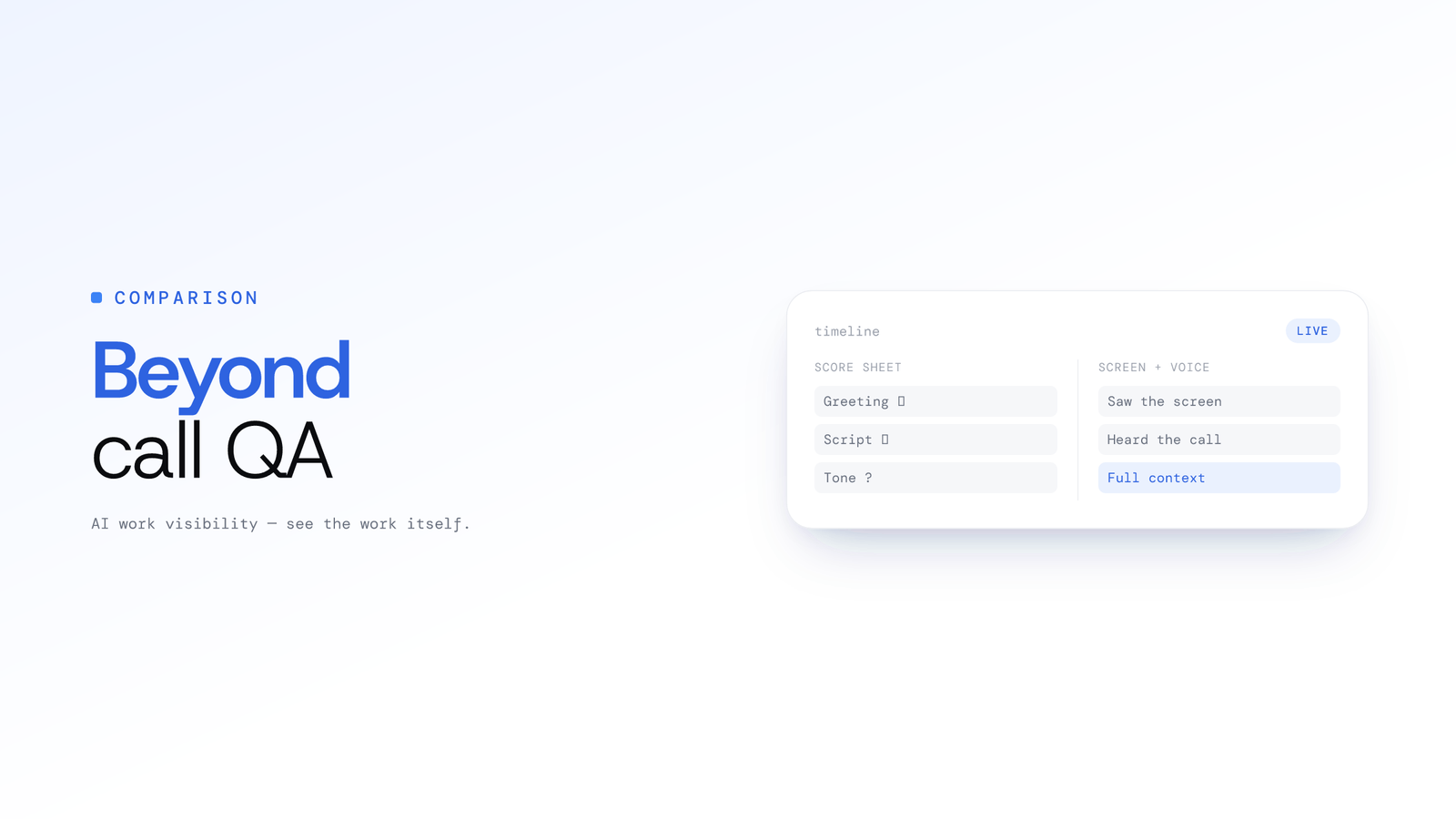
ScreenJournal vs. Traditional Call Centre QA: Why Sampling 2% of Calls is No Longer Enough
Traditional QA reviews 2-5% of calls with inconsistent scoring and delayed feedback. ScreenJournal analyses 100% of interactions with AI. Compare coverage, cost, and quality outcomes.
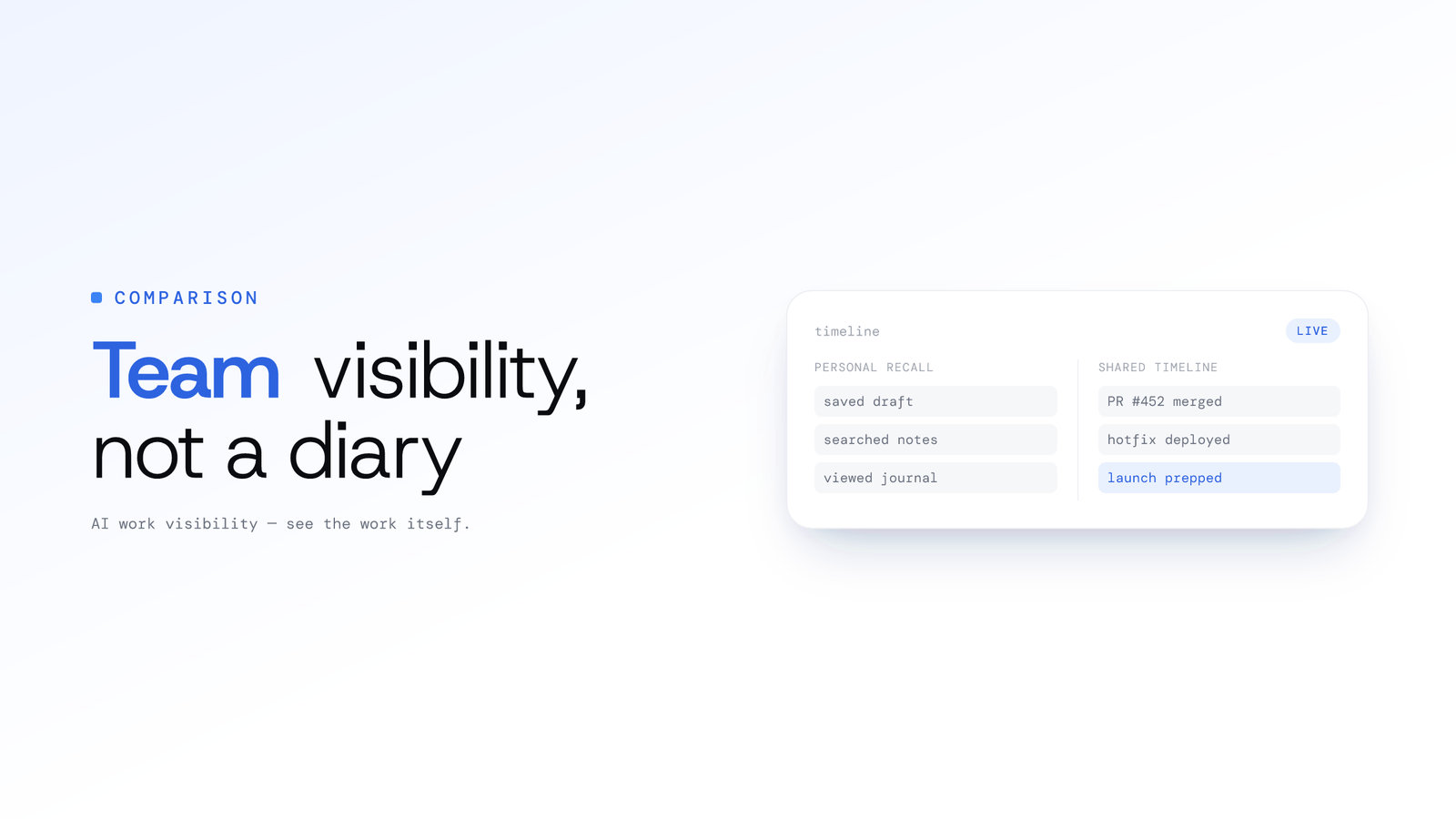
ScreenJournal vs. Rem/Windrecorder: Team Visibility vs. Personal Memory
Rem and Windrecorder are personal, local screen-memory tools for one user. ScreenJournal reads on-screen work across a team, writes a timeline, then, by default, deletes the raw screen data. Compare storage, compliance, and team analytics.
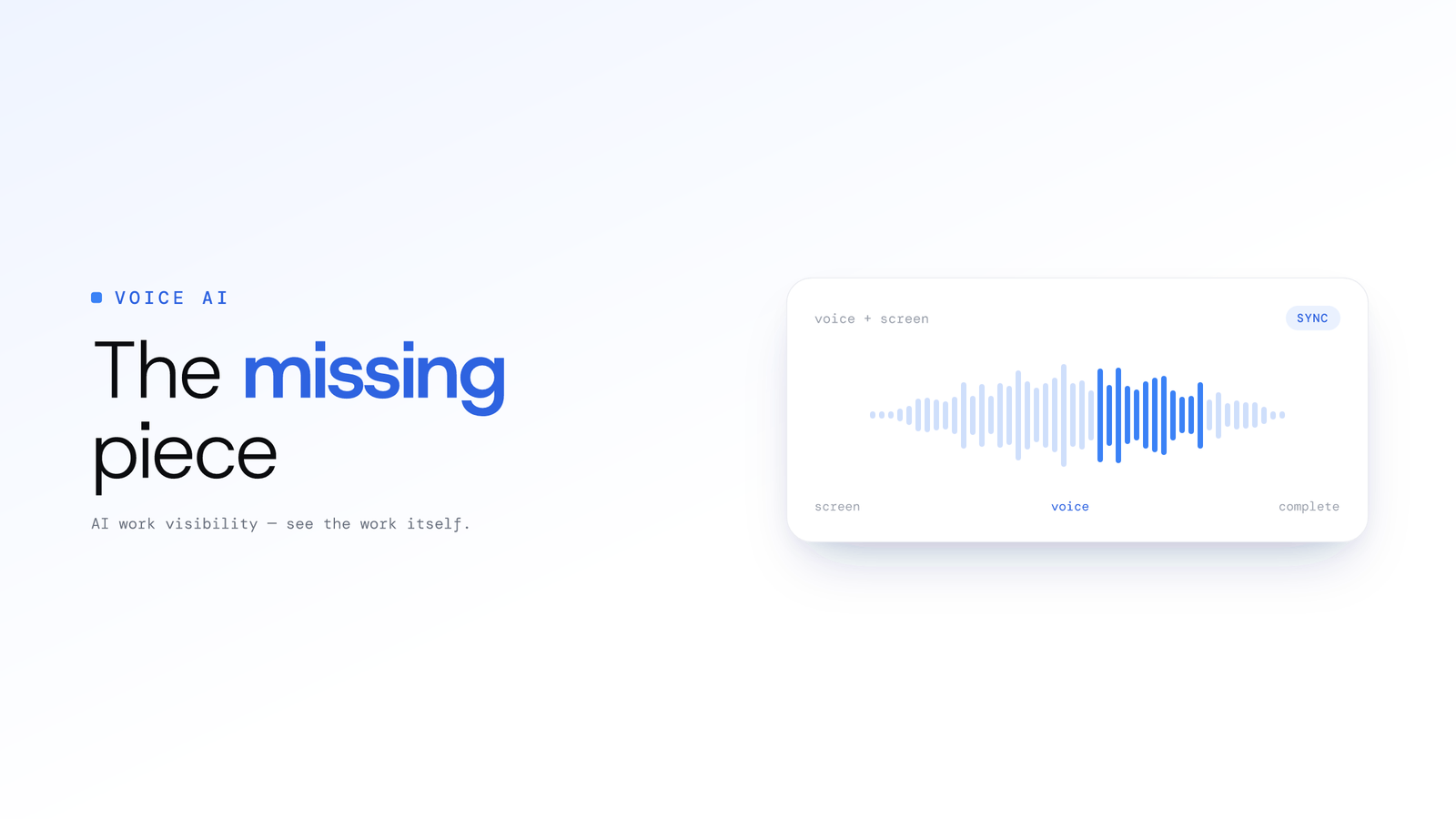
Beyond Screen Recording: Why Voice Analysis is the Missing Piece in Work Visibility
Most work visibility tools only read the screen. For call centres, sales teams, and support desks, the real work happens through voice. Learn how AI voice analysis closes the visibility gap, and how screen and call audio are handled differently.
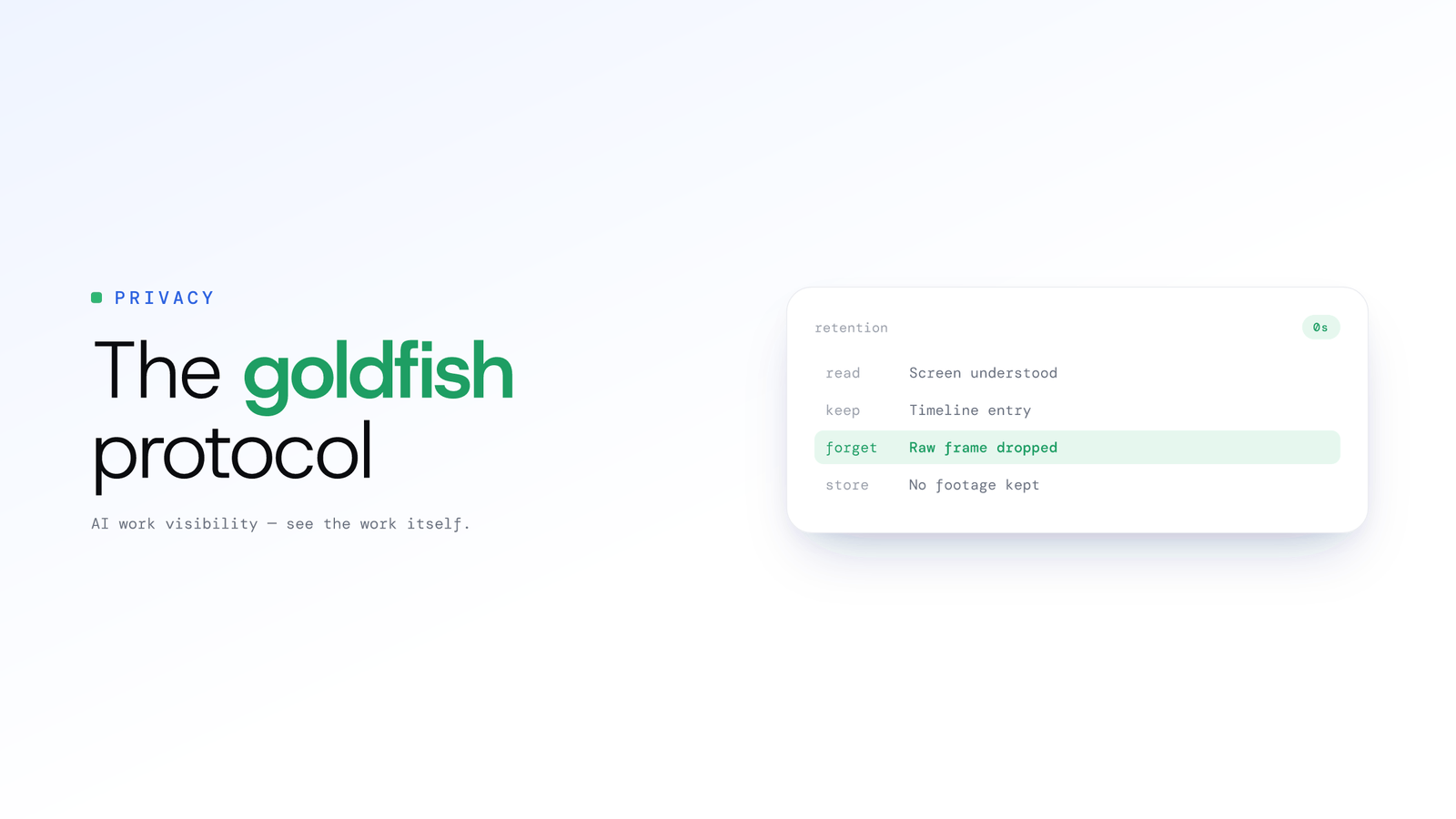
The Goldfish Protocol - How Derive-and-Discard Was Born
The origin story of derive-and-discard: ScreenJournal records the screen as short-lived video, reads the work from it, and, by default, deletes the raw screen data during processing, keeping the timeline, not the footage.
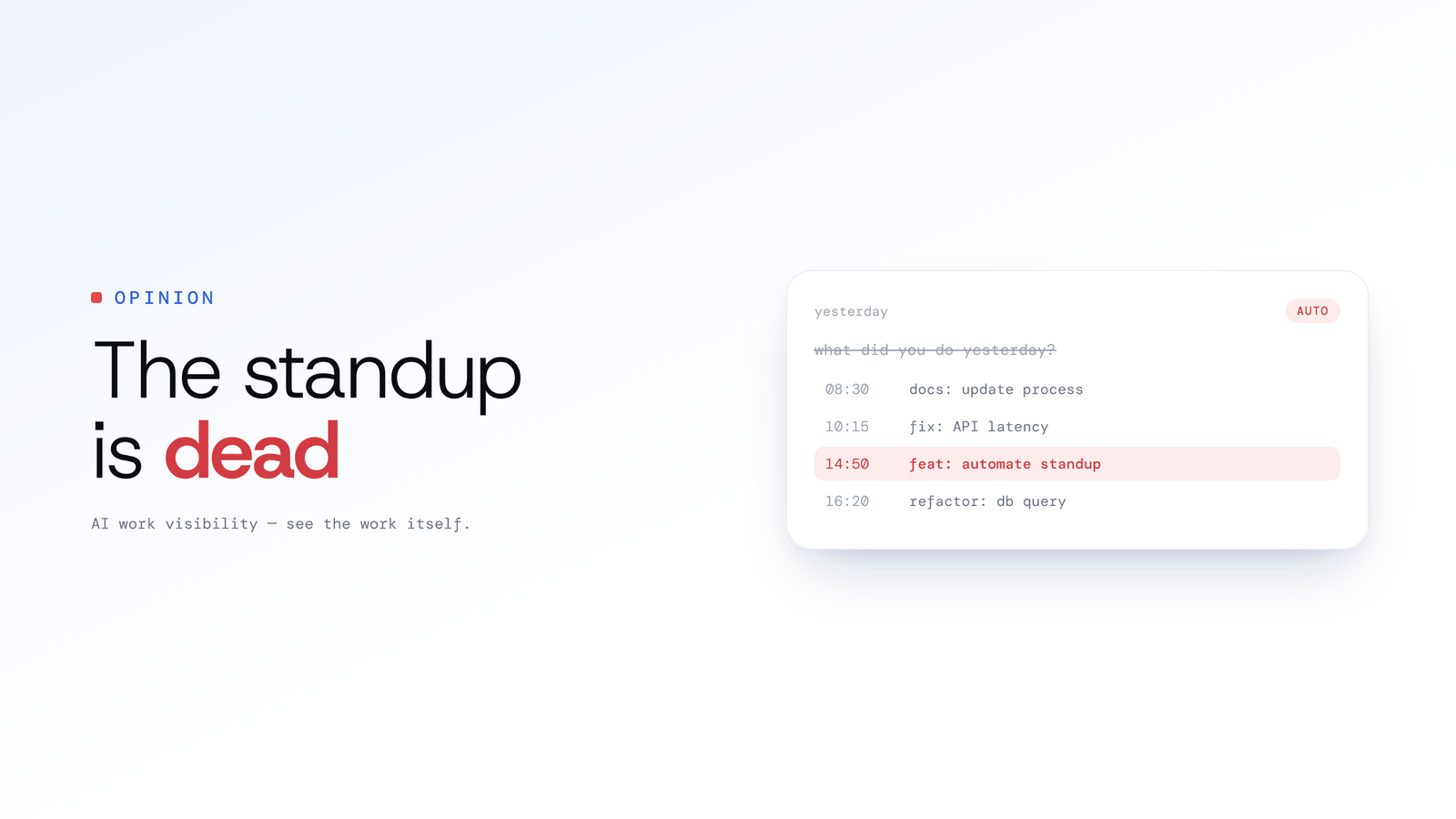
The Death of the Daily Standup: Why Asking What Did You Do Yesterday Is Obsolete
The daily standup status report is obsolete. Let git activity answer what did you do yesterday, so the standup meeting is for blockers, not recitation.
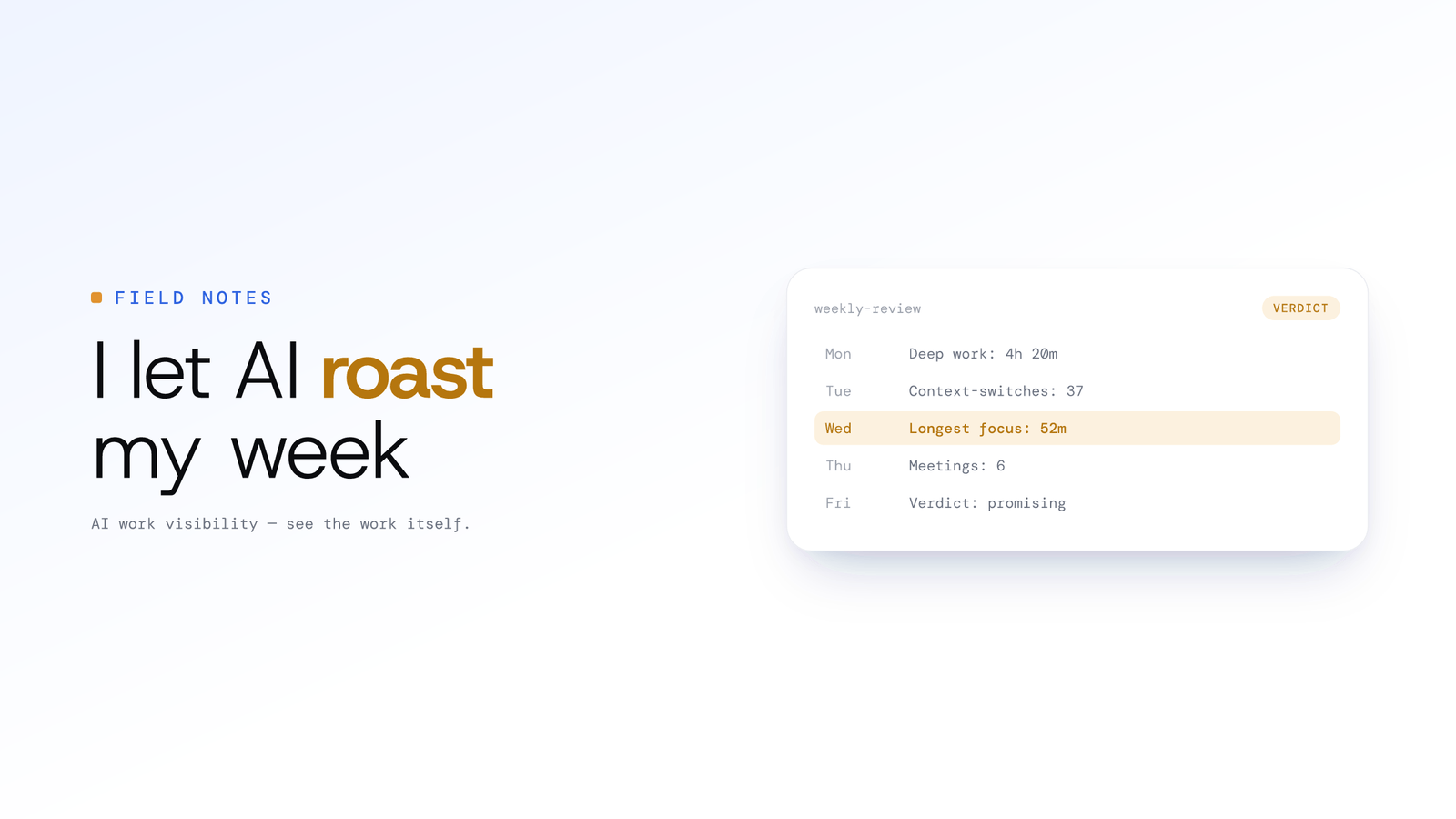
I Let an AI Roast My Work Habits for a Week
I turned our work-visibility AI on myself for a week and asked it to be ruthless. It found the context-switch traps and procrastination patterns I could not see, and coached me instead of surveilling me.
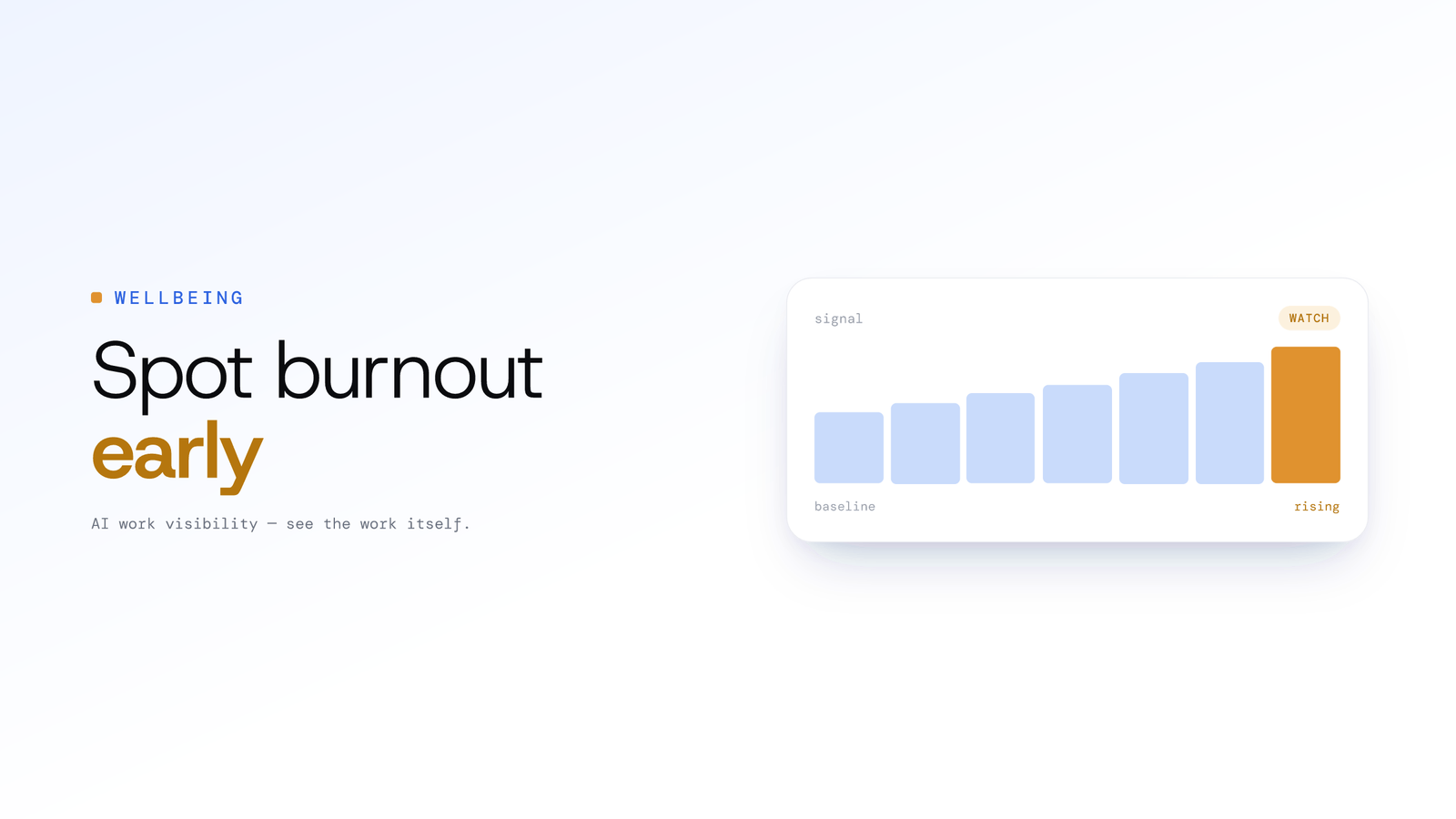
Spotting Employee Burnout Early From Work Patterns
Burnout rarely announces itself, but overwork leaves a trail in work patterns: creeping hours, after-hours activity and eroding routines. Here is how managers can read those signals early and respond with support.
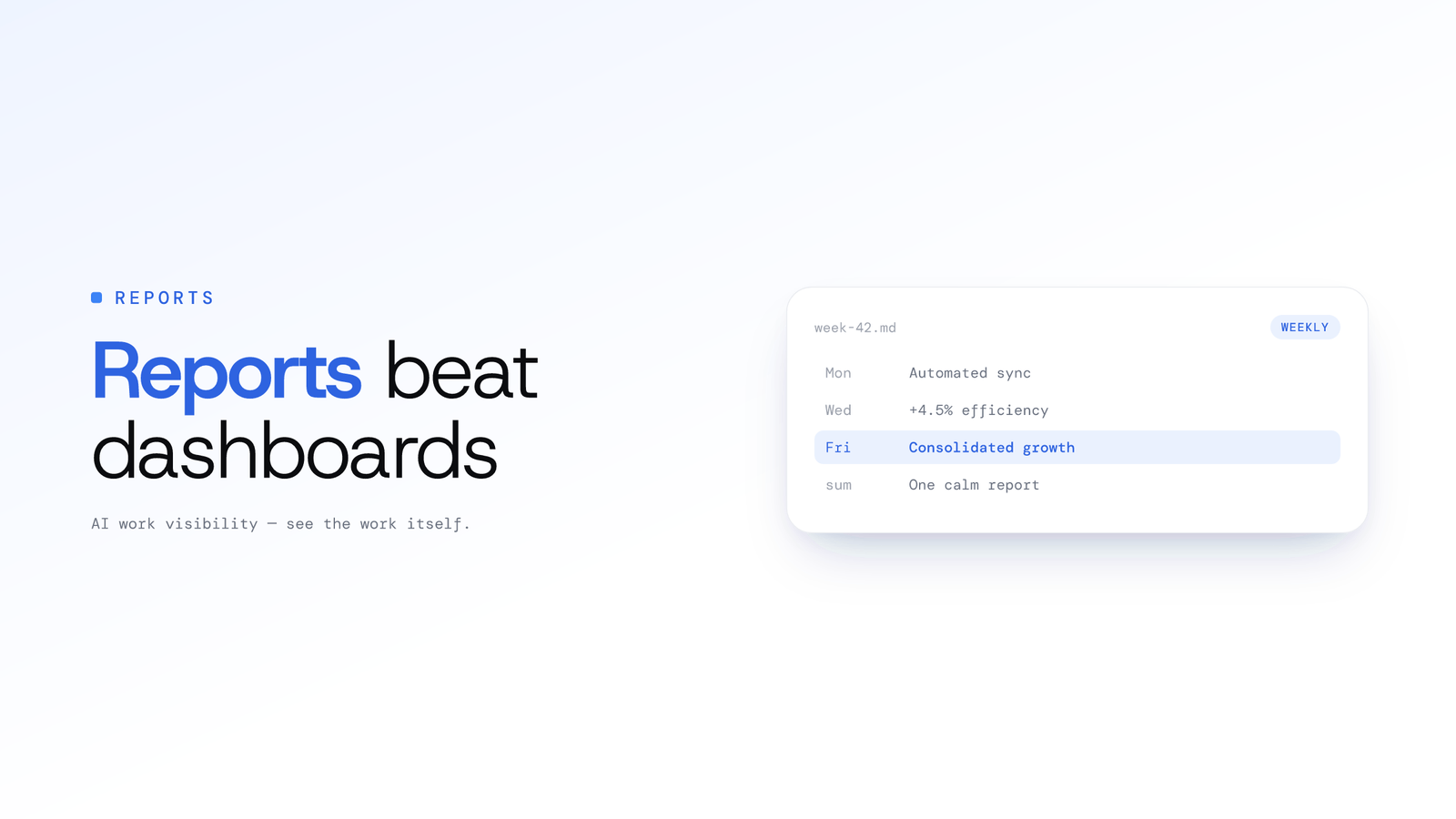
Why Weekly AI Reports Beat Real-Time Dashboards
Dashboards promised visibility and delivered data overload. Here is why a weekly view that reads the week for you, built around ScreenJournal's Ranking and Overview, changes how managers actually manage.
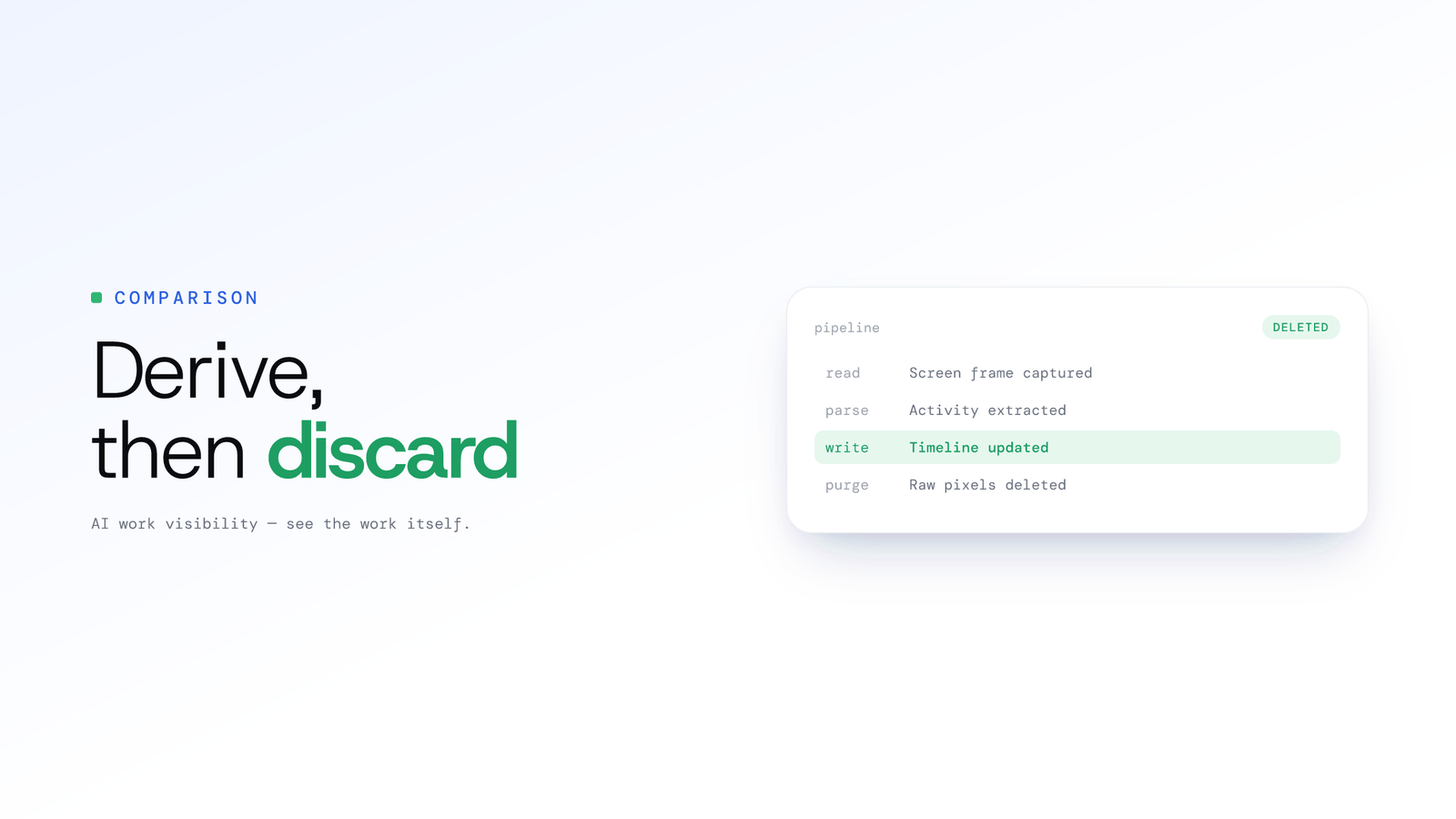
Screenshots vs Derive-and-Discard: A Better Way to See Work
Random screenshots were the best we had. Reading the screen, keeping the derived timeline, and deleting the raw screen data is what we actually needed. Here's why the shift matters for accurate work visibility.

AI-Powered Time Tracking - How Work Visibility Changes Everything
Discover how an AI work visibility tool that reads on-screen work turns time tracking into actionable intelligence, without keeping any screen footage by default.
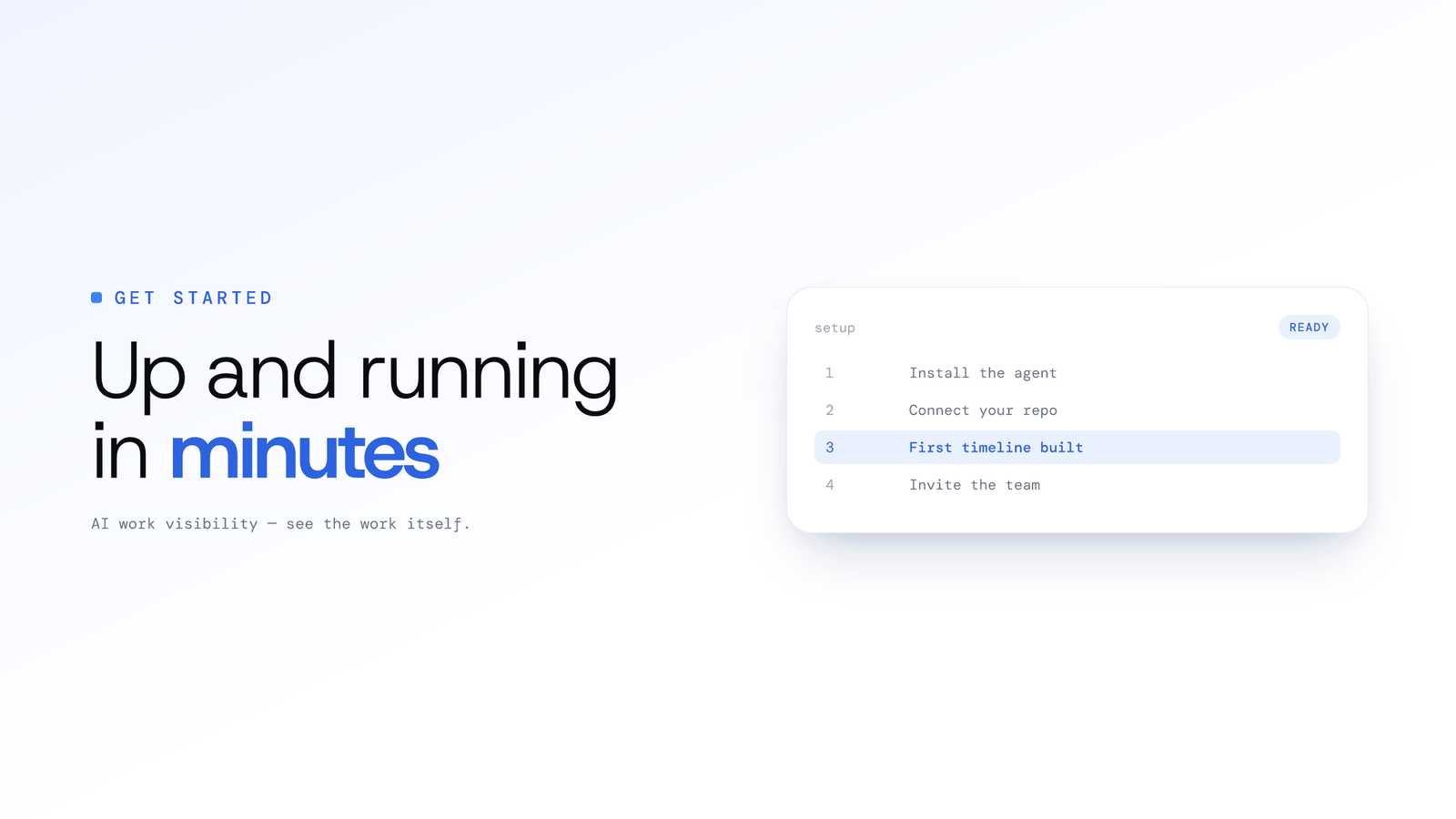
Getting Started with ScreenJournal
Set up ScreenJournal in four steps, from creating your organisation to your team's first week of timelines, for work visibility that reads the work and, by default, deletes the raw screen data.
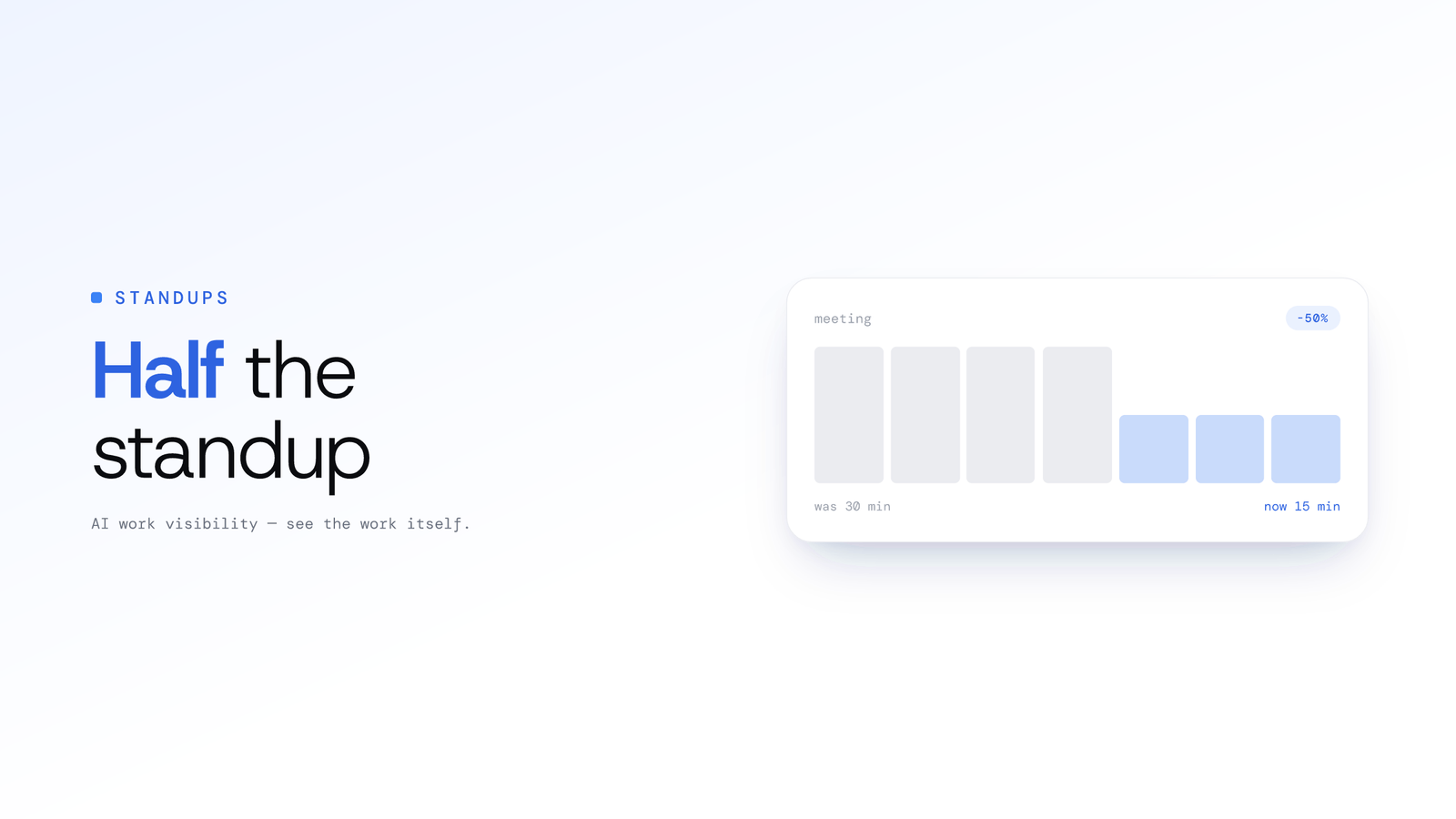
How to Cut Daily Standup Time in Half Without Losing Context
Cut daily standup time in half with three approaches: asynchronous updates, automated summaries from real work, and a hybrid model that keeps context intact.
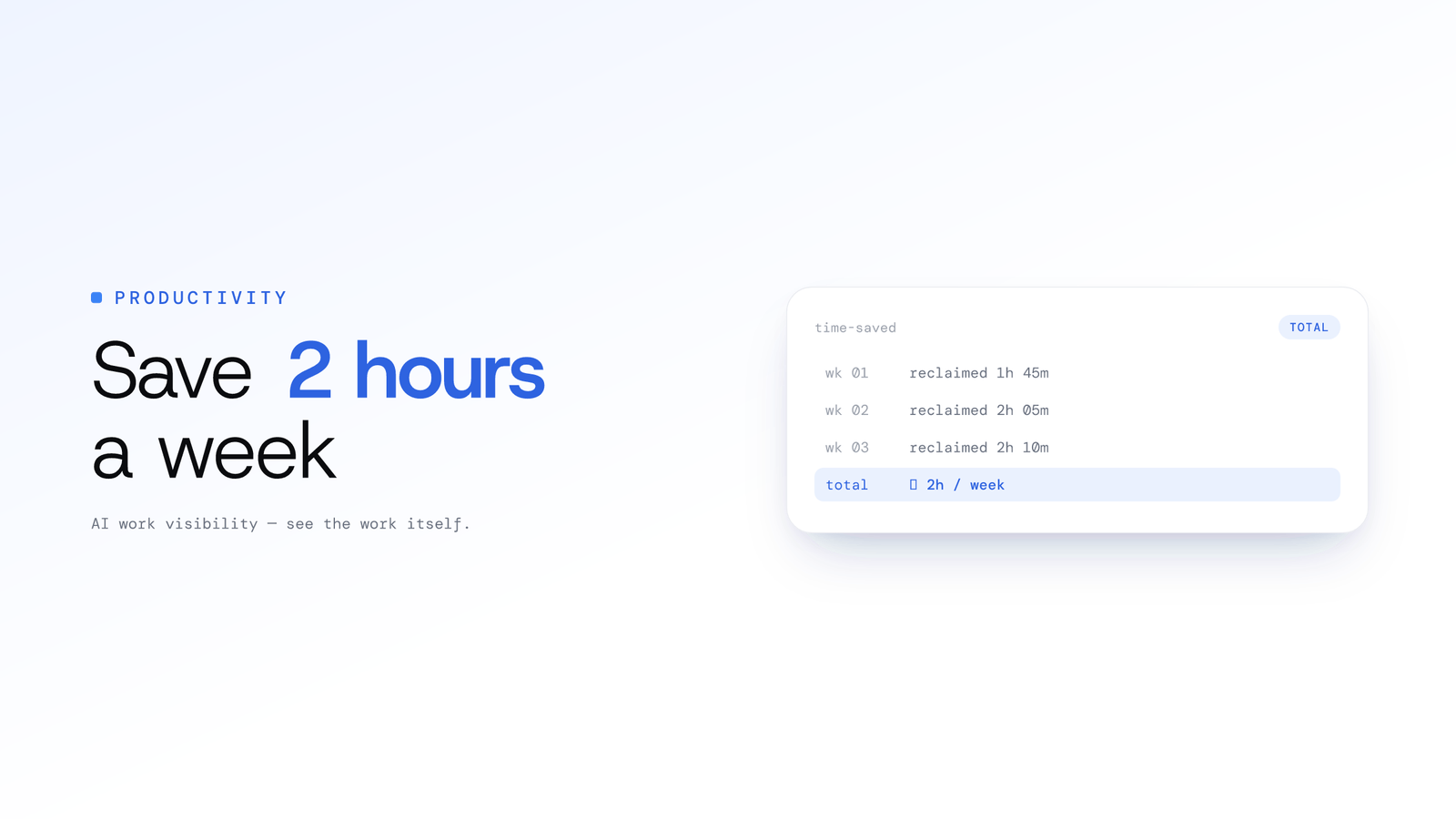
How Startups Can Save 2+ Hours a Week Per Engineer With Smarter Standups
The traditional 15-minute standup costs far more than 15 minutes. Here is how a smarter, async, data-driven model can hand focused time back to your engineers.
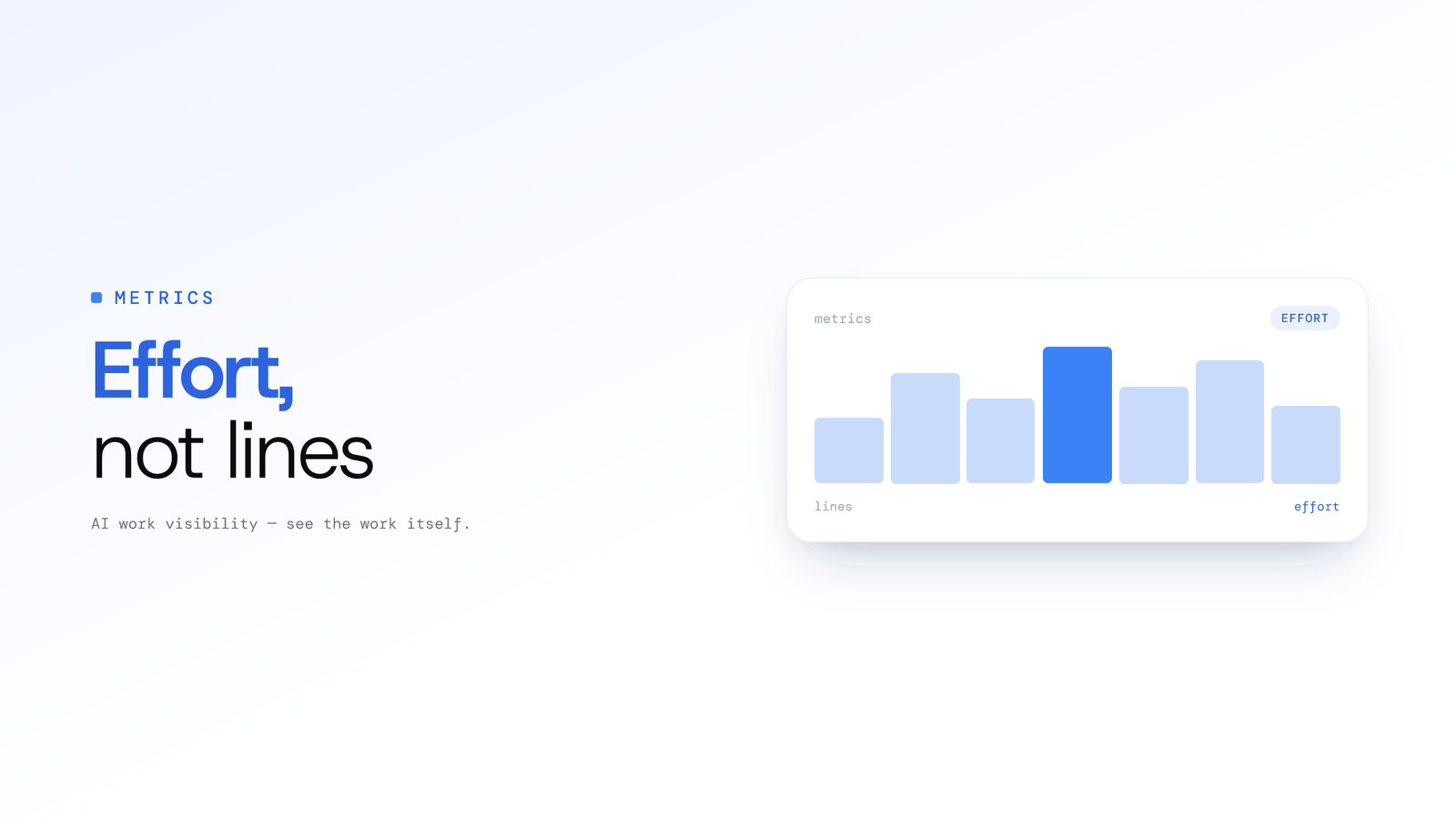
Measuring Engineering Effort, Not Lines of Code
Lines of code is a broken proxy for productivity. Tempo, ScreenJournal's engineering analytics, is designed to read contextual Git activity so you can surface real effort and coach engineers on the value they deliver.
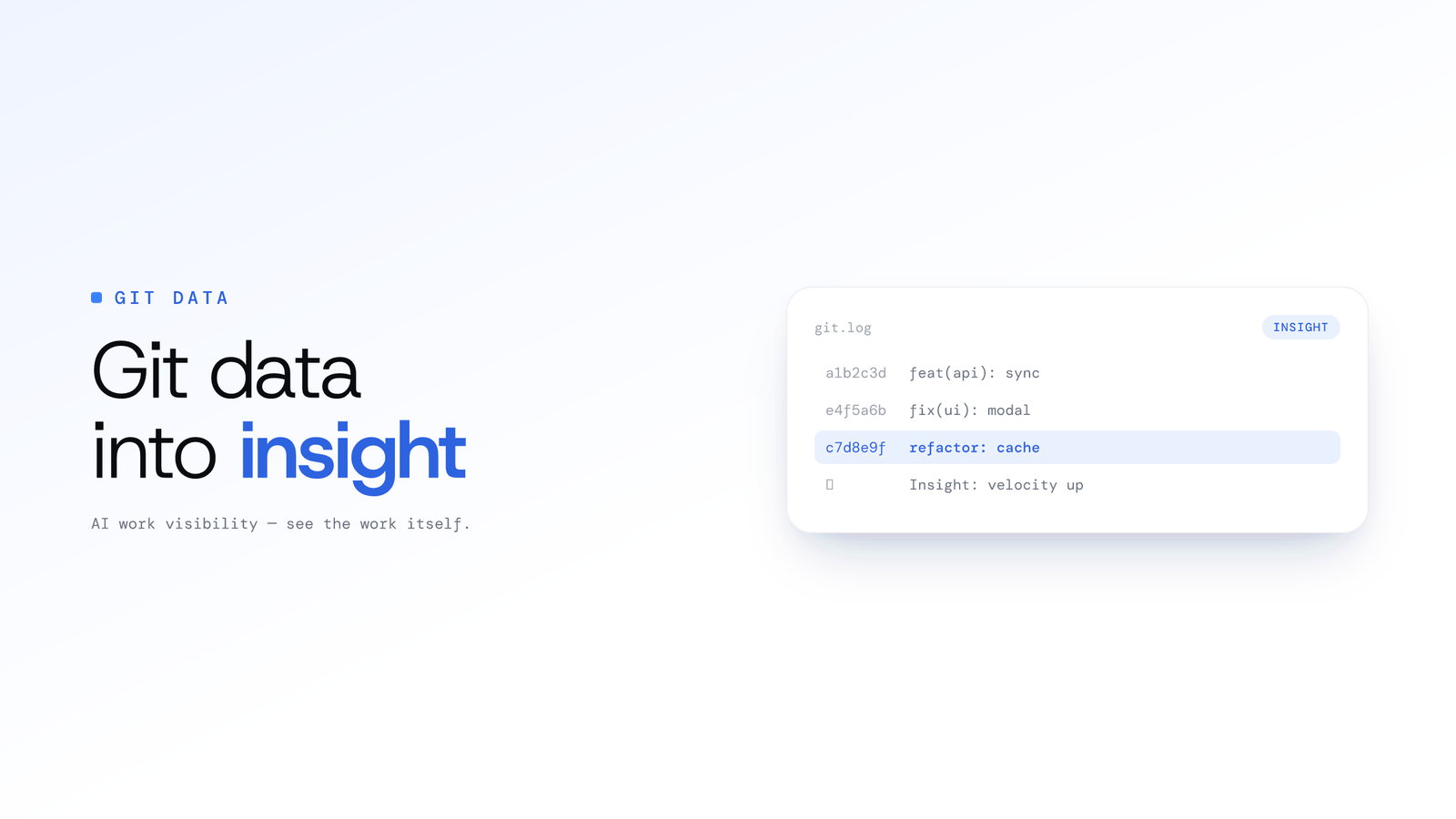
Turning Git Data into Actionable Team Insights
Engineering teams sit on a goldmine of objective activity data in Git. Here is how Tempo, ScreenJournal's engineering analytics (launching soon), is designed to turn commits, pull requests and issues into proactive, actionable insights.
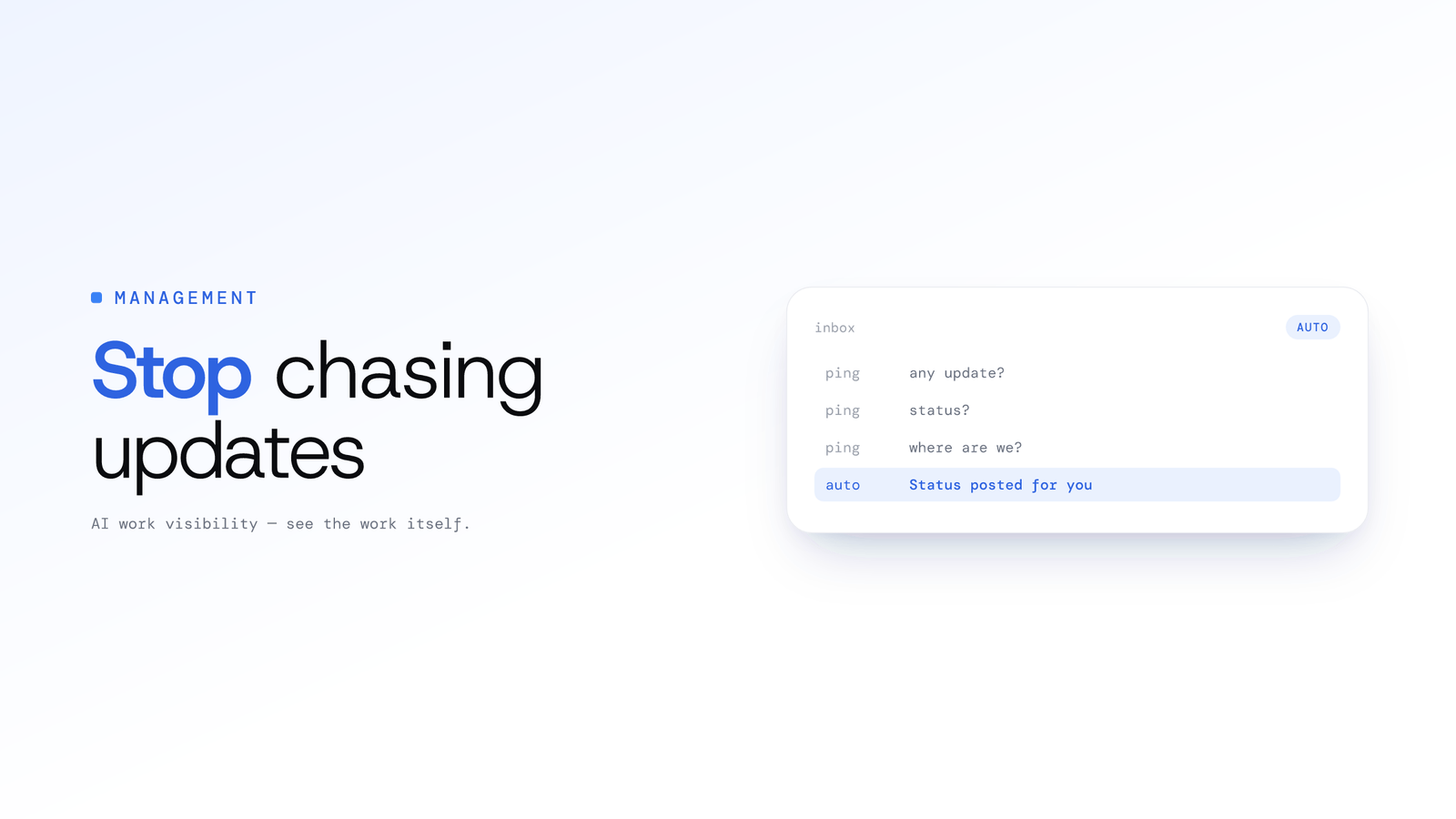
Why Engineering Managers Spend Too Much Time Chasing Updates
Engineering managers chase status updates because tools hide real progress. Ask the derived work record instead of pinging developers, and the meeting shrinks.
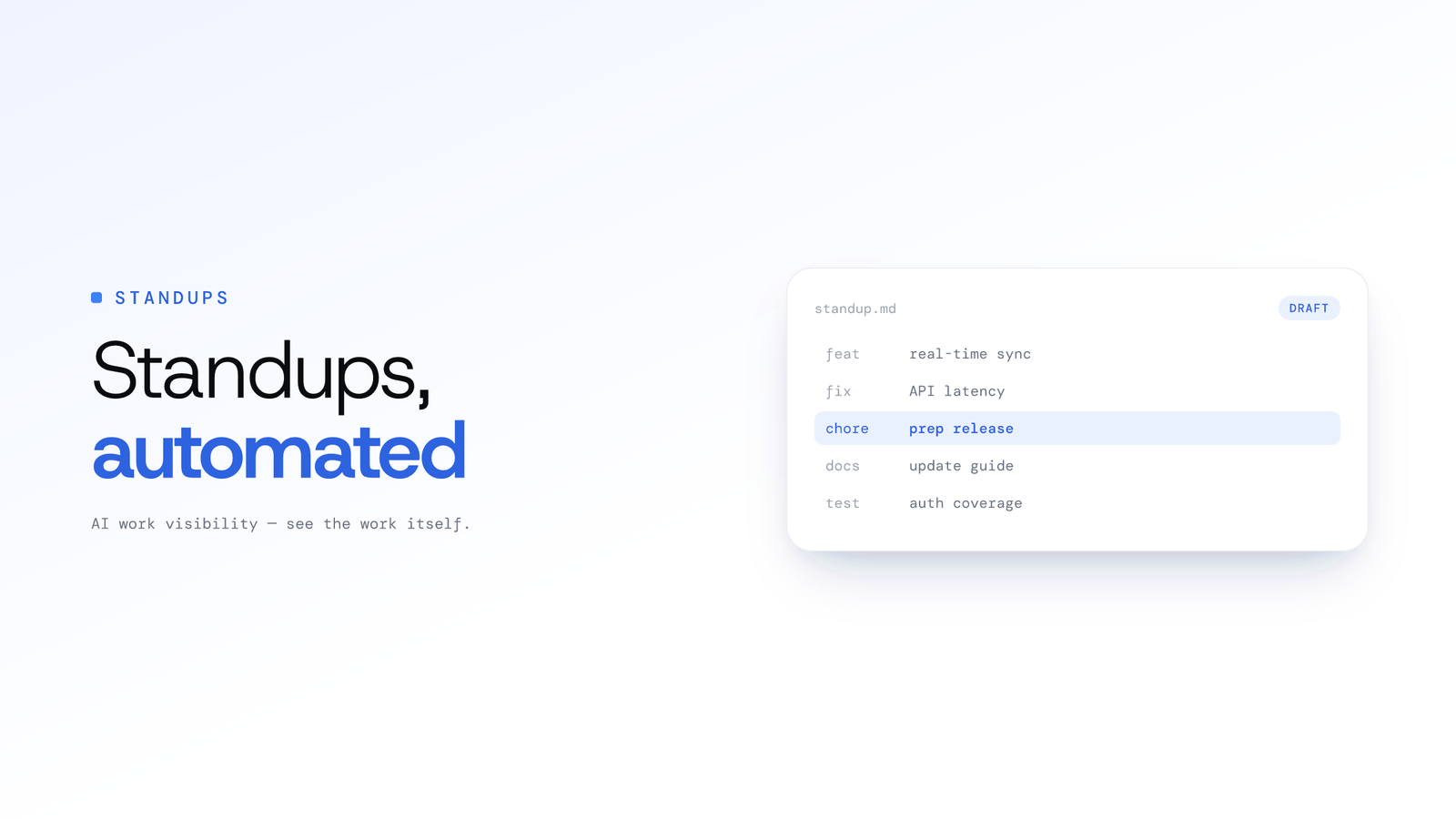
Automated Standups for Engineering Teams: How They Work
Automated standups draw the daily update from real work like git activity and on-screen output, so engineers stay aligned without the context-switch of writing it by hand.