ScreenJournal vs. Rem/Windrecorder: Team Visibility vs. Personal Memory
Rem and Windrecorder are personal, local screen-memory tools for one user. ScreenJournal reads on-screen work across a team, writes a timeline, then, by default, deletes the raw screen data. Compare storage, compliance, and team analytics.
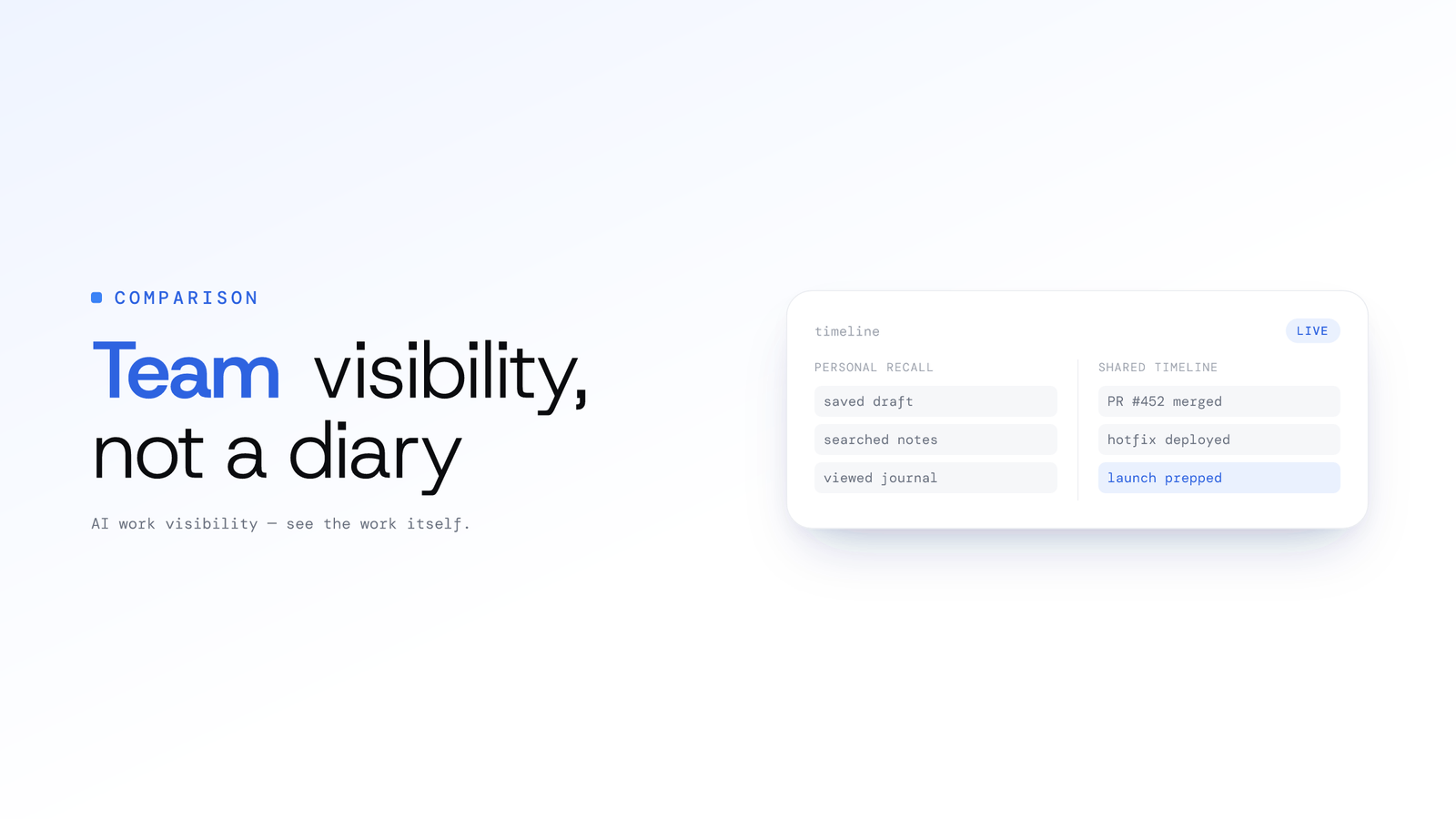
ScreenJournal vs. Rem/Windrecorder: Team Visibility vs. Personal Memory
Updated on 6 October 2026
Personal screen recording tools like Rem and Windrecorder help you remember what happened yesterday. ScreenJournal helps a team see and improve what happens tomorrow.
They sound similar on the surface: both involve reading screens. But they solve fundamentally different problems for fundamentally different users. Rem and Windrecorder store everything locally so one person can search their own history.
ScreenJournal is an AI work visibility tool that reads on-screen work as it happens, turns it into a detailed timeline of what each person actually did, and then, by default, deletes the raw screen data. Timelines accumulate into a searchable chronicle of everyone's work history, and from them ScreenJournal generates timesheets and reports automatically and drafts standup summaries on request, answering questions about any of it in plain English.
Where an organisation turns it on, it also records and transcribes meeting audio, shown alongside the on-screen work.
One is a personal diary. The other is a team work visibility platform.
If you're running a call centre, managing an outsourcing operation, or overseeing a distributed remote team, the distinction matters more than you might think.
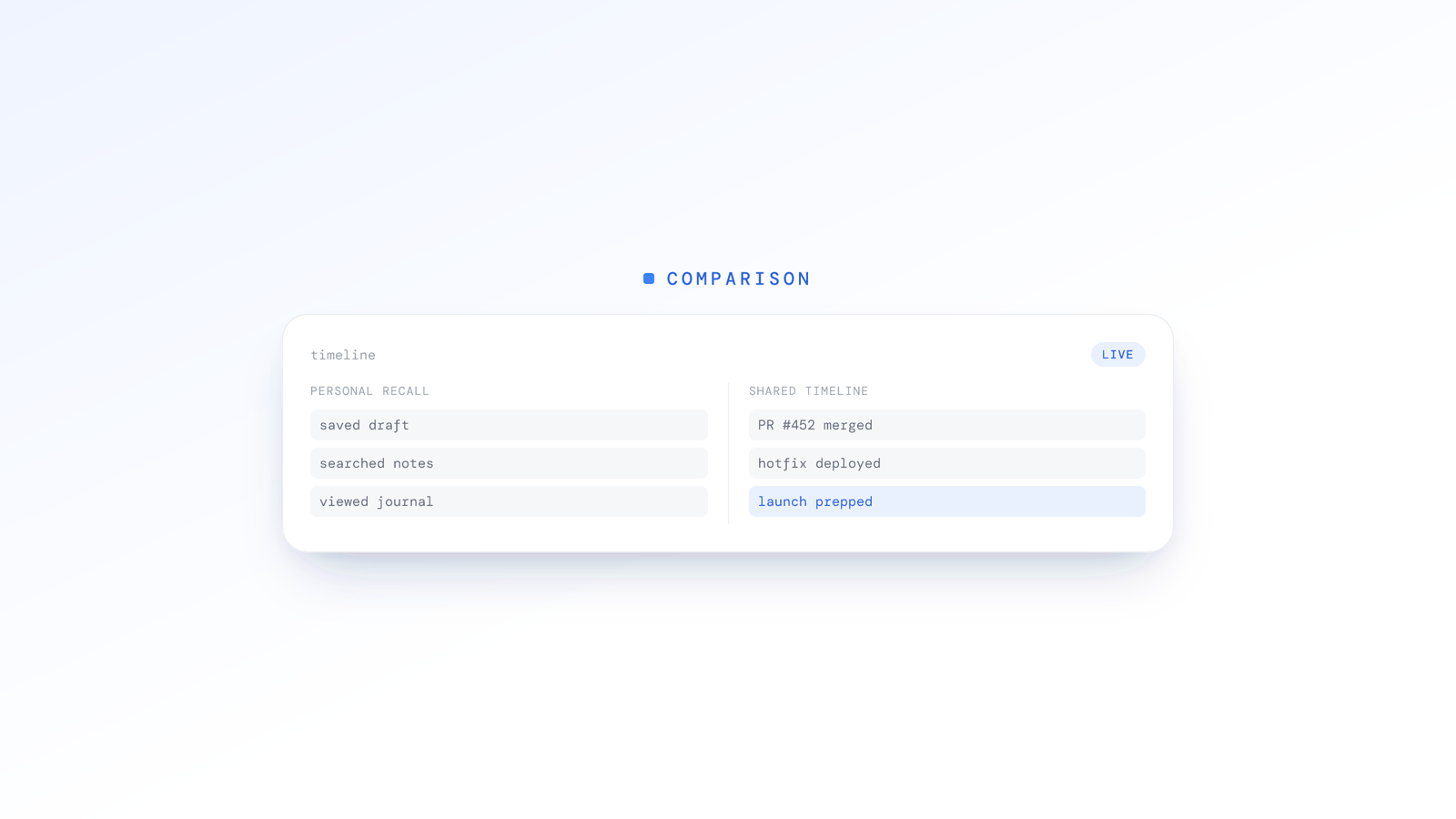
What are Rem and Windrecorder?
Rem and Windrecorder are personal, local, single-user screen-memory tools that continuously capture your own screen so you can rewind and search it later. They are built for one person recalling their own history, not for teams.
Rem is an open-source macOS app (MIT licensed) that captures a screenshot roughly every two seconds and runs on-device OCR so you can search everything you have viewed on your Mac. Everything stays on-device: a local SQLite database plus video recordings, with no cloud sync and no analytics. It offers a full-screen timeline scrubber, semantic search over your history, and the ability to copy recent on-screen context to feed to an LLM. The author describes the project as very alpha.
Windrecorder is an open-source Windows equivalent (described as GPL-2.0), a local, offline alternative to Windows Recall and Rewind. It records the screen with FFmpeg in fifteen-minute segments, auto-pauses when the screen is idle, and indexes footage with OCR (Windows built-in OCR plus Rapid OCR, WeChat OCR, and Tesseract) so you can search by what was on screen. It provides a local web UI plus activity views such as word clouds and timelines. Its cited footprint is roughly 10 to 20 GB of video per month with an OCR database around 160 MB per month.
Both are genuinely useful for personal recall. Neither has any concept of teams, roles, permissions, or aggregate analytics.
Opposing philosophies: personal recall vs. team visibility
The personal memory model (Rem/Windrecorder)
Core question: "What was I looking at on Tuesday at 2:47 PM three weeks ago?"
Use case: You vaguely remember a client mentioning a change during a video call last month. You can't find the email. You don't remember the exact date. So you open Rem, scrub through hours of your own screen recordings, and eventually locate the moment.
Philosophy: The value is in retrieval. Every moment might contain future-relevant information, so the individual archives everything indefinitely on their own machine.
The team visibility model (ScreenJournal)
Core question: "How do I help my team perform better while catching risks early?"
Use case: You manage dozens of support agents across three time zones and average handle time has drifted upward this quarter, but you can't pinpoint why. ScreenJournal's weekly report surfaces the pattern: agents are spending a large share of each call moving between a new CRM interface and the legacy ticketing system, and that context-switching adds time to each interaction. The recommendation writes itself: consolidate the workflow or provide targeted training on the new CRM layout.
Philosophy: The value is in pattern recognition across people. Individual moments are noise; aggregated trends across your workforce are signal.
The storage picture: terabytes vs. megabytes
Personal memory tools assume local storage on a single machine. A team tool has to work across many people, sometimes hundreds, over years.
Rem/Windrecorder storage model
- Record continuous screen video for personal recall
- Store it locally, approximately 5 GB per 8-hour workday of screen video
- One year of recordings per user: roughly 1.25 TB
- For personal use: manageable on a single external drive
- For a hypothetical 100-person team: approximately 125 TB per year, which these tools were never built to handle
ScreenJournal storage model
- Reads on-screen work as it happens, then, by default, deletes the raw screen data during processing
- Keeps only the derived timeline text, approximately 5 MB per 8-hour workday (meeting audio, where enabled, and opted-in video evidence are kept separately)
- One year of timeline per user: roughly 1.25 GB
- For a 100-person team: approximately 125 GB per year of timeline data
The derived timeline is a fraction of the footprint of raw screen video, while producing deeper work insights than raw video ever could. You can read more about the format in work timelines and how they build up over time in the work chronicle.
The hidden problems of storing everything
Beyond raw disk space, personal memory tools create problems that grow sharply at team scale:
- Redundancy: Video can't be regenerated if lost, so it needs redundant backups, multiplying the storage burden.
- Indexing: Making video searchable requires transcription and image-recognition pipelines, adding ongoing compute.
- Liability: Storing video of employee screens captures private messages, medical portals, banking sessions, and personal communications. Every gigabyte is a potential breach.
ScreenJournal sidesteps this for screen data by default. There's no screen footage to store, breach, or index, because the raw screen data is deleted during processing. We call this The Goldfish Protocol: read, analyse, forget. Where a manager needs video evidence they can opt in to keep the recordings (Evidence Mode), and those are stored for up to 3 months. The same principle is described in derive and discard.
Compliance: why continuous personal recording struggles at team scale
Personal memory tools were built for a single person recording their own screen on their own machine. They sidestep workforce-monitoring rules because the data never leaves the individual's control.
The moment you apply continuous screen capture across a team, the picture changes. Data-protection regimes around the world share a common expectation that workplace monitoring is transparent, proportionate, and limited to what is necessary.
What proportionate workforce monitoring generally requires
- Lawful basis: A legitimate purpose balanced against necessity and proportionality
- Transparency: People must be informed about what is monitored and why
- Data minimisation: Only what is genuinely necessary for the stated purpose should be collected
- Retention limits: Data should not be kept indefinitely without justification
- Right of access: People can request a copy of their own data
- Security measures: Encryption, access controls, and audit logs
Why continuous personal recording tools struggle in a workforce context
- Data-minimisation problem: Recording everything on screen, including personal email, medical information, and banking details, goes far beyond what is necessary for work visibility
- Retention problem: Storing video indefinitely on a machine sits awkwardly with retention-limitation principles
- Proportionality problem: Regulators in several jurisdictions have found continuous screen video recording hard to justify against the proportionality test
- Private-content exposure: Full video recording inherently captures private communications, which many rules treat as off-limits
How ScreenJournal reduces exposure
- Data minimisation by architecture: We keep only the work-relevant timeline, not everything visible on screen
- Deletion of raw screen data: By default the screen is recorded only as short-lived video, the work is read from it, and the video is deleted during processing. There is no screen archive to subpoena or breach unless a manager has opted in to keep video evidence, and then only that team's recordings, for up to 3 months
- Proportionality: We aim to collect the minimum needed for work visibility and nothing more
- Privacy by design: Because by default the raw screen data no longer exists, there is nothing to review after the fact
These are design choices that align with data-minimisation principles. They are not a substitute for your own legal advice, and how you deploy any monitoring tool in a given jurisdiction is your decision to make with counsel.
Team analytics: individual recall vs. organisational intelligence
Personal memory tools are single-user by design. There's no concept of a team, a department, or a reporting hierarchy. They were never intended for management use cases.
What Rem and Windrecorder lack for team use
- User management: No teams, departments, roles, or permissions
- Access control: No distinction between admin, manager, and employee views
- Aggregate analytics: Can't answer "What's our team's average handle time this week?"
- Benchmarking: Can't compare across agents, shifts, or locations
- Reporting: No automated summaries with rankings, risks, and action items
- Audit trails: No record of who accessed what data
What ScreenJournal provides
ScreenJournal was designed for team management from day one. Every feature assumes you're overseeing a group of people, not archiving your own screen.
- Productivity score: One transparent five-point rating per segment, rolled up into a day's Productivity (%), the same number on every page and in every export, and correctable by an admin.
- Overview and Ranking: Team KPIs for any day, week or month, an attendance calendar, a per-member breakdown, and the weekly league table with an AI-written summary of each person's week. See employee productivity reports.
- Downloadable reports: Productivity, Attendance and App usage workbooks, per team or organisation-wide, with a live preview.
- Alerts: Rules you write in plain language, a nudge to the person and their explanation back in your inbox. Data lands about 15 minutes after recording, grouped by team.
- The Assistant and standups: Ask questions about the work in plain English, and have standup summaries drafted on request rather than on an automatic schedule.
The difference is structural. Personal tools give you a searchable archive of your own screen. ScreenJournal gives your organisation a work visibility system.
The voice analysis advantage
Here's a dimension that personal recording tools miss entirely: voice.
Rem and Windrecorder capture what's on your screen. They don't capture what's being said. For an individual knowledge worker browsing the web, that's fine. For a call centre manager overseeing agents on the phone all day, it's a critical gap.
How ScreenJournal handles voice
Where an organisation turns meeting audio on in its desktop policy, ScreenJournal records the meeting audio when a recognised meeting app opens the microphone, transcribes it, and shows each recording on the Audio page with a searchable transcript and a player. Where an admin has also listed webinar apps or sites, those webinars are recorded in full while they play. Audio is off by default and enabling it requires an owner or admin to accept the Call-Recording Addendum. Members acknowledge the Workplace Monitoring Notice when they sign in to the desktop app, the app shows when a meeting is being recorded, and they can turn meeting capture off unless the organisation requires it. The screen side stays derive-and-discard by default; whether audio is kept for playback or transcript-only is the organisation's choice.
Why this matters for call-based roles
- Call centres: Search across a month of calls for the phrase that matters, and open the transcript instead of listening to every recording.
- Sales teams: Reread the call that closed, or the one that didn't, with the screen timeline alongside it.
- Support operations: Read or search the transcript of any call while it still matters, before it becomes a customer complaint.
- Outsourcing firms: Show clients the transcripts and recordings, with playback limited to the people allowed to see them.
Personal memory tools can't do any of this. They weren't designed to. ScreenJournal was built for environments where voice is a primary work product.
When to choose each
Choose Rem or Windrecorder if:
- You're an individual who wants to search your own screen history
- Your primary need is personal recall: finding a forgotten URL, revisiting a past moment, locating a document you saw weeks ago
- You work alone and don't manage anyone
- You have local storage capacity and are comfortable managing large amounts of video on your own machine
- Privacy means "my data stays on my machine", and being open source lets you verify that
- You don't need roles, aggregate analytics, or audit trails
Choose ScreenJournal if:
- You manage a remote or hybrid team of five or more people
- You run a call centre, outsourcing operation, or staffing firm
- Proportionate, minimised work visibility is a business requirement
- You need voice analysis for phone-based roles, not just screen activity
- You want an Overview, a weekly Ranking and downloadable reports
- Storage footprint and data-breach liability are real concerns at your scale
- You want to spot problems and improve workflows, not just remember what happened
- You want one transparent productivity score you can correct
Frequently asked questions
Is ScreenJournal a Rem alternative for teams?
Yes. Rem is a personal, single-user macOS tool that records your own screen so you can search your own history. ScreenJournal is a team work visibility tool: it reads on-screen work across a whole team, writes a timeline of what each person did, then, by default, deletes the raw screen data. Rem has no roles, permissions, or aggregate analytics.
What is the difference between personal screen recording and team work visibility?
Personal screen recording tools like Rem and Windrecorder store your own screen locally so one person can rewind and search it. Team work visibility reads on-screen work across many people, derives a timeline of what each did, discards the raw screen data by default, and produces roles, permissions, and aggregate reporting a personal recall tool cannot.
Does ScreenJournal store screen recordings like Rem or Windrecorder do?
Not by default. Rem and Windrecorder keep continuous screen video on the user's machine for personal recall. ScreenJournal records the screen as short-lived video, reads the work from it, and deletes that video during processing, keeping only the derived timeline text. A manager can opt in to keep video evidence for the organisation or a team, and those recordings are stored for up to 3 months; otherwise there is no screen archive to store, index, or breach.
Does ScreenJournal delete call and meeting audio the way it deletes screen data?
No. Derive-and-discard applies to the screen by default. Meeting audio is optional and off by default; where an organisation turns it on, calls in recognised meeting apps, and whole webinars in any webinar apps or sites an admin has listed, are recorded and transcribed and kept for the people allowed to see them, with playback on the Audio page. Members acknowledge the Workplace Monitoring Notice at sign-in and can turn meeting capture off unless the organisation requires it.
When should I choose Rem or Windrecorder instead of ScreenJournal?
Choose Rem or Windrecorder if you are an individual who wants to search your own screen history on your own machine, you work alone and manage no one, and privacy means your data never leaves your device. They are free, open-source, local-first recall tools and a good fit for personal use rather than team management.
Stop archiving memories. Start building visibility.
Personal screen recording tools are impressive feats of engineering. For individual recall, they're genuinely useful.
But recall and team visibility are different things. Knowing what happened on your own screen last Tuesday doesn't help you figure out why your team's close rate dropped, which agents need coaching, or whether your new CRM rollout is actually slowing people down.
ScreenJournal doesn't store your screen footage by default. It reads the work, writes a timeline, and helps your whole team improve, without terabytes of screen video sitting on a server somewhere.
One tool helps you look backward. The other helps your team move forward.
Stop guessing. Start knowing.
Let AI turn screen data into clear insights. Start your 2 months free trial
Related Posts
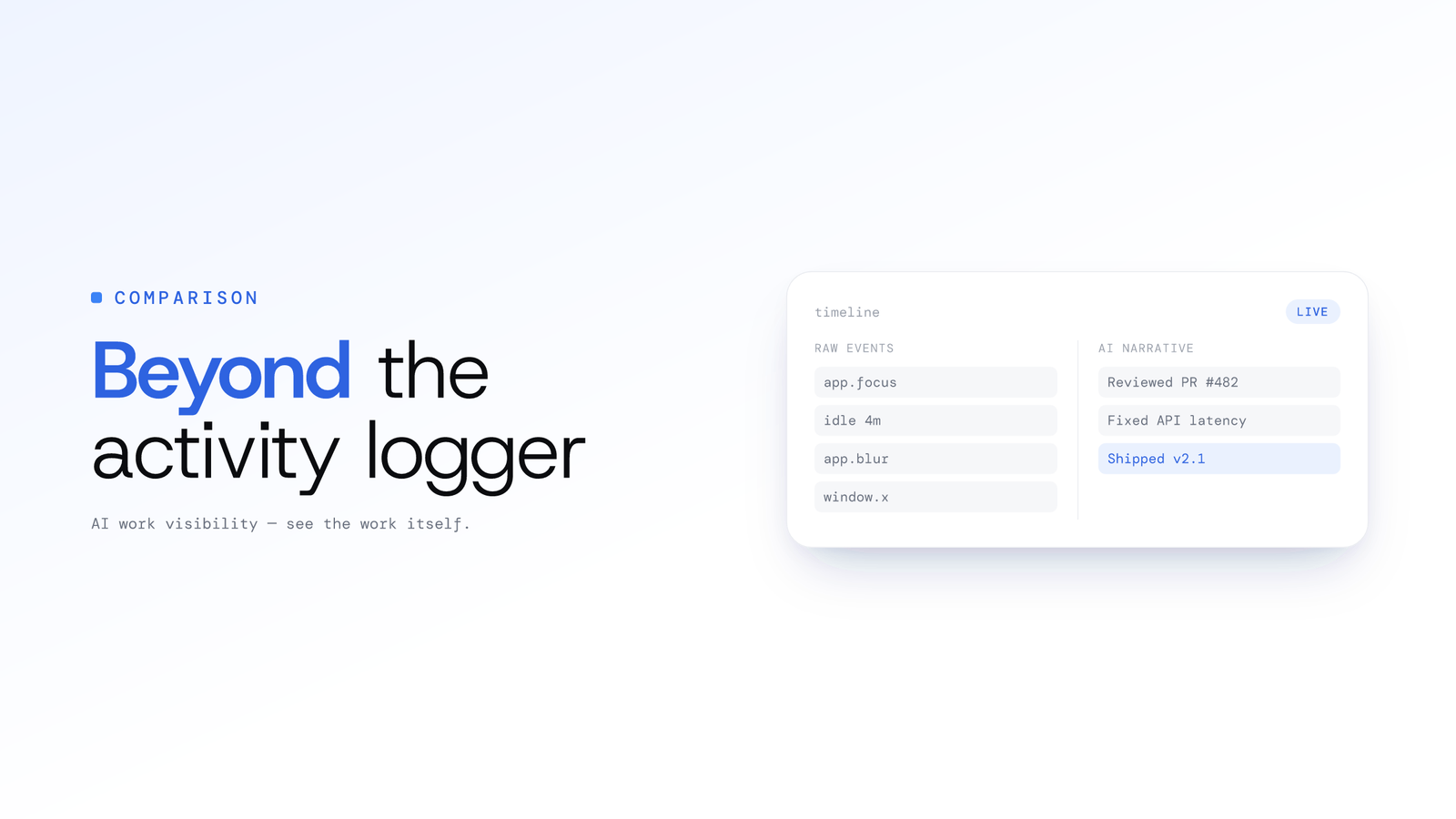
ScreenJournal vs. ActivityWatch: From Logger to Analyst
ActivityWatch logs window titles locally for one person. ScreenJournal adds AI screen analysis, voice capture, and team analytics for work visibility across a whole team.
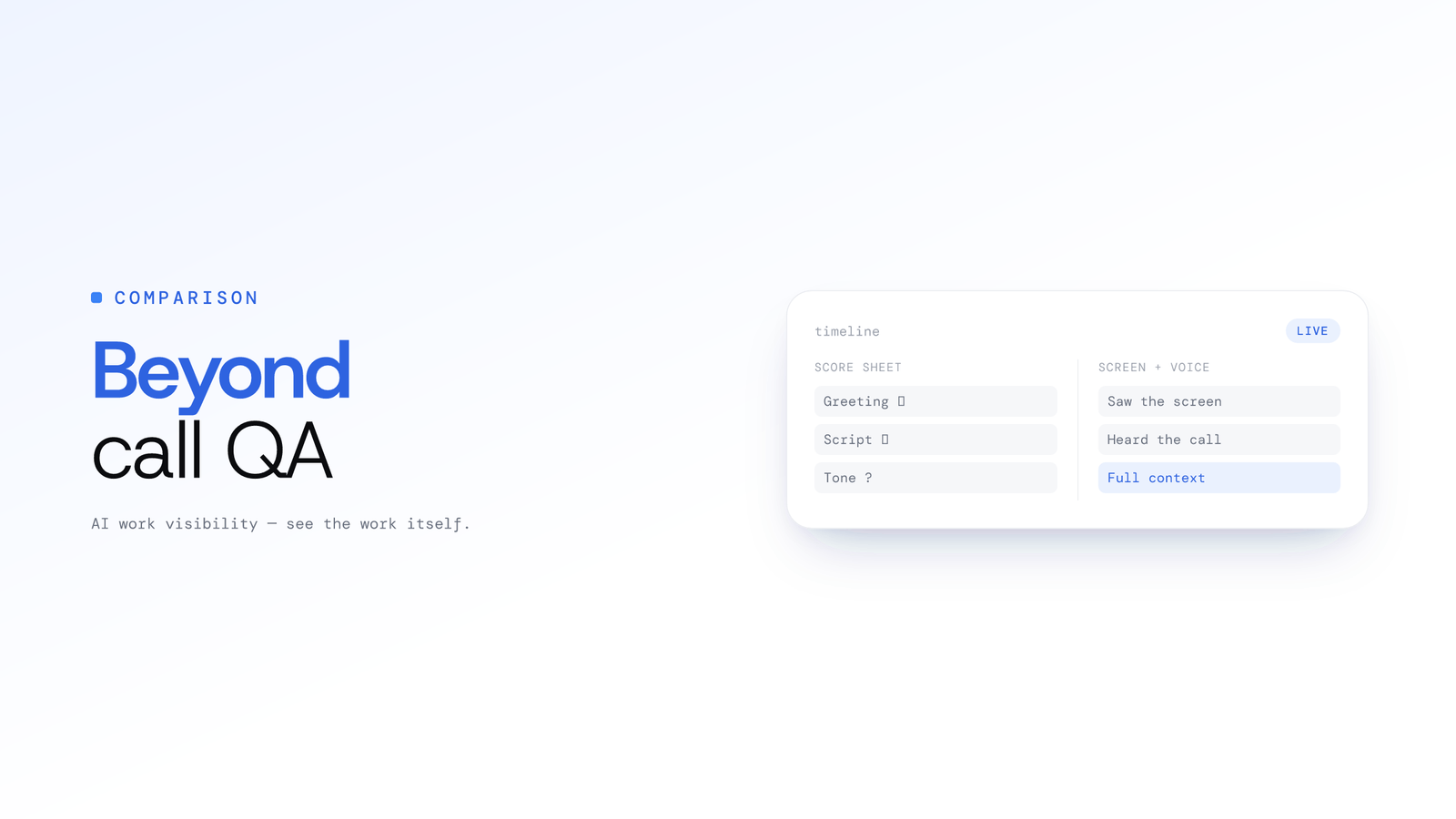
ScreenJournal vs. Traditional Call Centre QA: Why Sampling 2% of Calls is No Longer Enough
Traditional QA reviews 2-5% of calls with inconsistent scoring and delayed feedback. ScreenJournal analyses 100% of interactions with AI. Compare coverage, cost, and quality outcomes.

How AI Voice Analysis Transforms Call Centre QA
Manual QA reviews 2-5% of calls. ScreenJournal puts 100% of them on record, transcribed, searchable and beside the screen timeline, so coaching is based on an agent's full record, not a random sample.