The Goldfish Protocol - How Derive-and-Discard Was Born
The origin story of derive-and-discard: ScreenJournal records the screen as short-lived video, reads the work from it, and, by default, deletes the raw screen data during processing, keeping the timeline, not the footage.
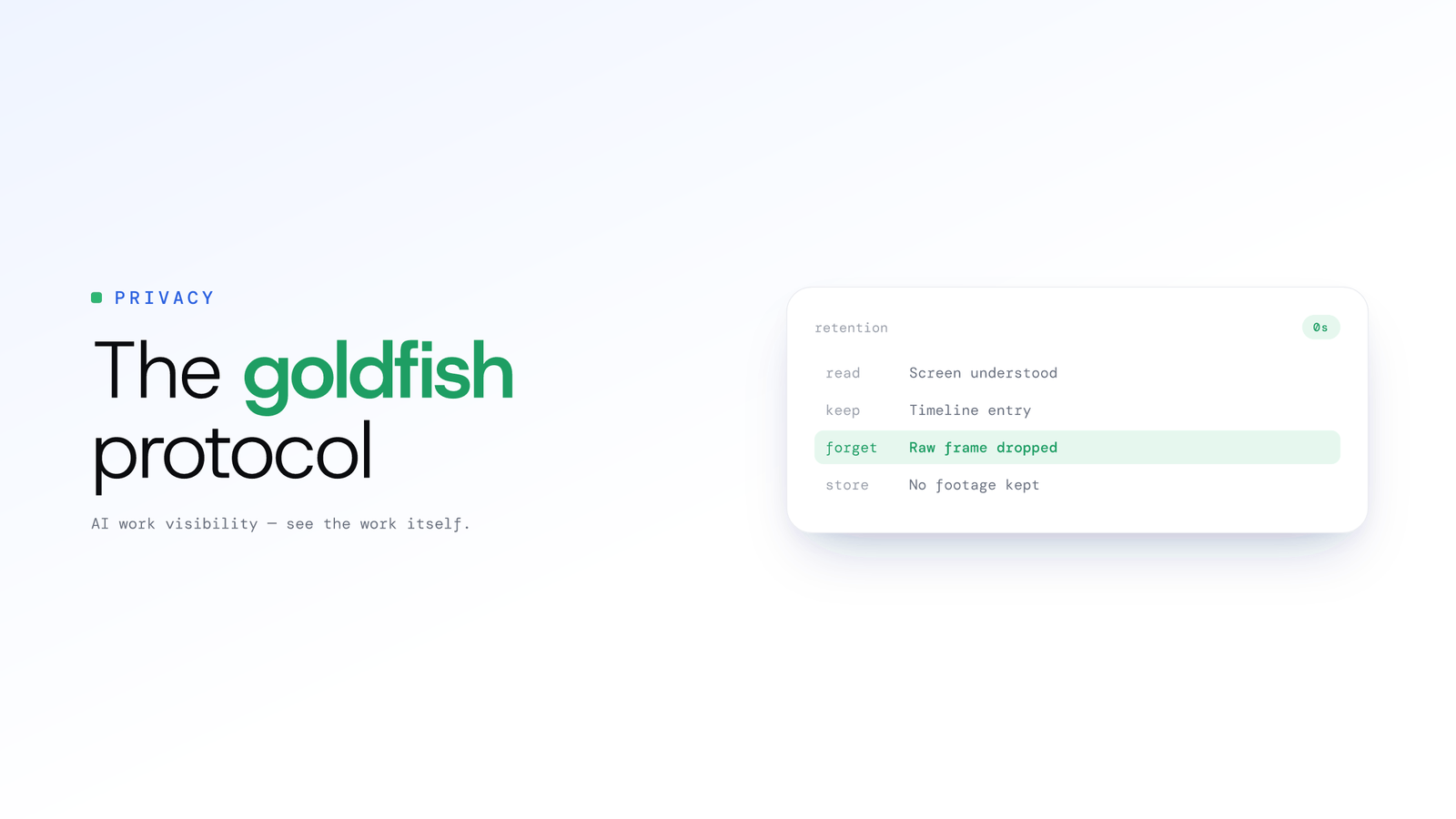
The Goldfish Protocol: How Derive-and-Discard Was Born
Updated on 8 July 2026
The traditional approach to work visibility is a security nightmare waiting to happen.
If you are a CTO, founder or manager you know the anxiety. You need visibility into your team's work, but the current market offers you "spyware" that stores 8 hours of video or constant screenshots per employee, per day.
That isn't just creepy; it's a massive liability for data breaches.
If you have 50 employees, you are generating thousands of hours of sensitive footage every month. That database contains inadvertent captures of personal banking logins, private medical emails, and confidential client DMs. If that database leaks, you haven't just lost productivity data. You've exposed your entire company's digital history.
We decided to build something different. Internally we called it The Goldfish Protocol. Today it is the principle we ship under a plainer name: derive-and-discard.
Our system has the memory of a goldfish when it comes to raw screen data, but the memory of an elephant when it comes to insights. Here is the story of how we built it.
ScreenJournal is an AI work visibility tool that reads on-screen work as it happens, turns it into a detailed timeline of what each person actually did, and then, by default, deletes the raw screen data. Timelines accumulate into a searchable chronicle of everyone's work history, and from them ScreenJournal generates timesheets and reports automatically and drafts standup summaries on request, answering questions about any of it in plain English.

The Problem: The "Big Brother" Data Honeypot
Most activity trackers operate like a dumb security camera. They record everything, dump it into cloud storage, and hope for the best.
From a data engineering perspective, this is inefficient. From a security perspective, it's reckless.
You are storing terabytes of unstructured video data (blobs) that require massive bandwidth to upload and massive storage costs to retain. Worse, 99% of that video is noise. You don't need a 4K video of your senior developer staring at a stack trace for 45 minutes. You just need to know that they were debugging.
We realised that raw screen data is the transport layer, not the destination.
The Solution: Derive, Then Discard
The core philosophy of derive-and-discard is simple: the raw screen data exists only as long as it takes to understand it. By default the screen is recorded as short-lived video, the work is read from it, and the video is deleted during processing. Where a manager needs video evidence they can opt in to keep the recordings (Evidence Mode), and those recordings are stored for up to 3 months; the rest of this post describes the default.
We leverage the multimodal capabilities of frontier AI models to act as a real-time interpreter. The AI reads the screen so you don't have to. It converts the work into a written summary, and then, crucially, the raw screen data is deleted during processing by default.
The Architecture: How It Works
We built a pipeline that prioritises the derived timeline over media. Here is the lifecycle of a 60-second work block in ScreenJournal:
1. The Input & The Prompt Firewall
The desktop client records a short segment of the screen as short-lived video. The work is read from that video by our AI processor, and it is the reading, not the video, that becomes the record.
This is where Privacy by Design kicks in. We don't just ask the AI to "describe the screen." We use aggressive prompt engineering to sanitise the data of PII (Personal Identifying Information) before it becomes a database entry.
Our system prompt looks something like this:
"Analyse this screen activity. Identify the primary task, application, and context. CRITICAL PRIVACY RULE: If you detect any PII, credit card numbers, or password fields, IGNORE them completely. Do not transcribe them. Do not describe them. Return only a clean, high-level summary of the work context in JSON format."
2. The Processing Logic
The AI parses the visual data. It might recognise that a CRM is open and the user is updating a customer record after a call, or that an IDE is open and a developer is editing code. It ignores the Spotify notification in the corner. It ignores the WhatsApp web tab in the background.
It returns a clean JSON object, with only the important data:
{
  "timestamp": "2026-01-07T14:30:00Z",
  "app_name": "VS Code",
  "window_title": "auth-provider.tsx",
  "category": "Development",
  "context_summary": "Refactoring authentication logic in the frontend codebase.",
  "privacy_flag": false
}
3. The "Kill Switch"
Once that JSON object is received and validated, the raw screen data has done its job. By default each short segment travels only as far as the AI that reads it, and no screenshot or video archive is built from it. (A manager can opt in to keep the recordings where video evidence is needed, so a specific entry can be played back; the default principle is that the timeline is the record.)
The Storage: A Time-Series Store, Not a Video Vault
We chose a time-series store because it is purpose-built for streams of events.
Work is not a static record; it's a stream of events. By storing the derived timeline instead of raw screen data, we reduce our storage footprint by orders of magnitude: a day of screen video for one person runs to gigabytes, while the derived text timeline for the same day is a handful of megabytes.
This allows us to query your team's timeline with zero latency. You can ask, "How much time did we spend on the login page refactor last week?" and get an instant answer based on the searchable chronicle, most recent 12 months. You don't have to scrub through hours of footage to find the answer.
The Result: Insights Without Invasion
Derive-and-discard solves the "Creep Factor" of work visibility.
When a manager looks at the ScreenJournal dashboard, they see a detailed, searchable work timeline: "10:00 AM - 11:30 AM: Handling inbound support calls in Zendesk, 4 tickets resolved" or "2:00 PM - 3:30 PM: Updating client records in Salesforce after outbound calls."
For the on-screen work they cannot replay footage of the screen by default. There is none to replay unless a manager has opted in to keep video evidence. They cannot zoom in to see who emailed you. They cannot criticise your choice of desktop wallpaper.
We have removed the ability for that kind of micromanagement, leaving only the derived timeline required for business intelligence.
Stop Hoarding Screen Data, Start Gathering Insights
We believe that the future of work is based on trust, not surveillance. But trust requires verification. We built an architecture that verifies work without hoarding raw screen data.
This is the principle we now call derive-and-discard: read the on-screen work, keep the timeline, delete the raw screen data. For the flip side of the same argument, the risk you take on by keeping everything, see the screenshot archive problem. If you are ready to replace your "Big Brother" security cameras with a "Big Data" sports analyst, it's time to switch.
Frequently asked questions
What is derive-and-discard?
Derive-and-discard is ScreenJournal's core principle: the screen is recorded as short-lived video, the AI reads the work from it, and, by default, the video is deleted during processing. What remains is a derived timeline of what was done, not a stored recording or screenshot archive.
Does ScreenJournal store screenshots or video of my screen?
Not by default. ScreenJournal takes no screenshots and keeps no screen-video vault by default: the raw screen data exists only for the moment it takes the AI to read the work, then it is deleted during processing, so managers can read the timeline of what happened but have no footage to replay. A manager can opt in to keep video evidence for the organisation or a team, and those recordings are stored for up to 3 months.
How is derive-and-discard more secure than traditional monitoring?
Traditional trackers hoard screenshots and video, creating a honeypot of sensitive data that is expensive to store and catastrophic if it leaks. Derive-and-discard removes that risk at the source: because by default the raw screen data is deleted during processing, there is no archive left to breach; a manager who opts in to video evidence holds only that team's recordings, for up to 3 months.
Can a manager watch a recording of my screen?
Not by default. ScreenJournal reads the screen, writes a timeline such as handling support tickets in Zendesk, then deletes the raw screen data, so a manager sees what you worked on, not a video of your desktop. Only where a manager has opted in to keep video evidence, which is disclosed at sign-in, can they play back a recording, and those recordings are kept for up to 3 months.
Stop guessing. Start knowing.
Let AI turn screen data into clear insights. Start your 2 months free trial
Related Posts
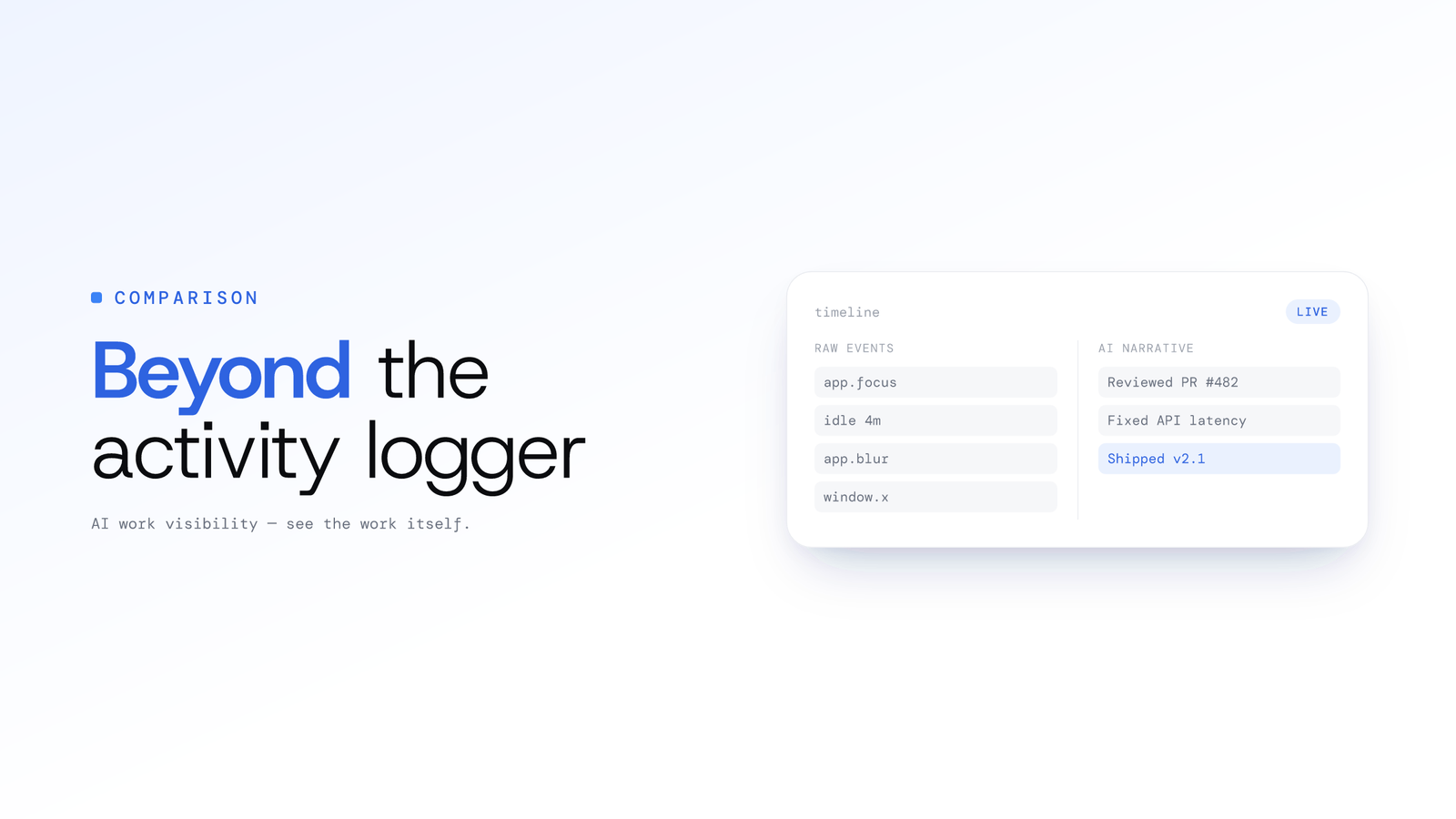
ScreenJournal vs. ActivityWatch: From Logger to Analyst
ActivityWatch logs window titles locally for one person. ScreenJournal adds AI screen analysis, voice capture, and team analytics for work visibility across a whole team.
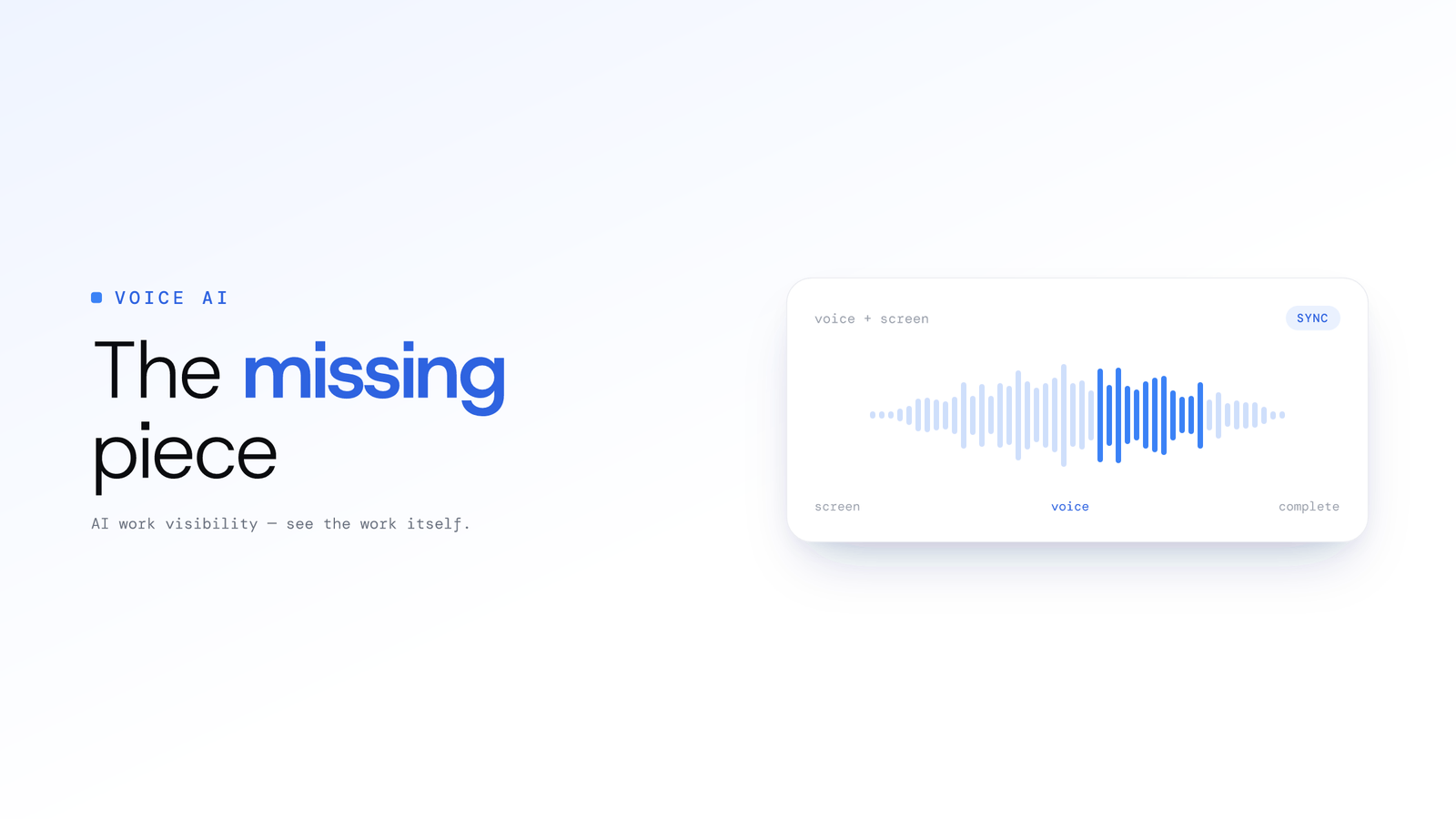
Beyond Screen Recording: Why Voice Analysis is the Missing Piece in Work Visibility
Most work visibility tools only read the screen. For call centres, sales teams, and support desks, the real work happens through voice. Learn how AI voice analysis closes the visibility gap, and how screen and call audio are handled differently.

AI-Powered Time Tracking - How Work Visibility Changes Everything
Discover how an AI work visibility tool that reads on-screen work turns time tracking into actionable intelligence, without keeping any screen footage by default.