ScreenJournal vs. ActivityWatch: From Logger to Analyst
ActivityWatch logs window titles locally for one person. ScreenJournal adds AI screen analysis, voice capture, and team analytics for work visibility across a whole team.
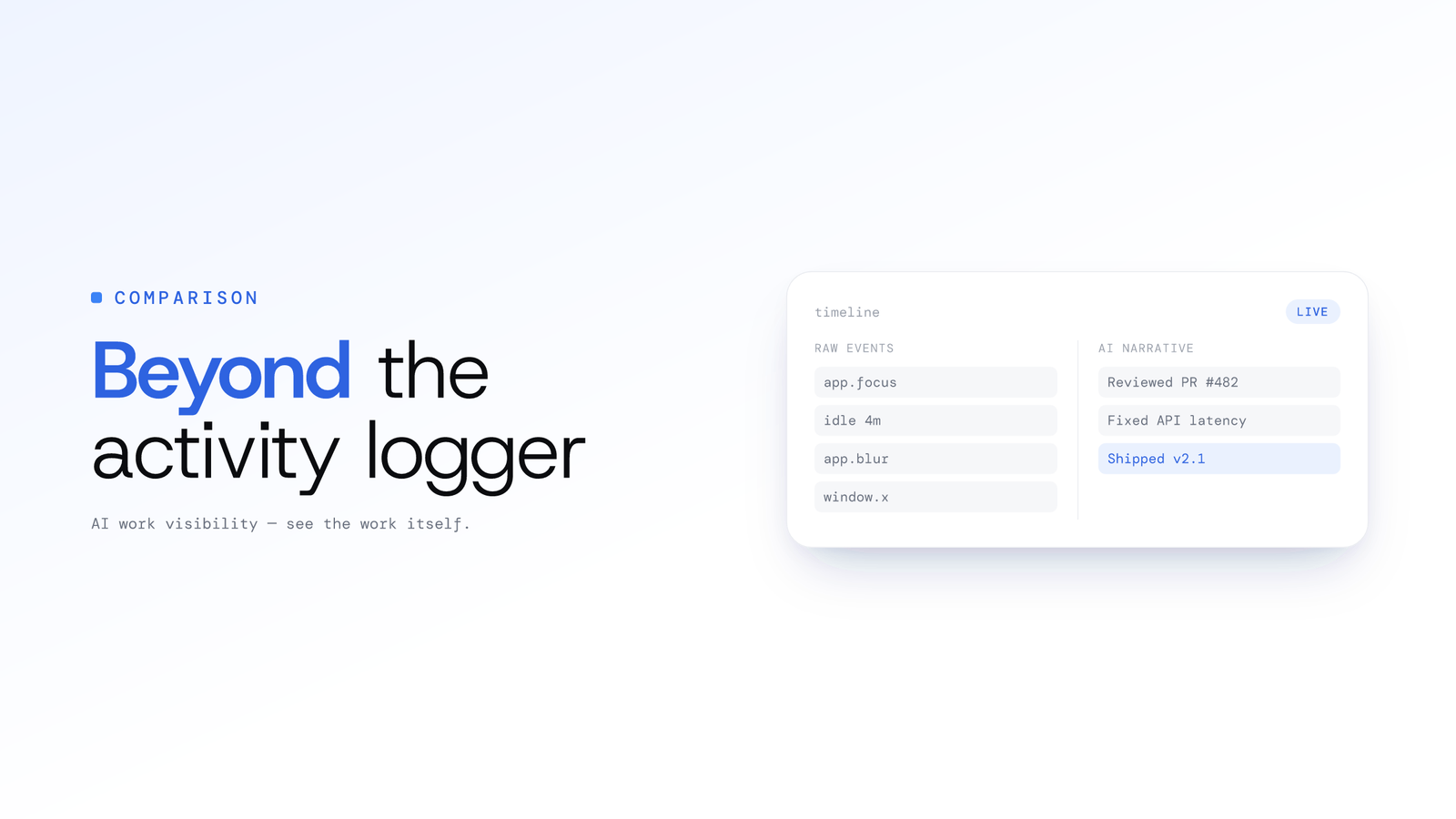
ScreenJournal vs. ActivityWatch: From Logger to Analyst
Updated on 6 October 2026
ActivityWatch is one of the best open-source tools ever built for personal time tracking. It runs locally, respects your privacy, and logs every window switch with precision. If you are an individual who wants to understand where your day goes, it is hard to beat.
But you do not manage yourself. You manage a team of 30 remote agents spread across three time zones, and your clients expect weekly performance reports by Friday. You do not need a personal logger. You need a team analyst.
That is the gap ScreenJournal fills. ScreenJournal is an AI work visibility tool that reads on-screen work as it happens, turns it into a detailed timeline of what each person actually did, and then, by default, deletes the raw screen data. Timelines accumulate into a searchable chronicle of everyone's work history, and from them ScreenJournal generates timesheets and reports automatically and drafts standup summaries on request, answering questions about any of it in plain English.
ScreenJournal and ActivityWatch are two independent products built for different jobs. ActivityWatch is a personal, open-source, local-first tracker for one person. ScreenJournal is a separate, team-scale product that adds the layers that turn activity into work visibility: AI screen analysis, voice capture and transcription, team-wide analytics, and reports. This is a comparison between two tools, not a shared foundation.
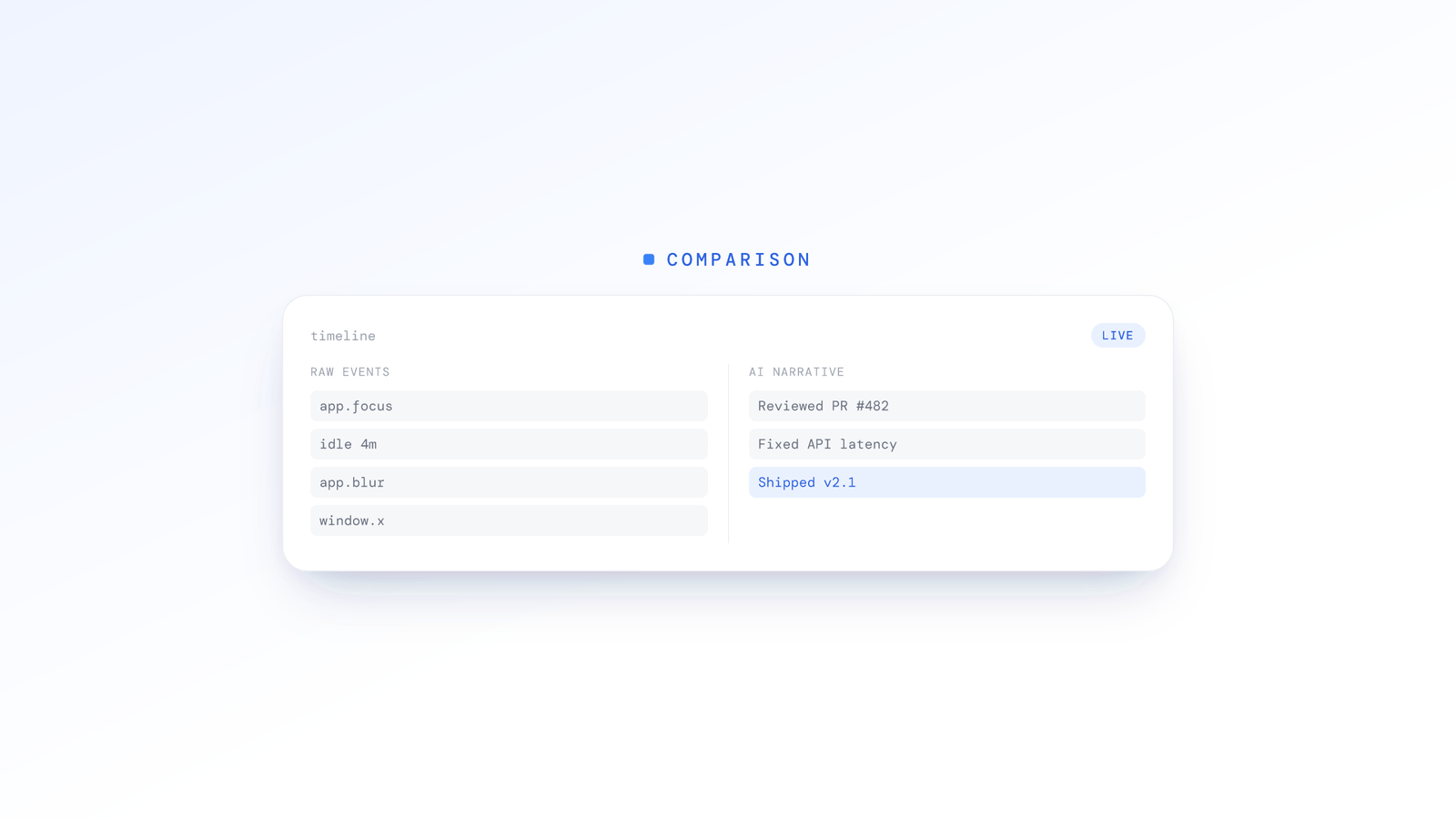
What does ActivityWatch capture?
ActivityWatch captures which application is in the foreground and what the window title says. Its bundled watchers log the active application and window title, and track active or idle (AFK) state from keyboard and mouse input, with optional browser extensions adding the active tab title. For a typical remote support agent, a morning's log might look like this:
09:02 - Chrome - Zendesk
09:14 - Chrome - Salesforce
09:31 - Chrome - Gmail
09:47 - Chrome - Zendesk
10:12 - Zoom - Meeting
10:58 - Chrome - Google Sheets
On the surface this looks useful. In practice, it is a dead end for anyone managing a team.
Here is what you actually need to know:
- Was the Zendesk time spent resolving tickets or reading the knowledge base?
- Did the Salesforce session result in updated deal stages or just browsing?
- Was the Gmail time responding to a client escalation or handling personal email?
- What happened during that 46-minute Zoom call? Was it a client demo or an internal sync?
- Is the agent performing at the level their role requires?
Window titles cannot answer any of these questions. They tell you where someone was, but nothing about what they did or how well they did it.
This is not a niche edge case. It is the fundamental problem for anyone trying to use ActivityWatch data to manage a team. When every tool your agents use lives inside Chrome, "Chrome - 6 hours" is the insight equivalent of silence.
What does ScreenJournal add over ActivityWatch?
ScreenJournal adds an intelligence and team layer that turns raw activity into analysis. Where ActivityWatch logs window titles for one person locally, ScreenJournal reads the actual work, understands calls, and reports across a whole team. There are three capabilities that make the difference.
AI screen analysis
Instead of relying on window titles alone, ScreenJournal reads on-screen work as it happens and runs it through AI vision analysis. The screen is recorded as short-lived video, the work is read from it, and by default the video is deleted during processing (more on that below), but the derived timeline persists.
Where a window logger records "Chrome - Zendesk - 45 minutes," ScreenJournal reports: Resolved 3 support tickets (priority: 2 high, 1 medium). Average handling time 14 minutes. Escalated billing dispute to Tier 2.
This turns opaque application time into structured, actionable work summaries. For a team lead reviewing 30 agents, that is the difference between guessing and knowing. See work timelines for how these summaries are built.
Voice analysis
This is where ScreenJournal goes beyond anything ActivityWatch offers, because ActivityWatch has no audio capabilities at all.
Where an organisation turns meeting audio on, ScreenJournal records and transcribes calls and meetings in recognised meeting apps and shows them on the Audio page: a rail of recordings, a transcript you can read and search, and playback. This is built for environments where voice is the product: call centres, sales floors, customer support teams, and account management. Audio is off by default; members acknowledge the Workplace Monitoring Notice when they sign in to the desktop app and can turn meeting capture off unless the organisation requires it. Where an admin also lists webinar apps or sites, those webinars are recorded in full while they play, even when the member never speaks.
Instead of just knowing an agent was on a call for an hour, you can open the call, read what was said, and hear it, with the timeline alongside showing what was on screen while the call ran.
For outsourcing firms measuring productive hours, this level of granularity supplements manual QA reviews, which typically sample only a small fraction of calls.
Team analytics and reports
ActivityWatch is designed for one person reviewing their own data. ScreenJournal is designed for a manager supporting an entire team.
- Overview - team KPIs for any day, week or month: average productivity, active hours, the split of active, unproductive, paused and offline time, an attendance calendar and a per-member breakdown
- Ranking - the weekly league table with a productivity-by-day chart and an AI-written summary of each member's week
- Reports - downloadable Excel workbooks (Productivity, Attendance, App usage) with a live preview
- Alerts - rules you write in plain language, a nudge to the person, and their explanation back in your inbox
- The Assistant - ask a question in plain English and get an answer from the real record
No log parsing. No spreadsheet wrangling. The timelines accumulate into a searchable work chronicle of the whole team.
Privacy comparison: two models, different contexts
Both ActivityWatch and ScreenJournal take privacy seriously. They just solve for different contexts.
ActivityWatch's approach is elegant in its simplicity: everything stays on the user's machine. No cloud. No servers. No accounts required by default. The user owns their data completely. This is ideal for individuals who want total control and zero trust requirements.
ScreenJournal's approach is built for businesses that need work visibility without surveillance. We call it The Goldfish Protocol: by default the screen is recorded as short-lived video, the work is read from it by AI, and the video is deleted during processing. No screenshots stored. No screen video archive unless a manager opts in to keep video evidence (Evidence Mode), stored for up to 3 months. What survives otherwise is the derived timeline: text summaries, productivity scores, and time-series analytics that accumulate into a searchable chronicle.
Voice is optional, and we are clear about that. Meeting audio is off by default; where an organisation turns it on, calls in recognised meeting apps are recorded and transcribed, as are whole webinars in any webinar apps or sites an admin has listed. Members are told at sign-in, where they acknowledge the Workplace Monitoring Notice, and can turn meeting capture off unless the organisation requires it. Transcripts and playback are visible on the Audio page to the people allowed to see them.
Think of the screen side as a court reporter instead of a security camera. You get an accurate written record of what happened on screen, but by default the raw screen video is not kept.
This distinction matters for compliance. When a client asks "Can a manager watch screen recordings of my agents?", the answer is not by default: the raw screen data is deleted during processing unless a manager has opted in to keep video evidence. When legal asks "What do you retain?", the answer is the derived timeline plus, where you turned them on, meeting transcripts and recordings and opted-in screen recordings. That is a clear conversation rather than an open-ended video archive.
| ActivityWatch | ScreenJournal | |
|---|---|---|
| Data location | 100% local | Cloud-processed |
| What's stored | Window titles, timestamps | Derived timeline, productivity scores, summaries |
| Screen footage retained | N/A | Not by default; a manager can opt in to keep video evidence for up to 3 months |
| Call/meeting audio | N/A | Optional, off by default; transcripts and playback where enabled |
| Best for | Individual privacy purists | Business work-visibility requirements |
| Manager access | N/A (single-user) | Role-based dashboards |
Both approaches are valid. They are designed for fundamentally different audiences.
Team management vs. personal tracking
This is the sharpest dividing line between the two tools. ActivityWatch was never designed for team use, and that is not a criticism: it is a scope decision. But it means there are entire categories of functionality that simply do not exist:
No user management. ActivityWatch has no built-in concept of accounts, teams, or roles. There is no way to onboard 30 agents, assign them to departments, or control who sees what.
No team dashboards. You cannot see aggregate metrics like average productivity, team-wide trends, or team comparisons out of the box. Every user is an island.
No aggregate analytics. Questions like "Which shift performs best?" or "How does Team A's handle time compare to Team B's?" require centralised data that ActivityWatch's local-only design does not provide. (ActivityWatch's own materials note team features are on its roadmap, so this may change over time.)
No admin features. Roles, per-team policies, exportable reports, session controls: none of these ship with ActivityWatch, because they are enterprise concerns.
No voice analysis. If your business runs on phone calls, video meetings, or any form of spoken communication, ActivityWatch offers zero visibility. It tracks the app in the foreground, not what is happening inside it.
No reporting. There is no equivalent to ScreenJournal's Overview, Ranking or downloadable reports. With ActivityWatch, analysis is a manual process: you export data and build your own dashboards.
ScreenJournal was built from the ground up for the operations manager who needs to support, coach, and report on a distributed team. Every feature assumes a multi-user, multi-role environment where the goal is not self-reflection but organisational performance. To see the broader landscape, compare ScreenJournal against other alternatives.
When to choose each
Choose ActivityWatch if:
- You are tracking your own time for personal productivity
- You want all data stored locally with zero cloud dependency
- You are a single user who does not need team features
- You enjoy building custom dashboards from raw event data
- Your definition of privacy is "data never leaves my machine"
- You want a free, open-source tool with no accounts
ActivityWatch is excellent at what it does. For solo professionals, freelancers, and anyone who wants granular personal time data, it is the right choice.
Choose ScreenJournal if:
- You manage a remote team (especially 10+ people)
- You run a call centre, outsourcing operation, or staffing firm
- Voice analysis matters because your team spends time on calls
- You need an Overview and weekly Ranking, not data you have to build yourself
- Your clients expect performance metrics and you need a system of record
- You need roles, per-team policies and exportable records
- Privacy means "raw screen data is deleted during processing by default, only the derived timeline is kept"
- You want one transparent productivity score you can correct when the AI gets it wrong
The two tools are built for different buyers. Where ActivityWatch gives one person a local log, ScreenJournal gives an operations team a shared system of record: productivity scores, weekly rankings, and a searchable chronicle of what the team actually did.
Two independent tools for two different jobs
To be clear about what these products are: ScreenJournal is not open source and does not use ActivityWatch. It is a separate, team-scale AI work-visibility product with its own screen analysis, voice analysis, and team infrastructure. ActivityWatch is an independent, open-source, local-first personal tracker. They are not layered on one another.
What ScreenJournal brings is the intelligence layer: AI that turns activity into work summaries, voice analysis that turns calls into coaching data, and the team infrastructure that turns individual logs into organisational insight, all powered by frontier AI models. That is a different product for a different buyer. For the wider picture of how ScreenJournal defines this category, see AI work visibility.
Stop logging. Start managing.
ActivityWatch tells you that your agent had Chrome open for six hours. ScreenJournal tells you that your agent:
- Resolved 22 support tickets with a high satisfaction score
- Handled 11 inbound calls, each with a transcript you can open
- Scored above the team average for productivity
- Spent 45 minutes in an internal training session
- Needs coaching on after-call documentation, where wrap-up time is trending above target
One is a log. The other is a management tool.
If you are a solo professional who wants to understand your own habits, ActivityWatch is outstanding. If you run a remote team and need to deliver performance insights without micromanaging, ScreenJournal was built for you.
Frequently asked questions
Is ScreenJournal built on ActivityWatch or open source?
No. ScreenJournal is a separate, team-scale AI work-visibility product and is not open source, and it does not use ActivityWatch's event collection. ActivityWatch is an independent, open-source, local-first personal time tracker. This is a comparison between two unrelated products, not a shared codebase or architecture.
Can a manager watch screen recordings of my agents in ScreenJournal?
Not by default. ScreenJournal records the screen as short-lived video, reads the work from it, and deletes that raw screen data during processing, so what survives is the derived timeline of text summaries and analytics. A manager can opt in to keep video evidence for the organisation or a team; those recordings are stored for up to 3 months and members are told at sign-in.
Does ScreenJournal keep call and meeting audio?
Only where an organisation turns meeting audio on in its desktop policy; it is off by default and enabling it requires an owner or admin to accept the Call-Recording Addendum. When it is on, calls in recognised meeting apps are recorded and transcribed, along with whole webinars in any webinar apps or sites an admin has listed. Members acknowledge the Workplace Monitoring Notice at sign-in and can turn meeting capture off in the app unless the organisation requires it, and transcripts and playback appear on the Audio page for the people allowed to see them.
Is ActivityWatch a good choice for tracking a whole team?
Not on its own. ActivityWatch is designed for individuals, storing data locally with no accounts, roles, or team dashboards, so aggregating a team requires building your own pipeline. For team-scale visibility, an AI work-visibility tool like ScreenJournal is a better fit while ActivityWatch remains excellent for personal tracking.
What does ActivityWatch actually capture?
ActivityWatch logs the active application and window title, plus active or idle (AFK) state from keyboard and mouse input, with optional browser extensions adding tab titles. It runs locally and never uploads to the cloud. It has no audio capability, so calls and meetings are invisible to it.
Stop guessing. Start knowing.
Let AI turn screen data into clear insights. Start your 2 months free trial
Related Posts
ScreenJournal vs. Traditional Call Centre QA: Why Sampling 2% of Calls is No Longer Enough
Traditional QA reviews 2-5% of calls with inconsistent scoring and delayed feedback. ScreenJournal analyses 100% of interactions with AI. Compare coverage, cost, and quality outcomes.
Beyond Screen Recording: Why Voice Analysis is the Missing Piece in Work Visibility
Most work visibility tools only read the screen. For call centres, sales teams, and support desks, the real work happens through voice. Learn how AI voice analysis closes the visibility gap, and how screen and call audio are handled differently.
How AI Voice Analysis Transforms Call Centre QA
Manual QA reviews 2-5% of calls. ScreenJournal puts 100% of them on record, transcribed, searchable and beside the screen timeline, so coaching is based on an agent's full record, not a random sample.