ScreenJournal vs. TimeDoctor: Micromanagement vs. Autonomy
TimeDoctor tracks idle time and triggers justification pop-ups. ScreenJournal uses AI to understand context and measures work delivered. Compare privacy, GDPR compliance, and developer experience.
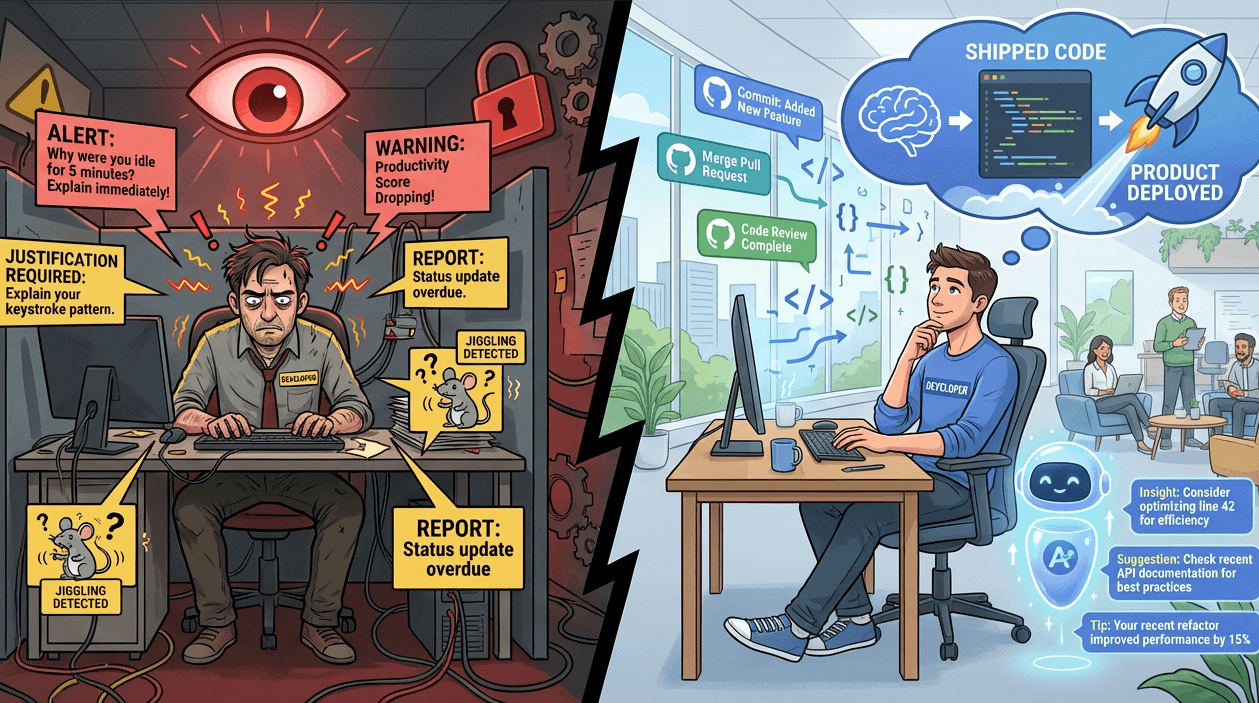
ScreenJournal vs. TimeDoctor: Micromanagement vs. Autonomy
TimeDoctor prompts your developers to explain why they took a 5-minute bathroom break.
This isn't productivity management. It's digital micromanagement disguised as "insights."
TimeDoctor built its reputation on granular visibility: screenshots, idle time alerts, and website tracking. But there's a fundamental flaw in their philosophy. They treat "idle time" as lost time. They assume that if someone isn't moving their mouse, they aren't working. They require employees to justify breaks like children asking permission to leave the classroom.
ScreenJournal was built on a different principle: trust with verification. We believe a developer staring at a compiler error for 20 minutes is working, not idle. We understand that "deep work" often looks like stillness. And we use AI to distinguish between productive thought and genuine disengagement - without requiring your team to defend their bathroom breaks.
The "Creep Factor" Quantified
TimeDoctor's monitoring approach creates what researchers call "digital presenteeism" - the pressure to appear busy rather than be productive.
How TimeDoctor works:
- Takes random screenshots during work hours
- Tracks "keyboard/mouse activity levels" to calculate productivity scores
- Detects "idle time" when input drops below a threshold
- Triggers pop-up alerts asking employees to explain idle periods
- Categorizes websites/apps as "productive vs. unproductive" using machine learning
The psychological cost: Your senior engineer just solved a complex race condition by staring at a whiteboard for 30 minutes. TimeDoctor flagged it as "idle." Now they have to explain their thought process to justify work that just saved you a $50,000 production bug.
In our blog I Let an AI Roast My Work Habits for a Week, we showed how ScreenJournal's AI coaching differs from surveillance. When Gemini analyzed my timeline, it didn't ask me to justify bathroom breaks. It identified patterns: "You check Slack every 6 minutes, preventing deep work." That's coaching. TimeDoctor's idle alerts are policing.
The Idle Time Philosophy: Context vs. Keystrokes
TimeDoctor's core assumption is that "active time" (keyboard/mouse activity) equals productive time. This works for data entry clerks. It fails catastrophically for knowledge workers.
Scenarios where TimeDoctor fails:
| Activity | TimeDoctor Sees | Reality |
|---|---|---|
| Call center agent reading knowledge base | "Idle time – browser open but no clicks" | Preparing for complex customer inquiry |
| Sales rep reviewing proposal strategy | "Extended idle – no activity detected" | High-value strategic planning |
| Support agent listening to customer on call | "Low productivity – minimal input" | Active problem-solving via voice |
| Remote worker reading training materials | "Idle – 15 minutes no input" | Professional development |
ScreenJournal uses computer vision and voice analysis to understand context, not just count clicks. When our AI analyzes a screen recording, it recognizes:
- CRM open with customer record = active case work, not "idle browsing"
- Knowledge base article visible = research before a call, not "distraction"
- Call in progress with minimal typing = listening to customer, not "inactivity"
- Training video playing = professional development, not "watching videos"
Our AI analyzes screen activity alongside voice data. If an agent had "low keyboard activity" for 30 minutes but was handling a complex customer call that resulted in a successful resolution, we report the outcome - not the idle time.
TimeDoctor would flag it as idle time requiring justification.
The Manager's Dilemma: Data Overload vs. Insights
TimeDoctor provides "detailed productivity reports" with "insights into employee performance". But here's what that actually means:
A typical TimeDoctor weekly report:
- 2,400 screenshots to review (50 employees × 8 hours × 6 screenshots/hour)
- 500 pages of website/app usage logs
- 200 idle time incidents requiring review
- 50 hours of aggregated "unproductive time" to investigate
You hired a team lead to improve performance. Instead, they spend 10 hours per week scrubbing through screenshots trying to understand if "YouTube - 23 minutes" was watching a training video or watching cat videos.
ScreenJournal's approach: AI synthesizes the data and delivers it in your weekly report. You can also ask natural language questions:
- "Which team members need coaching on focus time this week?"
- "What's our average call handling time compared to last month?"
- "Which agents show declining productivity patterns?"
You get answers in seconds, not hours of manual review. We watch the game so you can coach the team.
Screenshots: The Anxiety Engine
TimeDoctor captures random screenshots and uses "machine learning to categorize productive versus unproductive activities". This creates three problems:
1. The privacy invasion: Screenshots capture everything visible on screen, including private messages, medical information, and banking details. Even if management doesn't review them, the knowledge that they exist creates anxiety.
2. The false positive problem: TimeDoctor's AI categorizes Reddit as "unproductive". But what if your DevOps engineer is troubleshooting a Docker issue on r/docker? The screenshot shows "Reddit," the productivity score drops, and now they have to defend legitimate research.
3. The storage liability: Every screenshot is a GDPR compliance risk. Greek law explicitly prohibits monitoring tools that "capture private content". TimeDoctor's screenshot archive violates this principle by design.
ScreenJournal's Goldfish Protocol solves all three:
- No privacy invasion: Video is processed and deleted immediately - no permanent visual record exists
- No false positives: Our AI reads the actual content (Docker documentation on Reddit) instead of just the URL
- No storage liability: Text metadata is GDPR-compliant by design
Voice + Screen Analysis: Understanding the Full Picture
TimeDoctor measures keyboard and mouse activity. ScreenJournal understands what's actually happening - including what's being said.
For call centers, sales teams, and support desks, the work happens through voice. TimeDoctor can't hear a call. It sees "Chrome - active" and counts keystrokes. It has no idea whether your agent just closed a $50,000 deal or spent 30 minutes arguing with a customer who eventually hung up.
ScreenJournal captures two audio streams:
- Microphone audio: What your employee says - tone, script adherence, professionalism
- Screen audio: What's being played to them - customer voice, hold music, training videos
Our AI separates and analyzes both streams to extract:
- Call sentiment: Was the customer frustrated? Did the agent de-escalate effectively?
- Talk-to-listen ratio: Is the agent dominating the conversation or actively listening?
- Dead air detection: Extended silence during a call often signals confusion or disengagement
- Script adherence: Did the agent follow required compliance or sales scripts?
TimeDoctor report:
"Agent A: 7.5 hours active time, 6.2 hours productive (83% productivity score)"
ScreenJournal report:
"Agent A: 7.5 hours active. Handled 34 calls with average positive sentiment. 2 calls flagged for elevated customer frustration - both resolved successfully. Talk-to-listen ratio improved 8% this week. Recommendation: strong candidate for team lead mentoring."
One tells you your agent looked busy. The other tells you how they actually performed.
For outsourcing firms billing clients on service quality, this is revenue protection. Clients questioning your invoice can see concrete quality metrics showing exactly how their customers were served.
The "Work-Life Balance" Paradox
TimeDoctor markets "employee engagement & burnout tracking" and "work-life balance" monitoring. But their methodology creates the problem it claims to solve.
The paradox: When employees know they're being scored on "activity levels" and "idle time," they optimize for appearing busy instead of being effective. They:
- Jiggle their mouse during thinking time to avoid idle alerts
- Keep dozens of tabs open to look "active"
- Avoid necessary breaks because they'll trigger justification pop-ups
- Experience anxiety about bathroom breaks showing up on manager dashboards
This is digital presenteeism - the opposite of work-life balance.
ScreenJournal's approach is fundamentally different. We don't score employees on keyboard activity. We analyze work patterns using time-series data in InfluxDB:
- "Developer B's context-switch rate increased 34% this week - possible meeting overload"
- "Designer C's longest focus window dropped from 90 minutes to 20 minutes - investigation needed"
- "Team's average deep-work time increased 19% after disabling Slack notifications"
These insights help you protect your team from burnout, not police their bathroom breaks.
GDPR Compliance: Proportionality Matters
GDPR requires employee monitoring to pass a "proportionality test" - is the data collection necessary for the stated business purpose?
TimeDoctor's proportionality problem:
- Purpose: Verify that remote employees are working
- Method: Random screenshots, idle time tracking, keyboard/mouse monitoring, website categorization
- Question: Is capturing private screen content "necessary" to verify work occurred?
Danish regulators have repeatedly found violations in cases using "continuous screen monitoring" and "excessive internet tracking". TimeDoctor's architecture fits this profile.
ScreenJournal passes the proportionality test:
- Purpose: Understand workforce productivity patterns
- Method: AI-extracted work context, voice analysis, time-series analytics
- Data stored: Text metadata only - no screenshots, no video
- Outcome: You get verification of work without invasive visual surveillance
When to Choose TimeDoctor vs. ScreenJournal
Choose TimeDoctor if:
- You employ hourly workers in data entry or customer service roles
- You need visual proof for client billing disputes
- Your team is comfortable with activity-level monitoring
- Idle time tracking aligns with your management philosophy
- You operate in jurisdictions without strict privacy laws
Choose ScreenJournal if:
- You manage remote teams, call centers, or outsourcing operations
- Your team's work involves voice calls, customer interactions, or knowledge work
- GDPR compliance matters to your organization
- You want to measure outcomes and quality, not mouse clicks
- Your culture values autonomy and trust
- The "idle time justification" model feels dystopian to you
Stop Policing Bathroom Breaks, Start Coaching Performance
TimeDoctor was built for a world where productivity equals activity. Keyboard clicks. Mouse movements. Screen time. It's the digital equivalent of a factory floor manager with a stopwatch, timing how long you spend at each workstation.
That model doesn't work for engineering teams. Your best developer might ship 10x more value while appearing "idle" because they think before they code. Your worst developer might have perfect activity scores while producing spaghetti code that creates technical debt.
ScreenJournal understands this. We use AI to measure what matters: work delivered, focus time protected, burnout risks identified, productivity patterns optimized.
We don't ask your team to justify their humanity. We help you build better products with healthier teams.
Stop guessing. Start knowing.
Let AI turn screen data into clear insights. Start your 2 months free trial
Related Posts
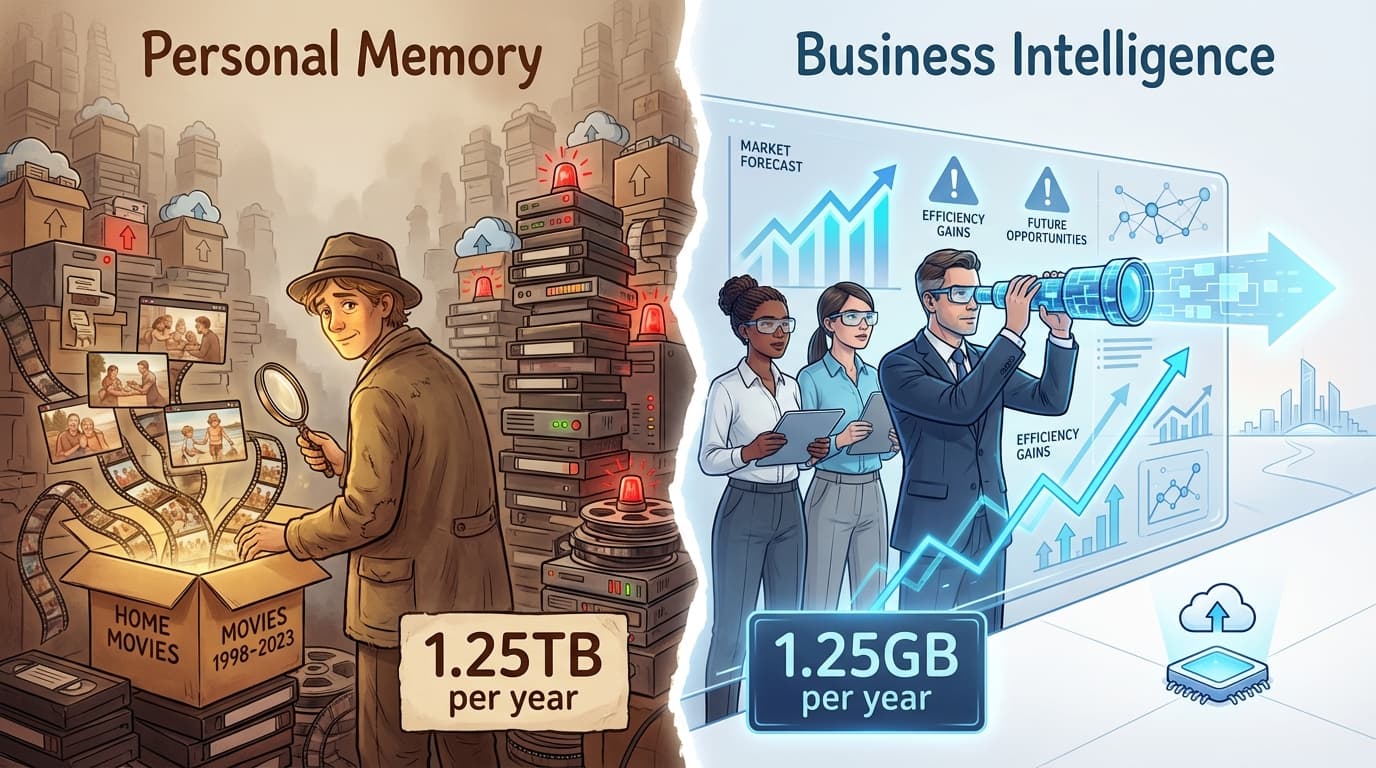
ScreenJournal vs. LifeTrace/Rem: Business Intelligence vs. Personal Memory
Rem and Windrecorder store everything for personal recall. ScreenJournal uses AI to extract insights and delete recordings immediately. Compare storage costs, GDPR compliance, and team analytics.
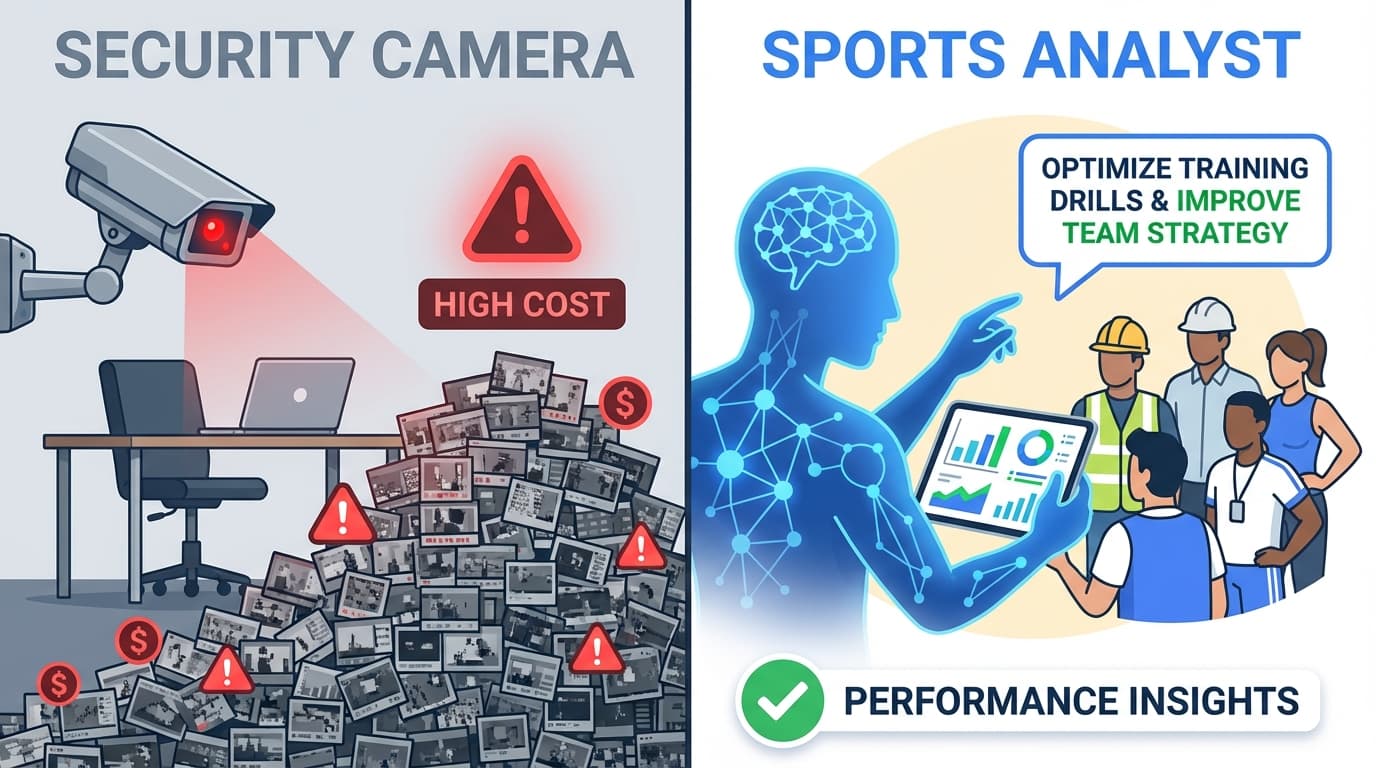
ScreenJournal vs. Hubstaff: Security Camera vs. Sports Analyst
Hubstaff stores 7,200 screenshots per day per team. ScreenJournal uses AI to extract insights and deletes the video immediately. Compare privacy, GDPR compliance, and total cost of ownership.
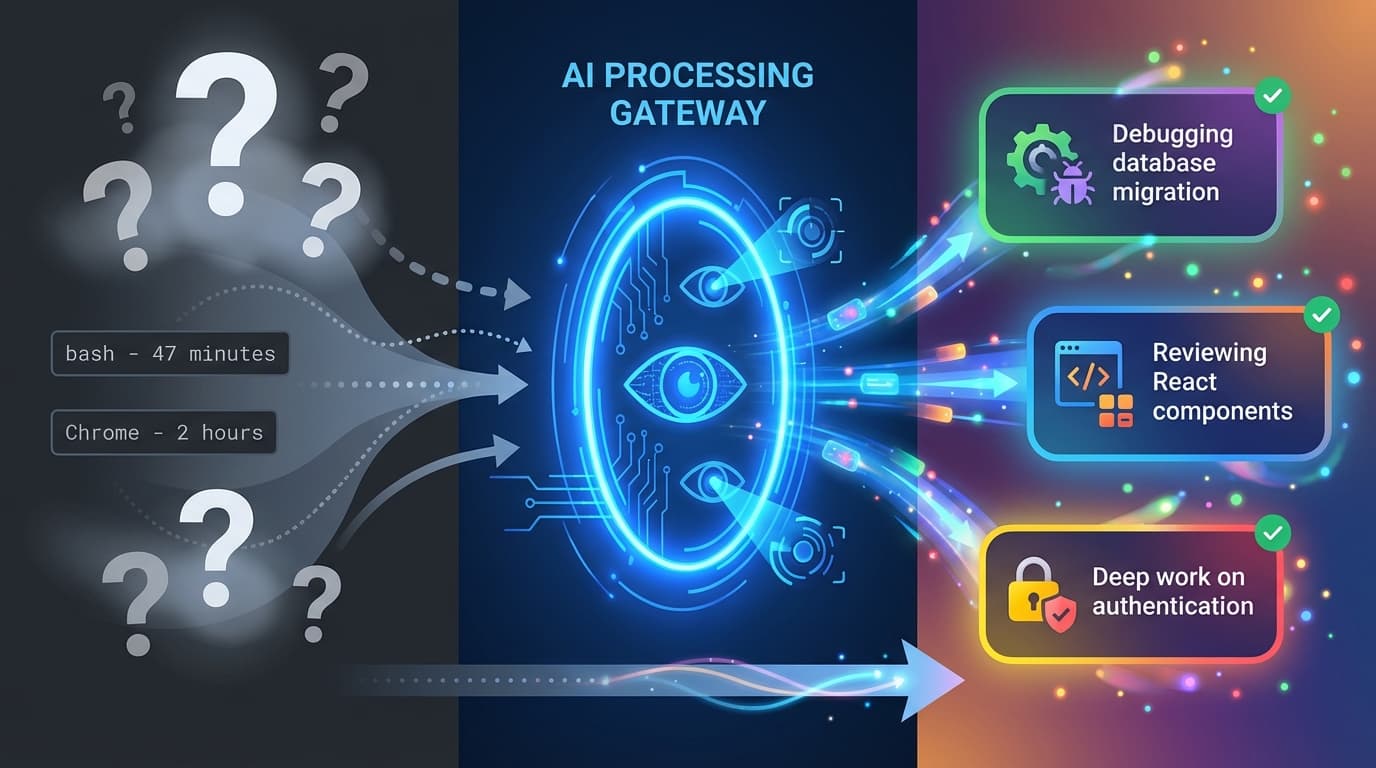
ScreenJournal vs. ActivityWatch: From Logger to Analyst
ActivityWatch logs window titles locally. ScreenJournal adds AI screen analysis, voice monitoring, and team analytics for business workforce intelligence. Compare privacy models, features, and use cases.