I Let an AI Roast My Work Habits for a Week
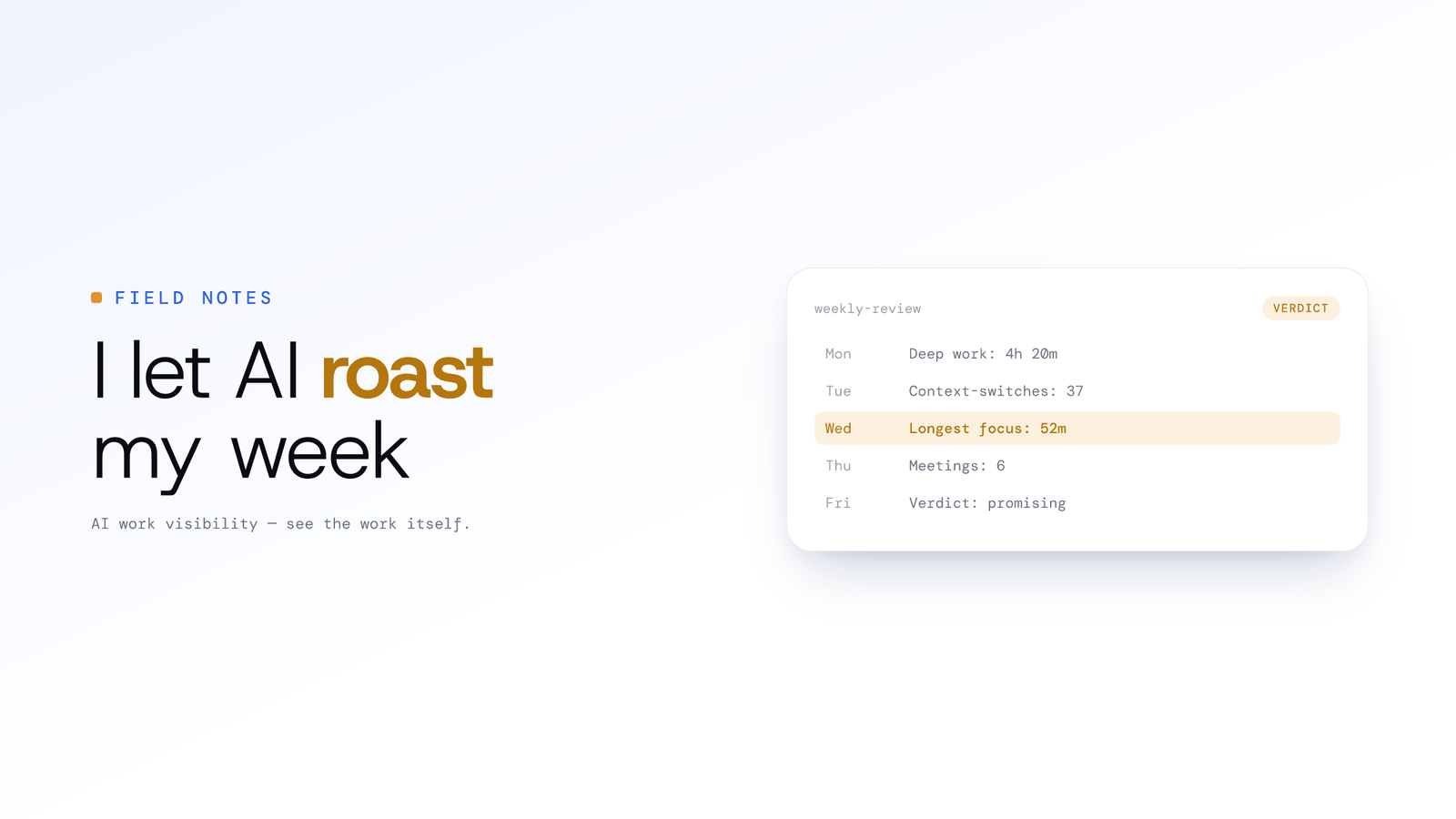
I turned our work-visibility AI on myself for a week and asked it to be ruthless. It found the context-switch traps and procrastination patterns I could not see, and coached me instead of surveilling me.
I Let an AI Roast My Work Habits for a Week
Updated on 8 July 2026
I built a tool to track employees. So naturally, the first thing I did was turn it on myself.
Quick context on what it is, since I'm about to quote it a lot. ScreenJournal is an AI work visibility tool that reads on-screen work as it happens, turns it into a detailed timeline of what each person actually did, and then, by default, deletes the raw screen data. Timelines accumulate into a searchable chronicle of everyone's work history, and from them ScreenJournal generates timesheets and reports automatically and drafts standup summaries on request, answering questions about any of it in plain English.
For seven days, I ran ScreenJournal and asked its Assistant chat the same thing every evening: "Be ruthless. Don't be nice. Tell me exactly where my time is going and where I'm wasting it."
The results were humbling.
I expected the AI to say something like, "You're very productive, Adam." Instead, the AI took me to the woodshed. Here are the excerpts that stung the most.
The "CSS Yak Shave" Report
ScreenJournal Log:
10:34 AM - 11:19 AM: "Adjusting login button colour and shadow properties in Figma."
The AI's Roast:
"You spent 45 minutes tweaking the login button. The colour changed from #3B82F6 to #4F92F7. The shadow went from 0 4px 8px to 0 4px 6px. No user impact. No A/B test. No measurement. This is called 'Yak Shaving': you prioritised feel-good work over actual shipping. The button looked fine at 10:34. It still looks fine at 11:19. You wasted 45 minutes because you have zero design discipline."
Ouch.
The "Tax Procrastination" Receipt
ScreenJournal Log:
3:00 PM - 3:15 PM: "Opened: Tax Optimisation Strategy (PDF)." 3:15 PM - 4:02 PM: "PDF in the foreground, no reading in it."
The AI's Roast:
"You opened the 'Tax Optimisation' PDF 12 times in the past week. Total time: 1 hour 47 minutes. Total pages scrolled: 0. You didn't read it once. You opened it, looked at the title, and closed it. This is anxiety-driven procrastination disguised as work. Just hire an accountant and recover 2 hours of your life. You're losing money trying to save money."
It was right. I've been planning to hire someone for 6 weeks.
The "Slack-Driven Stupor"
ScreenJournal aggregated data across the week and generated this timeline analysis:
The AI's Report:
"You check Slack every 6 minutes. On average. Even when you're not actively coding, Slack is the second window you switch to after taking a mental break. Your average focus window before a Slack check is 8 minutes. For context: the human brain enters 'Deep Work' after approximately 15 minutes of uninterrupted focus. You are systematically preventing yourself from entering deep work by checking Slack compulsively. You are not being productive. You are being reactive."
The AI then quantified it:
- Average context switch: 47 seconds
- Total context switches (5-day work week): 1,247
- Time spent just switching (not including time reading Slack): 9.8 hours
- That's more than a full workday spent on the act of switching.
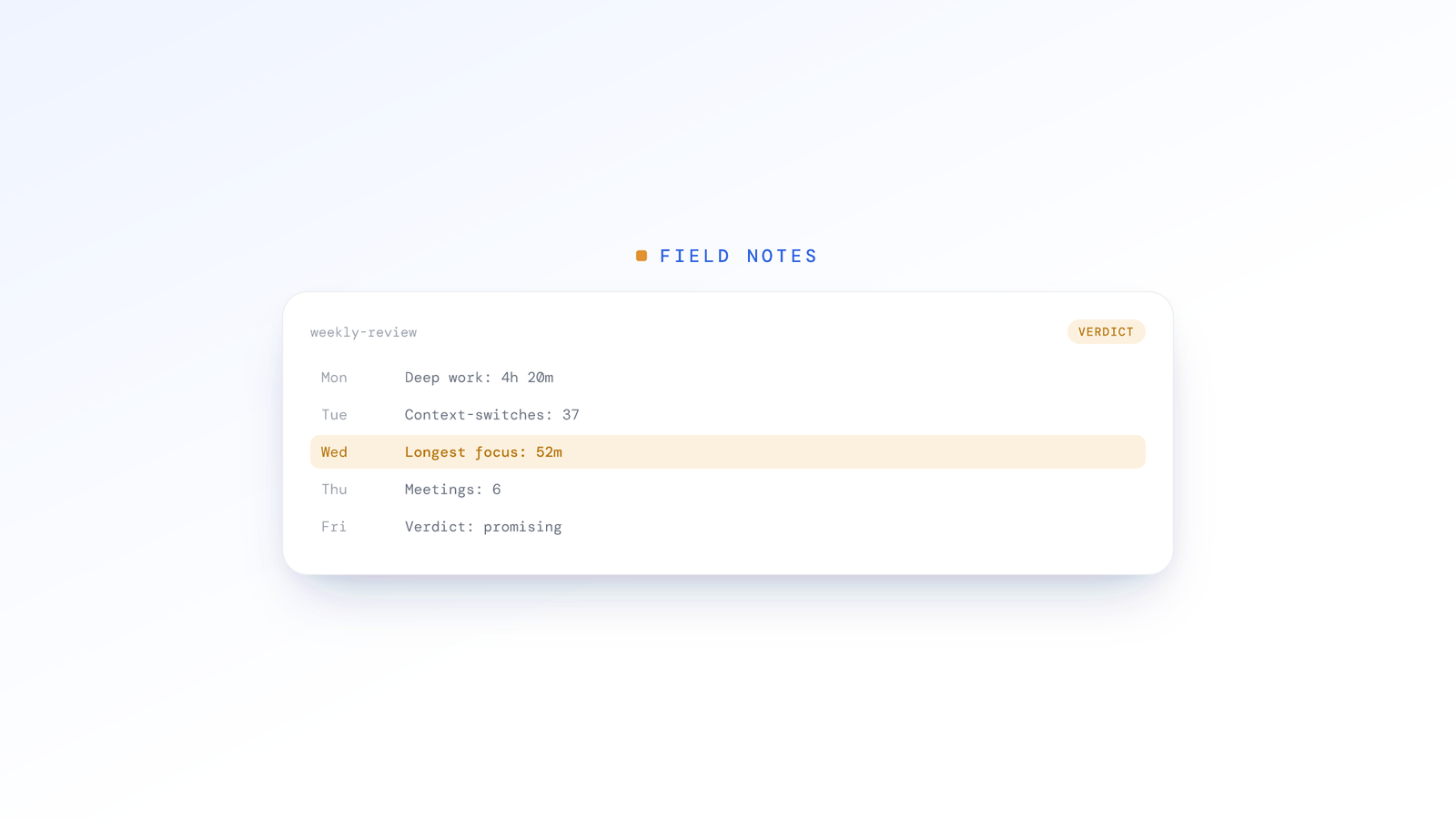
ScreenJournal's timeline showed every one of those switches, with the app-switch count for the day on top. The pattern was undeniable. I wasn't "multitasking." I was "context-switching-tasking."
The Moment It Got Real
But then the AI said something that made me actually change my behaviour:
"You spent less time in your editor this week than last, and more of it in Slack. Your team's timelines show more focused blocks than yours, on average, despite your seniority. If you were an employee reviewing this timeline, you would not get a raise. You would get a performance improvement plan. This is not about 'balance' or 'rest days.' You're just broken."
I wasn't broken. But I was inefficient in a way I couldn't see because I was in it.
I disabled Slack notifications that day.
What Happened Next
The insight from ScreenJournal wasn't "Adam is lazy." It was the opposite. The AI showed me I was overworking on low-value tasks and underworking on high-value ones.
After I turned off Slack notifications (these are my own numbers from one week on myself, not a product benchmark):
- Context switches dropped sharply, closer to one every quarter of an hour
- My first deep-work window of the day stretched from a few minutes to most of an hour
- I shipped more, and it felt easier
- The PDF still sits there, but I finally hired an accountant. Best decision ever.
Why This Isn't "Spyware"
I built ScreenJournal for companies, not surveillance. But here's what surprised me: The scariest part wasn't having a system to watch me. It was having the system tell me the truth about myself.
Traditional employee monitoring tools show your manager a timeline. They can see you were "in Slack for 2 hours" and make assumptions.
ScreenJournal doesn't keep raw footage by default. It reads on-screen work as it happens, writes a timeline of what I actually did, and deletes the raw screen data during processing. That principle has a name, derive-and-discard. A manager who needs video evidence can opt in to keep recordings for up to 3 months (Evidence Mode), but I ran it the default way. What's left is the analysis. It roasted me, not because it was malicious, but because it was honest.
The Problem with Raw Transparency
Here's what the old screen-recording tools get wrong. With those, a manager can scrub through a raw video of your eight hours. If mine did that, they'd see:
- Me staring at the login button
- Me clicking on the PDF
- Me switching to Slack (a lot)
They'd think I was lazy or unfocused.
With ScreenJournal, by default, that video never exists to be watched. The screen is read, the raw screen data is deleted during processing, and only the derived timeline remains. So instead of footage a manager could misread, I got:
- The exact tax procrastination trap I've been in for weeks
- The Slack-driven context-switch problem that was silently killing my productivity
- A data-backed insight that I needed to change my environment, not my work ethic
That's the difference between "monitoring" and "coaching," and it matters more than it sounds: heavy-handed surveillance tends to drag productivity down rather than lift it.
What This Means for Your Team
Here's the proposition I'd make to any CTO or founder using ScreenJournal:
You could use this to micromanage. You could look at your developer's Slack frequency and get angry. Or you could do what I did and let it tell your team the truth about their inefficiencies.
"Hey team, we ran this on ourselves. Here's what we found. The system isn't judging you. It's coaching you. Use it."
The best part? Your team will probably thank you. Because nobody wants to waste 45 minutes on a button. Nobody wants to lose 2 hours a week to Slack. Nobody wants to be less effective than they could be.
They just can't see it without the data.
The catch? It works both ways. If the AI tells you you're exceeding expectations, it'll say that too.
I was roasted for a week. I changed my behaviour. I got a lot more done, and I could feel the difference.
Imagine if your entire team did the same.
This Isn't Just for Developers
My examples involved CSS and code because that's my world. But the patterns ScreenJournal detects are universal.
Call centre agents have their own version of the Slack trap. They toggle between the CRM, the knowledge base, and the ticketing system dozens of times per hour. ScreenJournal's AI can identify that an agent spends 40% of their time searching for answers instead of talking to customers, a training gap, not a laziness problem.
Sales reps have their own yak-shaving. Spending 45 minutes formatting a proposal that could use a template. Spending an hour reorganising their pipeline instead of making calls. ScreenJournal surfaces these patterns the same way it surfaced my CSS tweaking, not to punish, but to coach.
Outsourcing teams face a unique challenge: proving to clients that their remote workers are productive. ScreenJournal's weekly report gives operations managers concrete data to share with clients instead of vague assurances.
Every role has invisible productivity leaks. The AI doesn't care whether you're writing code, handling calls, or managing accounts. It finds the patterns you can't see because you're inside them.
Frequently asked questions
How is AI productivity coaching different from employee monitoring?
Monitoring shows a manager where you spent time and lets them draw their own conclusions. Coaching reads the actual work, surfaces the patterns you cannot see, like compulsive context switching, and tells you how to change them. ScreenJournal is built for the second: insight for the person doing the work, not a surveillance feed.
What does ScreenJournal reveal about context switching?
It turns your day into a timeline and quantifies the switching hidden inside it: how often you break focus, how long your average focus window lasts, and how much time goes to the act of switching rather than the work. Seeing it written down is usually enough to change the habit.
Does using ScreenJournal to coach mean spying on my team?
No. By default it reads on-screen work and deletes the raw screen data during processing, so there is no footage to spy on; a manager can opt in to keep video evidence, stored for up to 3 months, and members are told at sign-in. What is left is a derived timeline you can use to coach honestly. Used well, it tells the team the truth about their inefficiencies rather than policing individual moments.
Can employees see the same insights their manager sees?
Yes. Employees see the same activity timeline and productivity score their manager sees, and an admin can correct a score that looks wrong. The point of ScreenJournal is that the person doing the work gets the same honest feedback, so they can fix what is slowing them down instead of being judged on it from the outside.
Stop guessing. Start knowing.
Let AI turn screen data into clear insights. Start your 2 months free trial
Related Posts
Away Is Not Absent: How Employees Explain Untracked Time
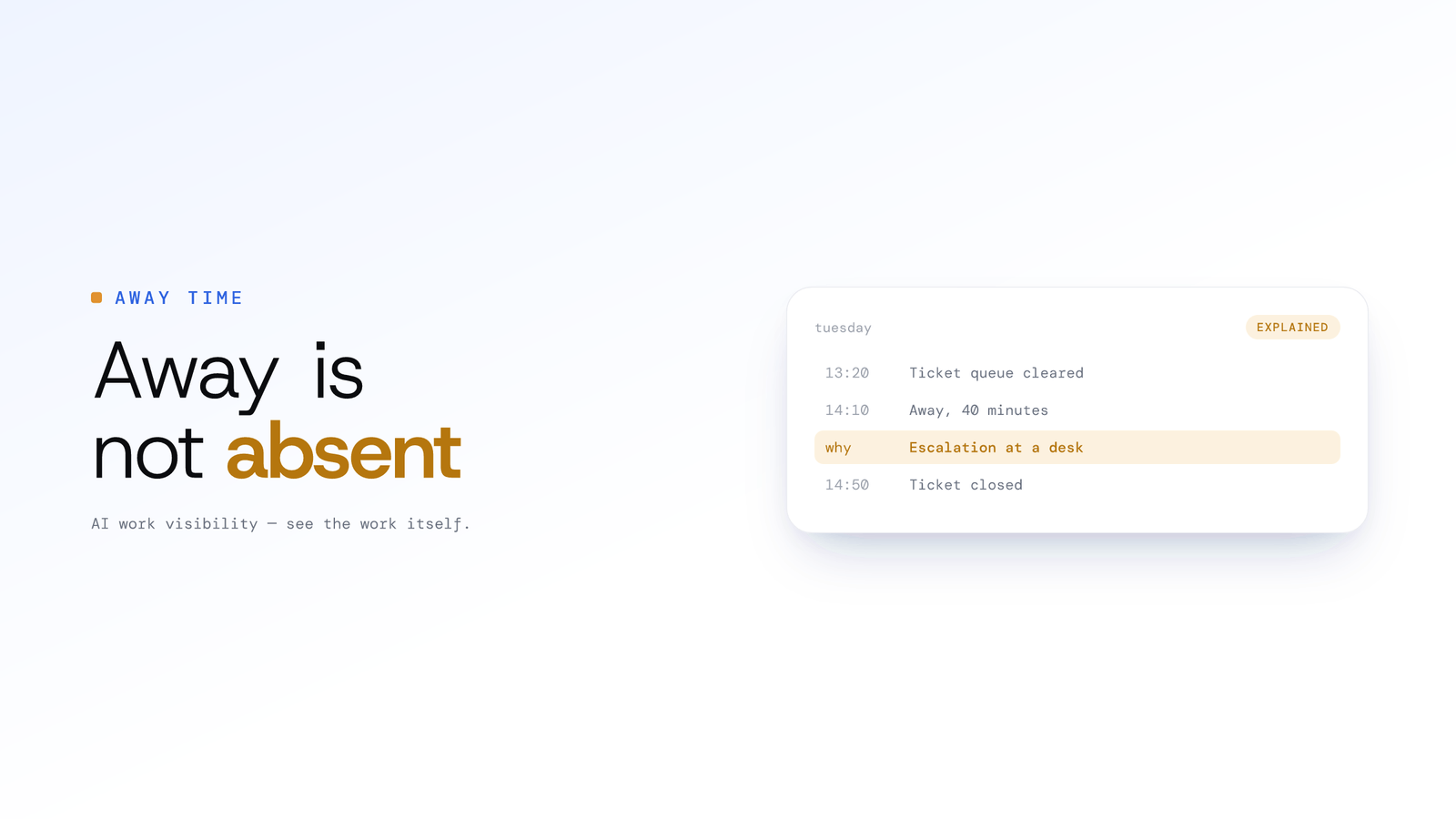
A whiteboard session, a phone call and a long lunch all look the same to a tracker: no input. Here is how ScreenJournal lets the person who was there say what the gap was, and what a manager sees when they do.
A Flag Is Not a Verdict: How ScreenJournal Screens for Fake Activity
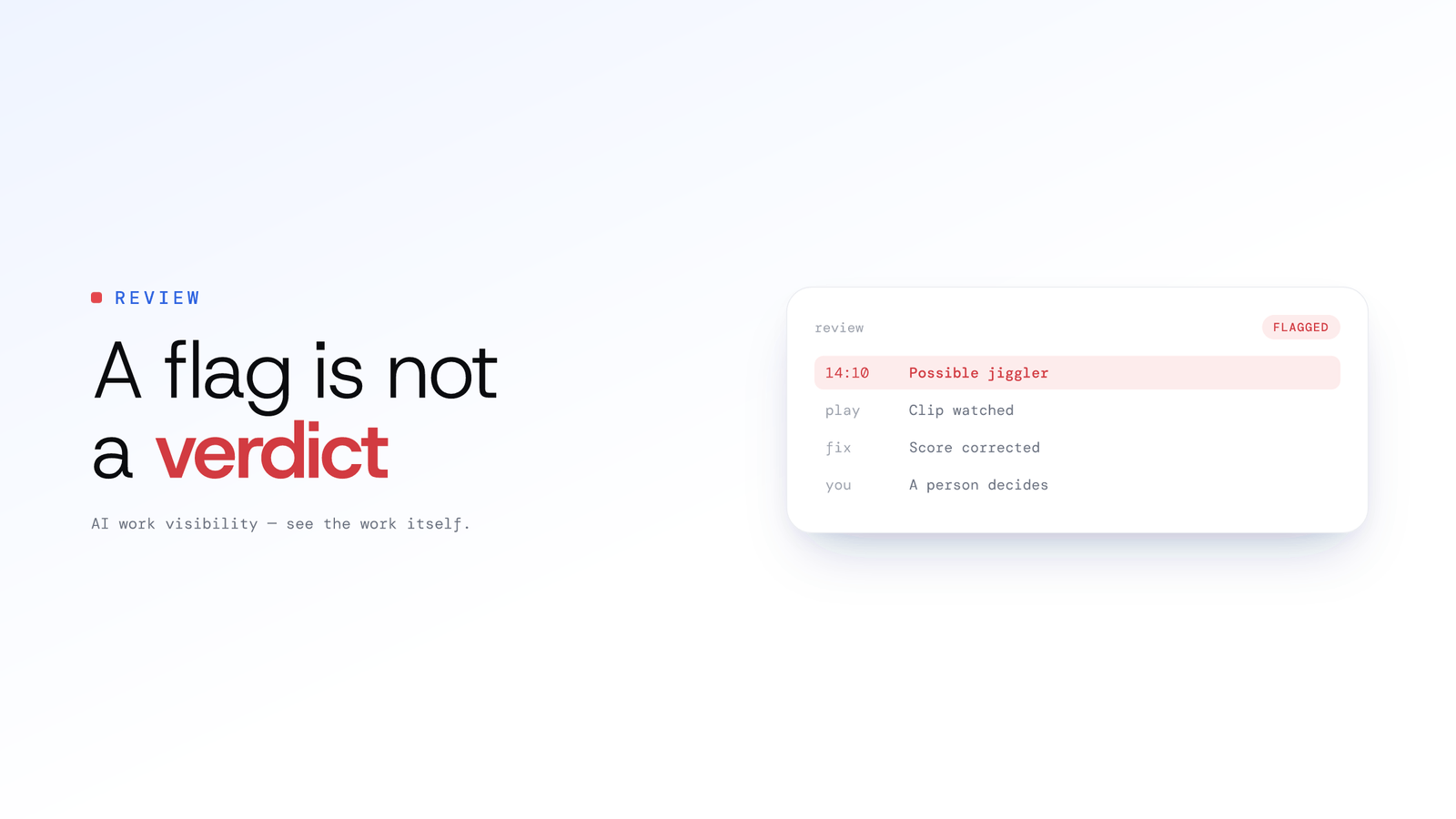
Mouse jigglers and staged screens are a real problem, and so is a tool that convicts people automatically. Here is how ScreenJournal flags suspected fake activity, shows the evidence, and leaves the decision to a person.
The Death of the Daily Standup: Why Asking What Did You Do Yesterday Is Obsolete
The daily standup status report is obsolete. Let git activity answer what did you do yesterday, so the standup meeting is for blockers, not recitation.