The Death of the Daily Standup: Why Asking What Did You Do Yesterday Is Obsolete
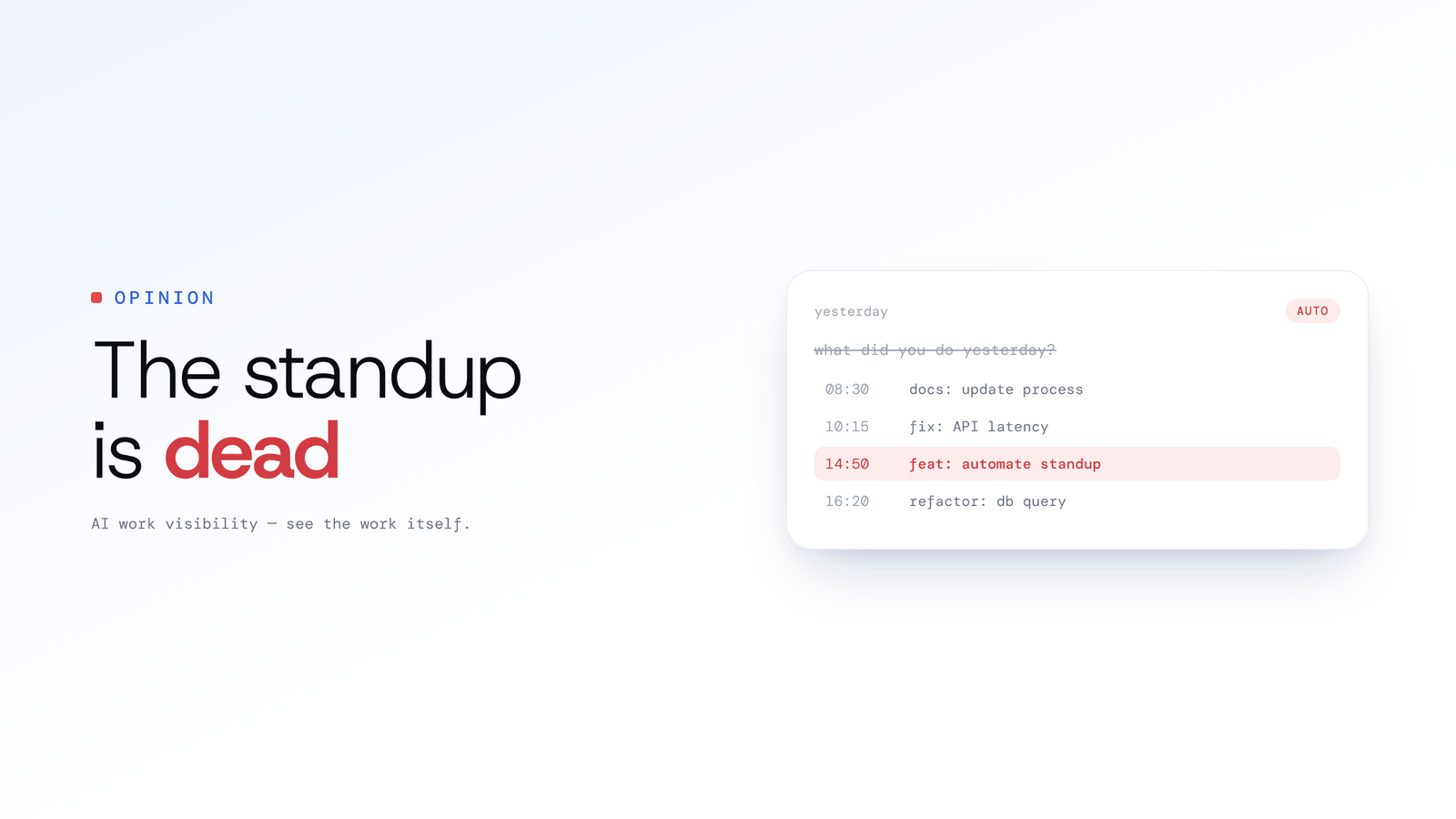
The daily standup status report is obsolete. Let git activity answer what did you do yesterday, so the standup meeting is for blockers, not recitation.
The Death of the Daily Standup: Why Asking What Did You Do Yesterday Is Obsolete
Updated on 8 July 2026
The daily standup status report is obsolete: the ritual of asking developers to recite what they did yesterday should be replaced by an automated daily standup alternative, where a record of the work drafts the update and the meeting is reserved for blockers. Stop asking; let the system answer.
It's 9:59 AM.
Across the world, thousands of engineering teams are pausing their music, closing their IDE terminals, and letting out a collective sigh. It's time for the daily standup.
The intention behind the agile standup was noble: a 15-minute sync to align the team. But in practice, for most remote teams, it has devolved into a synchronous memory test. You go around the Zoom room, and highly paid engineers struggle to recall exactly what they did 24 hours ago.
"Uhh, yesterday I worked on the API refactor... and I think I reviewed a PR... and yeah, today I'm continuing that."
This is low-fidelity data. It's vague, it's often inaccurate, and worst of all, gathering it breaks the deep work cycle necessary for complex problem solving.
Your best developers hate the standup because it breaks their flow, not because they're anti-social.
It's time to kill the manual status report. We need to stop asking developers what they did and start letting the systems they work in, specifically their git history, answer the question for them.
Why does the manual standup fail? The "amnesia" of recall
The manual standup fails because it relies on human memory for data logging, and humans are terrible data loggers. The work itself and the summary of it are two different jobs, and forcing engineers to do both degrades both.
When a developer is deep in a "flow state," they aren't indexing their actions for a future presentation. They are traversing complex logic trees, managing variable states in their head, and debugging race conditions. When you pull them out of that state 16 hours later and ask for a summary, you get the "Amnesia Update."
The Amnesia Update usually looks like this:
- "Worked on the backend." (Too vague)
- "Fixed some bugs." (Which ones?)
- "Ticket #405." (Requires everyone else to look up Jira).
This lack of context forces engineering managers to become micromanagers. You have to follow up. "Which backend service? Is the auth bug resolved?" Now the 15-minute standup is a 45-minute interrogation, and morale is plummeting.
What is the automated daily standup alternative?
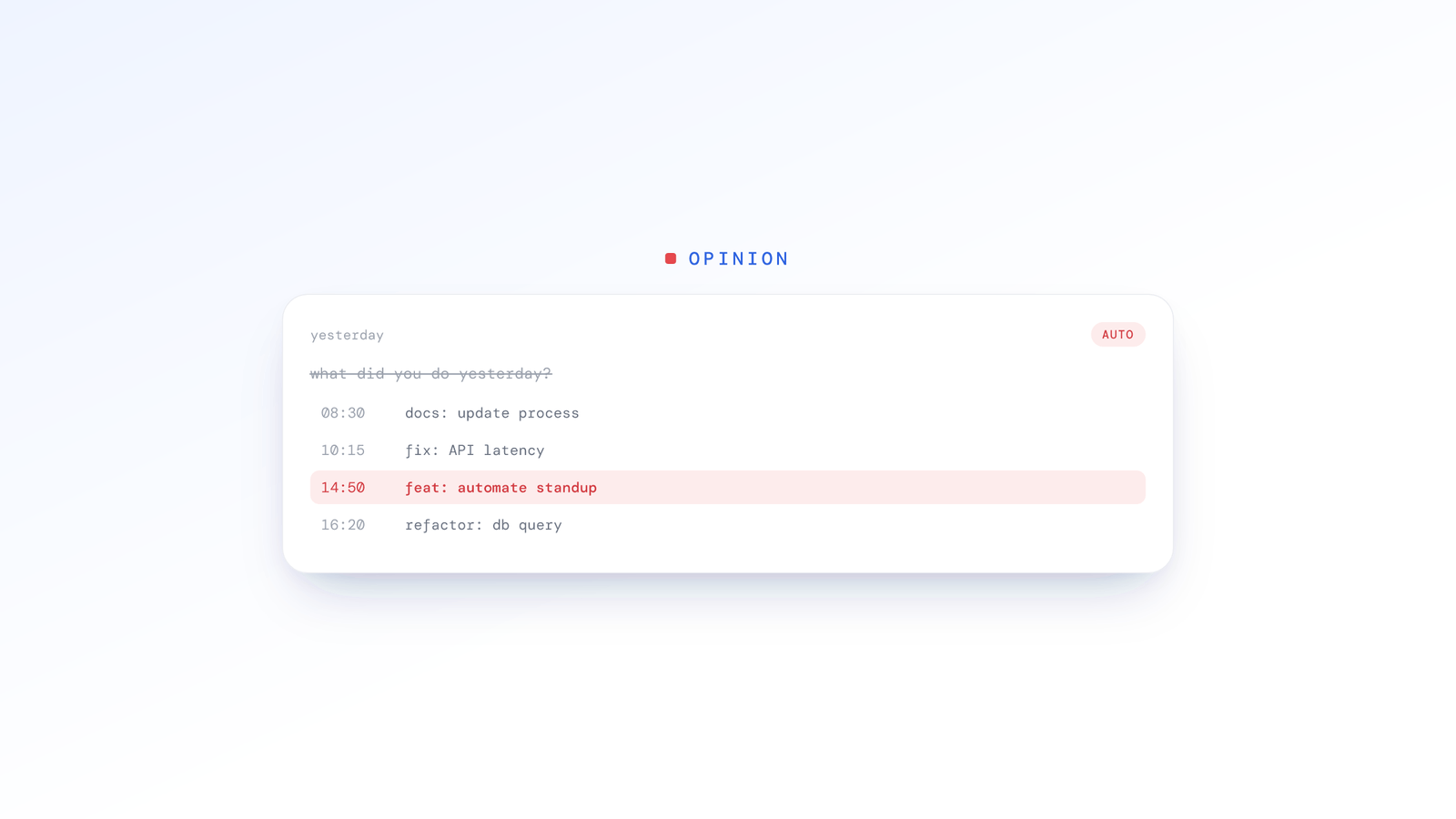
The alternative is to automate the context, not cancel the sync. In a modern DevOps environment, work is not invisible: it leaves a digital exhaust trail. Every commit, every pull request comment, every merged branch is a timestamped record of what happened yesterday.
This is the move toward an asynchronous standup for remote engineering teams, and the philosophy is simple: the manager shouldn't have to ask, because the system should already know.
If we can aggregate that record and present it legibly, the morning meeting changes. We no longer spend 10 minutes reciting history. We walk in already knowing the status, so we can spend the time on the strategy.
Reading code, not just pixels
ScreenJournal starts by reading on-screen work as short-lived video, writing a timeline of what each person actually did, then, by default, deleting the raw screen data. Pixels only tell half the story, though. You can stare at VS Code for three hours and produce nothing, or type for 20 minutes and fix a critical production outage.
ScreenJournal is an AI work visibility tool that reads on-screen work as it happens, turns it into a detailed timeline of what each person actually did, and then, by default, deletes the raw screen data. Timelines accumulate into a searchable chronicle of everyone's work history, and from them ScreenJournal generates timesheets and reports automatically and drafts standup summaries on request, answering questions about any of it in plain English.
The mechanism matters here, because engineers are the people most likely to ask what happens to the footage. By default the screen is recorded as short-lived video, the work is read from it, and the video is deleted during processing; a manager can opt in to keep video evidence, stored for up to 3 months. What remains otherwise is a plain-English work timeline, not a screen archive: which app, what was done, how long it took, with a productivity score. The standup itself is never automatic or pushed at you. You draft it on request, either through the built-in Assistant chat (Ask AI) or the ScreenJournal MCP, so your team can use its own model.
What will Tempo do for git activity standup updates?
Tempo is ScreenJournal's Claude Code and AI-assisted-coding analytics layer, and it is launching soon. It is designed to go a layer deeper than the on-screen timeline for engineering work.
At launch, Tempo is designed to read the local repository and Claude Code's session files, turning commits and pull requests into a legible summary of the day's engineering output. By correlating what happened on screen (the effort) with git events (the output), it will produce a composite view of a developer's day rather than a generic "8 hours worked". Here is an illustrative draft of the kind of summary that shape of tool is meant to produce, offered as a hypothetical, not measured product output:
An illustrative draft: "Spent the morning on auth-service. Refactored the JWT validation logic (commit 8a2f) and tidied the login path." (Example only, not a measured result.)
This is the difference between data and insight, and it is why the record beats recall. You can read more about where Tempo fits, and how visibility survives when AI writes the code, on our engineering teams page.
From "status report" to "blocker sync"
Automating the context changes the dynamics of the meeting immediately: the status round disappears and what remains is the part that needed humans anyway.
The death of "what did you do?"
You no longer ask this question, because the answer is already drafted. On request, ScreenJournal drafts the update before the meeting starts, and Tempo (launching soon) is designed to sharpen it with the engineering detail from your git history. Compare the two:
Bad standup update:
"Yesterday I worked on the front end. Today I will finish it and move on to integrating the pagination APIs. No blockers." (Result: zero value added. The manager has no visibility.)
Drafted from the record (illustrative):
"Yesterday: pushed 3 commits to frontend-v2. Implemented the new grid layout in Dashboard.tsx and fixed a responsive design bug in Navbar.css.
Today: continuing the dashboard widget interaction." (An illustrative draft, not a measured outcome. Result: the manager sees progress on specific components.)
You can see the same idea built out as a feature on our AI standups page.
Proof of work for client-facing teams
For agency owners or fractional CTOs, this is revenue protection. Clients often question hours when deliverables aren't visual. By tying the timeline of work to the actual output, an update drafted from the record gives you a defensible account of what shipped. You aren't just reporting time; you are pointing at the work that secured the database.
The mental energy savings
When developers don't have to justify their existence every 24 hours, they relax. They enter deep work more easily knowing the record has their back, and the anxiety of "did I do enough to look busy in the standup?" evaporates. The cognitive tax of narrating the work, on top of doing it, simply goes away.
Frequently asked questions
What is the best automated daily standup alternative?
The best alternative is to stop asking and let the record answer. Instead of a synchronous recitation, a timeline of what each person actually did drafts the update, so the meeting itself is reserved for blockers, decisions and help rather than a status round nobody enjoys.
How do git activity standup updates work?
Today the update is drafted from the on-screen work timeline, so it names the real files, tickets and reviews rather than a vague continued on the project. Tempo, ScreenJournal's engineering analytics (launching soon), is designed to add commits and pull requests to that record. Either way the output is generated from the record instead of memory, which is why it stays specific, honest and quick to review before you post it.
Can an asynchronous standup work for a remote engineering team?
Yes, and distributed teams benefit most. Because the update is drafted from a timeline the moment a day starts, nobody waits on another time zone's morning. Handovers stop depending on what people remembered to write at midnight, and follow-up questions get answered without booking a call.
Does replacing the standup status report mean cancelling the meeting?
No. It replaces the recitation, not the conversation. The status round that eats the first ten minutes becomes a quick request before the call, so what remains is the part that needed humans anyway: decisions, blockers and help. Fully async teams can post the updates and skip the call.
Automate the memory, save the meeting for the blockers
The daily standup is not dead, but the status report version of it should be buried. As engineering leaders, our job is to remove friction, and asking a developer to compile a manual log of their activities is friction: administrative overhead that distracts from shipping code.
Let the record that already exists in your work do the reporting, and turn your standup into a strategic sync. Discuss blockers, architecture and deployment risks, but never waste another minute asking, "What did you do yesterday?" See how ScreenJournal fits your workflow.
Stop guessing. Start knowing.
Let AI turn screen data into clear insights. Start your 2 months free trial
Related Posts
Measuring Engineering Effort, Not Lines of Code
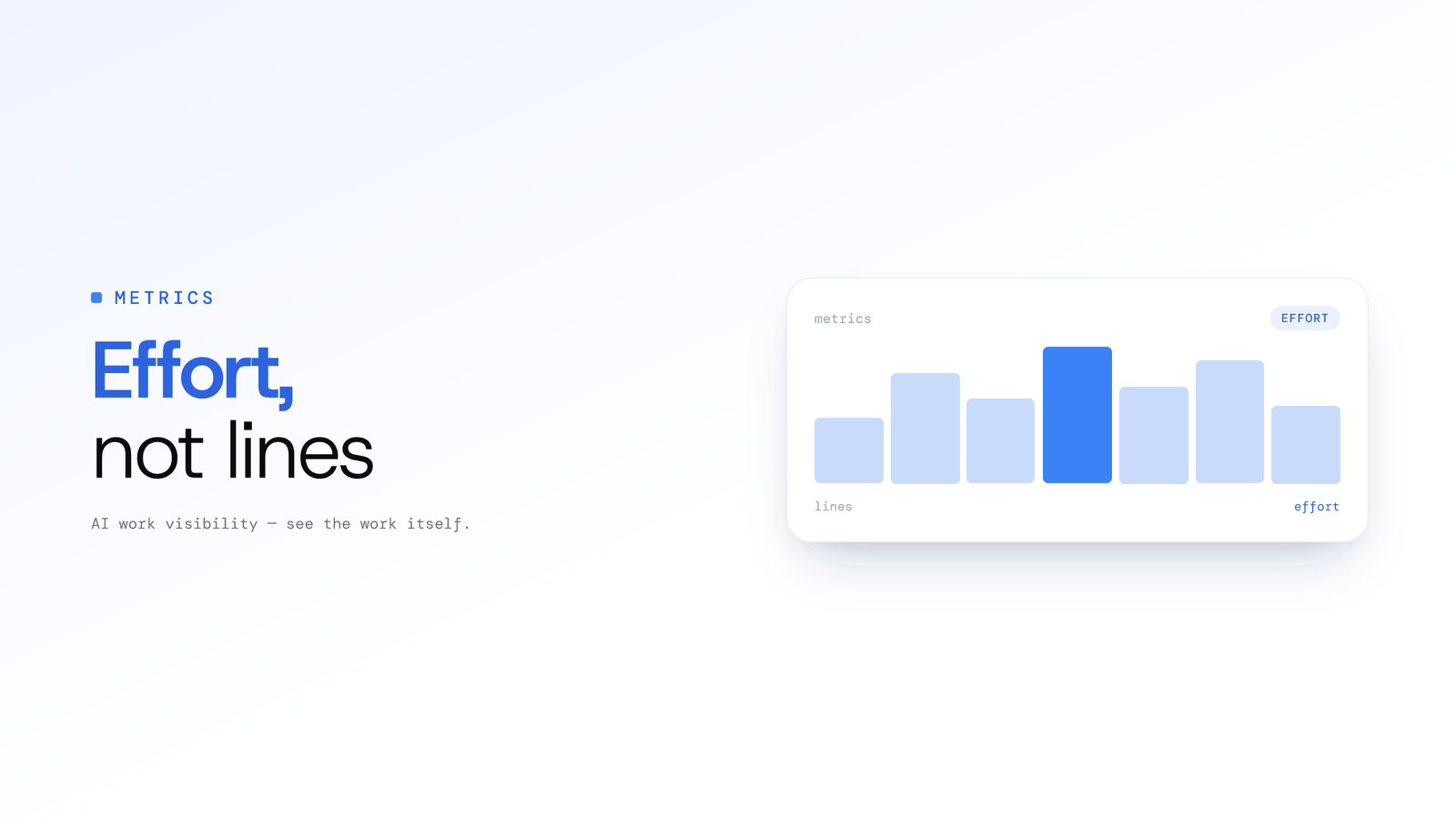
Lines of code is a broken proxy for productivity. Tempo, ScreenJournal's engineering analytics, is designed to read contextual Git activity so you can surface real effort and coach engineers on the value they deliver.
Away Is Not Absent: How Employees Explain Untracked Time
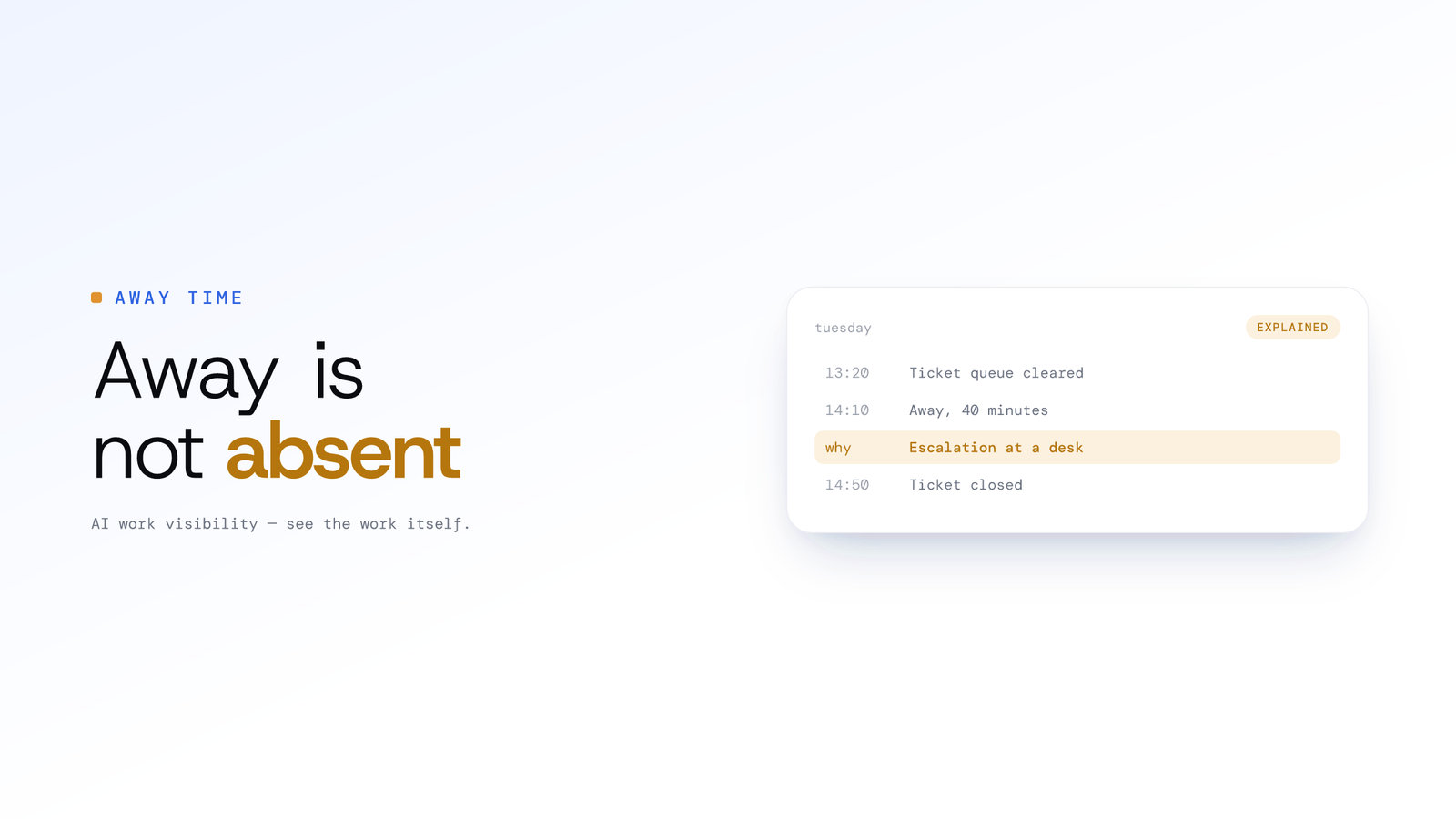
A whiteboard session, a phone call and a long lunch all look the same to a tracker: no input. Here is how ScreenJournal lets the person who was there say what the gap was, and what a manager sees when they do.
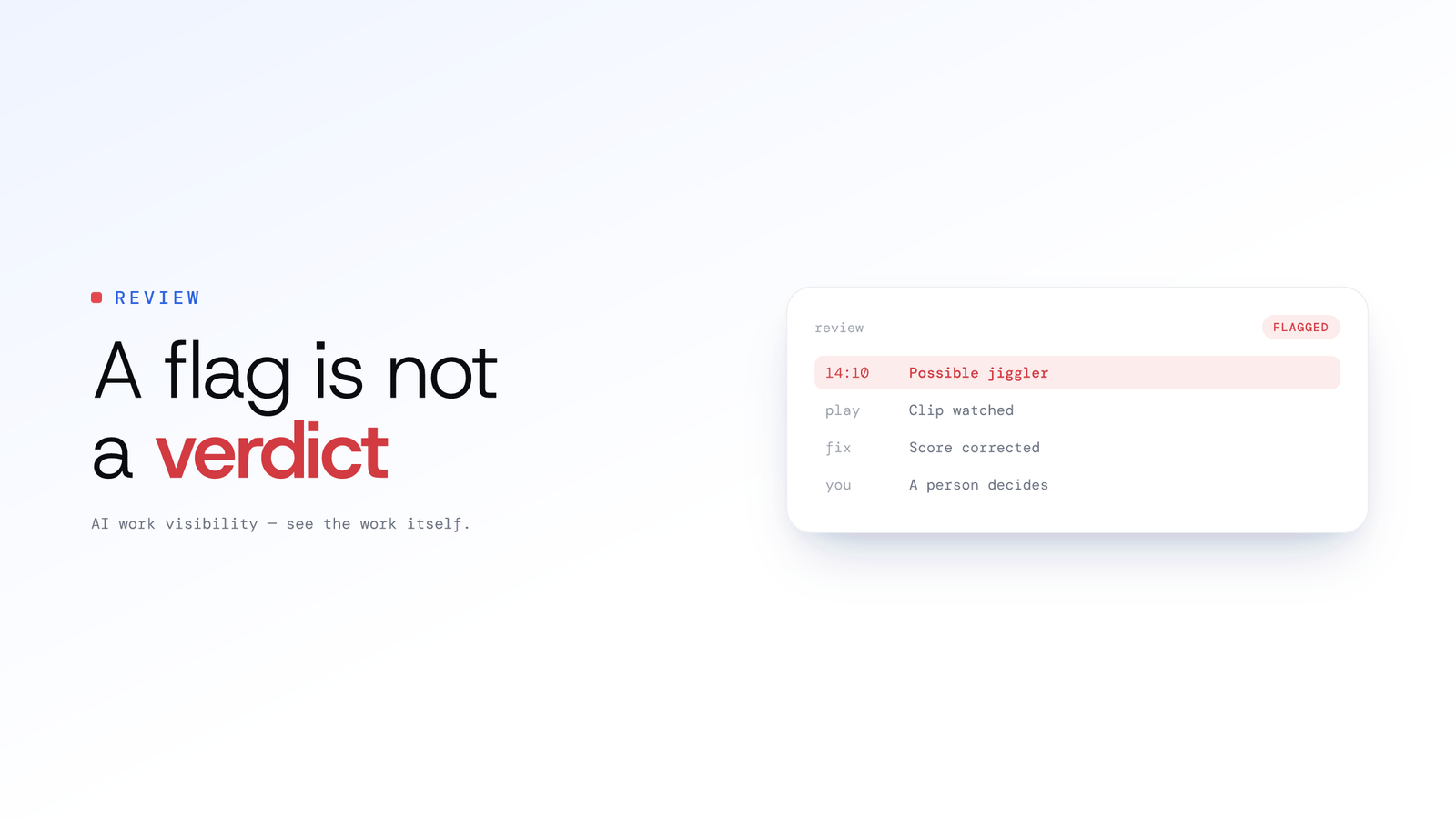
A Flag Is Not a Verdict: How ScreenJournal Screens for Fake Activity
Mouse jigglers and staged screens are a real problem, and so is a tool that convicts people automatically. Here is how ScreenJournal flags suspected fake activity, shows the evidence, and leaves the decision to a person.