ScreenJournal vs. Hubstaff: Security Camera vs. Sports Analyst
Hubstaff stores 7,200 screenshots per day per team. ScreenJournal uses AI to extract insights and deletes the video immediately. Compare privacy, GDPR compliance, and total cost of ownership.
ScreenJournal vs. Hubstaff: Security Camera vs. Sports Analyst
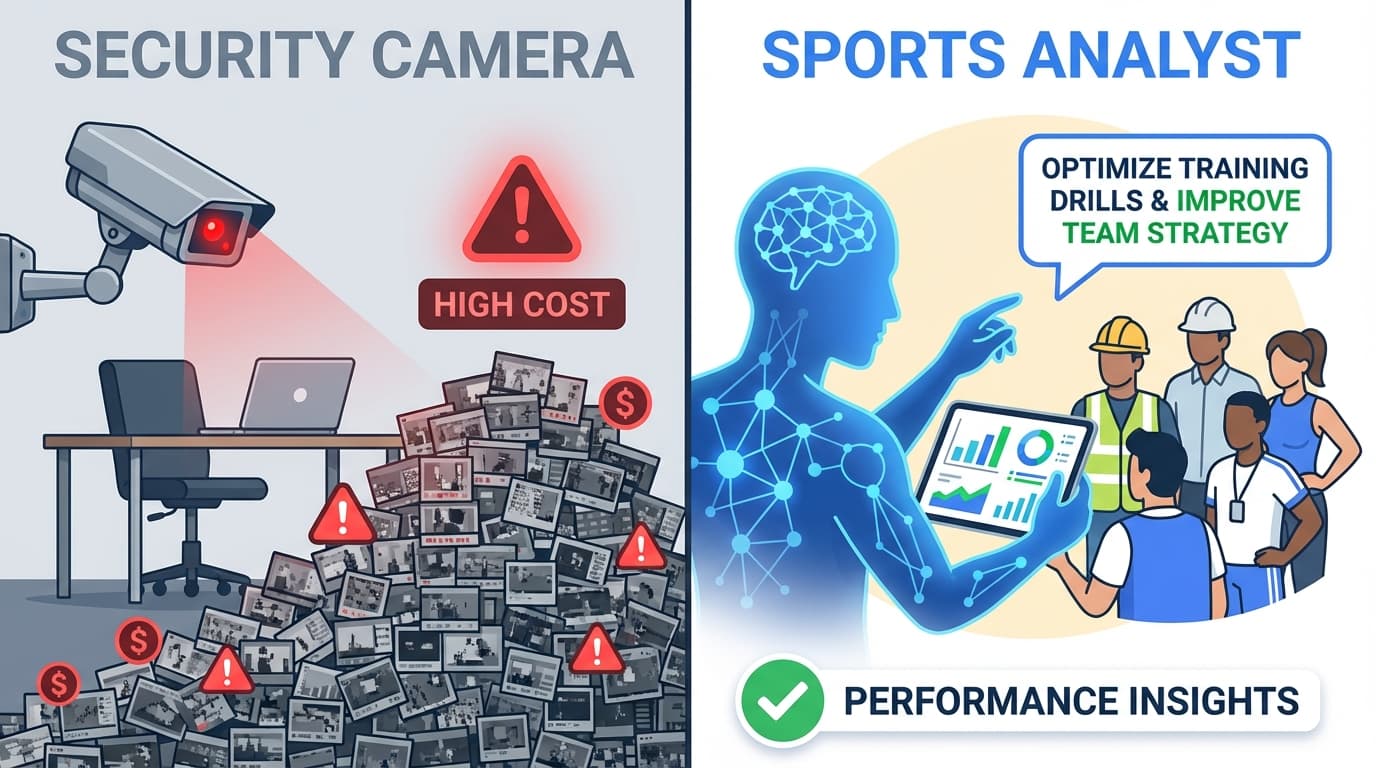
You hired a sports analyst to improve your team's performance. Instead of insights, they hand you 90 minutes of unedited helmet cam footage and say, "Watch it yourself."
That's Hubstaff.
Hubstaff captures up to three screenshots every 10 minutes per employee. For a 50-person team working 8-hour days, that's 7,200 screenshots per day. That's 2.6 million screenshots per year. Each one is a potential data breach containing passwords, medical records, banking information, and private messages.
We built ScreenJournal differently. We don't store screenshots. We don't archive video. We use AI to watch your team's work, extract the insights, and permanently delete the source material. Here's why that matters for your business.
The Storage Liability Gap
Hubstaff operates on a "capture-and-keep" model. Every screenshot is uploaded to their servers and stored indefinitely. When you look at Hubstaff's dashboard, you see a timeline of images showing exactly what was on your employee's screen at 10:23 AM.
The privacy problem: Hubstaff captures "the entire screen, including open applications, websites, and documents" and "any visible personal or work-related content". Even with their blur feature, the raw screenshots exist somewhere in their infrastructure.
The security math: A mid-sized company with 50 employees generates approximately 5GB of screenshot data per user per day. That's 250GB daily, or 7.5 terabytes per month. Every byte is a liability.
ScreenJournal stores text metadata: 5MB per user per day. For the same 50-person team, that's 250MB daily, or 7.5GB per month. We've reduced your attack surface by 99.9% while providing deeper insights.
Activity Tracking vs. Context Understanding
Hubstaff tracks "time and computer activity on Windows, Mac, and Linux based on mouse and keyboard signals". Their dashboard shows app names, activity percentages, and screenshots.
A typical Hubstaff report looks like this:
- 10:00 AM - 12:00 PM: Chrome (87% activity)
- Screenshot captured: [Image of browser window]
- Assessment: High productivity
What's missing: Context. The screenshot shows a browser on screen, but Hubstaff can't tell you if your agent was:
- Actively resolving customer tickets in Zendesk
- Reading a knowledge base article to prepare for a call
- Browsing social media between calls
- Handling a complex billing dispute
ScreenJournal's AI integration provides semantic understanding:
10:00 AM - 11:30 AM: "Handled 12 inbound support calls. Average sentiment: positive. Resolved 3 billing disputes. Used knowledge base for 2 complex product questions. One call flagged for elevated customer frustration - agent de-escalated successfully."
We analyze screen activity alongside voice data to understand the full picture. You don't just see "time in Chrome." You see the quality and outcomes of actual work.
The Privacy Trade-off: Trust vs. Architecture
Hubstaff's privacy model relies on trust. They offer features to "blur screenshots" or "turn them off entirely". Employees can "delete sensitive screenshots at any time".
But the architecture still allows a manager to:
- View any screenshot at any timestamp
- See private messages that appeared on screen
- Review personal banking or medical information inadvertently captured
- Access deleted screenshots through backup systems
This isn't a Hubstaff failure - it's an architectural inevitability. When you store raw visual data, someone can access it.
ScreenJournal makes surveillance architecturally impossible. Our Goldfish Protocol ensures:
- Screen recording occurs locally in encrypted 60-second chunks
- Google Gemini processes the video with strict PII sanitization prompts
- JSON metadata is extracted: app name, window title, semantic context summary
- The video buffer is immediately overwritten - it never reaches cloud storage
- InfluxDB stores only text metadata - no manager can "view" your work, only read aggregated insights
When your manager looks at ScreenJournal, they see: "Employee spent 4 hours on authentication refactor." They cannot click "Play." They cannot zoom in. The video file does not exist to be subpoenaed, hacked, or accidentally leaked.
GDPR Compliance: Necessity vs. Surveillance
GDPR requires that employee monitoring be "necessary, proportionate, and relevant to the job task". Danish and Greek regulators have repeatedly found violations when employers use "continuous screen monitoring" and "metadata collection beyond what is required".
The proportionality test: Is capturing 7,200 screenshots per day "necessary" to verify that work occurred? Or is it disproportionate surveillance?
Hubstaff's screenshot archive creates compliance risks:
- Retention limitation violations: Screenshots stored indefinitely exceed "necessary" retention
- Private communications bans: Greek law explicitly prohibits monitoring tools that "capture private content"
- Covert monitoring restrictions: If employees forget screenshots are running, it approaches "undisclosed monitoring," which is "nearly always prohibited"
ScreenJournal was built for GDPR compliance from day one:
- Data minimization: We extract only what's needed (work context), not everything (visual content)
- Automated deletion: Video never enters long-term storage, satisfying retention limits
- Transparency: Employees can query their own AI-generated timeline to see exactly what data exists
- Purpose limitation: Our system cannot be repurposed for surveillance because the underlying video doesn't exist
Cost Analysis: The Hidden Price of Screenshots
Hubstaff's Team plan costs $12 per user per month. That seems reasonable until you calculate the total cost of ownership.
Hubstaff TCO (50 employees, 1 year):
| Cost Category | Amount |
|---|---|
| Software | $7,200/year |
| Cloud storage (7.5TB/month at $0.023/GB) | $2,070/year |
| Compliance audit (DPIA, legal review) | $15,000/year |
| Management time (reviewing screenshots, 2 hours/week at $75/hour) | $7,800/year |
| Total | $32,070/year |
ScreenJournal TCO (50 employees, 1 year):
| Cost Category | Amount |
|---|---|
| Software | $9,000/year (estimated at $15/user/month for premium AI processing) |
| Cloud storage (7.5GB/month at $0.023/GB) | $2/year |
| Compliance | Included (privacy-by-design architecture) |
| Management time (reading AI reports, 15 minutes/week at $75/hour) | $975/year |
| Total | $9,977/year |
You save $22,000 annually while getting better insights and eliminating legal risk.
Voice Analysis: The Dimension Hubstaff Can't Touch
Hubstaff monitors screens. ScreenJournal monitors screens and voice.
For call centers, sales teams, and support desks, the actual work happens through conversations. Hubstaff sees "Chrome - active, 87% activity." It cannot tell you whether your agent just resolved a complex billing dispute or spent 20 minutes on hold with a customer who hung up.
ScreenJournal captures and separates two audio streams:
- Microphone audio: What your employee says - their tone, professionalism, script adherence
- Screen audio: What's playing on their machine - customer voice, hold music, training content
The AI analyzes both to extract quality signals without storing the raw audio:
- Call sentiment: Customer frustration levels, successful de-escalation patterns
- Talk-to-listen ratio: Agents who listen more tend to resolve issues faster
- Dead air detection: Extended silence during calls often signals confusion or disengagement
- Compliance monitoring: Did the agent deliver required disclosures or follow the sales script?
Every screenshot Hubstaff stores is a liability. Every voice insight ScreenJournal extracts is intelligence - delivered in your weekly AI report, with the source audio deleted.
When to Choose Hubstaff vs. ScreenJournal
Choose Hubstaff if:
- You need visual proof for legal/compliance audits
- Your team works in roles where screenshot proof is a client requirement
- You prefer human review of raw screenshots over AI-generated summaries
- You operate in jurisdictions with minimal privacy regulations
Choose ScreenJournal if:
- You manage remote teams, call centers, or outsourcing operations
- GDPR compliance is critical to your business
- You want insights, not surveillance footage
- You need voice analysis for call-based roles
- Storage costs and data breach liability concern you
- You value actionable business intelligence over raw data hoarding
Stop Paying to Store Liability
Every screenshot you capture is a potential GDPR violation waiting for an audit. Every gigabyte you store is a monthly bill for content you'll never review. Every video archive is a signal to your team that you don't trust them.
Hubstaff is a security camera. ScreenJournal is a sports analyst.
One records the game. The other helps you win it.
Stop guessing. Start knowing.
Let AI turn screen data into clear insights. Start your 2 months free trial
Related Posts
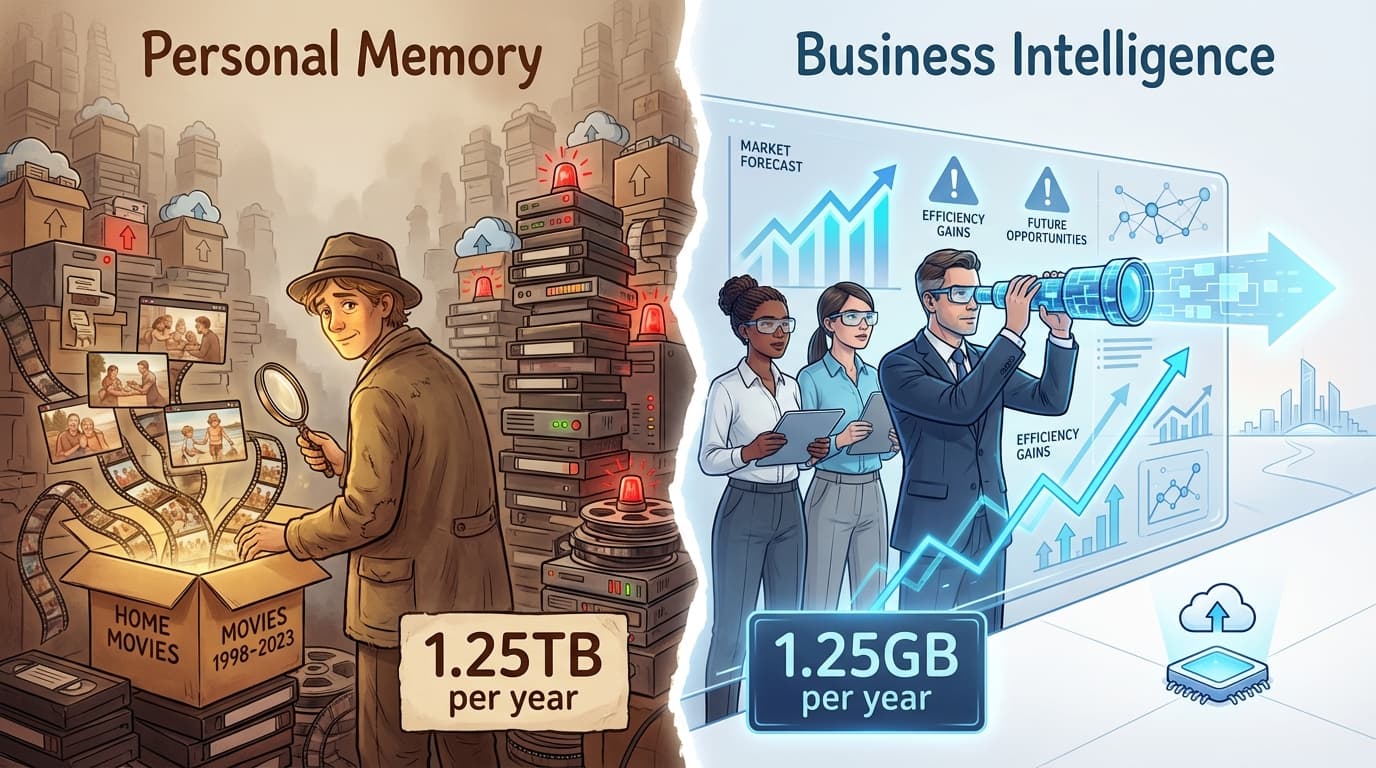
ScreenJournal vs. LifeTrace/Rem: Business Intelligence vs. Personal Memory
Rem and Windrecorder store everything for personal recall. ScreenJournal uses AI to extract insights and delete recordings immediately. Compare storage costs, GDPR compliance, and team analytics.

The Goldfish Protocol - Why Our AI Forgets Your Screen Recording Instantly
Discover how ScreenJournal uses the "Goldfish Protocol" to analyze employee activity without storing invasive video. Learn about our privacy-first architecture using Gemini and InfluxDB.
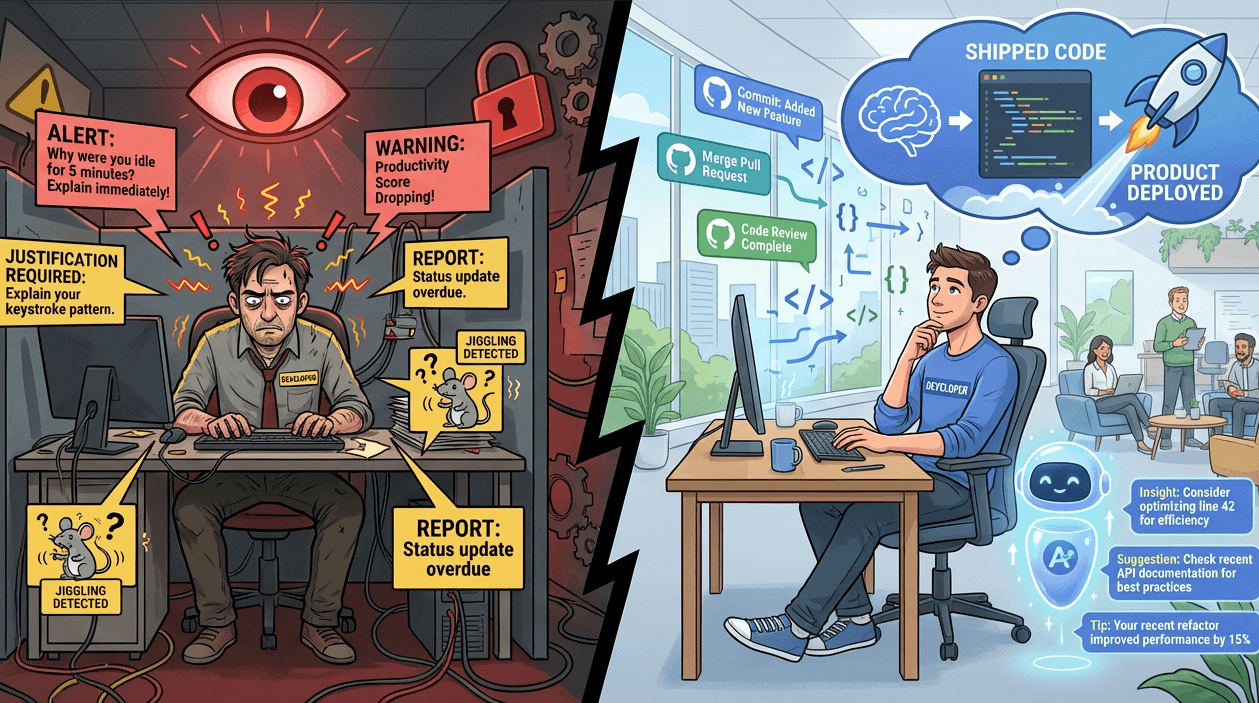
ScreenJournal vs. TimeDoctor: Micromanagement vs. Autonomy
TimeDoctor tracks idle time and triggers justification pop-ups. ScreenJournal uses AI to understand context and measures work delivered. Compare privacy, GDPR compliance, and developer experience.