Why We Built on Top of Open Source - ActivityWatch on Steroids
Learn how ScreenJournal upgrades ActivityWatch with computer vision and AI processing to transform raw window logging into semantic workforce intelligence.

Why We Built on Top of Open Source: ActivityWatch on Steroids
ActivityWatch is the gold standard for open-source time tracking. It's lightweight, privacy-focused, and brilliant at one specific thing: logging the active window title of your desktop environment. But as engineering leaders, we know that logging index.js - Visual Studio Code tells you almost nothing about what your developer is actually doing. Are they refactoring a critical auth module, or staring blankly at a syntax error?
At ScreenJournal, we built our architecture on top of ActivityWatch's robust data collectors, but we didn't stop at window titles. We added a layer of computer vision, specifically, secure AI video processing, to transform raw event logs into semantic workforce intelligence. Here is why raw window titles aren't enough, and how we turned a logger into an understanding engine.
The "Window Title" Trap
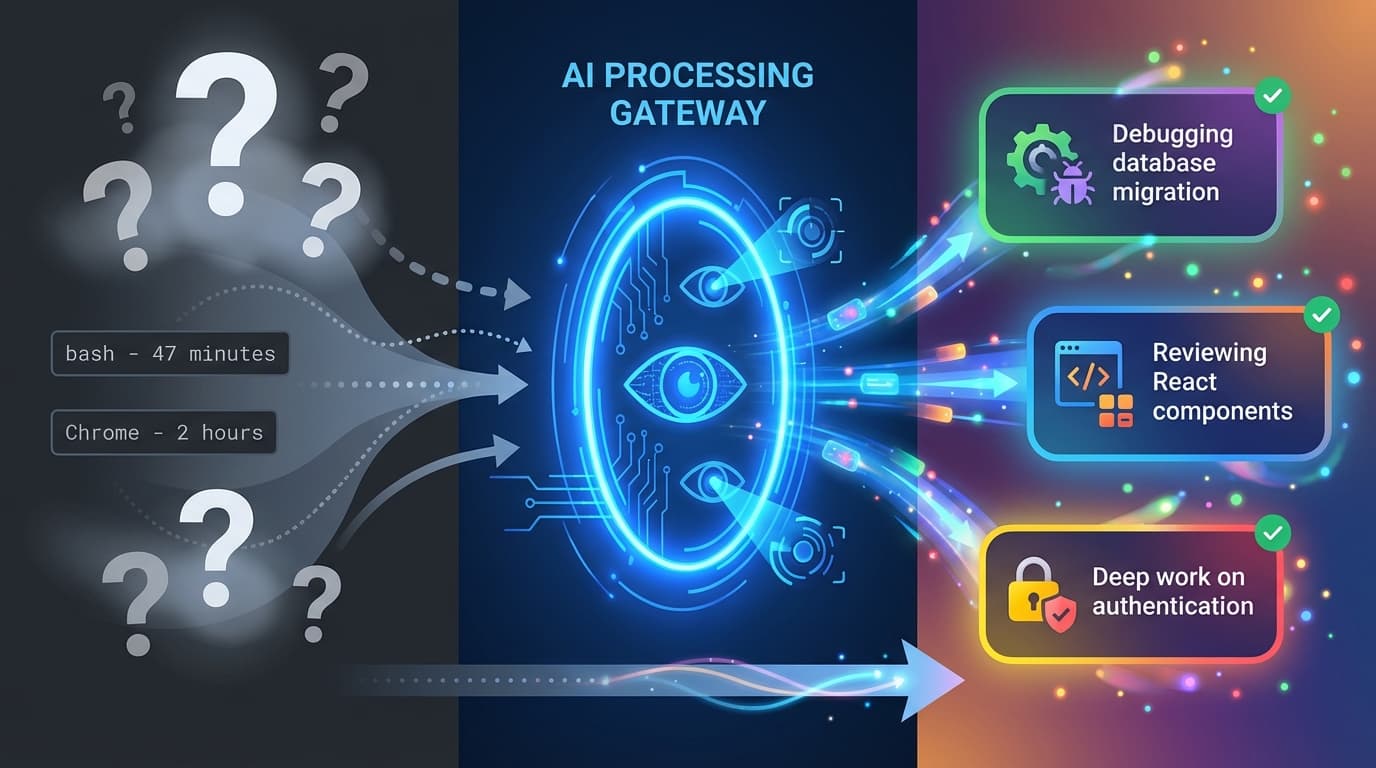
The fundamental limitation of traditional activity logging is that it relies on metadata that applications choose to expose. When you rely solely on window titles, you hit a hard ceiling on visibility.
- The Context Void: A window title like
bashorC:\WINDOWS\system32\cmd.exeis opaque. It tells you a terminal is open, but not if the user is running a production deploy script or pinging localhost. For a call center agent, "Google Chrome" could mean they're in Zendesk handling tickets, reading a knowledge base article, or scrolling social media. - The Browser Black Box: Browsers are even worse. A title like "Google Chrome" or a truncated tab name gives zero insight into whether someone is reading documentation, managing CRM records, or browsing Reddit. While browser extensions can grab URLs, they can't see the content of the page.
- Active vs. Passive: ActivityWatch logs which window is in focus, but it struggles to distinguish between "active work" and "open but ignored". If a remote worker leaves a spreadsheet open on a second monitor while checking their phone, a raw logger sees "Productivity: High."
We realized that to get true visibility without invasive surveillance, we needed a system that understands visual context the way a human does, but forgets the sensitive details immediately.
The Architecture: Adding Vision to the Logger
We treat ActivityWatch as our sensory nervous system - it gives us the "where" (which app is open). We then built a visual cortex on top of it to provide the "what" and "why."
Here is how the ScreenJournal pipeline upgrades the open-source foundation:
1. The Input Layer (ActivityWatch + Video)
Our desktop client runs a local instance of ActivityWatch to capture high-fidelity window switching events. Simultaneously, we record screen activity in short, encrypted chunks. This gives us two parallel streams: the precise timestamped event log from ActivityWatch and the visual ground truth from the screen recording.
2. The AI Processing Layer (Gemini)
Instead of storing the video (which creates massive privacy liability), we pipe the video chunks into Google Gemini's multimodal AI. We use strict prompt engineering to instruct the model to:
- Analyze the visual content of the screen.
- Correlate it with the window title from ActivityWatch.
- Summarize the activity (e.g., "User is debugging a React component using Chrome DevTools").
- Sanitize PII: The prompt explicitly instructs the AI to ignore names, passwords, and private messages.
3. The Goldfish Protocol (Kill Switch)
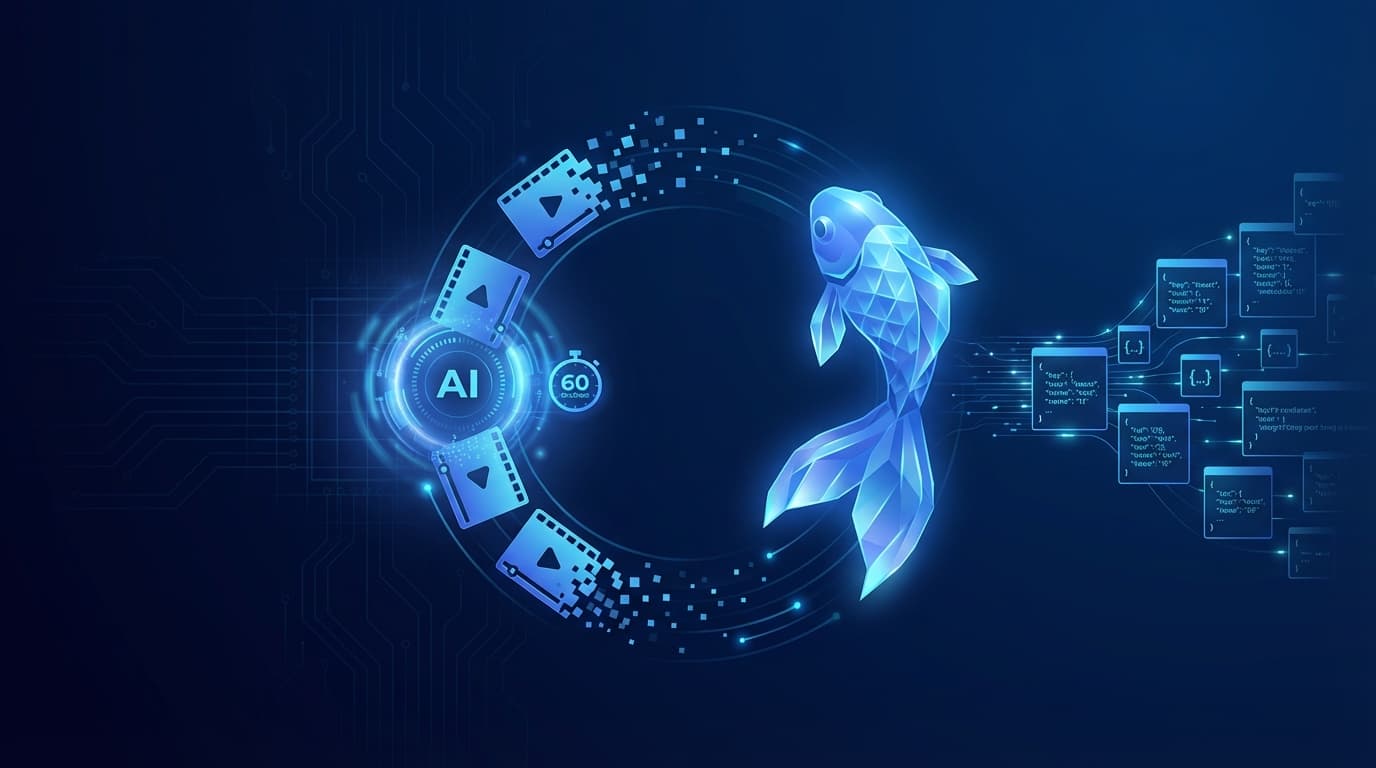
This is our most critical architectural differentiator. Once Gemini returns the sanitized text metadata, the raw video file is immediately and permanently deleted. We call this the "Goldfish Protocol". Our system has a memory of only a few minutes for video, but infinite memory for the resulting insights.
4. Storage (InfluxDB)
What lands in our database is not a video blob, but a clean time-series record. We store the text summary, the ActivityWatch event tags, and the semantic category in InfluxDB. This makes the data queryable, lightweight, and completely devoid of sensitive visual information.
From Logging to Understanding
The difference between logging and understanding is actionable data.
| Feature | ActivityWatch (Raw) | ScreenJournal (ActivityWatch + AI) |
|---|---|---|
| Data Source | Window Titles & Input Events | Computer Vision & Semantic Analysis |
| CRM | Salesforce - Account Page | "Updating customer record after successful upsell call" |
| Support Tool | Zendesk - Ticket #1204 | "Resolving billing dispute, average handle time 4 minutes" |
| Browser | Google Chrome | "Reading knowledge base article on product returns policy" |
| Privacy | High (Local storage) | High (Video deleted immediately, PII sanitization) |
By building on top of open source, we didn't have to reinvent the wheel for event collection. We just gave it a driver.
Stop Hoarding Video, Start Gathering Insights
Most "advanced" monitoring tools just take screenshots every 5 minutes and store them forever. That is a security nightmare and a privacy violation waiting to happen. By combining ActivityWatch's reliable event stream with ephemeral AI video analysis, ScreenJournal offers a third path: deep, semantic understanding of your engineering workflows without the toxic liability of surveillance footage.
If you are ready to move beyond "what window was open?" and start asking "what was actually achieved?", it is time to upgrade your stack.
Stop guessing. Start knowing.
Let AI turn screen data into clear insights. Start your 2 months free trial
Related Posts
AI-Powered Time Tracking - How Screen Recording Changes Everything
Discover how AI-analyzed screen recording transforms employee monitoring from surveillance into actionable intelligence that drives real productivity improvements.
ScreenJournal vs. ActivityWatch: From Logger to Analyst
ActivityWatch logs window titles locally. ScreenJournal adds AI screen analysis, voice monitoring, and team analytics for business workforce intelligence. Compare privacy models, features, and use cases.
The Goldfish Protocol - Why Our AI Forgets Your Screen Recording Instantly
Discover how ScreenJournal uses the "Goldfish Protocol" to analyze employee activity without storing invasive video. Learn about our privacy-first architecture using Gemini and InfluxDB.