Beyond Screen Recording: Why Voice Analysis is the Missing Piece in Work Visibility
Most work visibility tools only read the screen. For call centres, sales teams, and support desks, the real work happens through voice. Learn how AI voice analysis closes the visibility gap, and how screen and call audio are handled differently.
Beyond Screen Recording: Why Voice Analysis is the Missing Piece in Work Visibility
Updated on 6 October 2026
Most work visibility tools read what's on the screen. They track application usage, time on task, idle minutes, and turn on-screen work into a timeline of what someone did. For a lot of knowledge workers, that's a reasonable proxy for understanding how the day went.
But for millions of employees, call centre agents, outbound sales reps, inbound support teams, appointment setters, the actual work doesn't happen on the screen. It happens through their voice.
An agent could have Salesforce open for eight straight hours, clicking through records, updating fields, and logging activities. The screen looks impeccable. But without hearing the calls, you have no idea whether that agent is closing deals, fumbling objections, or dead silent while a frustrated customer waits on hold.
Reading screens without analysing voice is like reading a movie script without watching the film. You get the structure, but you miss the performance.
The Screen-Only Blind Spot
Traditional screen visibility was designed for desktop-heavy work: writing documents, building spreadsheets, browsing the web. In those contexts, screen activity is a strong signal. You can tell whether someone is actively engaged or endlessly scrolling.
For voice-based roles, that signal collapses.
Consider two call centre agents working side by side. Both are logged into the same CRM. Both have the dialler open. Both show 7.5 hours of active screen time with zero policy violations. On a screen-only dashboard, these two employees look identical.
But one of them handled 45 inbound calls with an average resolution time of 4 minutes. She maintained a calm, professional tone even when customers were irate. She followed the company script on 90% of interactions and upsold a premium plan three times.
The other handled 28 calls, averaged 9 minutes per resolution, went silent for 20-second stretches while customers waited, and deviated from the script so often that compliance flagged two of his calls in a manual QA review.
Screen visibility gives both agents the same productivity score. That's not a measurement problem, it's a visibility problem. The screen tells you where they were. Voice tells you what they actually did.
Where Screen Visibility Falls Short for Voice Roles
| What you want to know | Screen visibility | With call transcripts |
|---|---|---|
| Call volume handled | Inferred from CRM logs | One recording per call |
| What was actually said | Invisible | Read it, search it, play it back |
| Whether the disclosure was given | Invisible | Search the month's transcripts for it |
| Silence while the customer waited | Invisible | Visible in the transcript and the screen timeline |
| What the agent did on screen during the call | Visible | Visible, beside the transcript |
If your workforce is on the phone, screen visibility gives you half the picture at best.
How Voice Analysis Works
ScreenJournal is an AI work visibility tool that reads on-screen work as it happens, turns it into a detailed timeline of what each person actually did, and then, by default, deletes the raw screen data. Timelines accumulate into a searchable chronicle of everyone's work history, and from them ScreenJournal generates timesheets and reports automatically and drafts standup summaries on request, answering questions about any of it in plain English. For voice roles it adds a second signal on top of that timeline.
Meeting audio is optional and off by default. Where an organisation turns it on in its desktop policy (an owner or admin accepts the Call-Recording Addendum first), the desktop app records and transcribes calls in recognised meeting apps, members acknowledge the Workplace Monitoring Notice when they sign in and can turn meeting capture off in the app unless the organisation requires it, and each recording appears on the Audio page with a searchable transcript and, where the organisation keeps the audio, playback for the people allowed to see it. Which meeting, dialler and webinar apps trigger recording is set by an admin; a listed webinar app or site is recorded in full while it plays, even when the person at the desk never speaks.
The Processing Pipeline
- Capture: When a recognised meeting or dialler app opens the microphone, the desktop app records the call, microphone and system audio together, alongside the screen. The app shows "Recording from" followed by the app name while it does. Where an admin has listed webinar apps or sites, a webinar is recorded in full while it plays, even when the member never speaks.
- Transcription: The audio is transcribed and laid out by speaker, the agent and the other party.
- Retention: The transcript, and the recording where the organisation keeps audio, stay on the Audio page for the people allowed to see them.
- Access: Playback is limited by role; agents can see their own recordings.
Screen and voice are handled differently by design. On the screen side, ScreenJournal reads on-screen work and, by default, keeps only the derived work timeline. Call audio is a record the organisation chooses to keep: it is transcribed and stays available so that a flagged call can be reviewed later.
What You Can Do With a Transcript
Raw audio alone is hard to act on for a manager reviewing 200 agents. A transcript for every call, searchable across the whole month, is something a manager can actually use, while the recording itself stays on file for the calls that need a closer listen.
Search Across Every Call
Type the phrase that matters, "cancel", "supervisor", the name of the disclosure, and the rail narrows to the calls that contain it, with the matching line highlighted. What used to need a sampled handful of calls now takes one search across all of them.
Read the Call Beside the Screen
Each recording sits next to the screen timeline for the same minutes: which CRM record was open, how often the agent switched apps, whether case notes were written during the call or in bulk at the end of the shift. Silence on the call is visible for what it was, a knowledge-base search or nothing at all.
Play Back the Moment
Where the organisation keeps the audio, the whole call plays as one continuous timeline, so a manager can hear the tone behind the words before a coaching conversation.
Ask About the Day
The Assistant answers plain-language questions about the timeline, so "what was Maria doing between two and four?" gets an answer from the record rather than a scrub through footage.
Use Cases: Where Voice Analysis Changes the Game
Call Centres: QA at Scale
Traditional call centre QA involves supervisors manually reviewing a random sample of calls, typically 2 to 5% of total volume. That means 95% of interactions go unreviewed. Problems hide in the unsampled majority.
With every call transcribed, supervisors stop listening to random calls and start reading the ones that actually need attention: the escalations, the disclosures that went missing, the training opportunities a search surfaces. Where the recording is kept, a flagged call can be pulled up and replayed in context. We go deeper on this in how AI voice analysis transforms call centre QA.
Before: "We reviewed 12 of Maria's 400 calls this month. They sounded fine."
After: "Searched the month for the compliance disclosure: three of Maria's calls skipped it, all on Friday afternoons. Opened one; the screen timeline shows the script window wasn't up. Schedule a coaching session with those three calls."
Sales Teams: Coaching on What Matters
Sales managers live and die by close rates. But close rates are lagging indicators: they tell you what happened, not why.
Transcripts reveal the leading indicators. Which reps handle objections smoothly? Who rushes past the discovery phase? Who never lets the prospect speak?
A manager with the call open can coach with precision: "Read your last three discovery calls. You moved to the pitch before the prospect finished describing the problem every time. Try asking two more open-ended questions first."
Support Desks: Identifying Training Gaps
When average handle time spikes or customer satisfaction dips, support managers need to know why. Searchable transcripts reveal whether the issue is individual or systemic.
If five agents' calls about a specific product all show long silences while the knowledge base is open on screen, the problem isn't the agents: it's a knowledge gap about that product. If one agent's calls keep escalating while others don't, that's an individual coaching opportunity.
Voice data turns vague "the team is struggling" observations into specific, actionable diagnoses.
Outsourcing and Staffing Firms: Proving Value
BPO providers and staffing agencies live on client confidence. When you're managing agents on behalf of another company, screen activity logs alone don't demonstrate quality.
Transcripts and recordings provide concrete proof of performance: the calls themselves, beside the screen work for the same minutes, and the weekly Ranking. You can show clients not just that their agents were logged in, but what they said and did. See how this plays out for outsourced teams in our guide to BPO and call centre monitoring.
Privacy: Screen and Voice Handled Differently
Voice is more personal than screen activity. A screen capture might show an open browser tab. A voice recording captures the sound of a person speaking. The privacy stakes are higher, so ScreenJournal handles the two kinds of data differently by design.
Screen data is derive-and-discard. ScreenJournal reads on-screen work, writes the timeline of what someone actually did, and then, by default, deletes the raw screen data during processing. There is no screen footage archive unless a manager opts in to keep video evidence (Evidence Mode), and those recordings are stored for up to 3 months.
Call audio is different, and it is optional:
- Audio is off by default. An owner or admin turns it on in the desktop policy and must accept the Call-Recording Addendum first, choosing whether to keep the audio or the transcript only.
- Recording is disclosed. Members acknowledge the Workplace Monitoring Notice when they sign in to the desktop app, and the acknowledgment is recorded. The app shows "Recording from" followed by the app name while a call or webinar is being recorded.
- The transcript, and the recording where kept, stay on the Audio page for the people your roles allow: an agent sees their own, a team manager their team's, org-wide roles everyone's.
- Members keep some control. They can turn meeting capture off in the app unless the organisation requires it, and, where the organisation grants redaction, redact entries.
This is what makes voice useful for compliance, dispute resolution and coaching: a flagged call is still there to be reviewed, and no member is recorded without being told. Telling the people on the other end is the organisation's job: ScreenJournal plays no announcement on a call or webinar, so check the recording laws that apply before turning audio on.
What Employees See
Transparency is non-negotiable. Employees know:
- That the app records calls in recognised meeting apps while they are tracking, and shows when it is doing so
- That whole webinars are recorded where their admin has listed webinar apps or sites, even when they never speak
- That calls are transcribed and, where the organisation chooses, the audio is kept
- That they can see their own recordings and transcripts
- That they can turn meeting capture off in the app unless the organisation requires it
- What their manager can see, because it is the same record they see themselves
No hidden surveillance. No secret recordings. A clear contract between employer and employee about what's captured, what's kept, and why.
Where Calls Sit in the Week
Voice is not a separate product. Each recording sits on the Audio page beside the screen timeline for the same minutes, and the week's shape lives on Overview and Ranking with the rest of the team.
Here's what a manager sees for a call centre agent's week:
Priya (Senior Support Agent), week of 24 August
Ranking: Productivity 82%, team average 74%. Active 38.5 hours. Attendance 5 of 5 working days.
Overview: most of the active time in the CRM and ticketing tools; 2.1 hours in the training portal (new product module).
Audio: 187 recordings this week. A search for the compliance disclosure finds it in every call sampled.
AI summary: "Priya's active hours are above the team average with productivity to match. Recommend recognising performance and watching the sustained volume."
And for an agent who needs attention:
James (Support Agent), week of 24 August
Ranking: Productivity 61%, team average 74%. Active 36 hours. Attendance 4 of 5 working days.
Overview: long paused stretches on Wednesday afternoon; no time in the training portal.
Audio: 98 recordings. Searching the compliance disclosure finds it missing in a run of Friday calls; opening one shows the script window was never on screen.
Alerts: one nudge answered ("System was down"), waiting for your decision.
Without the calls on record, James and Priya's screen activity would tell a similar story: both spent their days in the CRM. The transcripts, read beside the screen, are what separate a top performer from someone who needs help.
The Complete Picture
Screen visibility was built for screen-based work. Voice analysis extends that visibility to the millions of roles where the real work happens through conversation.
If your team spends their day on calls, selling, supporting, resolving, consulting, then screen data alone leaves you managing with one eye closed. You see the tools they used. You miss how they used them.
ScreenJournal reads the screen and, where you turn it on, records and transcribes the calls. By default raw screen data is discarded during processing, leaving the derived timeline, while call audio is transcribed and kept for the people allowed to see it. The result is one record of what actually happened last week, on every screen and on every call. For outsourced and offshore teams, the same signals underpin BPO and call centre monitoring.
Frequently asked questions
Why isn't screen monitoring enough for call centre agents?
For voice roles the real work happens out loud, not on screen. Two agents can show identical screen activity while one calmly resolves calls and the other stalls and goes silent. Screen visibility tells you which tools they used; voice analysis tells you what they actually did on the call.
How does ScreenJournal analyse voice?
Where an organisation turns meeting audio on, the desktop app records the call, microphone and system audio together, whenever a recognised meeting or dialler app opens the microphone. Where an admin has listed webinar apps or sites, whole webinars are recorded as they play. The audio is transcribed and each recording appears on the Audio page with a searchable transcript laid out by speaker, playback where the organisation keeps the audio, and the screen timeline for the same minutes beside it.
Does ScreenJournal delete call recordings the way it deletes screen data?
No. Screen data is derive-and-discard by default: read, turned into a timeline, then discarded during processing, unless a manager has opted in to keep video evidence, stored for up to 3 months. Call audio is different. Where an organisation keeps it, the recording stays on the Audio page for the people allowed to see it, so a flagged call can be pulled up and replayed in context; the organisation can also choose transcript-only.
What can employees see and control about voice capture?
Employees acknowledge the Workplace Monitoring Notice when they sign in to the desktop app, and the app shows when a call is being recorded. They can see their own recordings and transcripts, can turn meeting capture off in the app unless the organisation requires it, and, where the organisation grants redaction, can redact entries.
Stop guessing. Start knowing.
Let AI turn screen data into clear insights. Start your 2 months free trial
Related Posts
How AI Voice Analysis Transforms Call Centre QA
Manual QA reviews 2-5% of calls. ScreenJournal puts 100% of them on record, transcribed, searchable and beside the screen timeline, so coaching is based on an agent's full record, not a random sample.
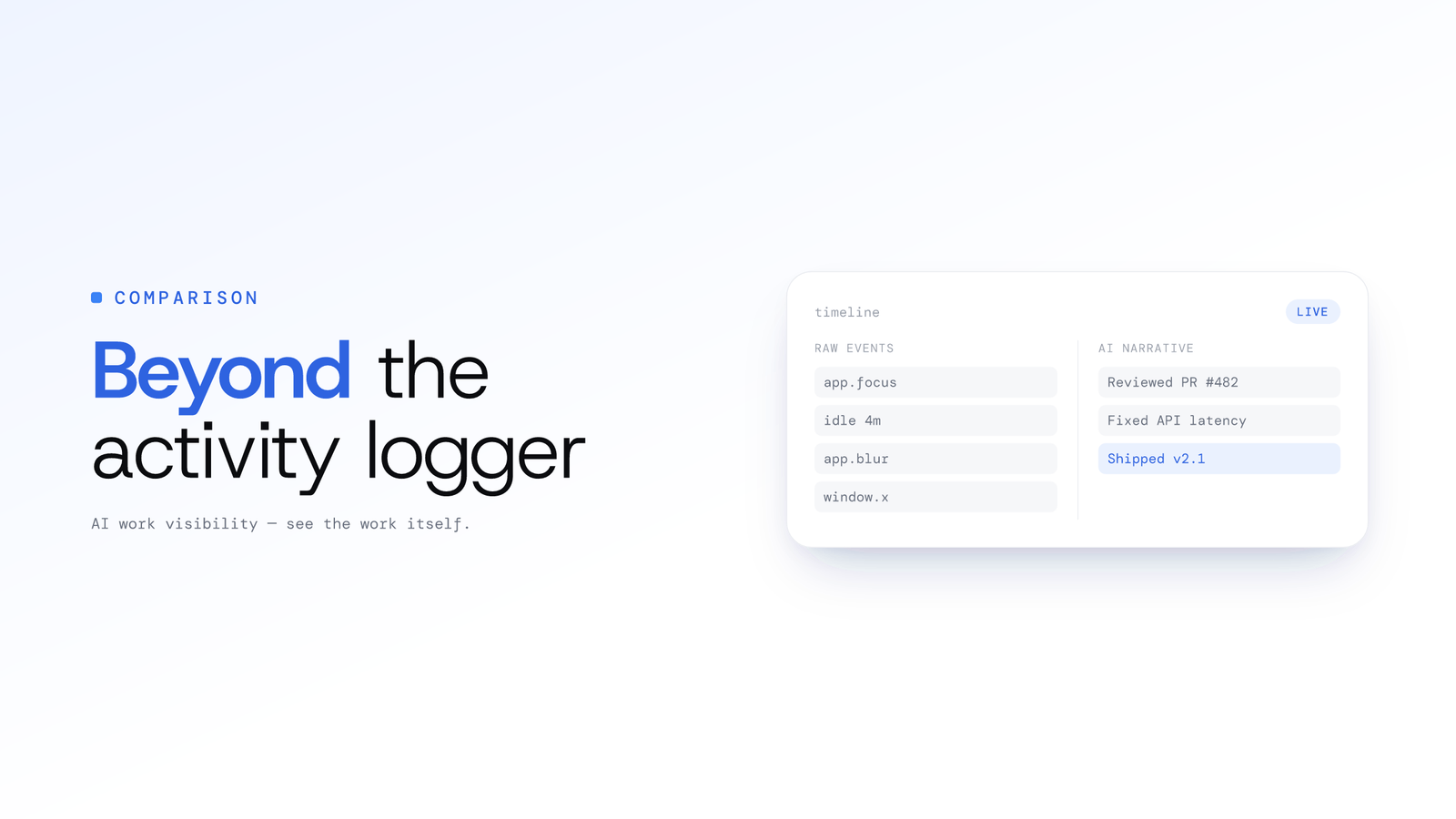
ScreenJournal vs. ActivityWatch: From Logger to Analyst
ActivityWatch logs window titles locally for one person. ScreenJournal adds AI screen analysis, voice capture, and team analytics for work visibility across a whole team.
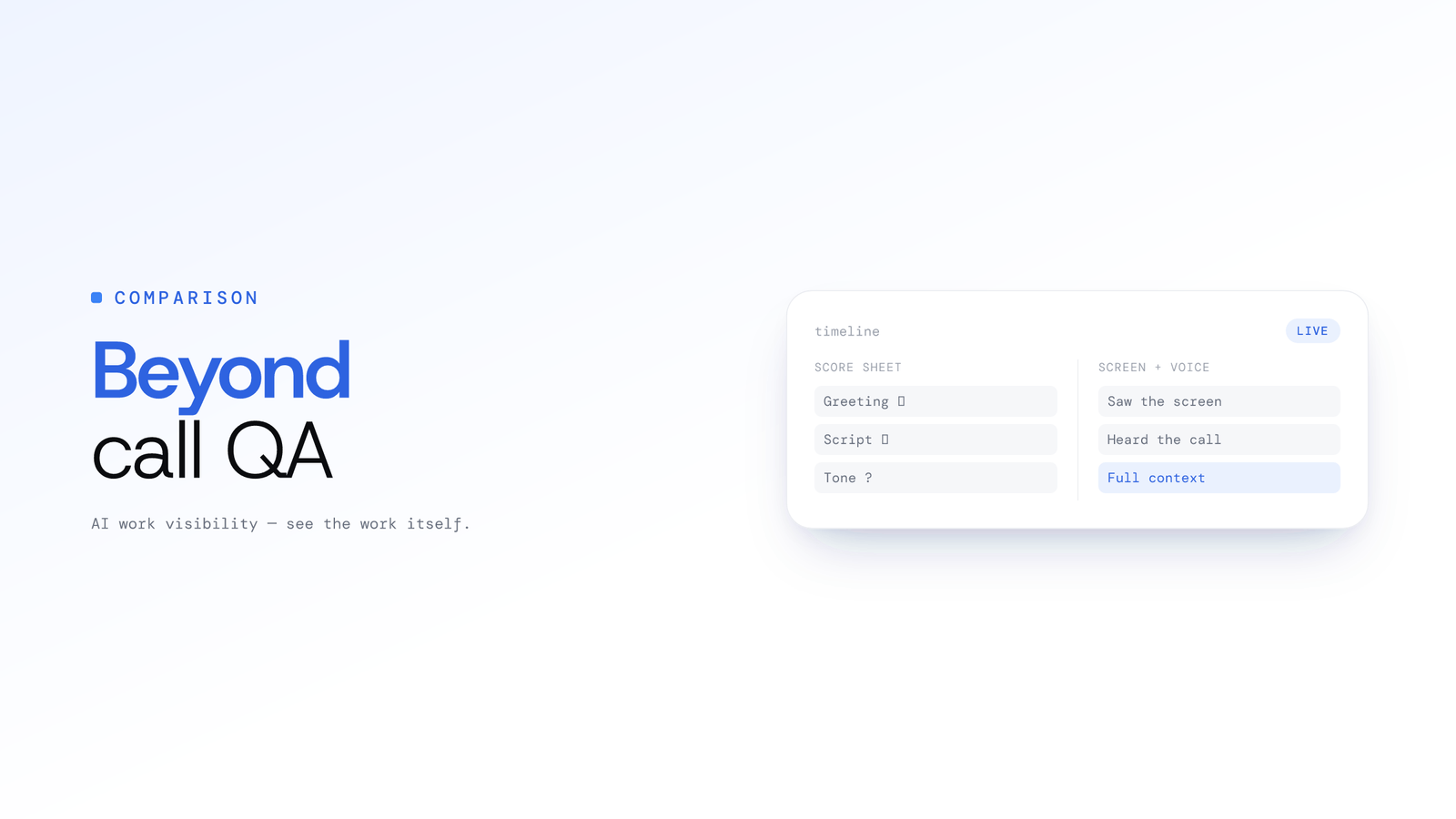
ScreenJournal vs. Traditional Call Centre QA: Why Sampling 2% of Calls is No Longer Enough
Traditional QA reviews 2-5% of calls with inconsistent scoring and delayed feedback. ScreenJournal analyses 100% of interactions with AI. Compare coverage, cost, and quality outcomes.