ScreenJournal vs. Traditional Call Centre QA: Why Sampling 2% of Calls is No Longer Enough
Traditional QA reviews 2-5% of calls with inconsistent scoring and delayed feedback. ScreenJournal analyses 100% of interactions with AI. Compare coverage, cost, and quality outcomes.
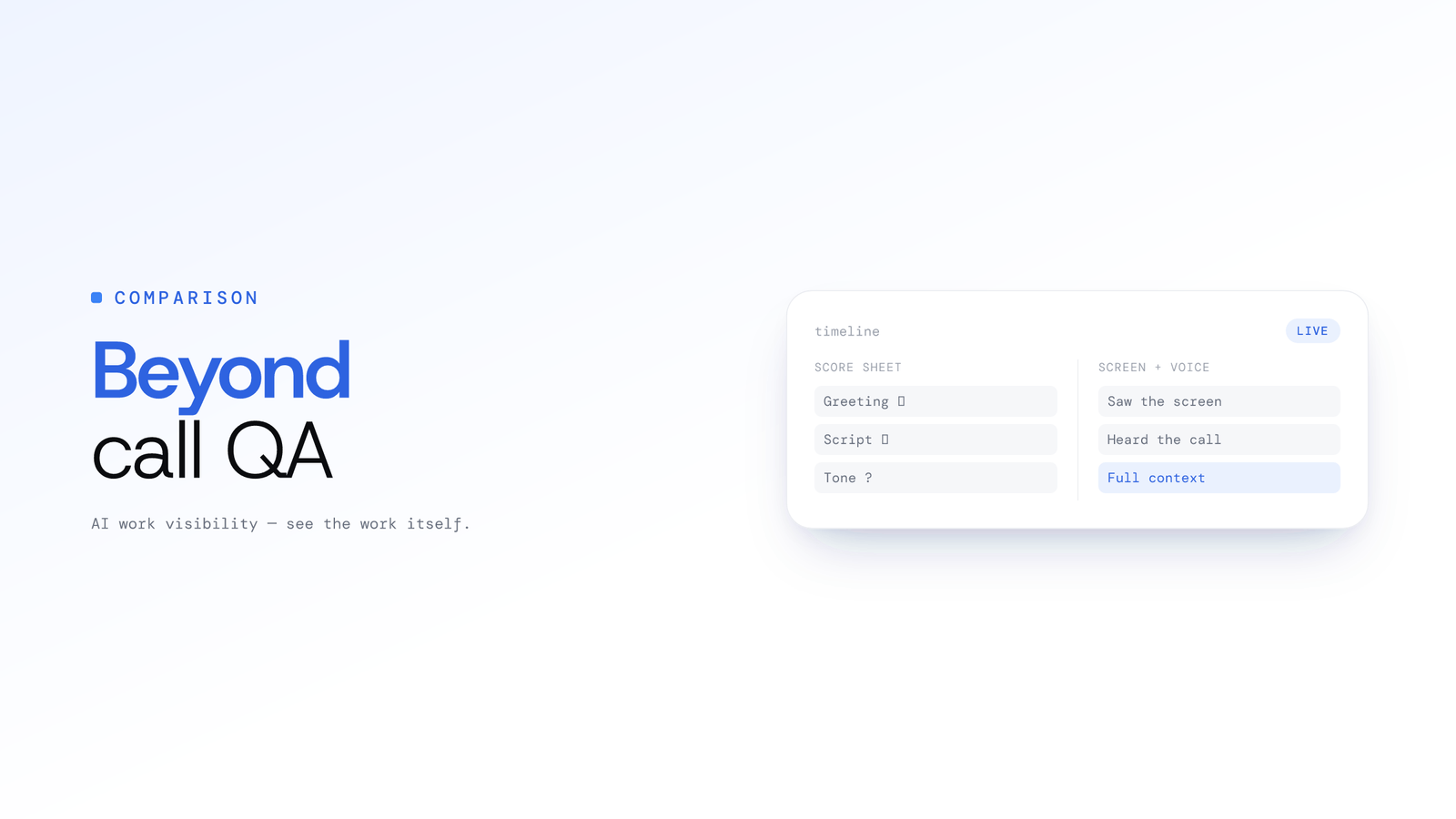
ScreenJournal vs. Traditional Call Centre QA: Why Sampling 2% of Calls is No Longer Enough
Updated on 6 October 2026
Your QA team reviews 2 to 5% of calls. They score them on a rubric. They deliver feedback two weeks later. Meanwhile, the large majority of customer interactions go completely unreviewed.
Think about that number. If your centre handles 10,000 calls per week, your QA analysts evaluate somewhere between 200 and 500 of them. The remaining calls? You're betting that the sample represents reality. You're betting that the calls your analysts picked at random captured the compliance violation, the brilliant upsell, the agent who's been struggling silently for three weeks.
That bet worked when there was no alternative. There is one now.
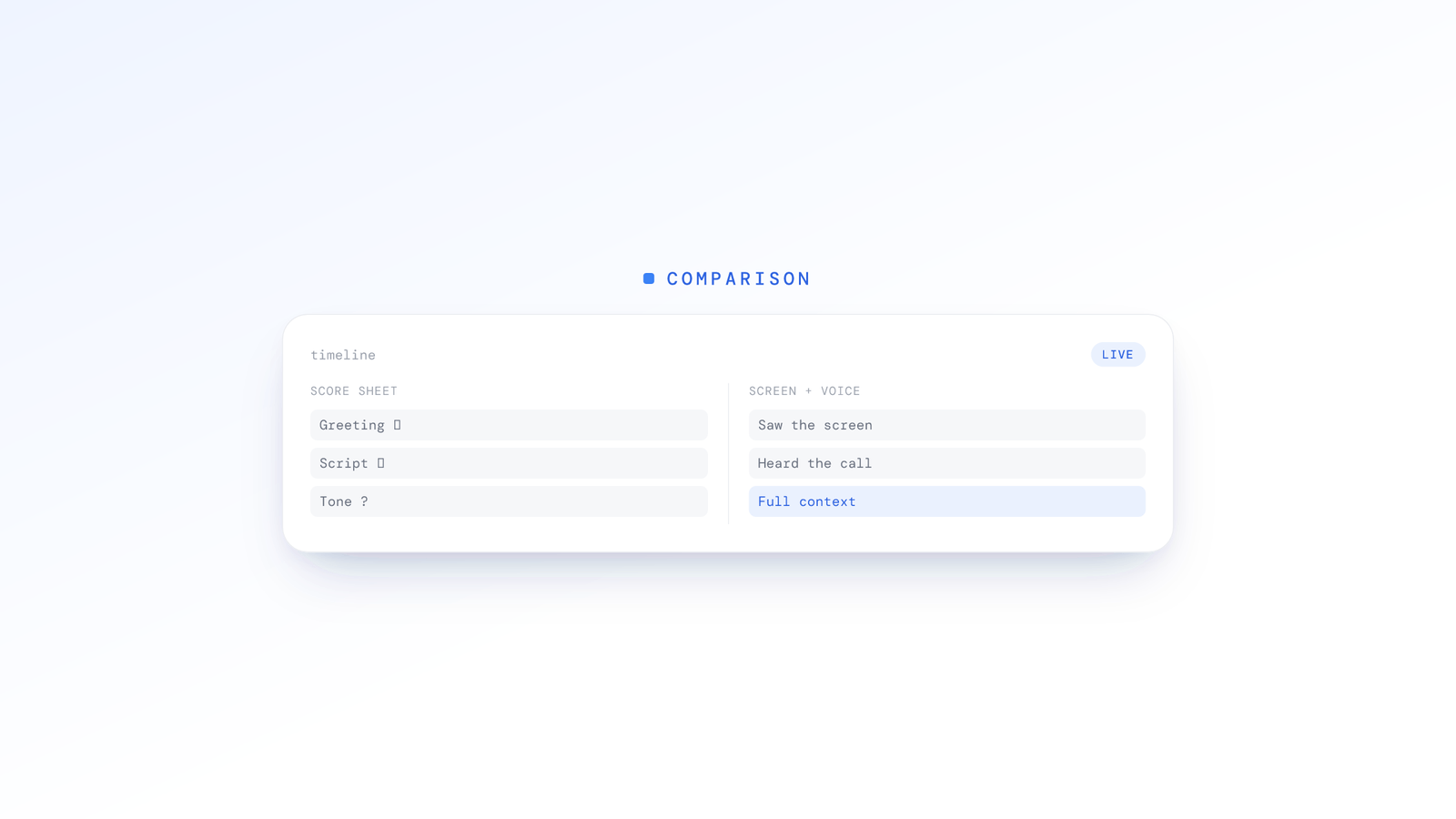
The Traditional QA Model: Slow and Structurally Limited
Manual QA has been the industry standard for decades. It follows a predictable cycle: record calls, assign a subset to QA analysts, score against a rubric, calibrate across reviewers, deliver coaching feedback, repeat.
Every step in this cycle takes time, and every step introduces error.
The Cost of Manual Review
A senior QA analyst typically reviews roughly 8 to 12 calls per hour, depending on call length and rubric complexity. For a large centre sampling only a small fraction of calls, that means a handful of reviewed calls per agent while the large majority of conversations go unexamined. The cost of manual QA scales with analyst headcount: every extra hour of coverage means another hour of analyst labour.
That headcount cost ignores calibration sessions (typically 2 to 4 hours per month per analyst), rubric development time, and the supervisory overhead of delivering feedback individually to each agent.
The Feedback Delay Problem
Even well-run QA programmes deliver feedback on a one- to two-week lag. An agent who handled a call poorly on Monday might not hear about it until the following Friday. By that point, they've repeated the same mistake dozens of times. The coaching moment is gone. The customer damage is done.
In high-volume centres, this delay compounds. If an agent develops a bad habit, whether failing to verify account identity, skipping a required disclosure, or using unprofessional language during escalations, it goes uncorrected for weeks across hundreds of interactions.
Reviewer Inconsistency
Calibration sessions exist because different QA analysts score the same call differently. Reporting from the contact centre industry consistently shows inter-rater reliability problems, with agreement between analysts commonly cited in the region of 60 to 80%. Analyst A gives an empathy score of 4/5. Analyst B scores the same moment as 2/5. The agent receives conflicting feedback depending on who reviewed their call.
This isn't a training problem. It's a structural limitation of subjective human evaluation applied to complex, nuanced conversations. Rubrics help, but they can't eliminate the fundamental variance in how different people interpret tone, empathy, and professionalism.
The Coverage Ceiling
Here's the maths that should keep operations directors awake: if you review a small sample of calls and find a compliance violation in 1 out of every 50 reviewed calls, your actual violation rate across all interactions could be many times higher than what your QA reports suggest. You're measuring noise, not signal.
Traditional QA can't scale beyond its coverage ceiling without linearly scaling headcount. Doubling coverage means doubling your QA team. Tripling it means tripling the analyst hours. The economics don't work.
The ScreenJournal Model: AI-Powered, 100% Coverage
ScreenJournal is an AI work visibility tool that reads on-screen work as it happens, turns it into a detailed timeline of what each person actually did, and then, by default, deletes the raw screen data. Timelines accumulate into a searchable chronicle of everyone's work history, and from them ScreenJournal generates timesheets and reports automatically and drafts standup summaries on request, answering questions about any of it in plain English.
Instead of sampling a fraction of interactions and reviewing them manually, ScreenJournal records and transcribes every call and reads every screen session, so any call can be opened, searched and reviewed with the screen work beside it. It builds a searchable work chronicle and a per-person work timeline from that activity.
No rubric scoring. No random sampling. No two-week feedback lag.
How It Works
During calls, ScreenJournal records and transcribes the meeting audio, microphone and system audio together, alongside the on-screen work, whenever a recognised meeting or dialler app opens the microphone. Meeting audio is optional and off by default. Where an organisation turns it on in its desktop policy (an owner or admin accepts the Call-Recording Addendum first), the desktop app records and transcribes calls in recognised meeting apps, members acknowledge the Workplace Monitoring Notice when they sign in and can turn meeting capture off in the app unless the organisation requires it, and each recording appears on the Audio page with a searchable transcript and, where the organisation keeps the audio, playback for the people allowed to see it. Which meeting, dialler and webinar apps trigger recording is set by an admin; a listed webinar app or site is recorded in full while it plays, even when the person at the desk never speaks.
What you get for every call is the record itself, not a scorecard: a transcript you can read and search, the recording where your policy keeps it, and the screen timeline next to it. Frontier AI models read the on-screen work and rate each segment, so a reviewer opening a call sees what the agent was doing in the CRM while they spoke.
The two kinds of data are handled differently. By default the raw screen data is discarded once the timeline entry is written: ScreenJournal keeps the derived timeline of what happened, so there is no screenshot or footage archive to leak. A manager can opt in to keep video evidence (Evidence Mode), stored for up to 3 months. Meeting audio is a record your organisation chooses to keep, and it stays visible to the people your roles allow.
A Record Replaces the Sample
Every Monday, the Ranking page gives managers the previous week for every agent: average productivity, active hours and attendance, with an AI-written summary of each person's week. The Overview shows the same for any day, week or month, and the Audio page holds every call. Instead of a scorecard on a sampled handful:
- Every call transcribed and searchable, with the recording where your policy keeps it
- The screen beside the call, so CRM work and app switching are visible for the same minutes
- Alerts you define in plain language, with a nudge to the agent and their explanation back in your inbox
- Team-level trends on Overview and Ranking showing whether productivity and attendance are improving, declining, or plateauing
One record. Every agent. Every call.
Feature Comparison: Traditional QA vs. ScreenJournal
| Capability | Traditional QA | ScreenJournal |
|---|---|---|
| Call coverage | Typically 2 to 5% sampled | 100% analysed |
| Feedback turnaround | 1 to 2 weeks | Same day: the call is on record within minutes |
| Scoring consistency | Varies by reviewer | One productivity score for screen work; calls reviewed from the transcript |
| Marginal cost of reviewing one more call | High: scales with analyst hours | Negligible: software scales |
| Agent experience | Punitive review of cherry-picked calls | Coaching insights across all work |
| Screen activity visibility | Not included | CRM usage, workflow adherence, idle detection |
| Voice | Manual listening only | Every call transcribed, searchable and playable |
| Scalability | Analyst headcount scales with coverage | Software scales without adding reviewers |
| Screen data retained | n/a | Not by default; a manager can opt in to keep video evidence for up to 3 months |
| Call audio retention | Recordings stored per platform policy | Optional, off by default; audio or transcript-only, the organisation's choice |
| Time to deploy | Weeks (rubric design, calibration, training) | Days (install, set the policy, first week on record) |
The structural difference is clear: traditional QA scales with headcount. ScreenJournal scales with software.
What About Existing QA Platforms?
If you're evaluating QA tools, you've likely encountered NICE CXone, Verint, Five9, Calabrio, or similar platforms. These are mature workforce-optimisation products with deep feature sets, built for large enterprise contact centres. They typically combine call recording, automated scoring, speech analytics, and agent coaching in a single suite. NICE CXone is consistently positioned as a category leader; Verint delivers workforce engagement management including interaction recording, quality monitoring, and coaching; Calabrio provides workforce optimisation with quality management and automated QA scoring; and Five9 is a cloud contact-centre platform whose QA tooling covers recording, monitoring, automated scoring, and speech analytics.
They're also comprehensive, and comprehensive tends to mean slower to deploy.
Most enterprise QA platforms typically involve:
- Lengthy implementation cycles: several months for full deployment with custom integrations
- Dedicated administration: staff to manage rules, scorecards, and workflows
- Training overhead: QA analysts need weeks of training on platform-specific workflows
ScreenJournal occupies a different position in the market. It's lighter-weight, faster to deploy, and AI-native from the ground up. There's no scorecard builder: the record is the transcript and the screen timeline, and you write the alert rules yourself in plain language. There's no calibration workflow because the same productivity score is used everywhere. There's a shorter integration timeline because ScreenJournal runs as a lightweight agent on each workstation.
When to pick an enterprise platform: If you need large-scale custom workflow automation, deep telephony integrations, or compliance frameworks built for heavily regulated industries with specific audit trail requirements, a mature platform like NICE CXone, Verint, Five9, or Calabrio is the safer fit. These are deep, configurable products, and if you already run one and it works, ScreenJournal is not trying to rip it out.
When ScreenJournal is the better fit: Speed to value, combined screen and voice intelligence, a data model that keeps no screen footage by default, and coverage that rises to 100% for teams that need actionable insights without a heavy enterprise deployment.
For centres with 20 to 500 agents looking for AI-powered QA without the enterprise overhead, ScreenJournal delivers more coverage with far less complexity.
The Screen + Voice Advantage: What Call-Only QA Tools Miss
This is the gap most QA tools, traditional or modern, fail to address. They analyse calls. Only calls. But your agents don't work in an audio vacuum. They work on screens.
During every customer interaction, your agents are navigating CRM systems, pulling up account information, searching knowledge bases, processing transactions, and updating case notes. The quality of that screen-side work directly impacts the quality of the call.
ScreenJournal reads both dimensions together, revealing insights that call-only analysis can never surface:
CRM Usage Patterns
Is the agent actually logging case notes during the call, or are they doing it in bulk at the end of their shift (with degraded accuracy)? Are they pulling up the customer's history before transferring, or sending the customer into a blind transfer? ScreenJournal reads CRM engagement as it happens alongside voice activity.
Workflow Adherence
Your standard operating procedure says agents should verify identity, check the knowledge base for known issues, and log a resolution code before closing the ticket. Call recording tells you if they said the right words. Reading the screen tells you if they actually followed the process.
Context Switching and Focus
An agent who toggles between their CRM, a messaging app, and a browser 40 times during a single call is likely distracted. An agent who stays focused in the customer's account record and the knowledge base is likely engaged. ScreenJournal's app-switch count and productivity score capture these patterns for every day.
Idle and Hold-Time Correlation
When a customer is on hold for 90 seconds, what's happening on the agent's screen? Are they searching for an answer in the knowledge base? Waiting for a system to load? Or scrolling through unrelated content? Reading the transcript with the screen timeline beside it tells you whether hold time was productive or wasted.
For a deeper look at how the call transcripts work, see How AI Voice Analysis Transforms Call Centre QA. For the broader technology overview, see Beyond Screen Recording: Voice Analysis. And for how this applies to outsourced operations specifically, see BPO and call centre monitoring.
The Economics: Headcount vs. Software
You don't need a spreadsheet to see the structural difference. It comes down to what each model scales with.
Traditional QA scales with analyst headcount. Coverage is a direct function of how many reviewer hours you buy. To review more calls, you hire more analysts, add more calibration sessions, and add more supervisory coaching time. Cost rises in a straight line with coverage, which is exactly why most centres cap sampling at a small fraction of calls: the next percentage point of coverage always costs another slice of headcount.
AI QA scales with software. The system analyses every call whether you handle a hundred a week or a hundred thousand. Adding a reviewer is not how you increase coverage, because coverage is already 100%. The marginal cost of analysing one more call is negligible, so a centre can move from a small sample to full coverage without adding reviewers.
That is the heart of the comparison. Traditional QA answers "how many calls can we afford to review?" ScreenJournal removes the question, because every call is already reviewed. Instead of spending analyst hours producing partial coverage, managers spend a short weekly review on Ranking and open the calls that need a listen.
Beyond Coverage
Full coverage also unlocks value that partial sampling structurally cannot:
- Faster issue detection: A compliance violation caught on day one instead of day fourteen means fewer affected customers and lower regulatory exposure
- A fairer agent experience: Consistent, AI-driven coaching can feel less punitive than selective human review, because feedback is based on all of an agent's work rather than a cherry-picked handful of calls
- Improved CSAT: When every call is analysed, quality improvement becomes systematic rather than anecdotal, which should show up in customer satisfaction over time
- Training optimisation: AI helps surface specific skill gaps across the team, so training investment can be targeted rather than spent on generic refresher courses
Frequently asked questions
What is a call centre QA software alternative that covers every call?
ScreenJournal is a call centre QA software alternative that analyses 100% of calls with AI rather than sampling a small fraction manually. Traditional QA typically reviews 2 to 5% of interactions against a rubric. ScreenJournal records and transcribes every call and reads the on-screen work alongside it, so every interaction is on the record and reviewable, not a sampled handful.
How does AI call monitoring compare to manual QA?
AI call monitoring analyses every interaction consistently, while manual QA samples a small percentage and scores it by hand. Manual reviewers face inter-rater reliability variance and a one to two week feedback lag. AI monitoring standardises scoring across all calls and surfaces risks and coaching insights without adding reviewers as volume grows.
Does ScreenJournal delete call recordings?
Not by default. Where an organisation turns meeting audio on, calls are recorded and transcribed and kept for the people allowed to see them, with playback on the Audio page; the organisation chooses whether to keep the audio or the transcript only. The raw screen data, by contrast, is discarded during processing by default. Members acknowledge the Workplace Monitoring Notice at sign-in and can turn meeting capture off in the app unless the organisation requires it.
Can ScreenJournal do screen and voice QA together for call centres?
Yes. ScreenJournal puts the call and the screen side by side: the transcript and recording of what an agent said, and the timeline of what they did on screen while the call ran, with CRM usage and app switches visible. A reviewer sees whether the screen-side work matched the conversation without listening to the whole call.
Stop Sampling. Start Knowing.
The 2 to 5% QA model made sense when human review was the only option. It was the best available approach for an era of analogue limitations.
That era is over.
Every call can now be transcribed and every screen interaction read, so the weekly review takes about 30 minutes on Ranking and the Audio page instead of many hours of analyst labour.
The question isn't whether AI-powered QA is better. The maths answers that. The question is how many more weeks of blind spots your centre can afford.
Stop guessing. Start knowing.
Let AI turn screen data into clear insights. Start your 2 months free trial
Related Posts
How AI Voice Analysis Transforms Call Centre QA
Manual QA reviews 2-5% of calls. ScreenJournal puts 100% of them on record, transcribed, searchable and beside the screen timeline, so coaching is based on an agent's full record, not a random sample.
ScreenJournal vs. ActivityWatch: From Logger to Analyst
ActivityWatch logs window titles locally for one person. ScreenJournal adds AI screen analysis, voice capture, and team analytics for work visibility across a whole team.
Beyond Screen Recording: Why Voice Analysis is the Missing Piece in Work Visibility
Most work visibility tools only read the screen. For call centres, sales teams, and support desks, the real work happens through voice. Learn how AI voice analysis closes the visibility gap, and how screen and call audio are handled differently.