How AI Voice Analysis Transforms Call Centre QA
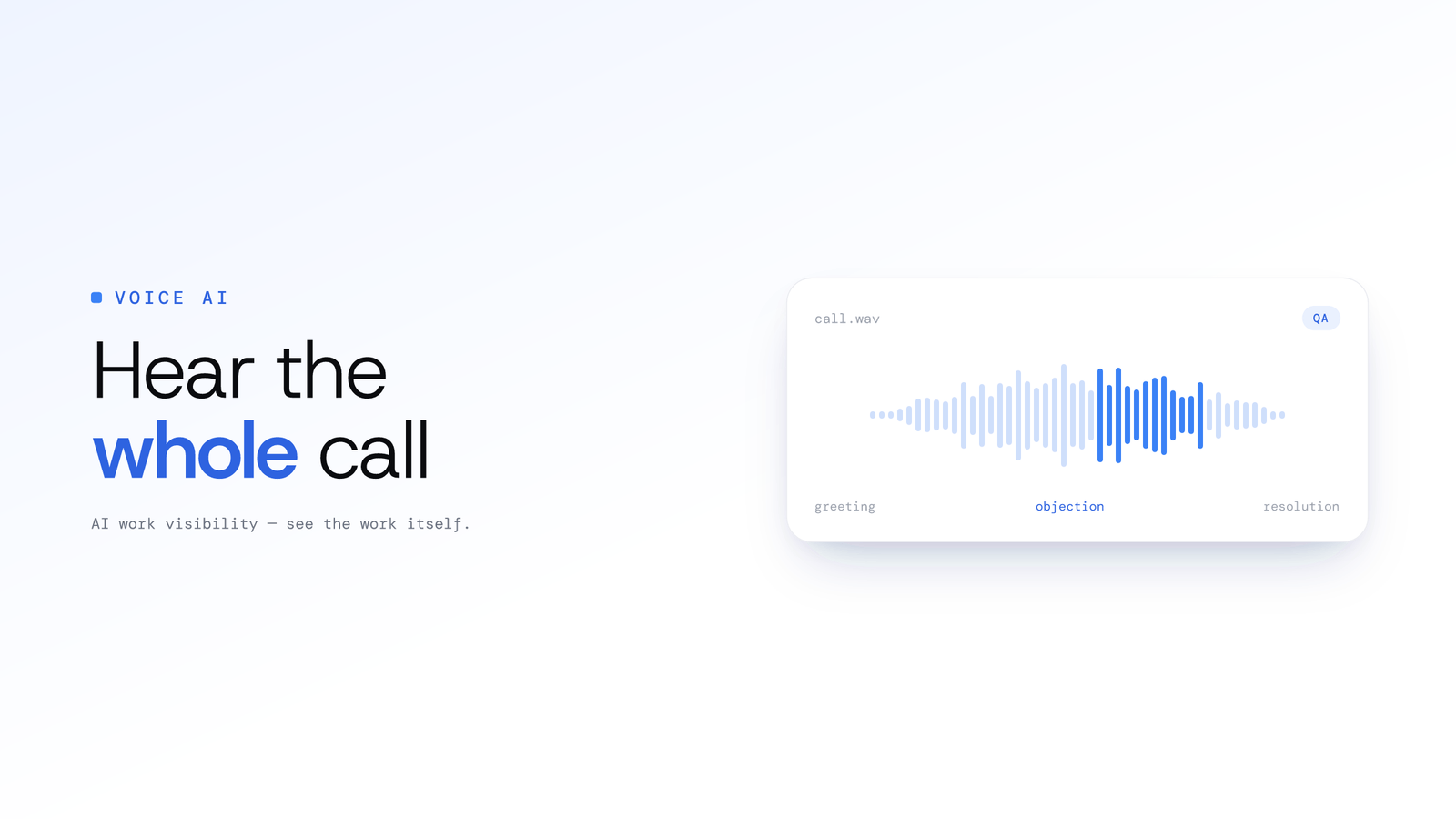
Manual QA reviews 2-5% of calls. ScreenJournal puts 100% of them on record, transcribed, searchable and beside the screen timeline, so coaching is based on an agent's full record, not a random sample.
How AI Voice Analysis Transforms Call Centre QA
Updated on 6 October 2026
Your QA team reviews maybe twenty calls a day. Your agents handle two thousand.
That means 99% of customer interactions go unreviewed. Unscored. Invisible. You're making coaching decisions, promotion decisions, and staffing decisions based on a sliver of reality, and hoping the sample represents the whole.
It doesn't. And you already know that.
The call centre QA process hasn't fundamentally changed in decades. Supervisors pull random recordings, score them against a rubric, and deliver feedback days or weeks after the interaction happened. It worked when there wasn't a better option. Now there is.
The Manual QA Problem
Sampling Bias
Random sampling sounds fair. In practice, it's blind.
A typical QA programme reviews 2-5% of calls per agent per month. That means if an agent handles 400 calls in a month, 8-20 get scored. The other 380+ are invisible.
What hides in those unreviewed calls?
- The frustrated customer who almost escalated but didn't
- The compliance slip that nobody caught
- The brilliant save that deserved recognition
- The pattern of rudeness that only appears on Friday afternoons
Random selection catches none of these reliably. You're building performance profiles from statistical noise.
The Feedback Lag
By the time an agent receives QA feedback, the call is ancient history. They've handled hundreds of interactions since then. The context is gone. The emotional memory is gone. The coaching moment is gone.
Imagine a basketball coach reviewing game tape from three weeks ago and telling a player to adjust their free throw technique. The player barely remembers the game. That's what delayed QA feedback feels like to agents.
Effective coaching requires proximity to the event. The tighter the feedback loop, the faster the improvement.
Scorer Inconsistency
Put the same call in front of three QA analysts. You'll get three different scores.
One analyst penalises for a brief silence. Another considers the same pause a sign of thoughtfulness. One docks points for not using the customer's name in the first thirty seconds. Another focuses entirely on resolution quality.
Rubrics help, but they can't eliminate human subjectivity. Calibration sessions consume hours and the drift starts again immediately. Your agents aren't just being evaluated: they're being evaluated by a lottery of who happens to review their call.
The Scale Wall
Here's the maths that breaks manual QA:
| Team Size | Calls/Day | 3% QA Rate | Reviewers Needed |
|---|---|---|---|
| 20 agents | 400 | 12 calls | 1 reviewer |
| 50 agents | 1,000 | 30 calls | 2 reviewers |
| 200 agents | 4,000 | 120 calls | 6-8 reviewers |
| 500 agents | 10,000 | 300 calls | 15-20 reviewers |
Every agent you add dilutes your QA coverage unless you add more reviewers. Hiring QA analysts to listen to calls is one of the least scalable line items in your budget.
AI-Powered QA: Every Call, Every Agent, Every Day
ScreenJournal is an AI work visibility tool that reads on-screen work as it happens, turns it into a detailed timeline of what each person actually did, and then, by default, deletes the raw screen data. Timelines accumulate into a searchable chronicle of everyone's work history, and from them ScreenJournal generates timesheets and reports automatically and drafts standup summaries on request, answering questions about any of it in plain English. For call centres it adds a second layer, voice, and takes a fundamentally different approach to QA: analyse every call, coach from all of it.
Here's how it works for call centres. Meeting audio is optional and off by default. Where an organisation turns it on in its desktop policy (an owner or admin accepts the Call-Recording Addendum first), the desktop app records and transcribes calls in recognised meeting apps, members acknowledge the Workplace Monitoring Notice when they sign in and can turn meeting capture off in the app unless the organisation requires it, and each recording appears on the Audio page with a searchable transcript and, where the organisation keeps the audio, playback for the people allowed to see it. Which meeting, dialler and webinar apps trigger recording is set by an admin; a listed webinar app or site is recorded in full while it plays, even when the person at the desk never speaks.
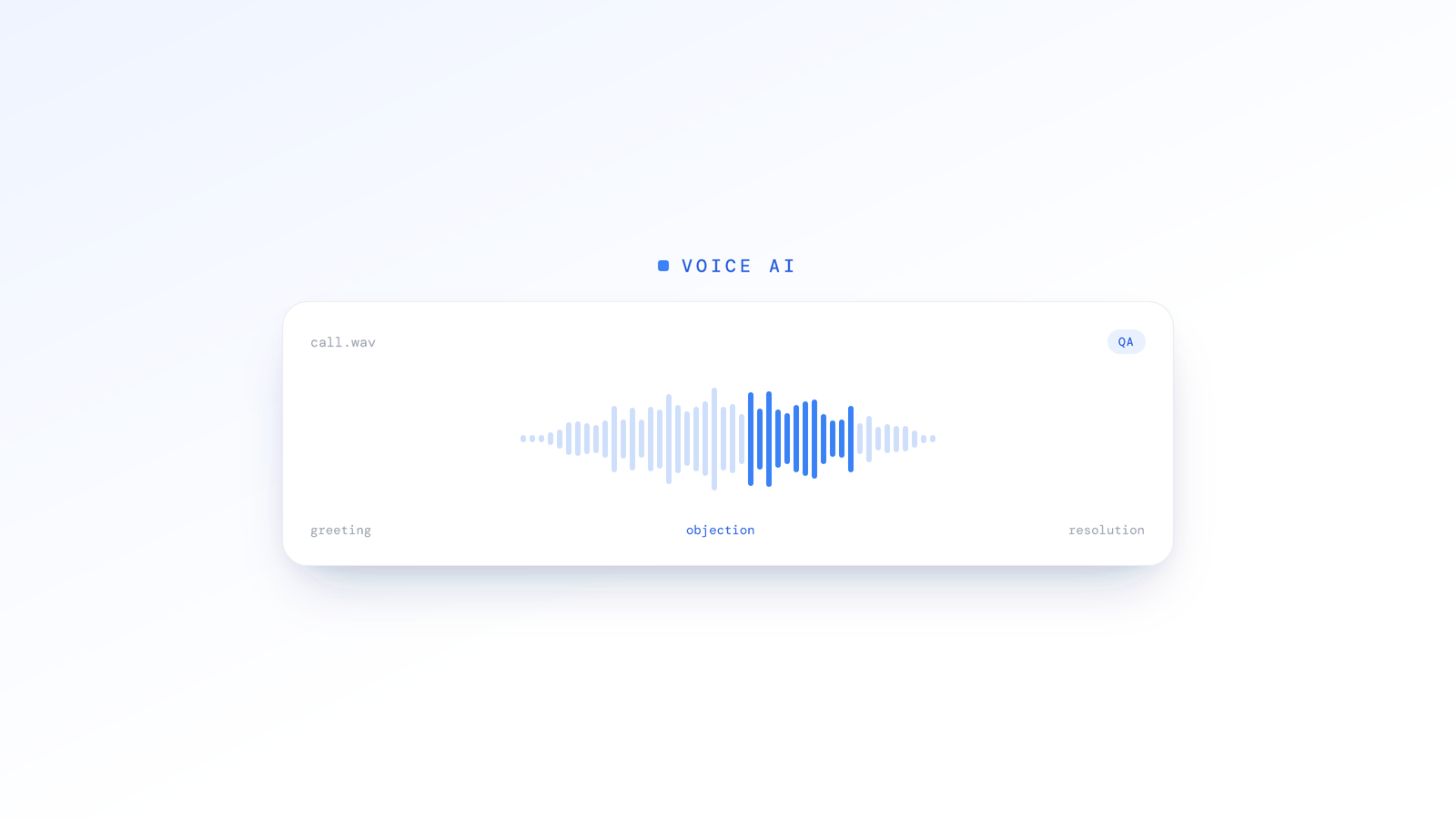
What every call gets is the record itself: a transcript you can read and search across a month of calls, the recording where your policy keeps it, and the screen timeline beside it showing what the agent did in the CRM while they spoke. ScreenJournal does not score calls for sentiment or script adherence; it makes every call reviewable instead of two per cent of them. The raw screen data is a different story: ScreenJournal turns on-screen work into a work timeline of what happened, so by default you get the screen side of every call without warehousing footage; where video evidence is needed, a manager can opt in to keep the recordings (Evidence Mode) for up to 3 months.
For a deeper look at how the call transcripts work, see Beyond Screen Recording: Voice Analysis. For call centre teams weighing this against traditional tooling, see BPO call centre monitoring.
What You Get for Every Call
- A transcript, laid out by speaker, searchable across the whole month
- The recording, where your policy keeps the audio, played as one continuous timeline
- The screen timeline for the same minutes: which CRM records were open, how often the agent switched apps, whether case notes were written during or after the call
- Alerts against rules you write in plain language, with the agent's explanation back in your inbox
This is on record for 100% of calls. Not a sample. All of them.
What a Full Record Catches That Manual QA Misses
Reviewing individual calls finds individual problems. Having every call on record finds patterns, because you can search for them.
Example: A compliance disclosure keeps getting skipped. Search the month's transcripts for the phrase and you see exactly which agents say it and which don't, instead of hoping the sampled call happened to be one of the misses.
Example: Customer complaints spike about Product X's billing change. Search the transcripts for the product name and read the calls; the problem turns out to be the product, not the agents.
Example: Average handle time drifts up in the afternoon. Overview shows the pattern across the team and the timeline shows what was on screen: the new CRM layout, not the agents.
From Surveillance to Coaching
Traditional QA has a reputation problem. Agents see it as gotcha monitoring: someone listening in, waiting to catch mistakes, docking points on a scorecard that affects their bonus.
That dynamic kills morale. And demoralised agents deliver worse customer experiences. The tool designed to improve quality actively degrades it.
AI-powered QA flips the script.
Continuous Baselines Instead of Spot Checks
When every call is analysed, no single call defines an agent. A bad interaction doesn't tank their score: it's one data point in hundreds. Agents stop fearing the random review because there's no random review to fear. Their performance is measured on the full picture.
Feedback With the Call Open
Instead of "you scored 72 on your last reviewed call," managers can open the call in question, point at the transcript and the screen timeline beside it, and say what they saw. Every coaching point is backed by the real call, not one lucky or unlucky sample.
The Weekly Review for Call Centre Managers
Every Monday, the Ranking page has the previous week for every agent: average productivity, active hours and attendance, and an AI-written summary of each person's week that a manager can read in a minute. Overview shows the team's attendance calendar and app usage for the week, and Alerts holds any explanations agents sent back. From there the manager opens the calls that need a listen on the Audio page.
Thirty minutes to review. Every call still there when you need it.
Implementation: From Install to First Insights
Week 1: Setup and Communication
Technical setup takes less than a day. An admin sets the desktop policy (screen capture mode, meeting audio on, which dialler apps trigger recording), then agents install the app, sign in, acknowledge the monitoring notice and press play. There's no integration with your phone system required: it captures audio directly from the agent's machine when the dialler opens the microphone.
Communicating to your team matters more than the technical install. Be direct:
"We're adding ScreenJournal to improve how we do QA. Instead of randomly reviewing a handful of calls, every call will be transcribed so we can review the ones that matter and coach from the real call. The app tells you when it's recording, you can see your own recordings and timeline, and you'll see the same score we see. This means fairer evaluations based on your full record, not a random sample."
Agents who've suffered under random QA sampling tend to welcome this. Being judged on 100% of calls is fairer than being judged on 2%.
Week 2: Baseline Establishment
Give it a full week so Overview and Ranking have a real baseline: what's normal for each agent and each shift. During this period, continue your existing QA process. The two will run in parallel.
Week 3: First Weekly Review
Your first full week is on Ranking. Compare it against your existing QA findings:
- Which agents' weeks look different from what the sampled calls suggested?
- Which patterns show up when you search a month of transcripts that spot-checking couldn't detect?
- Where does the screen timeline explain a slow call that the audio alone didn't?
Week 4 and Beyond: Transition
Begin shifting your QA team's role from reviewing random calls to reviewing the right ones. Your QA analysts become coaches, searching the transcripts for the patterns that matter, opening the calls behind an alert, and spending their time on high-impact interventions instead of random sampling.
Your QA team isn't replaced. They're elevated from listeners to strategists.
What Agents See
Agents see their own record: their timeline and score in the desktop app and the dashboard, and their own recordings on the Audio page. They experience the change through better coaching: more specific, more timely, and based on the real call rather than a lucky or unlucky sample. Nothing about them is hidden from them.
The Bottom Line
Manual QA is a rounding error dressed up as quality management. Reviewing 2-5% of calls and pretending it represents agent performance is a process that exists because nothing better was available.
Now something better is available.
Transcribing every call gives you 100% coverage with zero additional headcount. It closes the feedback loop from weeks to the same day, and lets a manager search a month of calls for the pattern that matters instead of hoping the sample caught it. It turns QA from a punitive spot-check into coaching from the real call.
Your agents get fairer evaluations. Your managers get actionable intelligence. Your customers get better experiences. Calls stay on record for the people your roles allow, where your organisation keeps them, and the raw screen data is turned into a timeline.
That's what modern call centre QA looks like.
Frequently asked questions
How does AI call centre QA analyse 100% of calls?
Where an organisation turns meeting audio on, ScreenJournal records and transcribes every call in recognised meeting and dialler apps, so every interaction is on record with a searchable transcript, playback where the audio is kept, and the screen timeline beside it. Instead of a supervisor sampling two to five per cent of calls, any call can be opened and reviewed, so coaching is based on an agent's full record rather than a lucky or unlucky sample.
Is call audio deleted like screen data?
No. Where an organisation keeps call audio, a flagged call can be replayed and verified on the Audio page; the organisation can also choose transcript-only. Derive-and-discard applies to the screen by default, which is turned into a timeline unless a manager has opted in to keep video evidence, stored for up to 3 months. Recording is disclosed to members at sign-in, audio is off until an admin turns it on, and playback is limited to the people your roles allow.
How does AI voice analysis improve agent coaching?
It replaces delayed, subjective scorecards with feedback drawn from real calls. Because every call is transcribed and searchable, a manager can find the recurring compliance slip or the phrase that keeps derailing calls across a whole month rather than in one sampled call, and coach the behaviour with the transcript open.
Do agents lose their privacy under call recording?
Recording is disclosed when an agent signs in to the desktop app, where they acknowledge the Workplace Monitoring Notice, and the app shows when a call is being recorded. Agents can see their own recordings, can turn meeting capture off in the app unless the organisation requires it, and, where the organisation grants redaction, can redact entries. Playback by others is limited to the people their roles allow.
Stop guessing. Start knowing.
Let AI turn screen data into clear insights. Start your 2 months free trial
Related Posts
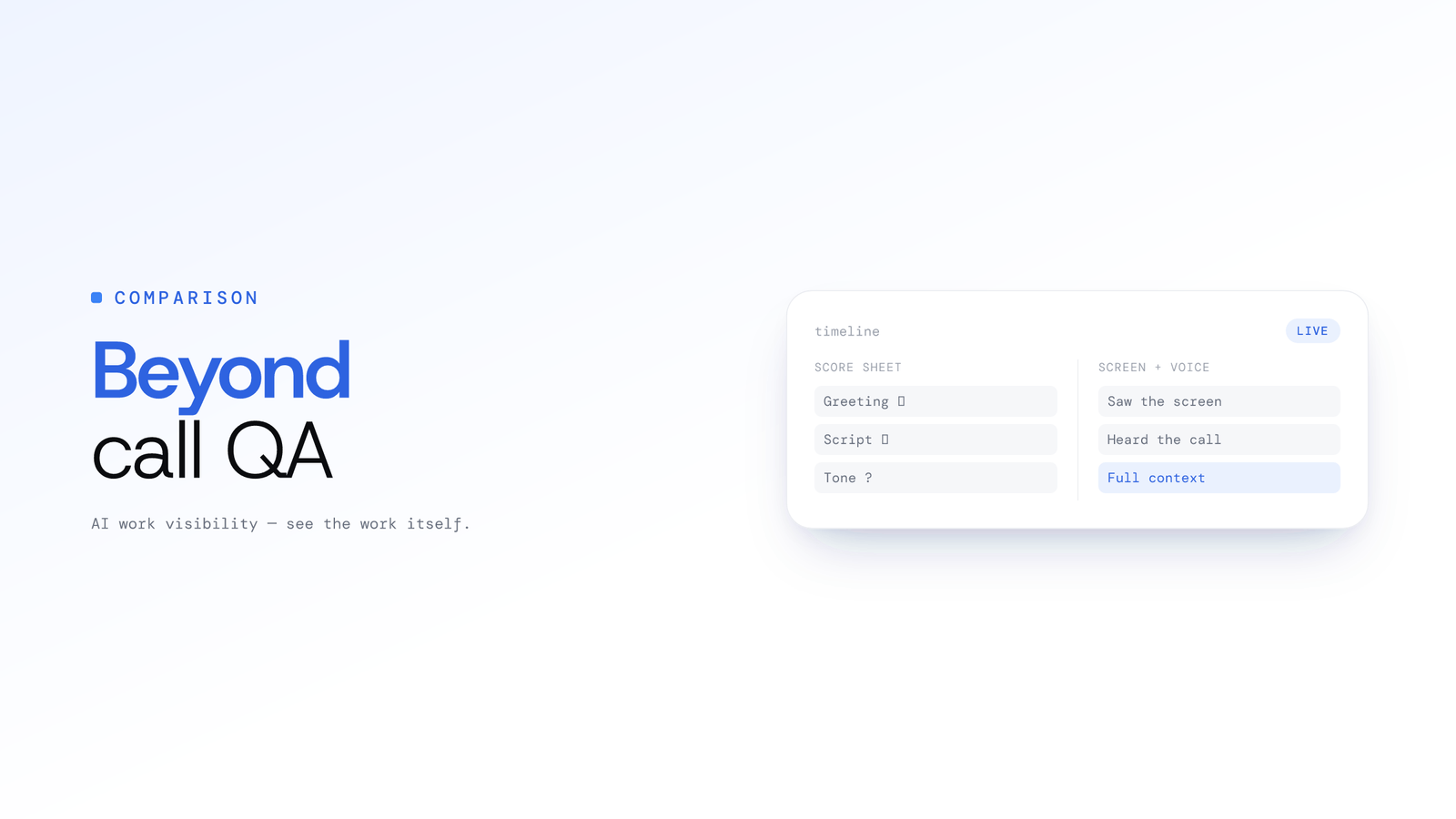
ScreenJournal vs. Traditional Call Centre QA: Why Sampling 2% of Calls is No Longer Enough
Traditional QA reviews 2-5% of calls with inconsistent scoring and delayed feedback. ScreenJournal analyses 100% of interactions with AI. Compare coverage, cost, and quality outcomes.
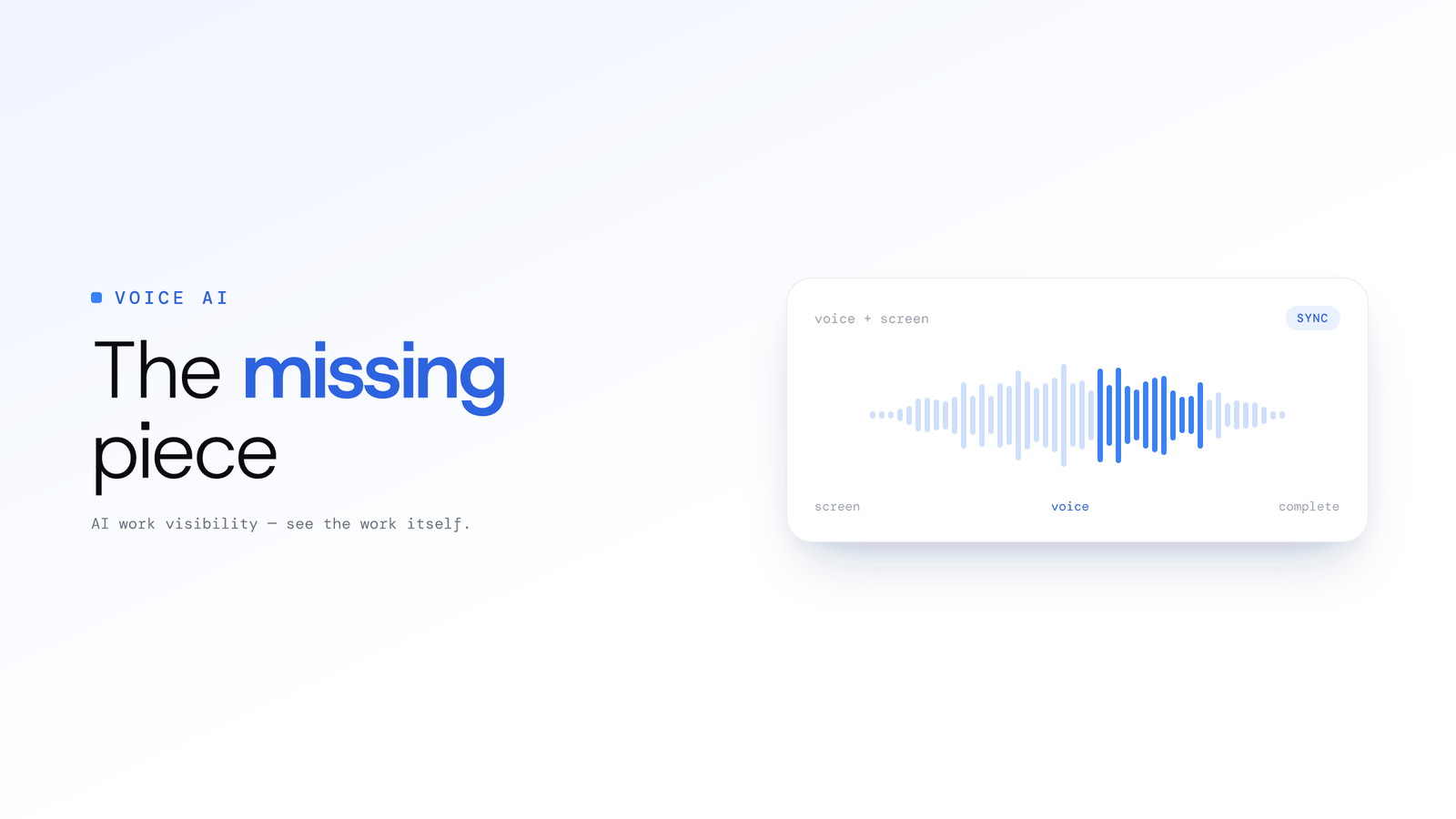
Beyond Screen Recording: Why Voice Analysis is the Missing Piece in Work Visibility
Most work visibility tools only read the screen. For call centres, sales teams, and support desks, the real work happens through voice. Learn how AI voice analysis closes the visibility gap, and how screen and call audio are handled differently.
ScreenJournal vs. ActivityWatch: From Logger to Analyst
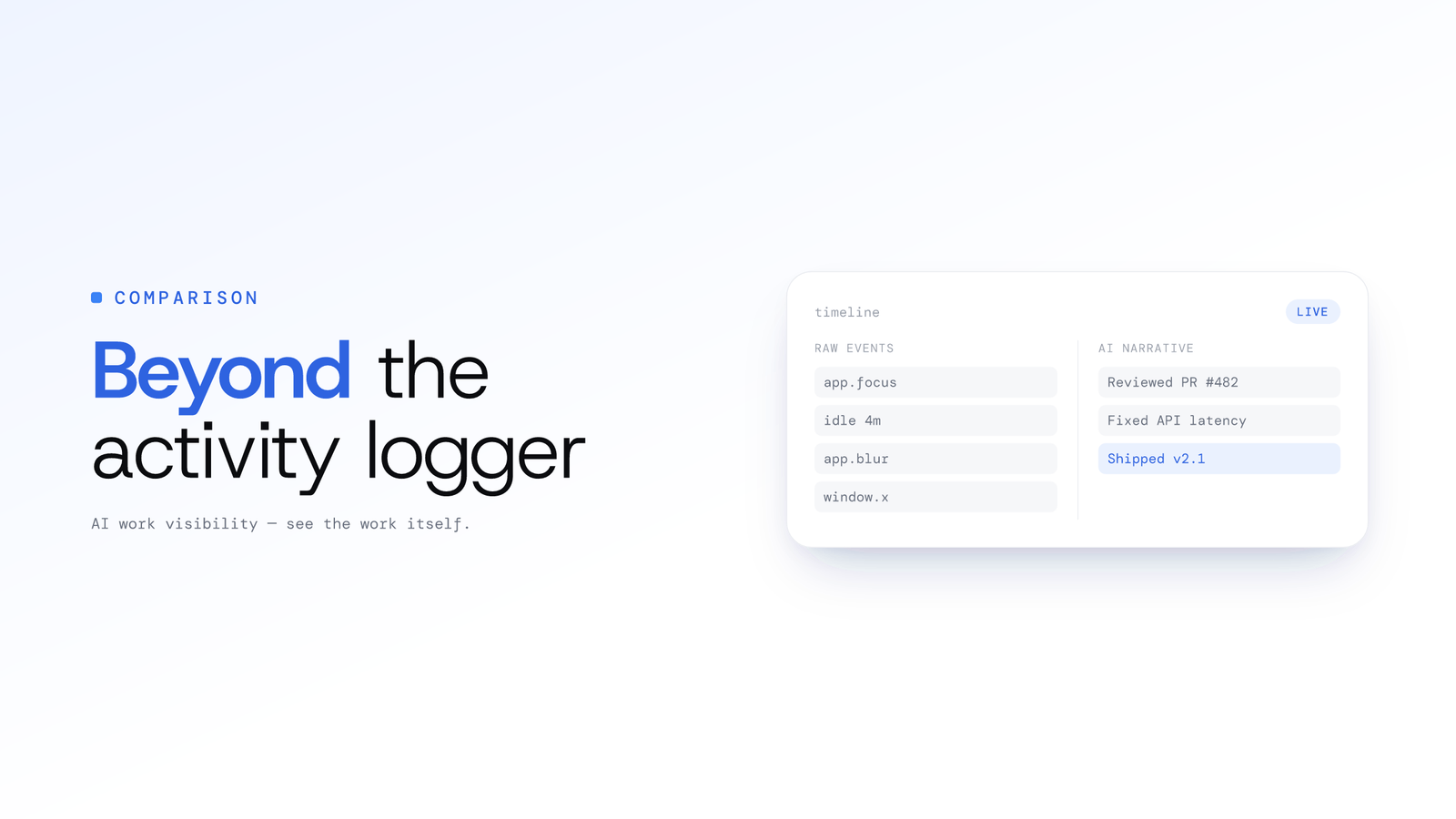
ActivityWatch logs window titles locally for one person. ScreenJournal adds AI screen analysis, voice capture, and team analytics for work visibility across a whole team.