Why Weekly AI Reports Beat Real-Time Dashboards
Dashboards promised visibility and delivered data overload. Here is why a weekly view that reads the week for you, built around ScreenJournal's Ranking and Overview, changes how managers actually manage.
Why Weekly AI Reports Beat Real-Time Dashboards
Updated on 8 July 2026
Every employee monitoring tool sells you on dashboards. Real-time visibility. Live activity feeds. Instant insights. Then reality hits: you have a dozen browser tabs open, two monitoring dashboards running, and no clear idea what is actually happening with your team.
Dashboards show you everything. A weekly AI report tells you what matters. ScreenJournal is an AI work visibility tool that reads on-screen work as it happens, turns it into a detailed timeline of what each person actually did, and then, by default, deletes the raw screen data. Timelines accumulate into a searchable chronicle of everyone's work history, and from them ScreenJournal generates timesheets and reports automatically and drafts standup summaries on request, answering questions about any of it in plain English.
The dashboard problem
Information overload
A typical monitoring dashboard shows real-time activity status for each employee, application usage breakdowns, time tracking summaries, screenshot galleries, activity graphs and alert notifications. For a large team that is a constant stream of data points, updated all day. The human brain cannot process it, so what happens instead?
Managers either check dashboards obsessively, which is micromanagement and a waste of time; ignore them entirely, which defeats the purpose; or cherry-pick a few data points, which gives an incomplete picture. None of those outcomes justifies the tool.
The interpretation burden
Raw data needs interpretation, and every dashboard visit demands it: What am I looking at? Is this normal or concerning? How does it compare to last week? Is this person struggling or just having an off day? Managers are not data analysts. They are people managers, and forcing them to decode raw metrics steals time from the actual job.
The surveillance trap
Real-time dashboards create unhealthy dynamics on both sides. Managers are tempted to check constantly, fixate on individual moments instead of patterns, and react to snapshots. Employees feel the constant watching, grow anxious about their live status, and drift towards performative busywork over genuine work. Trust and autonomy erode. That is the opposite of what a visibility tool should do.
The weekly report shift
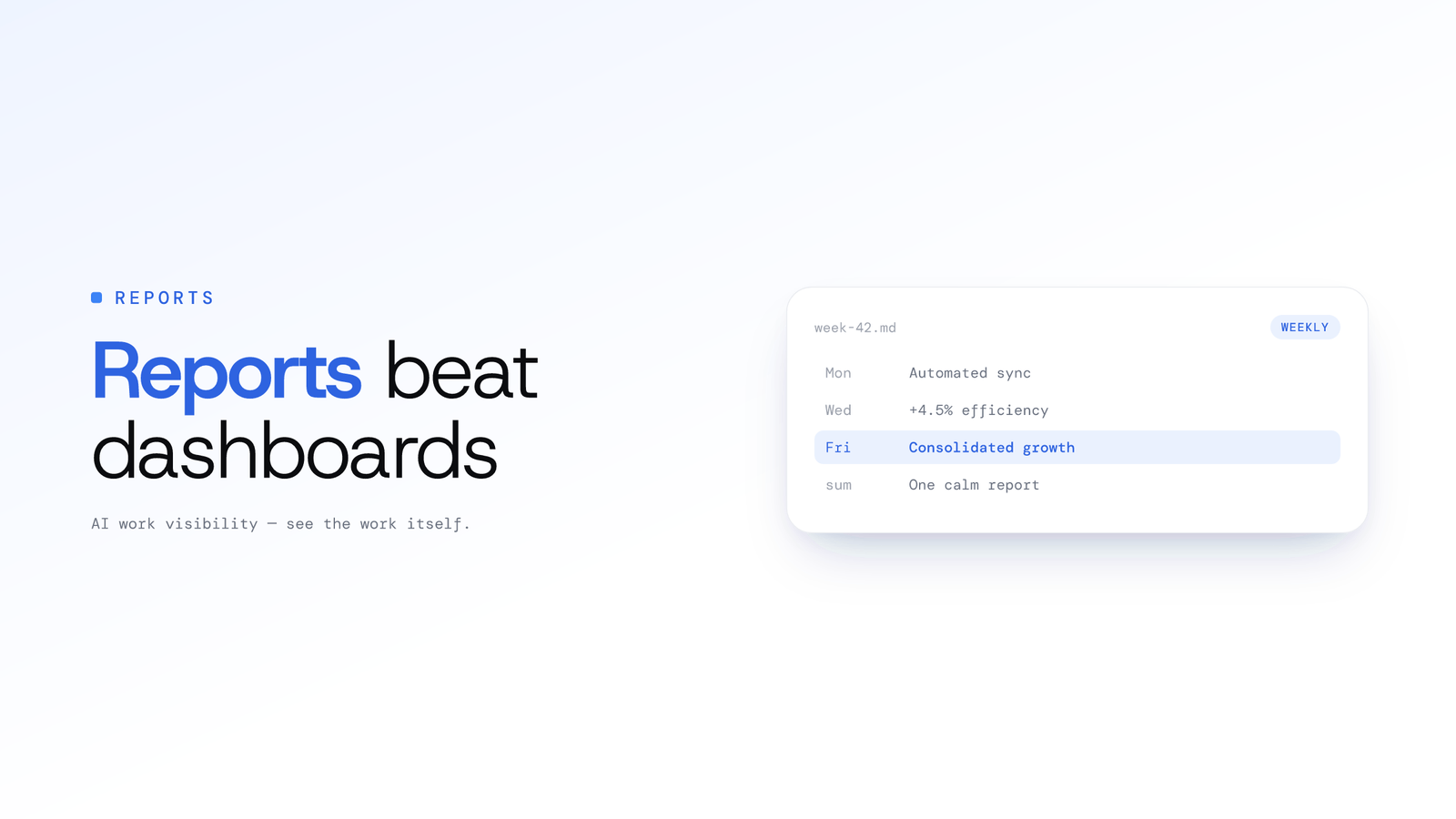
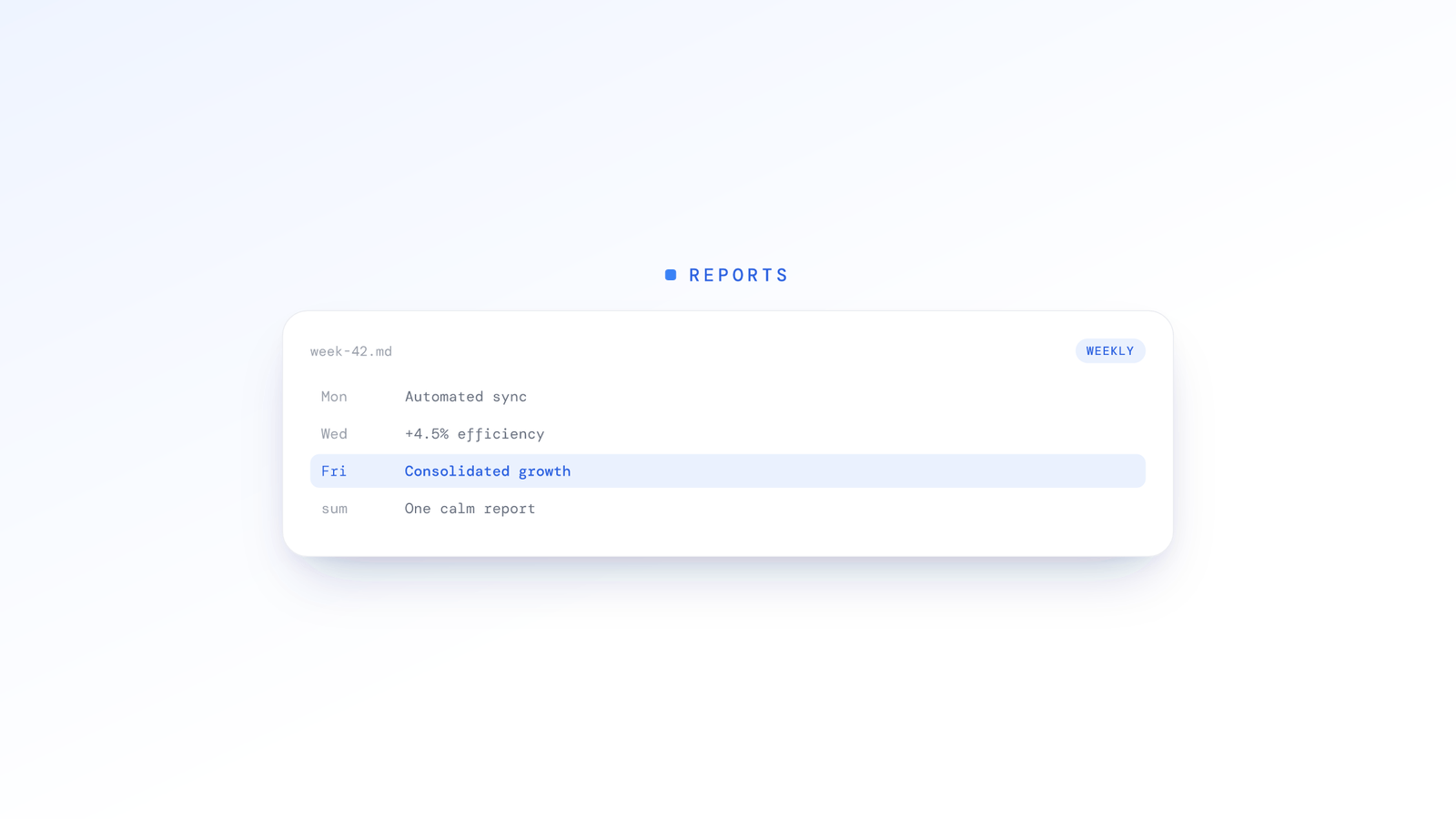
Instead of a live feed to watch, ScreenJournal reads the week for you. The weekly Ranking lists every member with their average productivity, active hours and attendance, and an AI-written summary of how their week compared to the team, all derived from the week's work timelines. It reads like a briefing to act on, not a dashboard to interpret.
Because it derives from timelines, its statements are about what was actually done. A week that looks quiet in app-usage terms but shipped something substantial reads as what it was: a good week. Rankings come with the reasons behind them, and the Overview puts attendance and hours in context, for example:
Attendance: Grace was present three of five working days this week, and her first login on the other two was after eleven. Worth a quick conversation about a flexible start.
Possible overwork: Ben's active hours were well above the team average, with last logoffs late in the evening, for the third week running. Worth a supportive check-in.
You get the shape of the week and where your attention should go, without assembling it yourself.
Why a weekly cadence works
Patterns over moments
Daily fluctuations are noise; weekly patterns are signal. "Low activity on Tuesday afternoon" means little on its own, but "consistently productive with a regular Tuesday dip, most likely meetings" is something you can act on. One day's data is unreliable. A week's pattern tells the truth.
Time to act
Real-time alerts demand an immediate response, yet most issues do not need one. They need a thoughtful response. A weekly report gives you time to review properly, space to consider context, and the room to plan a conversation rather than fire off a reaction.
A natural management rhythm
Most managers already work in weekly cycles: Monday planning, a team meeting, a Friday wrap-up. Weekly reports align with how management actually works, rather than how a dashboard imagines it should.
Less anxiety on both sides
Managers read one report a week instead of watching dashboards all day. Employees are assessed on weekly patterns rather than moment-to-moment surveillance. Both sides can put their attention back on the work.
What you are not missing
"But what about urgent issues?" Genuinely urgent problems surface through normal channels: someone reaches out, a deadline slips, a client complains, work quality drops. You do not need a dashboard to know when something is clearly wrong. You need a report to know when something is subtly off.
"What if someone is coasting all week?" They show up in the weekly Ranking, with a low score, missing attendance and a comparison to the team. One week of underperformance documented in full context is more useful than five daily alerts you dismissed in passing.
"Don't I need real-time for accountability?" Real-time monitoring creates surveillance. Weekly reports create accountability. The difference is the relationship: "I am watching your every move" versus "I will understand how your week went." The result is fewer, better-considered interventions, because the AI filters the noise before anything reaches you and every data point arrives with the context to read it properly.
Making the transition
If you are currently dashboard-dependent, ease off gradually. Add ScreenJournal alongside your existing tools and open the Ranking on Monday. Over the following weeks, check the live dashboards less often and note what the weekly view caught that you missed, and what the dashboard showed that did not matter. Before long the weekly Ranking is your primary tool, with the day view kept only for the occasional deep dive.
If you are starting fresh, skip the dashboard phase entirely. Start with weekly AI reports, never develop the dashboard habit, and set trust-based oversight from day one. When you do need an answer between weeks, you can ask the Assistant (Ask AI) a plain-English question and get it from the derived record rather than digging through a live feed.
The mindset shift
Dashboards assume managers want to watch. Weekly AI reports assume managers want to understand. Watching is exhausting, invasive and often ineffective. Understanding is efficient, respectful and actionable. The best managers are not the most watchful; they are the best informed, at the right time, with the right context, ready to take the right action.
Frequently asked questions
Are weekly AI reports better than real-time monitoring dashboards?
For most managers, yes. Real-time dashboards flood you with data points that demand constant interpretation and tempt you into micromanaging. A weekly AI report does the reading for you and surfaces what changed and who needs attention. Dashboards show everything; a weekly report tells you what matters, when you actually have time to act.
What is in a weekly team activity digest?
ScreenJournal's weekly Ranking lists every member's average productivity, active hours and attendance for the week, with an AI-written summary of each person's week that says how it compared to the team. The Overview shows the same week as an attendance calendar and a per-member breakdown. It reads like a briefing to act on rather than a dashboard to interpret: the point is what changed and where your attention should go.
Don't I need real-time monitoring for accountability?
No. Real-time monitoring creates surveillance; weekly reports create accountability. Truly urgent problems surface through normal channels, a missed deadline, a quality drop, a client complaint, long before a dashboard would tell you. A weekly report is for the subtler drift a live feed buries in noise, reviewed with the context to respond well rather than react.
How does ScreenJournal generate AI employee productivity reports?
ScreenJournal reads on-screen work, writes a timeline of what each person did, then by default deletes the raw screen data during processing. Every view, from the weekly Ranking to the three downloadable workbooks (Productivity, Attendance and App usage), is computed from those derived timelines, so the numbers describe what was actually done rather than screenshots, and you pick a report and a date range rather than build it.
Stop guessing. Start knowing.
Let AI turn screen data into clear insights. Start your 2 months free trial
Related Posts
Spotting Employee Burnout Early From Work Patterns
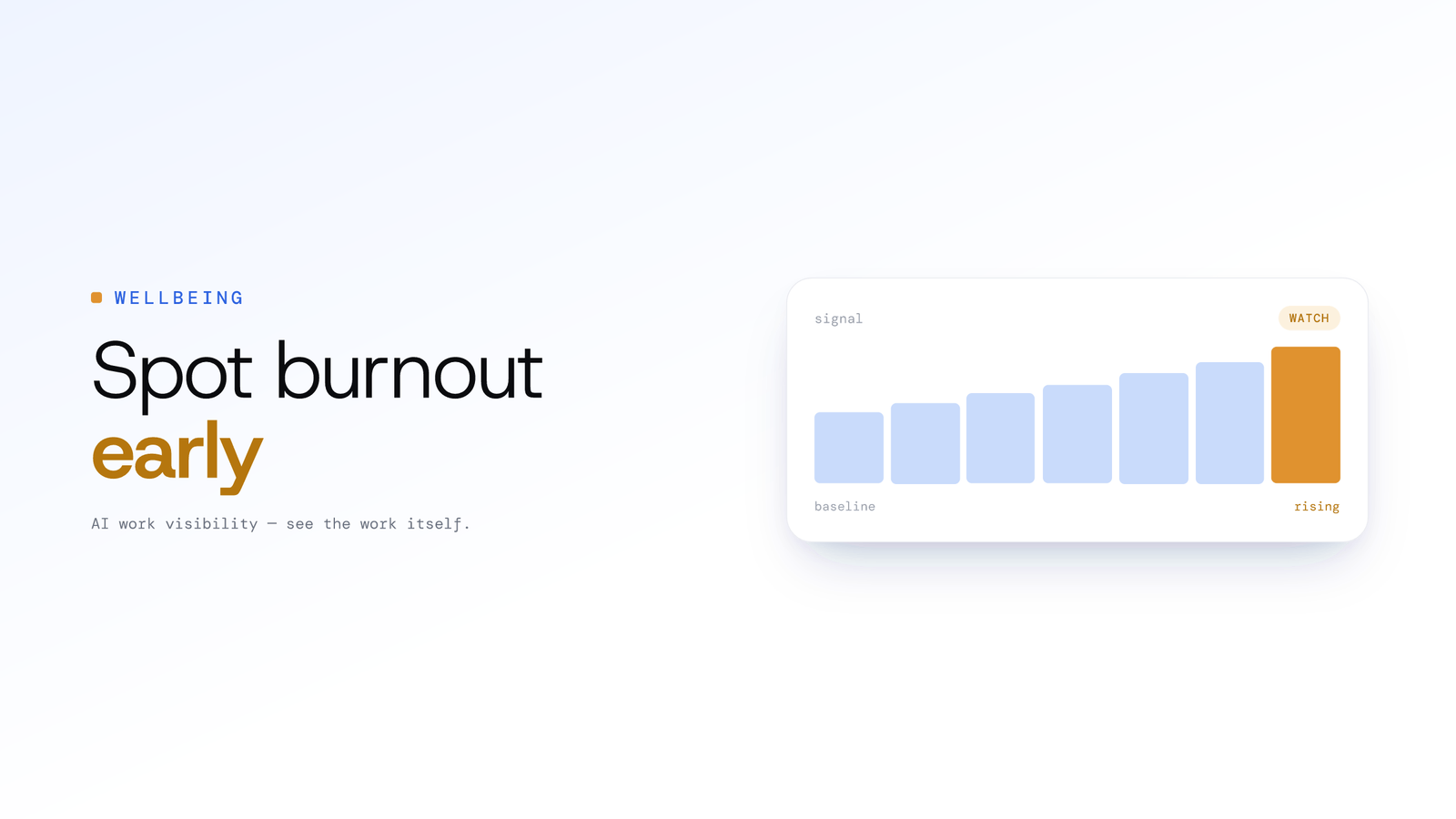
Burnout rarely announces itself, but overwork leaves a trail in work patterns: creeping hours, after-hours activity and eroding routines. Here is how managers can read those signals early and respond with support.
How to Cut Daily Standup Time in Half Without Losing Context
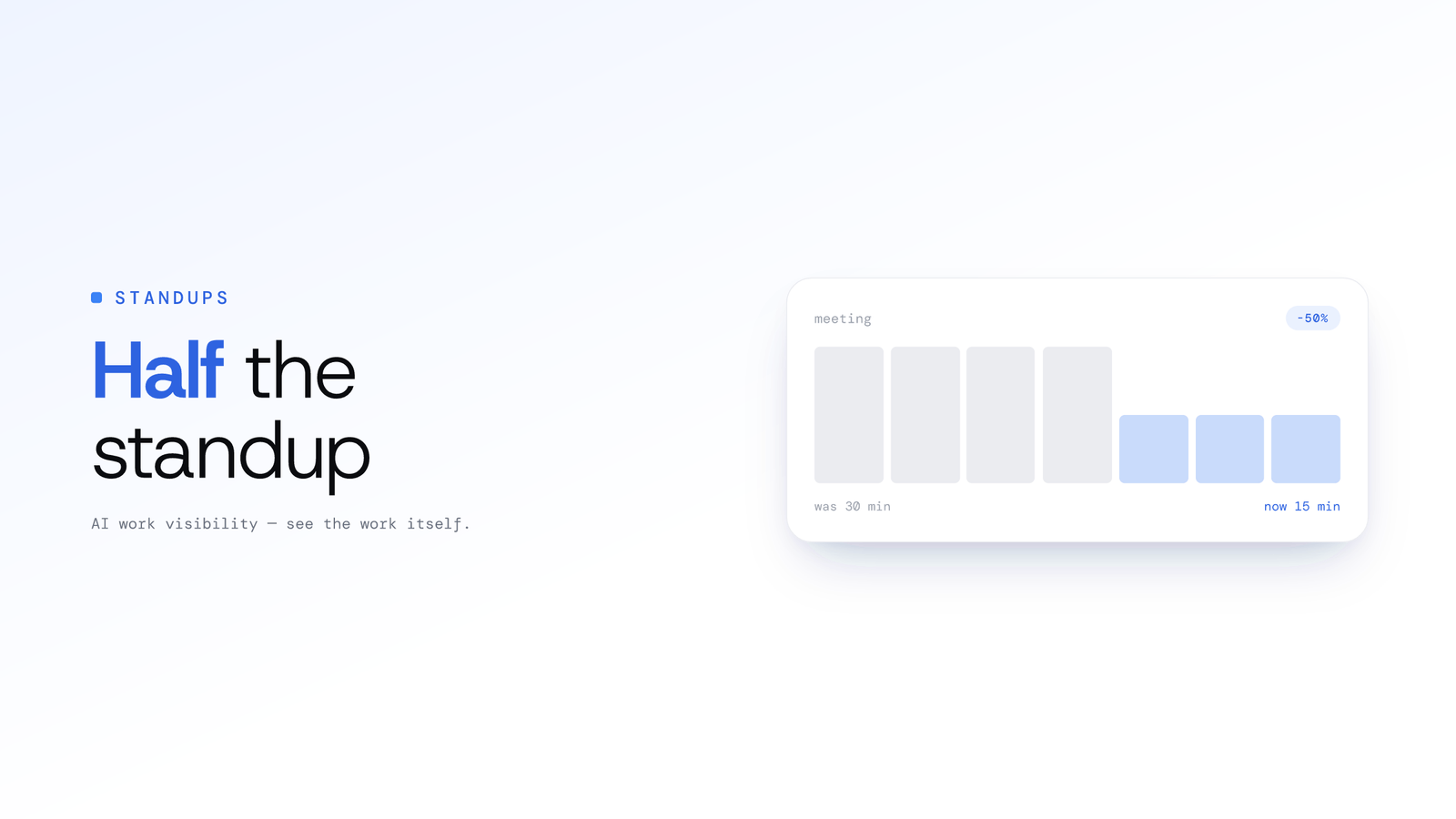
Cut daily standup time in half with three approaches: asynchronous updates, automated summaries from real work, and a hybrid model that keeps context intact.
Turning Git Data into Actionable Team Insights
Engineering teams sit on a goldmine of objective activity data in Git. Here is how Tempo, ScreenJournal's engineering analytics (launching soon), is designed to turn commits, pull requests and issues into proactive, actionable insights.