How to Cut Daily Standup Time in Half Without Losing Context
Cut daily standup time in half with three approaches: asynchronous updates, automated summaries from real work, and a hybrid model that keeps context intact.
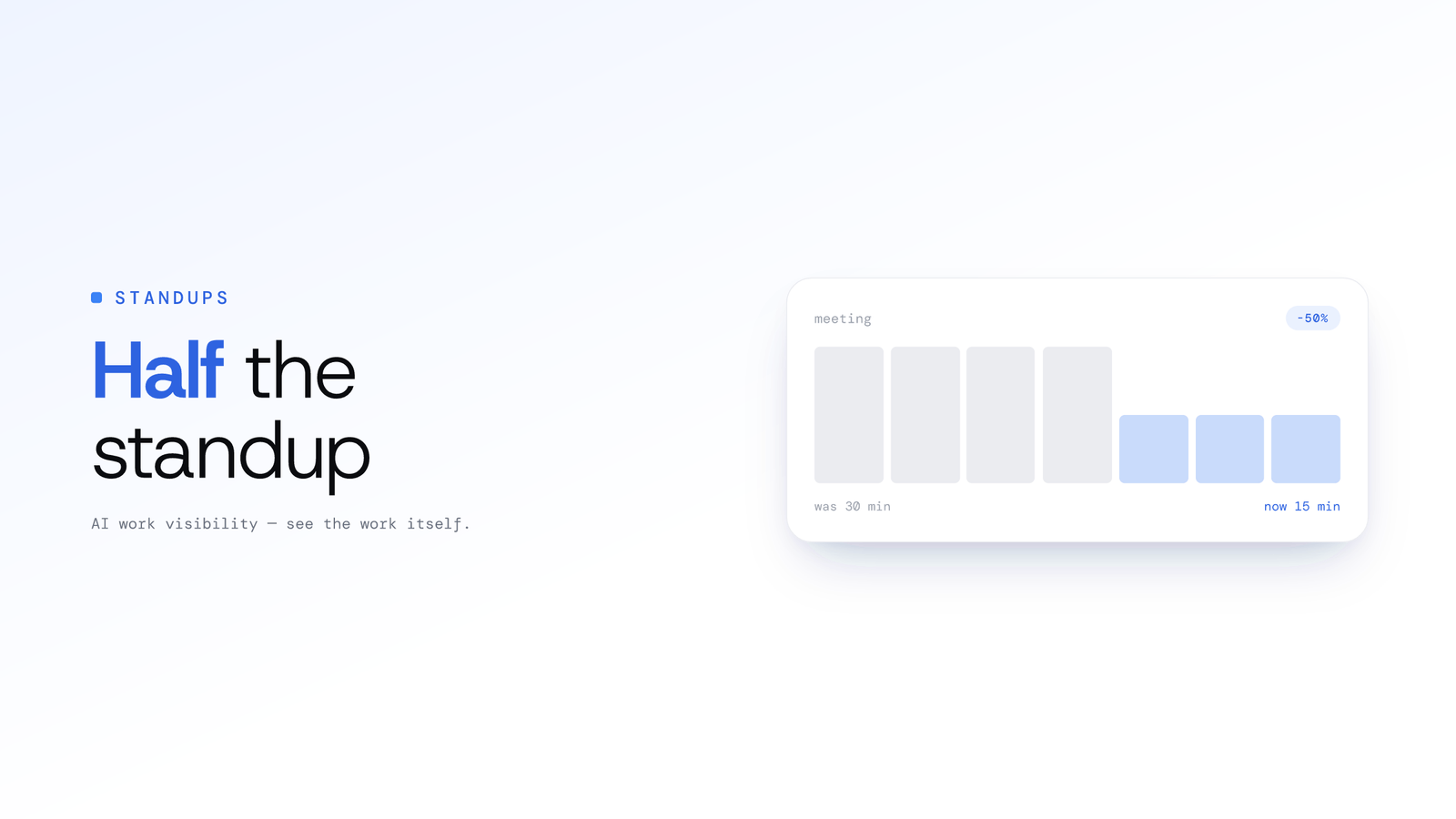
How to Cut Daily Standup Time in Half Without Losing Context
Updated on 8 July 2026
To cut daily standup time in half without losing context, move the status recitation out of the live meeting and let it happen either asynchronously in writing or automatically from the work itself. The meeting then focuses only on blockers and decisions. A hybrid of the two keeps progress accurate and human context intact.
Daily standups are one of the foundational rituals of agile and lean software teams. In principle they are meant to be quick, a 10 to 15 minute check-in, but in practice too many teams let them balloon into time-sucking status updates. The irony: your standup can undermine your productivity if it drags on, but skipping it entirely loses alignment. The good news is you can halve the time while preserving, or even improving, the clarity the team needs to stay aligned.
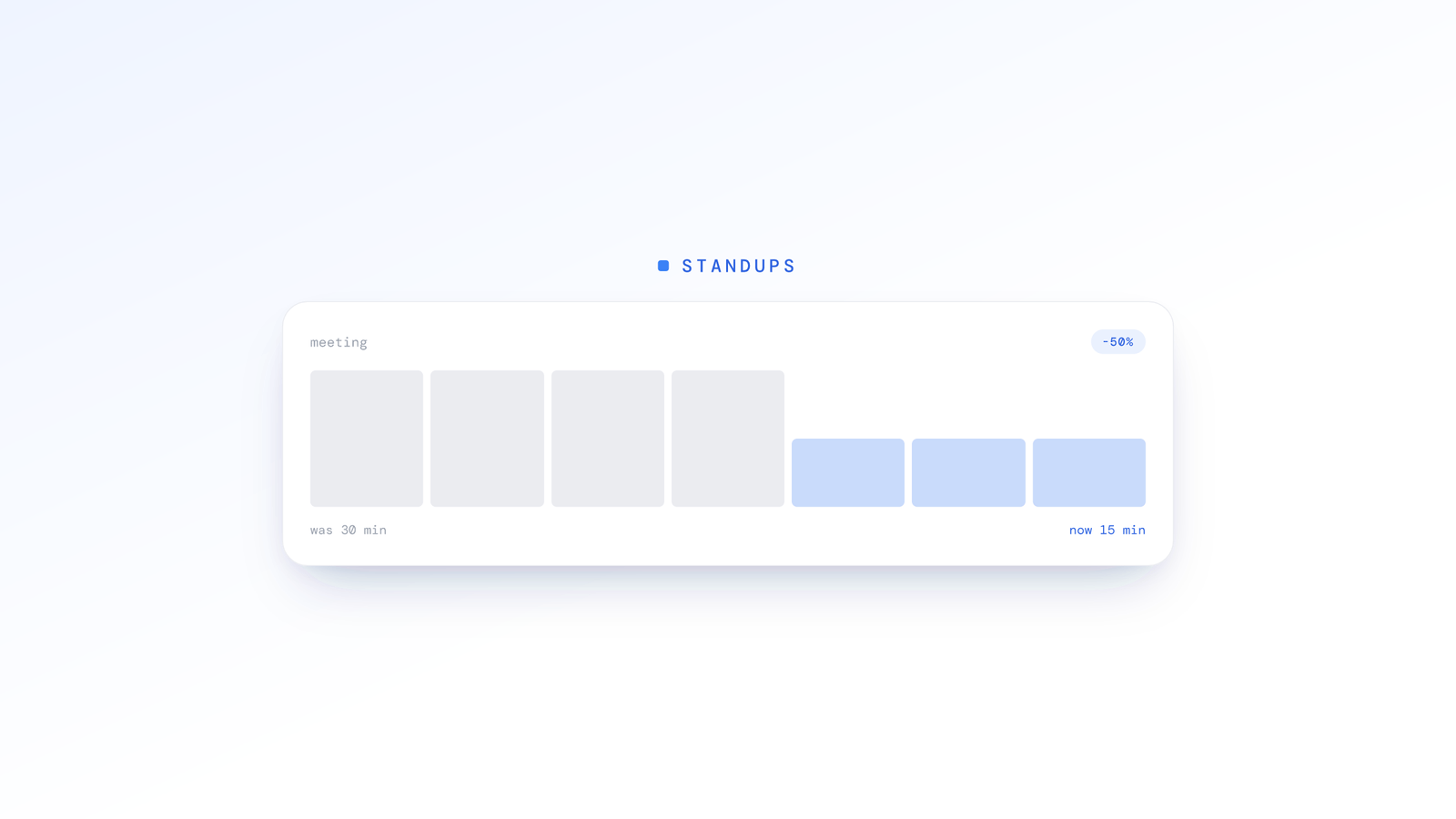
Why do standups take so long, and what gets lost?
Standups run long because they fill up with things that do not need a live meeting. Before you optimise, it helps to diagnose the common failure modes:
- Too many details or over-explaining. People try to "justify" their work, launching into background stories or tangents.
- Problem solving during the meeting. The standup devolves into a workshop: "how do we fix this?" discussions that drag on.
- Unstructured updates with no pre-prep. Without a clear template, people ramble or repeat what others have said.
- Blockers surfaced too late. Sometimes teams only realise after many updates that there is a dependency, triggering side discussions.
- Too large a team, or irrelevant attendees. Some participants do not need to attend daily, or their updates are irrelevant to most of the group.
- No shared baseline. Many updates are things everyone already knows or has seen in tickets, so the meeting becomes redundant.
When this happens, what you lose is signal: focus on actual blockers and interdependencies. You also waste the team's collective time.
How do you cut standup time in half and still know what is going on?
You cut standup time by taking the reporting out of the live meeting, and there are three main ways to do it: quick written updates, full automation, or a smart hybrid of the two. Which one you pick depends on how your team likes to work. Here is a one-row-per-approach comparison before the detail below.
| Approach | Who writes the update | Best at | Watch out for |
|---|---|---|---|
| Asynchronous | People, before the call | Human context and nuance | Feels like homework; details get forgotten |
| Automated | Your tools, from real work | Objective accuracy | Misses soft blockers and untracked work |
| Hybrid | Tools for the baseline, people for the nuance | Balance of both | Needs a tool that pulls the baseline for you |
How do asynchronous standups work?
Asynchronous standups move the reporting out of the meeting and into writing. Before you all hop on the call, everyone posts a quick note somewhere, a chat channel or a shared doc, covering what they finished, what is next, and, most importantly, any roadblocks. The live meeting then skips the status reports and just focuses on hammering out solutions for those blockers. This can easily shrink a 15-minute standup down to just a few minutes.
The catch? It can feel like extra homework. When people are juggling a few projects, they sometimes forget the small stuff from the day before, which makes those written updates a little vague or incomplete.
How do automated standups work?
Automated standups pull progress straight from where the work happens, so nobody has to write anything. The objective record in your version control, your commits and pull requests, is an accurate account of what actually shipped, and your issue tracker can report on ticket movement. This means you get hard data on progress without anyone having to rack their brain to remember details.
The downside? Automation only sees what is logged in the system. It can easily miss "soft" blockers, like waiting for a sign-off from another team, or some early, exploratory work that has not made it into a ticket yet. Left on its own, this kind of update can feel a bit robotic and lack the nuance you need.
What is the hybrid standup model?
A hybrid model is often the sweet spot because it grabs the best features of the other two. You let automation handle the grunt work, pulling a solid baseline of objective progress from version control and your issue tracker. Then your team adds a super short asynchronous note to fill in the context.
By leaning on the tools for accuracy and on people for the subtle details, you dodge the report-writing fatigue and also avoid the blind spots of being fully automated. In practice this usually leads to the standups you actually want: shorter, sharper, and still giving you the most critical information.
How does ScreenJournal help you cut standup time?
ScreenJournal gives you the objective baseline a hybrid standup needs, without asking anyone to remember or write it up first.
ScreenJournal is an AI work visibility tool that reads on-screen work as it happens, turns it into a detailed timeline of what each person actually did, and then, by default, deletes the raw screen data. Timelines accumulate into a searchable chronicle of everyone's work history, and from them ScreenJournal generates timesheets and reports automatically and drafts standup summaries on request, answering questions about any of it in plain English.
In practice, ScreenJournal reads on-screen work as short-lived video, writes a timeline of what each person actually did, and by default the raw screen data is deleted during processing (a manager can opt in to keep video evidence, stored for up to 3 months). From that timeline, ScreenJournal can draft a standup summary the moment you ask for one, through Ask AI chat or over the ScreenJournal MCP so teams can use their own model. The burden of remembering every detail falls away, and you walk into the meeting with a reliable baseline of what happened.
Because those summaries are drafted on request rather than pushed on a fixed cadence, you pull exactly the update you need, when you need it, whether that is a personal recap before standup or a team view for the whole group. You can see how the AI standups flow works end to end.
For engineering teams specifically, Tempo, ScreenJournal's Claude Code analytics, is launching soon and will add the code-analysis angle. Tempo is designed to read the local repository and Claude Code's session files to analyse AI-assisted coding sessions in depth, the kind of objective baseline that anchors a hybrid standup while people supply the human nuance on top. You can read more about how ScreenJournal fits engineering teams on our engineering teams page.
Together, the aim is a system that captures hard data and human nuance at the same time, the exact mix needed to keep standups short, sharp and meaningful, so teams stay aligned without losing the context that matters most.
Frequently asked questions
How do you cut standup time in half without losing context?
Move the status recitation out of the live meeting. Post written updates before the call, or generate them automatically from the work itself, so the meeting only handles blockers and decisions. A hybrid of the two keeps the objective progress accurate and the human context intact while halving the time.
What is the difference between asynchronous and automated standups?
Asynchronous standups ask people to write updates before the meeting, in a chat channel or shared doc. Automated standups pull progress straight from where work happens, such as commits and tickets, with nobody writing anything. Async keeps human nuance; automation keeps accuracy. A hybrid model uses both together.
What is a hybrid standup model?
A hybrid standup model lets automation pull an objective baseline of progress from your tools, then asks each person for a short written note to add context. You get accuracy from the tools and nuance from people, which avoids report-writing fatigue and the blind spots of a fully automated update.
Does ScreenJournal generate standups automatically?
No, it drafts them on request. ScreenJournal reads on-screen work into a timeline, then drafts a standup the moment you ask through the Assistant chat (Ask AI) or the ScreenJournal MCP, so teams can use their own model. You review the draft, adjust anything and post it, rather than a summary being pushed on a fixed schedule.
Cut the recitation, keep the conversation
Halving your standup is really about deleting the part nobody needed to say out loud. Move the status report to writing, to your tools, or to a hybrid of both, and the meeting shrinks to the blockers and decisions that actually need people. If you want the objective baseline drafted for you, ScreenJournal is one way to get there.
Stop guessing. Start knowing.
Let AI turn screen data into clear insights. Start your 2 months free trial
Related Posts
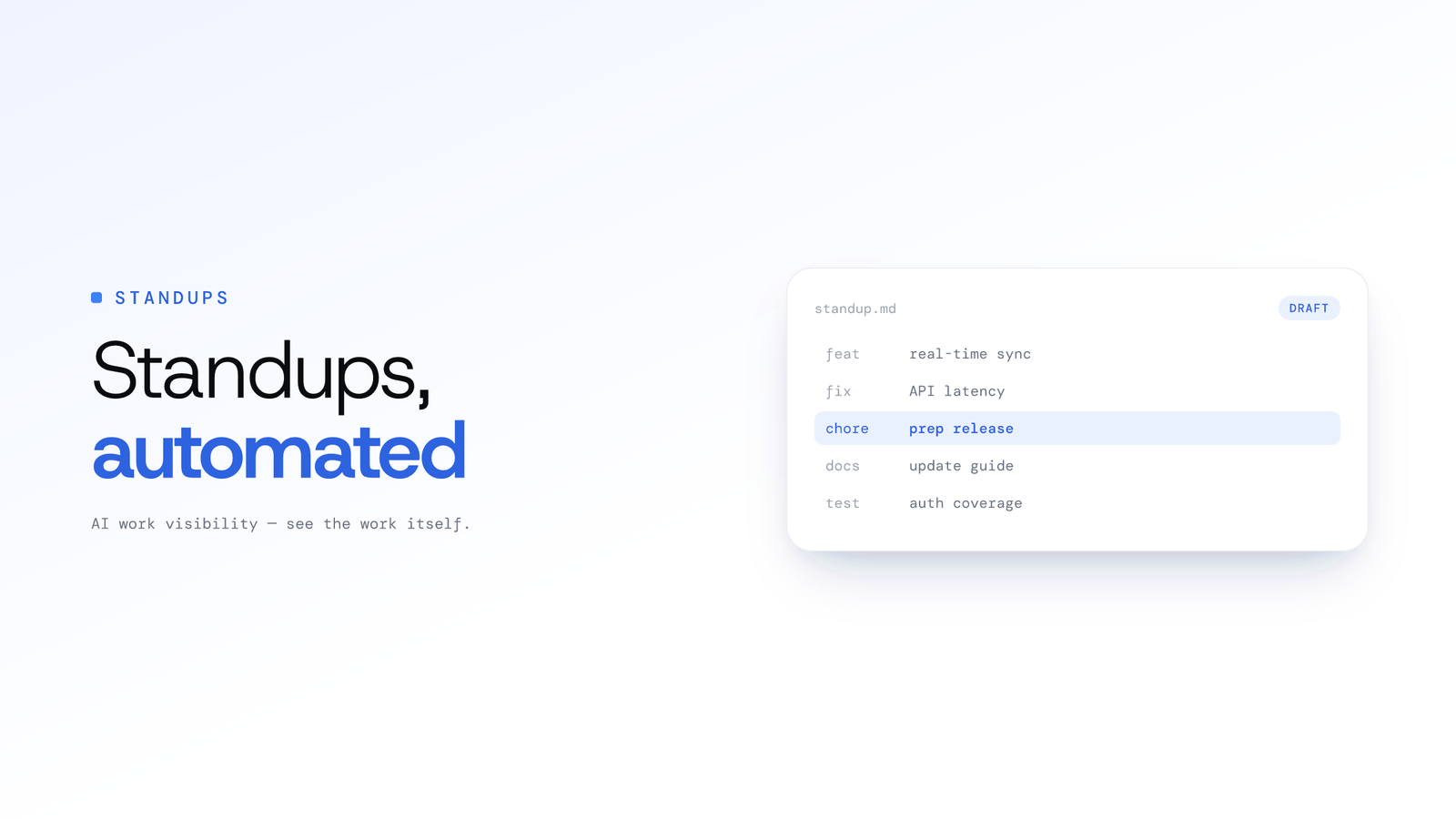
Automated Standups for Engineering Teams: How They Work
Automated standups draw the daily update from real work like git activity and on-screen output, so engineers stay aligned without the context-switch of writing it by hand.
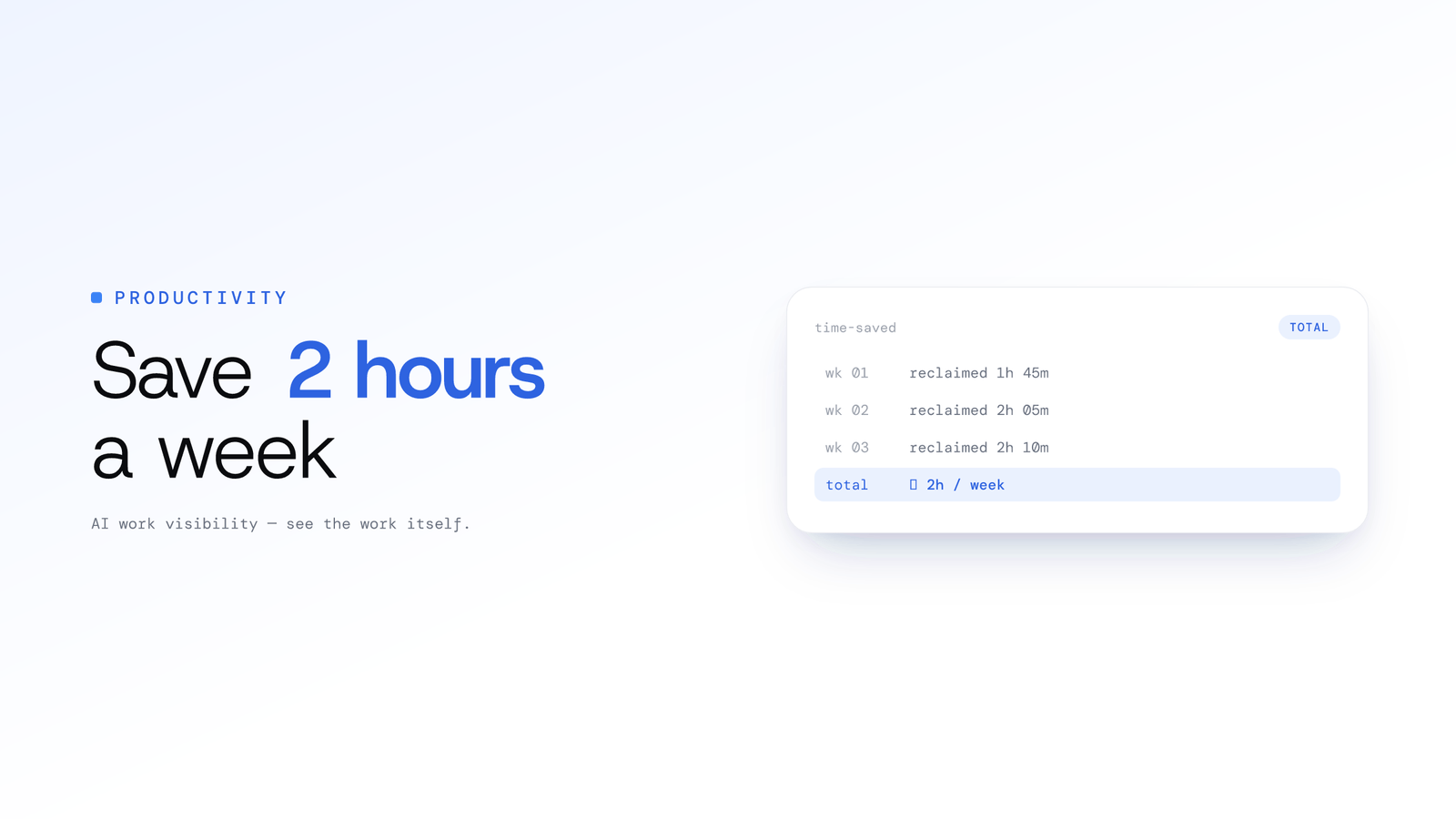
How Startups Can Save 2+ Hours a Week Per Engineer With Smarter Standups
The traditional 15-minute standup costs far more than 15 minutes. Here is how a smarter, async, data-driven model can hand focused time back to your engineers.
Turning Git Data into Actionable Team Insights
Engineering teams sit on a goldmine of objective activity data in Git. Here is how Tempo, ScreenJournal's engineering analytics (launching soon), is designed to turn commits, pull requests and issues into proactive, actionable insights.