Chat
Selecting Chat in the sidebar opens (or closes) the Assistant panel on the right of whatever page you're on. It stays open as you move between pages, and it can answer questions about the same data you can see in the dashboard, in plain language.
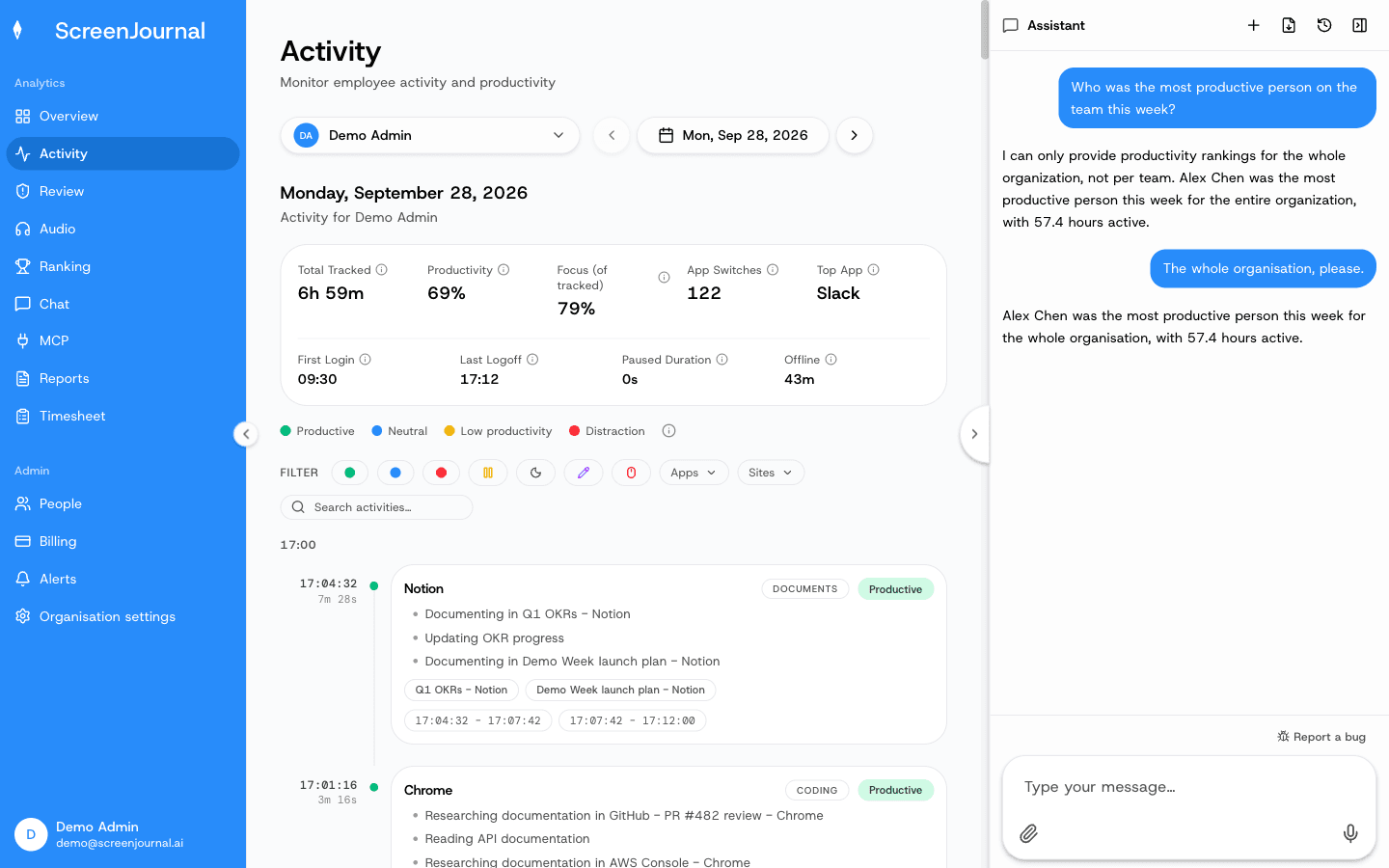
What you see: a chat thread. Before answering, the assistant looks up real data; a collapsible "tool step" line shows what it consulted. Answers can include inline graphs and download chips for files it produced.
What you can do:
- Ask things like "Summarize my activity this week", "What apps did I use most yesterday?", "When did I start and finish work each day this week?", "Who was the most productive person this week?" or "Summarise Alex's Tuesday".
- New chat (+) starts a fresh conversation; the clock icon opens your history, where conversations can be renamed or deleted.
- Export conversation downloads the thread as Markdown.
- If an alert is raised while you're chatting it appears in the thread with its severity and an Acknowledge button.
- Retry appears under a turn that failed.
The assistant answers only from data your role can already see, in the same scope as the rest of the dashboard.
Reporting a bug
Bug reports don't go through the assistant. Use the Report a bug button at the bottom of the panel: describe what happened and Submit report. The report goes straight to ScreenJournal support with the page you were on attached.